24. Application Exercise – version 13
version 13 introduces few changes: it secures access to the application’s files.
With version 12, you can request the following URL: [http://localhost/php7/scripts-web/impots/version-12/config.json]. You then get the following page (Firefox):
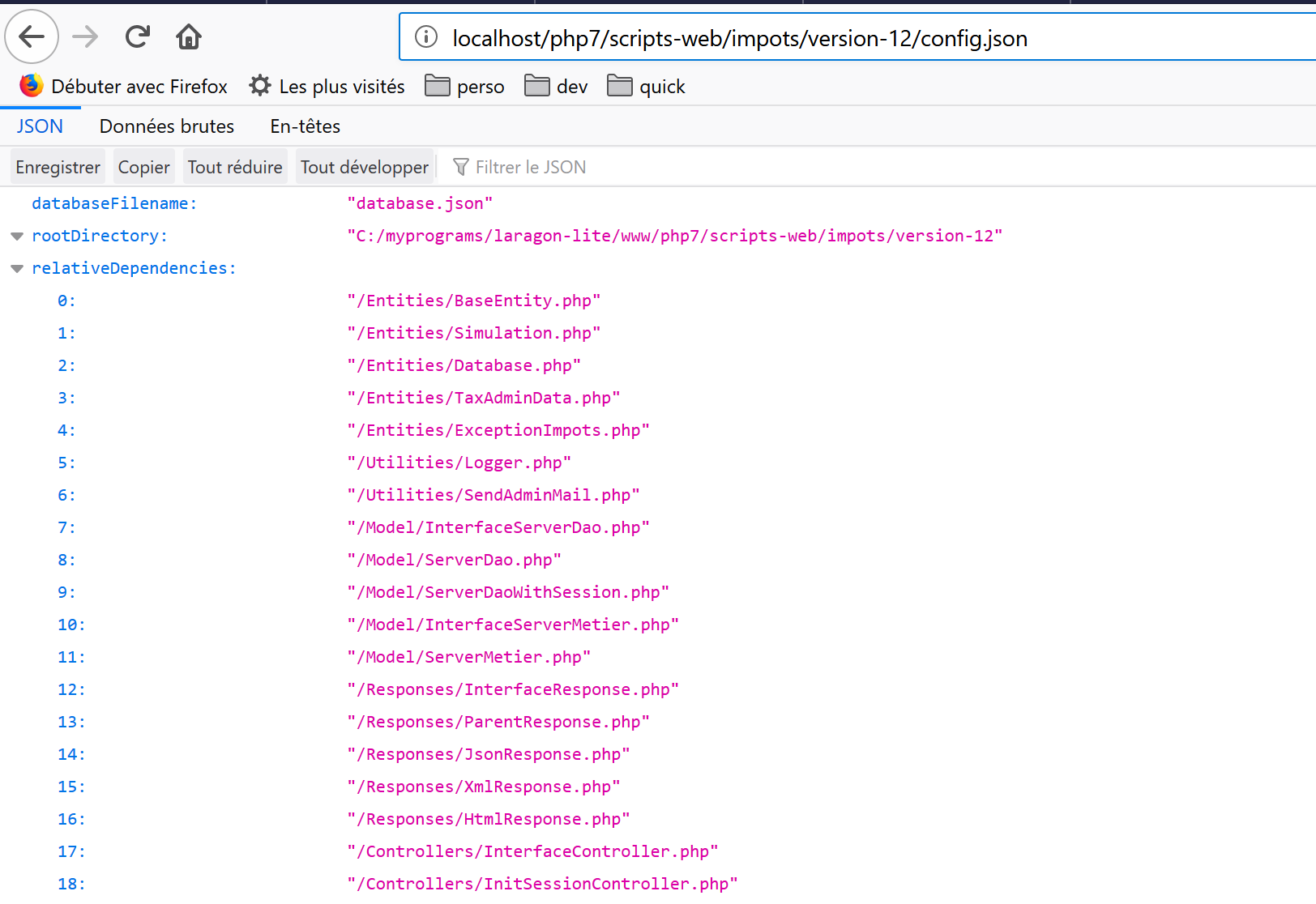
However, this [config.json] file contains sensitive information such as the credentials of users authorized to use the application. It must not be accessible to users. The same applies to all application files, with the exception of [main.php, index.php, Views/logo.jpg] files, which must be accessible from outside. In fact, the views need HTTP access to the application logo. version 13 provides a simple solution to this problem.
In Netbeans, we copy and paste the [version-12] folder into [version-13]:
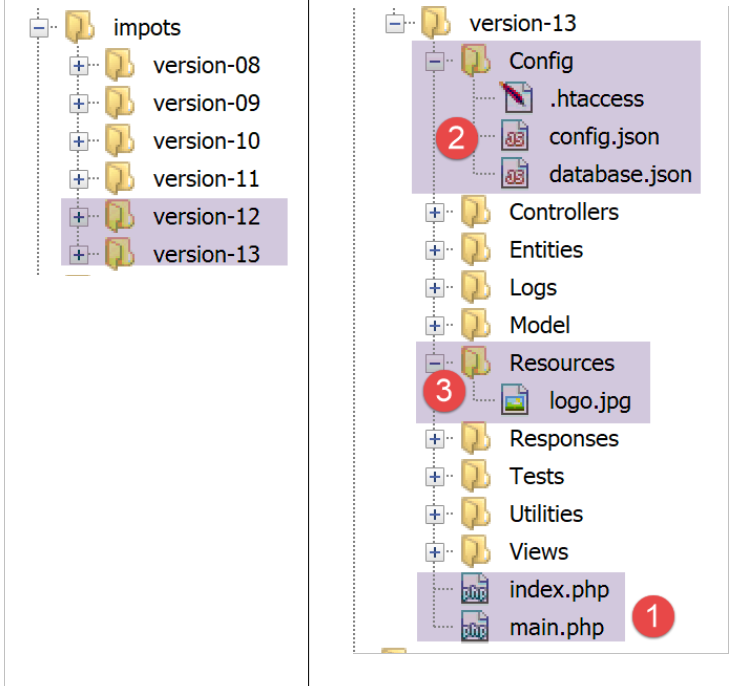
- In [1], in the application’s root folder, we leave only the [index.php, main.php] scripts;
- In [2], the configuration files are placed in a folder named [Config];
- In [3], the image [logo.jpg] is placed in a folder named [Resources];
The HTTP server used here is an Apache server. This server allows you to control access to a folder via a [.htaccess] file. In all folders where we want to prevent direct access via URL, we create the following [.htaccess] file:
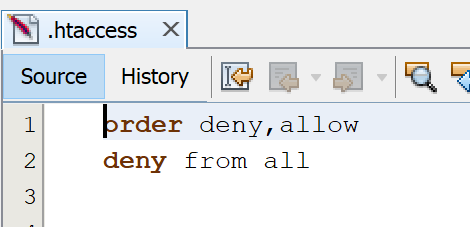
These two lines ensure that access to the folder is denied to everyone.
We place this file in all application folders except the root folder and the [Resources] folder. Ultimately, only three files are accessible from the outside: [index.php, main.php, Resources/logo.jpg].
Let’s run a few tests:
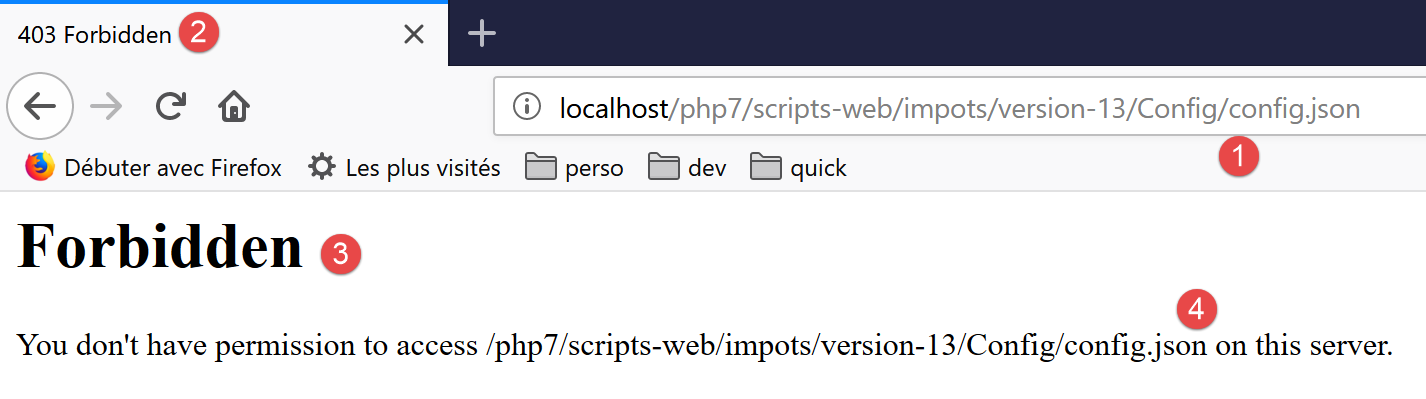
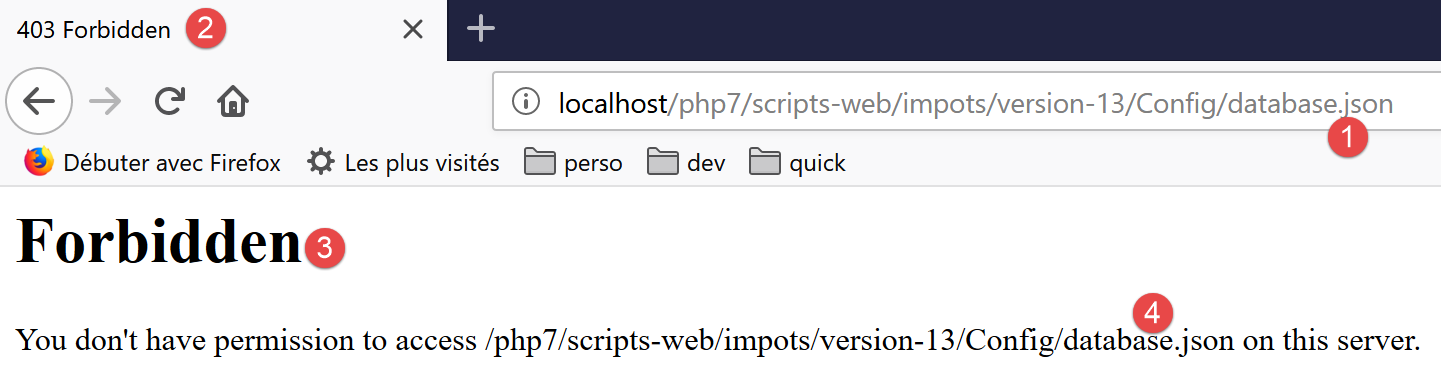
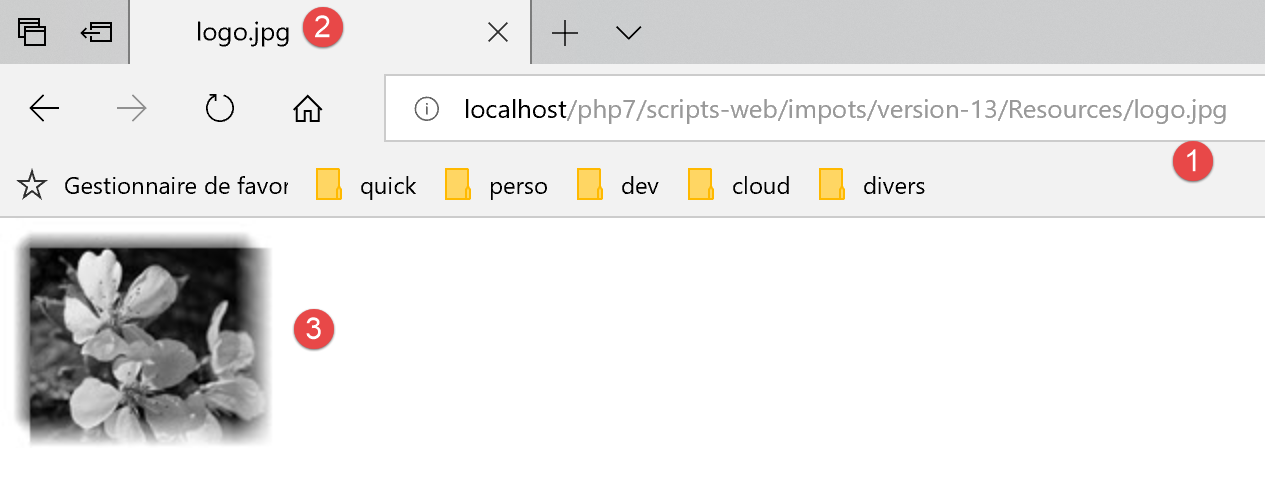

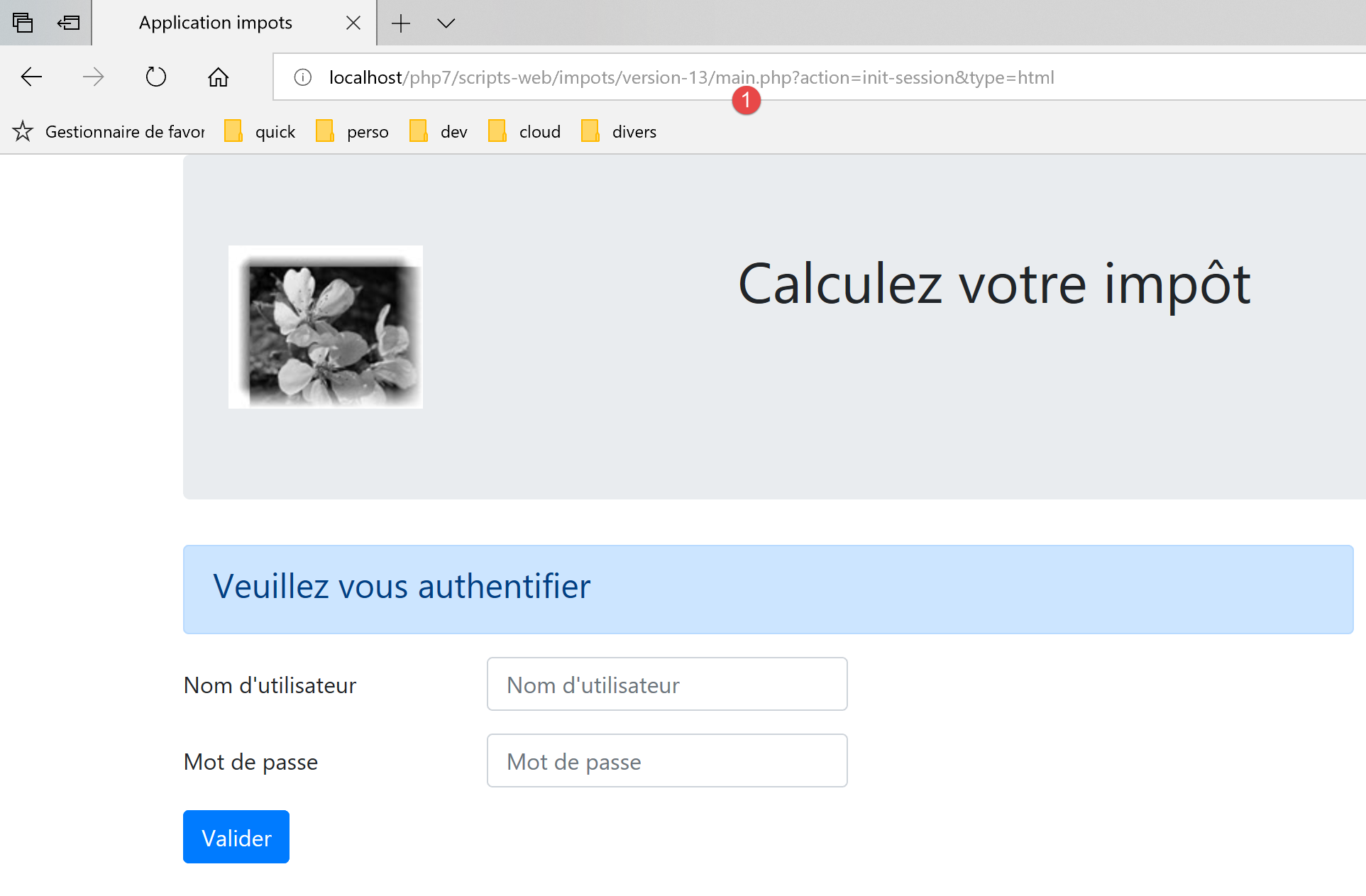
A few changes need to be made to the code:
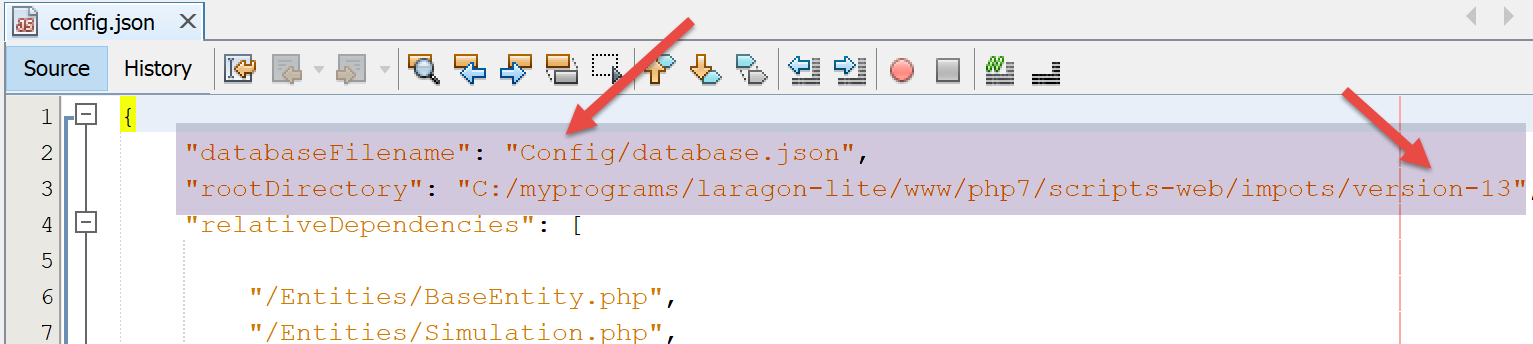
In the file [Config/config.json]:
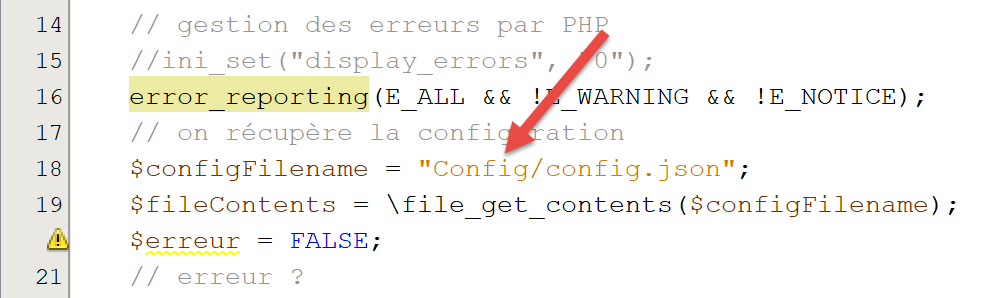
In the file [main.php]:
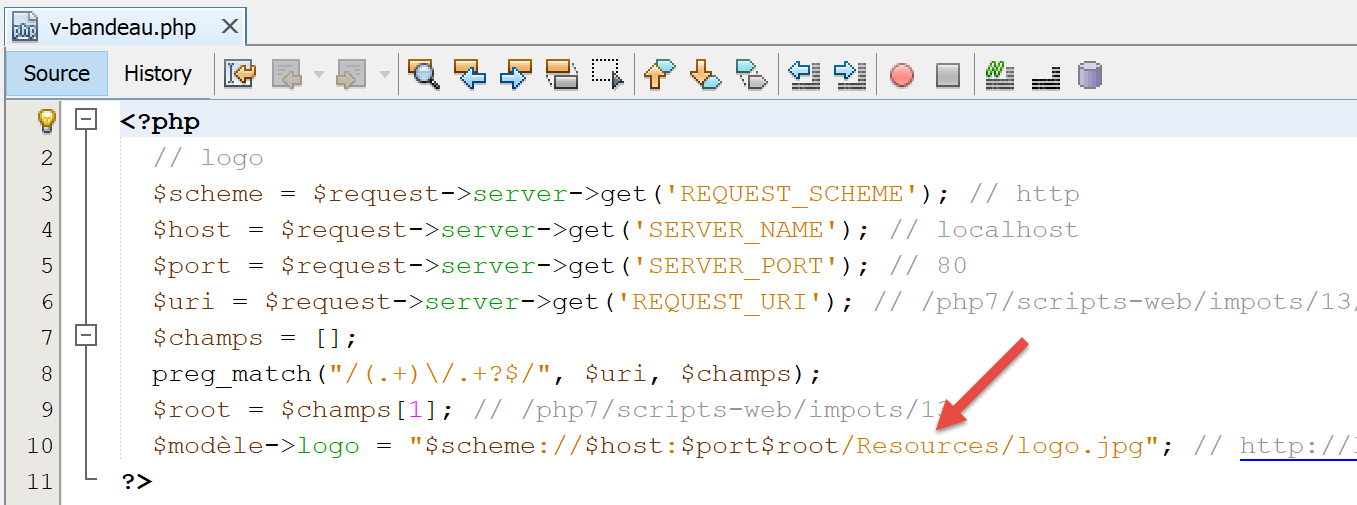
In the file [Views/v-bandeau.php]: