14. Firebird 2.5.4
现在我们将针对 Firebird 2.5.4 进行与 Oracle 相同的移植工作。
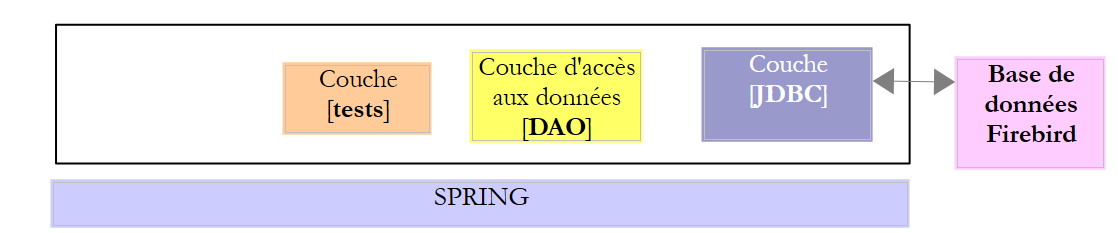 |
14.1. 工作环境的搭建
14.1.1. Eclipse 环境
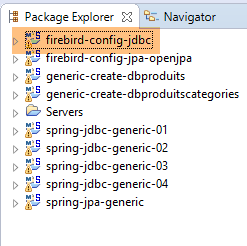
我们将使用以下 Eclipse 环境进行工作:
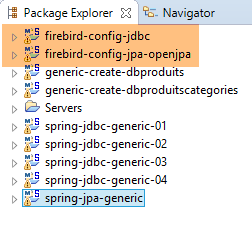 |
上述 Firebird 项目位于 [<exemples>/spring-database-config\firebird\eclipse] 文件夹中。
注意:执行 [Alt-F5] 可重新生成所有 Maven 项目。
14.1.2. 数据库生成
与处理 Oracle、DB2 和 SQL Server 时一样,我们需要将 Firebird 的 JDBC 驱动程序安装到本地 Maven 仓库中。
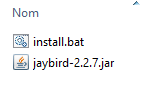 |
文件 [install.bat] 包含以下代码:
"%M2_HOME%\bin\mvn.bat" install:install-file -Dfile=jaybird-2.2.7.jar -Dpackaging=jar -DgroupId=org.firebirdsql.jdbc -DartifactId=jaybird -Dversion=2.2.7
其中 [%M2-HOME%] 是 Maven 的安装目录(参见第 23.2 节)。安装完成后,可在 [pom.xml] 文件中通过以下依赖引用 Firebird 的 JDBC 驱动程序:
        <dependency>
            <groupId>org.firebirdsql.jdbc</groupId>
            <artifactId>jaybird</artifactId>
            <version>2.2.7</version>
</dependency>
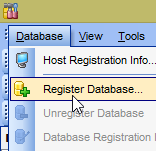
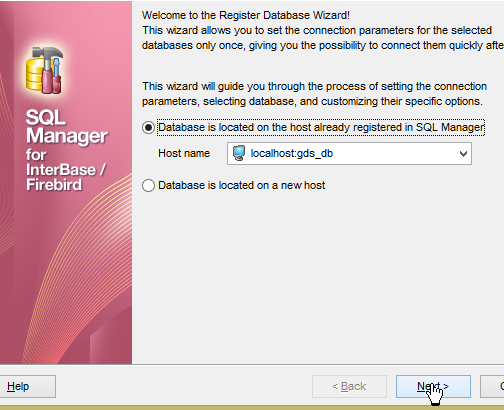
在接下来的操作中,连接 Firebird 数据库均使用用户名 [sysdba / masterkey]。启动 Firebird 及其客户端 [IBManager](参见第 23.10 节)。Firebird 数据库的特殊之处在于,它们被封装在一个单一的文件中。
 |  |
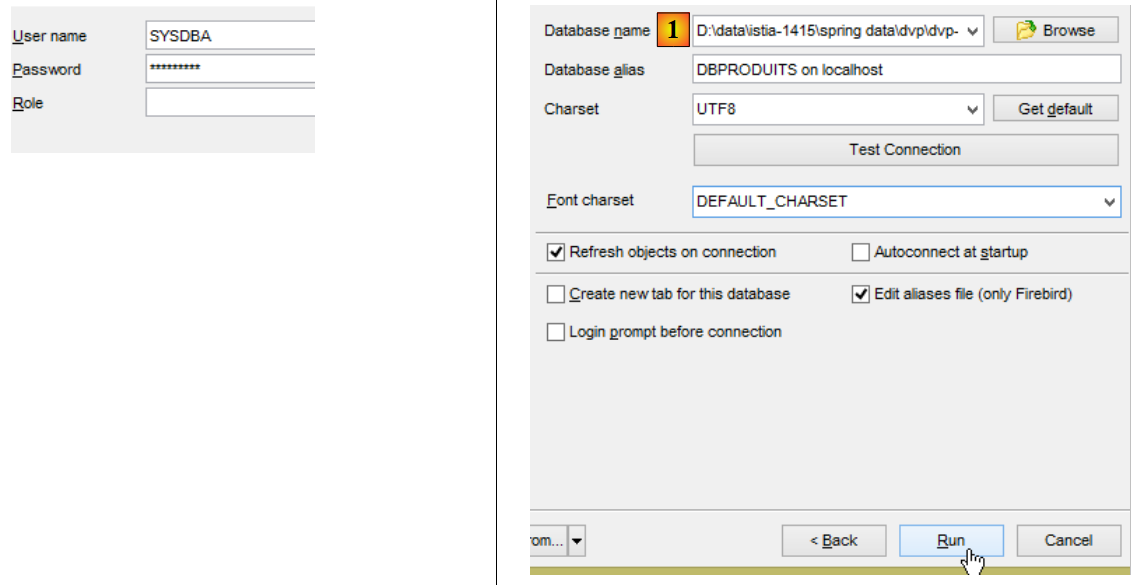 |
- 在 [1] 中,该文件将位于 [<exemples>\spring-database-config\firebird\databases\DBPRODUITS.GDB] 中;
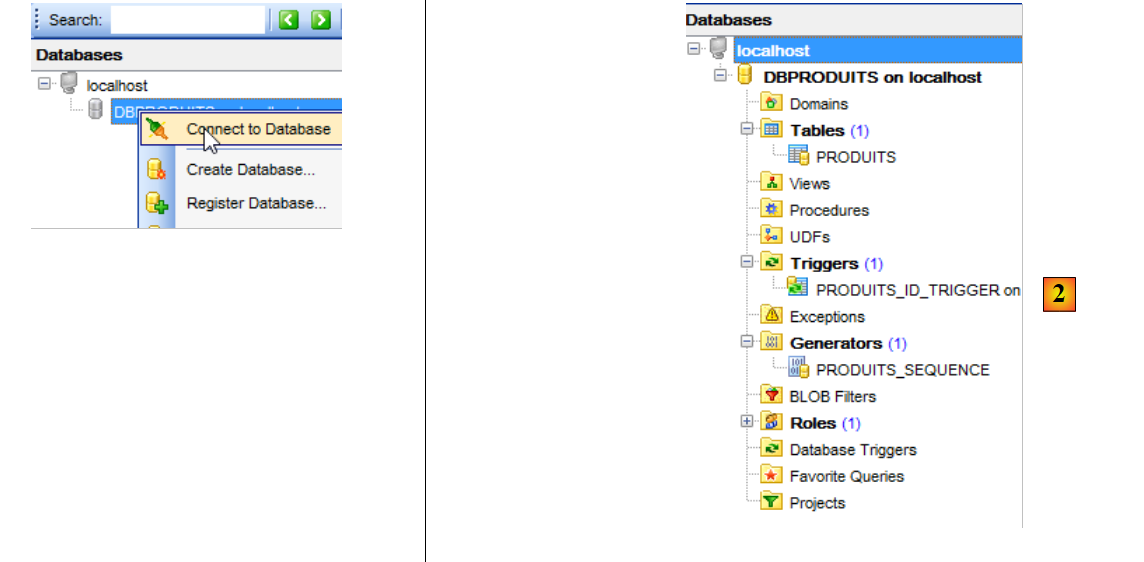 |
- 与 Oracle 类似,主键是通过序列生成的。
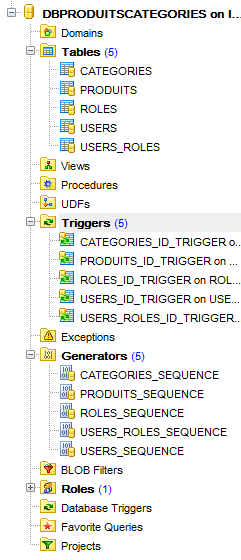
加载数据库[dbproduitscategories]时也采用相同方法,该数据库将位于[<exemples>\spring-database-config\firebird\databases\DBPRODUITSCATEGORIES.GDB]
 |
现在,请执行以下配置:
- [spring-jdbc-generic-01.IntroJdbc01];
- [spring-jdbc-generic-01.IntroJdbc02] ;
- [spring-jdbc-generic-03.JUnitTestDao1] ;
- [spring-jdbc-generic-03.JUnitTestDao2] ;
- [spring-jdbc-generic-04.JUnitTestDao] ;
- [spring-jpa-generic-JUnitTestDao-openjpa] ;
它们都必须成功。
14.2. JDBC 层配置
 | 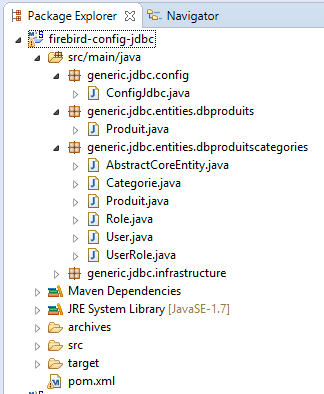 |
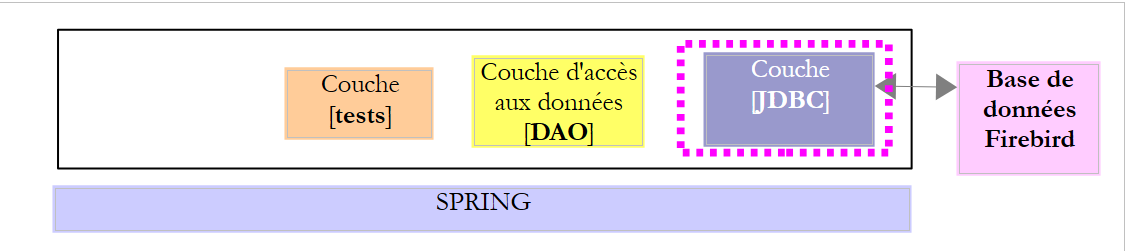
项目 [firebird-config-jdbc] 配置了以下测试架构中的 [JDBC] 层:
 |
该项目与 SGBD MySQL 架构中 JDBC 层的配置项目 [oracle-config-jdbc] 类似(参见第 10.2 节)。此处仅列出修改内容:
文件 [pom.xml] 导入了 Firebird 的驱动程序 JDBC:
<project xmlns="http://maven.apache.org/POM/4.0.0" xmlns:xsi="http://www.w3.org/2001/XMLSchema-instance"
    xsi:schemaLocation="http://maven.apache.org/POM/4.0.0 http://maven.apache.org/xsd/maven-4.0.0.xsd">
    <modelVersion>4.0.0</modelVersion>
    <groupId>dvp.spring.database</groupId>
    <artifactId>generic-config-jdbc</artifactId>
    <version>0.0.1-SNAPSHOT</version>
    <name>configuration generic jdbc</name>

    <parent>
        <groupId>org.springframework.boot</groupId>
        <artifactId>spring-boot-starter-parent</artifactId>
        <version>1.2.3.RELEASE</version>
    </parent>

    <dependencies>
        <!-- 变量依赖关系 ********************************************** -->
        <!-- SGBD 的驱动程序 JDBC -->
        <dependency>
            <groupId>org.firebirdsql.jdbc</groupId>
            <artifactId>jaybird</artifactId>
            <version>2.2.7</version>
        </dependency>
        <!-- Firebird 驱动程序所需 -->
        <dependency>
            <groupId>javax.resource</groupId>
            <artifactId>connector-api</artifactId>
            <version>1.5</version>
        </dependency>
        <dependency>
            <groupId>org.antlr</groupId>
            <artifactId>antlr-runtime</artifactId>
            <version>3.5.2</version>
        </dependency>
        <!-- 常量依赖项 ********************************************** -->
        ...
    </dependencies>
...
</project>
- 第 18-22 行:Firebird 的 JDBC 驱动程序;
- 第 24-33 行:Firebird 的 JDBC 驱动程序所需的依赖项;
第二个修改位于 [ConfigJdbc] 类中,该类定义了数据库访问凭据:
    // 连接参数
    public final static String DRIVER_CLASSNAME = "org.firebirdsql.jdbc.FBDriver";
    public final static String URL_DBPRODUITS = "jdbc:firebirdsql:localhost/3050:<exemples>/SPRING-DATABASE-CONFIG/FIREBIRD/DATABASES/DBPRODUITS.GDB";
    public final static String USER_DBPRODUITS = "sysdba";
    public final static String PASSWD_DBPRODUITS = "masterkey";
    public final static String URL_DBPRODUITSCATEGORIES = "jdbc:firebirdsql:localhost/3050:<exemples>/SPRING-DATABASE-CONFIG/FIREBIRD/DATABASES/DBPRODUITSCATEGORIES.GDB";
    public final static String USER_DBPRODUITSCATEGORIES = "sysdba";
public final static String PASSWD_DBPRODUITSCATEGORIES = "masterkey";
- 第 3 行和第 6 行:需填写两个数据库的确切路径;
第三项可进行的修改是调整 [PreparedStatement] 所能支持的参数最大数量:
    // [PreparedStatement] 的最大参数数
    public final static int MAX_PREPAREDSTATEMENT_PARAMETERS = 1000;
[JUnitTestPushTheLimits]测试会针对5000个产品生成SQL指令,这些指令将生成包含5000个参数的[PreparedStatement]。MySQL曾支持过该参数值。 但 Firebird 不支持。
第四项修改涉及 Firebird-config-jdbc 中的一个保留字:PASSWORD。因此,[USERS.PASSWORD] 列已重命名为 [USERS.PASSWD]:
public final static String TAB_USERS_PASSWORD = "PASSWD";
public static final String SELECT_USER_BYLOGIN = "SELECT u.ID as u_ID, u.VERSIONING as u_VERSIONING, u.NAME as u_NAME,u.LOGIN as u_LOGIN,u.PASSWD as u_PASSWORD FROM USERS u WHERE u.LOGIN= :login";
14.3. JPA 层的配置 OpenJpa
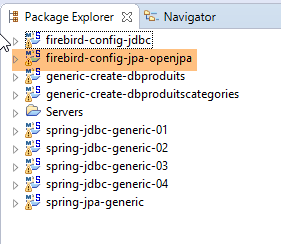 | 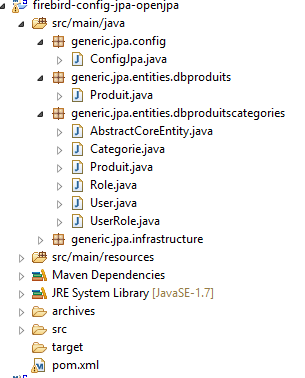 |
项目 [firebird-config-jpa-openjpa] 配置了测试架构中的 [JPA] 层:
 |
该项目与 Oracle SGBD 架构中 JPA 和 OpenJpa 层的配置项目 [firebird-config-jpa-openjpa] 类似(参见第 10.5 节)。 实际上,这两个 SGBD 项目都使用序列来生成主键。只需进行一项修改。该修改位于 [ConfigJpa] 类的 [jpaVendorAdapter] Bean 定义中:
    // 提供程序 JPA
    @Bean
    public JpaVendorAdapter jpaVendorAdapter() {
        OpenJpaVendorAdapter openJpaVendorAdapter = new OpenJpaVendorAdapter();
        openJpaVendorAdapter.setShowSql(false);
        openJpaVendorAdapter.setDatabase(Database.DEFAULT);
        openJpaVendorAdapter.setGenerateDdl(true);
        return openJpaVendorAdapter;
}
- 第 6 行:告知实现类 JPA,它将处理一个未识别的 SGBD。 JPA 实现将随之采用 SQL 的标准数据类型。
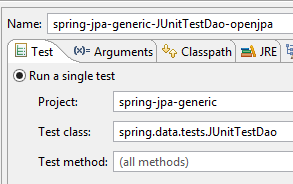
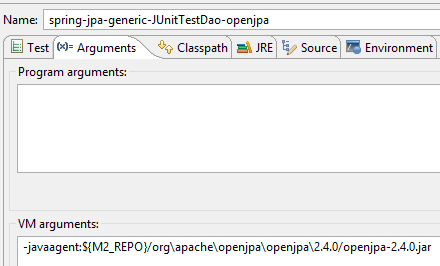
完成这些修改后,[spring-jpa-generic-JUnitTestDao-openjpa]配置的执行应能成功。
 |  |
14.4. Hibernate 层配置 JPA
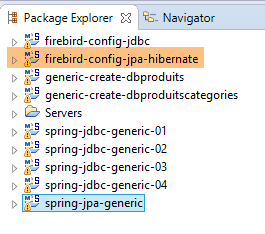 |  |
注:执行 [Alt-F5] 以重新生成所有 Maven 项目。
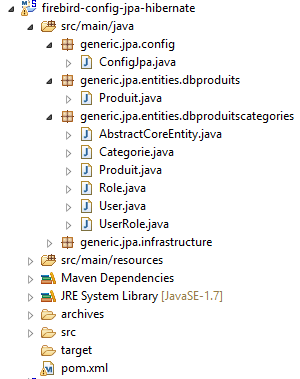
[firebird-config-jpa-hibernate] 项目与 [oracle-config-jpa-hibernate] (第 10.4 节),其中包含与将 [oracle-config-jpa-openjpa] 移植到 [firebird-config-jpa-openjpa] 项目时相同的修改(第 10.4 节)。
完成这些修改后,[spring-jpa-generic-JUnitTestDao-hibernate-eclipselink] 的配置执行应能成功。
14.5. JPA 层的配置 EclipseLink
 |  |
注:执行 [Alt-F5] 以重新生成所有 Maven 项目。
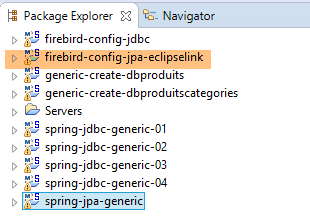
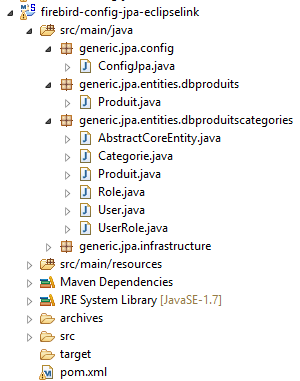
项目 [firebird-config-jpa-eclipselink] 与项目 [oracle-config-jpa-eclipselink](第 10.3 节)类似 并采用了与将 [oracle-config-jpa-openjpa] 移植到 [firebird-config-jpa-openjpa] 项目(第 10.4 节)时相同的修改。
完成这些修改后,[spring-jpa-generic-JUnitTestDao-hibernate-eclipselink] 的配置应能成功执行。