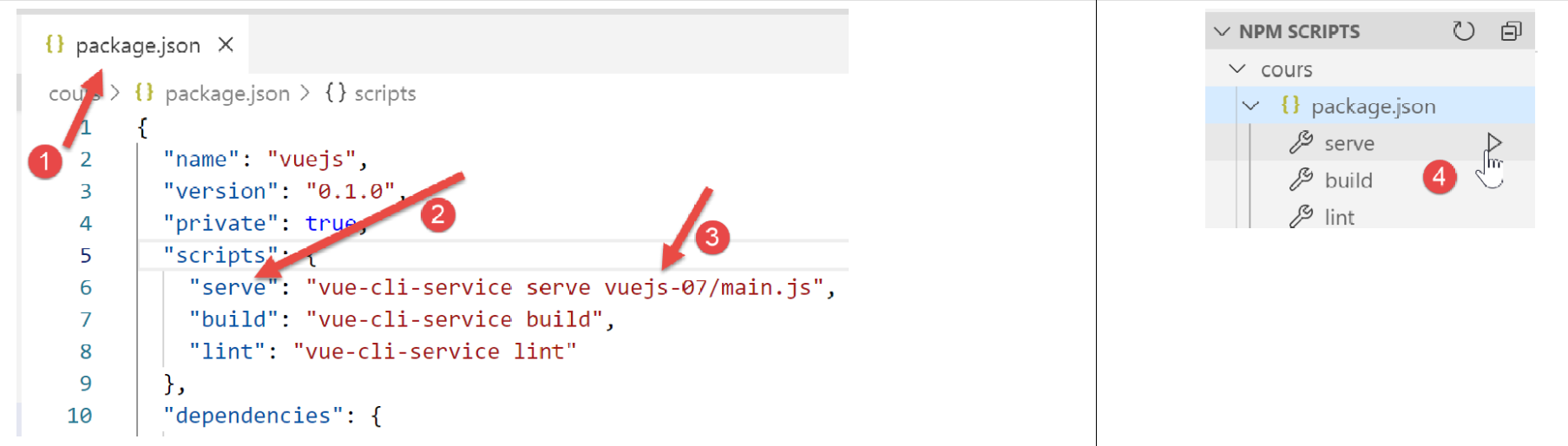
9. Project [vuejs-07]: Event propagation in the component hierarchy
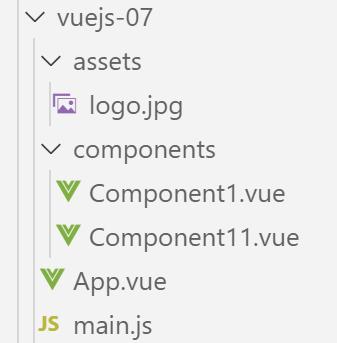
The project tree is as follows:
9.1. The main script [main.js]
The main script [main.js] remains unchanged.
9.2. The main component [App]
The code for component [App] is as follows:
<template>
  <div class="container">
    <b-card>
      <b-alert show variant="success" align="center">
        <h4>[vuejs-07] : remontée d'événements dans la hiérarchie des composants</h4>
      </b-alert>
      <Component1 />
    </b-card>
  </div>
</template>

<script>
  import Component1 from './components/Component1'
  export default {
    name: "app",
    components: {
      Component1
    }
  };
</script>
The [App] component uses a new [Component1] component (lines 7, 13, 17).
9.3. The [Component11] component
The code for component [Component11] is as follows:
<template>
  <b-button @click="createEvent">Créer un événement</b-button>
</template>
<!-- script -->
<script>
  export default {
    name: "component11",
    // component methods
    methods: {
      // event management [click] button
      createEvent() {
        // we send an event coupled to data
        this.$emit("someEvent", { x: 2, y: 4 })
      }
    }
  };
</script>
Comments
- lines 1-3: the [Component11] component contains only one clickable button. When clicked, the [createEvent] method in lines 11-14 is executed;
- line 13: each [Vue] instance has a [$emit] method that allows an event to be triggered:
- the first parameter is the name of the event being triggered;
- the second parameter is the data to be associated with this event;
- the emitted event travels up the hierarchy of components that contain the [Component11] component. It travels up the hierarchy until it finds a component capable of processing it. This process begins with the parent component of [Component11];
9.4. The [Component1] component
The code for the [Component1] component is as follows:
<template>
  <b-row>
    <!-- the component that launches the event -->
    <b-col cols="2">
      <Component11 @someEvent="doSomething" />
    </b-col>
    <!-- message displayed by the event management method-->
    <b-col>
      <b-alert show
               variant="warning"
               v-if="showMsg">Evénement [someEvent] intercepté par [Component1]. Valeur reçue={{data}}</b-alert>
    </b-col>
  </b-row>
</template>

<script>
  import Component11 from "./Component11";
  export default {
    name: "component1",
    // components
    components: {
      Component11
    },
    // component status
    data() {
      return {
        data: "",
        showMsg: false
      };
    },
    // event management methods
    methods: {
      doSomething(data) {
        // data is the object associated with event [someEvent]
        this.data = data;
        // displays alert
        this.showMsg = true;
      }
    }
  };
</script>
Visual rendering
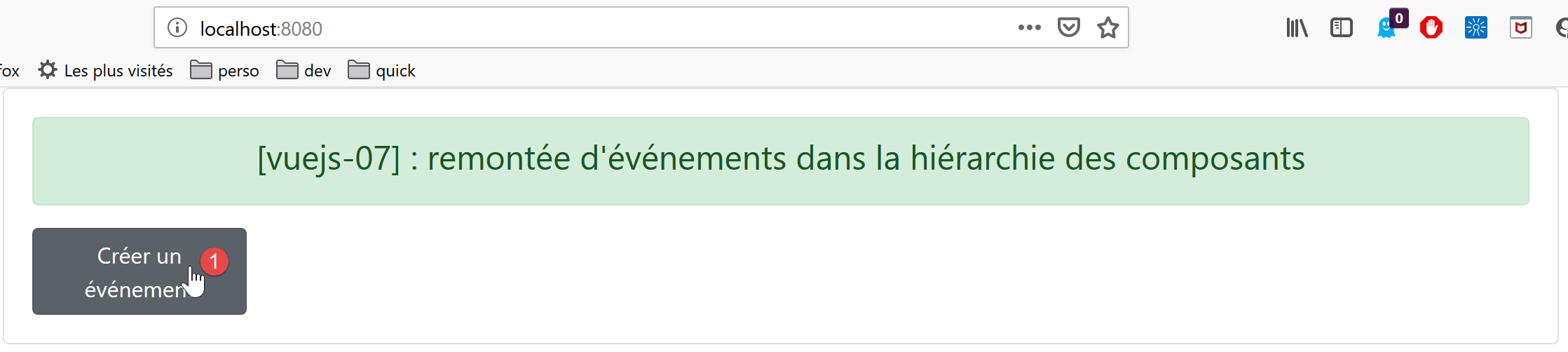
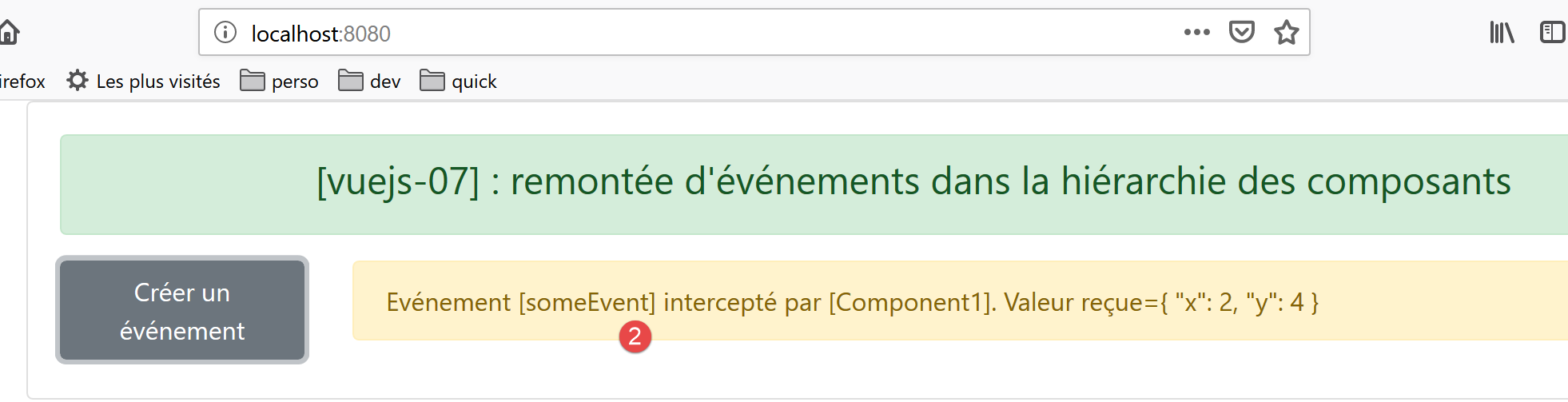
Comments
- line 5: [Component1] is a parent of [Component11] and can therefore “listen” (that is the term) to events emitted by this component. We know that this component can emit the event [someEvent]. The [@someEvent="doSomething"] attribute indicates that if the [someEvent] event emitted by [Component11] occurs, then the [doSomething] method on line 33 must be executed;
- Lines 9–11: A message displayed by the [doSomething] method. Its display is controlled by the Boolean [showMsg] on line 28. The alert displays the attribute [data] on line 27;
- Line 33: The [doSomething] method, executed when the [someEvent] event occurs on line 5, receives as a parameter the [data] data associated with this event. This parameter is assigned to the [data] attribute on line 27, which is displayed by line 11;
- Line 37: The [showMsg] attribute is set to [true] to display the alert for lines 9–11;
9.5. Project Execution