13. Web application MVC [personne] – version 8
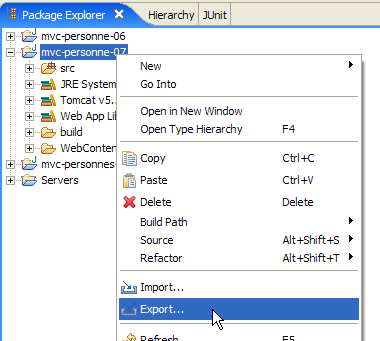
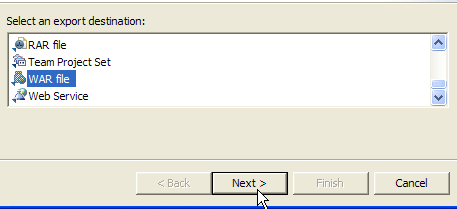
version 8 will be identical to version 7 but deployed in a WAR archive (Web ARchive). In Eclipse, right-click on the [mvc-personne-07] project and select option [export]:
 |  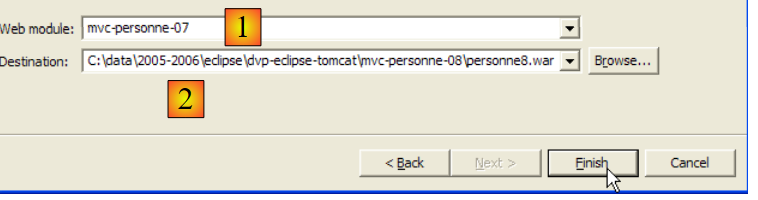 |
From the [1] drop-down list, select the name of the module to export, in this case [mvc-personne-07], and use the [Browse] button to specify the .war file to be generated, in this case [personne8.war]. Finish the process by clicking the [Finish] button, and use Windows Explorer to view the generated file:
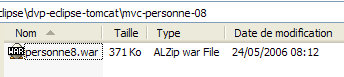
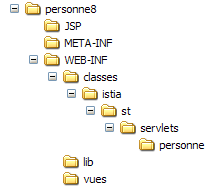
A .war file is similar to a .zip file and can be extracted using the same tools. Let’s extract it and review all the elements in its directory structure:
 |  |  |  |
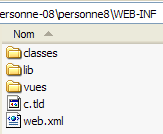 | 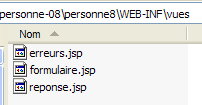 |
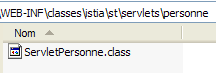
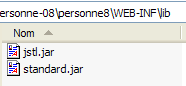
We can see that all the elements of the [mvc-personne-07] project are present, with the source code having been replaced by their compiled equivalents placed in [WEB-INF/classes], as required by the servlet deployment standard.
We will deploy the [personne8.war] web application within Tomcat by following the procedure described in section 8.1.2 for deploying the JSTL library documentation.
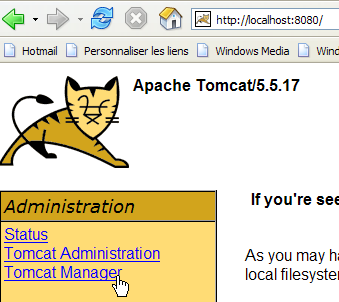
We start Tomcat via theappropriate option from the [Démarrer] menu, then request the Url [http://localhost:8080] and follow the [Tomcat Manager] link:
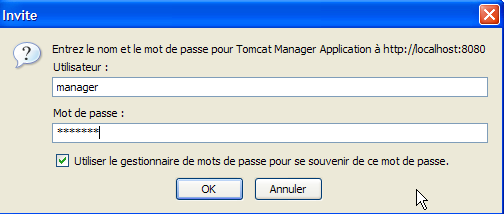
We are then presented with an authentication page. We log in as manager/manager or admin/admin, as shown in section 2.3.3.
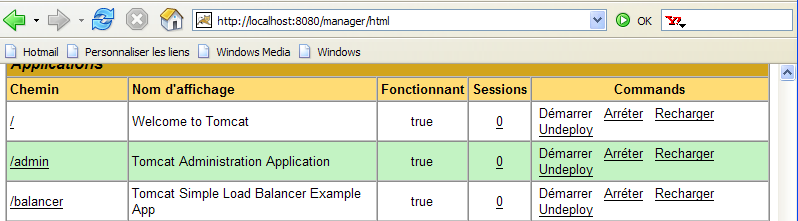
We are presented with a page listing the applications currently deployed in Tomcat:
We can add a new application using the forms at the bottom of the page:

We use the [Parcourir] button to select a .war file to deploy.

The screenshot does not show it, but we have selected the [personne8.war] file created earlier. The [Deploy] button saves and deploys this application within Tomcat.

If we deploy a [XX.war] file, the application context (or application name) will be XX. This is what [1] shows. The [2] column shows the application’s display name. This name is set in the file [web.xml] by the tag <display-name>. In the application [mvc-personne-07] archived in [personne8.jar], we had:
<display-name>mvc-personne-07</display-name>
The display name of the application is therefore [mvc-personne-07], as shown by [2].
Let’s open a browser and request url [http://localhost:8080/personne8]:
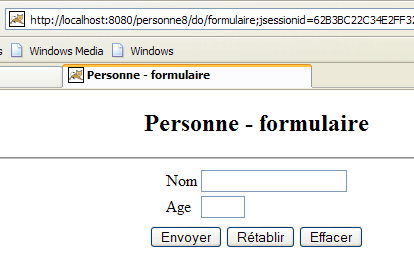
The reader is invited to continue testing. Archiving a web application in a .war file is the standard method for distributing and deploying a web application.