13. MVC Web Application [person] – Version 8
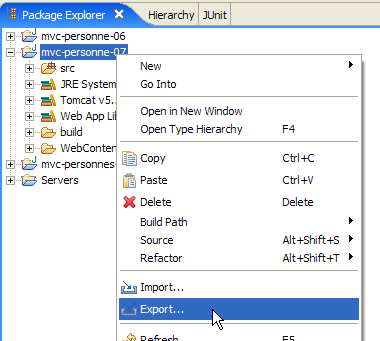
Version 8 will be identical to version 7 but deployed in a WAR (Web Archive) file. In Eclipse, right-click on the project [mvc-personne-07] and select the [Export] option:
 | 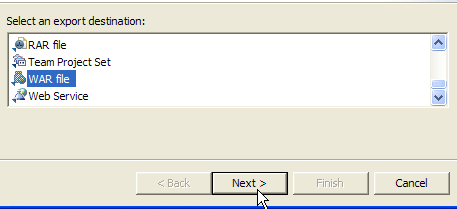 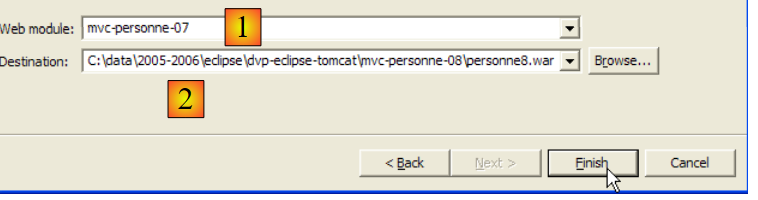 |
From the drop-down list [1], select the name of the module to export, in this case [mvc-personne-07], and use the [Browse] button to specify the .war file to be generated, in this case [personne8.war]. Complete the process by clicking [Finish], then use Windows Explorer to view the generated file:
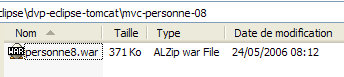
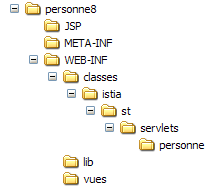
A .war file is similar to a .zip file and can be extracted using the same tools. Let’s extract it and review all the elements in its directory structure:
 |  |  |  |
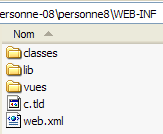 | 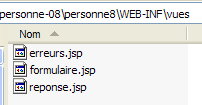 |
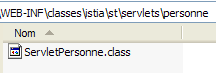
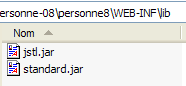
We can see that all the elements of the [mvc-personne-07] project are present, with the source code having been replaced by their compiled equivalents located in [WEB-INF/classes] as required by the servlet deployment standard.
We will deploy the [personne8.war] web application within Tomcat by following the procedure described in Section 8.1.2 for deploying the JSTL library documentation.
We launch Tomcat using the appropriate option in the [Start] menu, then enter the URL [http://localhost:8080] and follow the [Tomcat Manager] link:
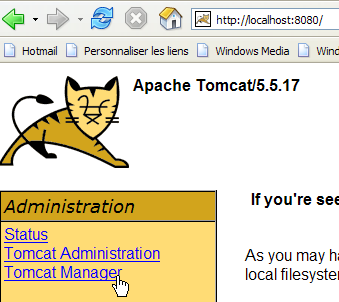
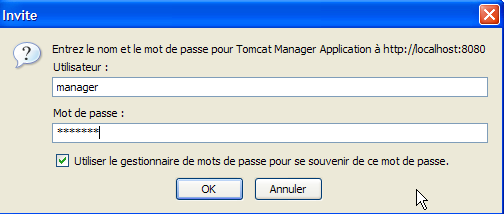
We are then presented with an authentication page. We log in as manager/manager or admin/admin, as shown in Section 2.3.3.
We are presented with a page listing the applications currently deployed in Tomcat:
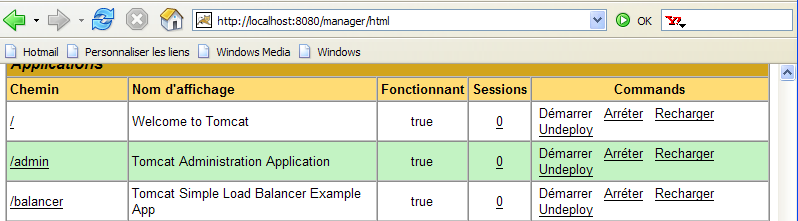
We can add a new application using the forms at the bottom of the page:

We use the [Browse] button to select a .war file to deploy.

The screenshot does not show it, but we have selected the [personne8.war] file created earlier. The [Deploy] button saves and deploys this application within Tomcat.

If we deploy a [XX.war] file, the application context (or application name) will be XX. This is shown in [1]. Column [2] shows the application’s display name. This name is set in the [web.xml] file using the <display-name> tag. In the [mvc-personne-07] application archived in [personne8.jar], we had:
<display-name>mvc-personne-07</display-name>
The application's display name is therefore [mvc-personne-07], as shown in [2].
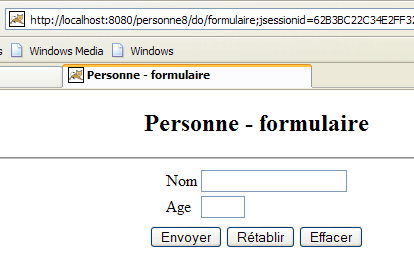
Let’s open a browser and request the URL [http://localhost:8080/personne8]:
Readers are encouraged to continue testing. Packaging a web application into a .war file is the standard method for distributing and deploying a web application.