13. Version 8: Porting the application to a Spring / Tomcat environment
Question: Following the example "Sample Application – 02: rdvmedecins-jsf2-spring" from [ref3], port the previous application to a Spring/Tomcat/Hibernate environment.
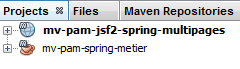 |
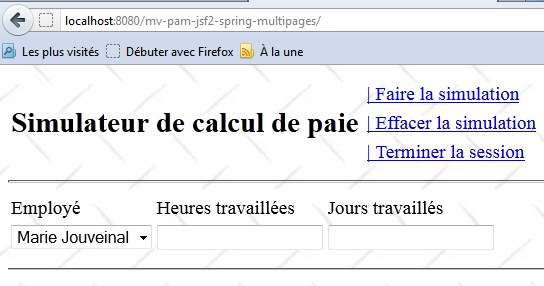
The new web application is [mv-pam-jsf2-spring-multipages]. The web interface remains unchanged:
Here is one possible approach:
- create a Maven project of type [Java Application] named [mv-pam-spring-metier],
- add the necessary dependencies,
- copy the elements from the previous EJB project into the new Spring project,
- fix any errors that appear in the Spring project,
- create the [persistence.xml] file that configures the JPA layer,
- create the Spring configuration file. At this point, the [mv-pam-spring-metier] project should be correct. Imagine a JUnit test that proves this,
- create a Maven project of type [Web Application],
- add the necessary dependencies (JSF and the [business] layer),
- copy the elements from the JSF/EJB project of the previous version into the new JSF/Spring project,
- fix any errors that appear,
- copy the Spring configuration file from the [mv-pam-spring-metier] project into the web project,
- add the code to the [ApplicationData] bean to instantiate the Spring beans,
- complete the [faces-config.xml] configuration file,
- Test the web application.