11. Appendices
11.1. Installing the Genymotion emulator manager
The emulators provided with Android SDK are slow, which discourages their use. The company [Genymotion] offers a high-performance emulator. It is available at URL [https://cloud.genymotion.com/page/launchpad/download/]
(October 2014).
You will need to register to obtain a version for personal use. Download the [Genymotion] product with the VirtualBox virtual machine as well as the [Genymotion] plugin for the IDE [IntellijIDEA]:
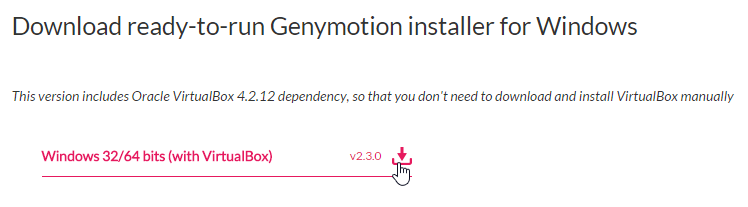
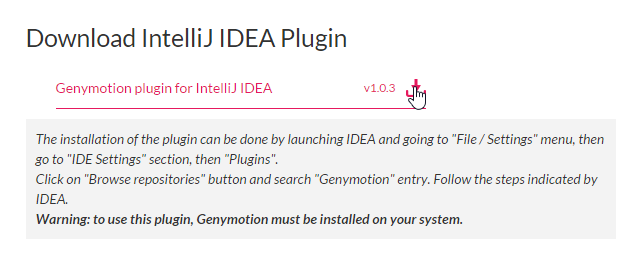
We will refer to the [Genymotion] installation folder as <genymotion-install>. Launch [Genymotion]. Then download an image for a tablet or phone:
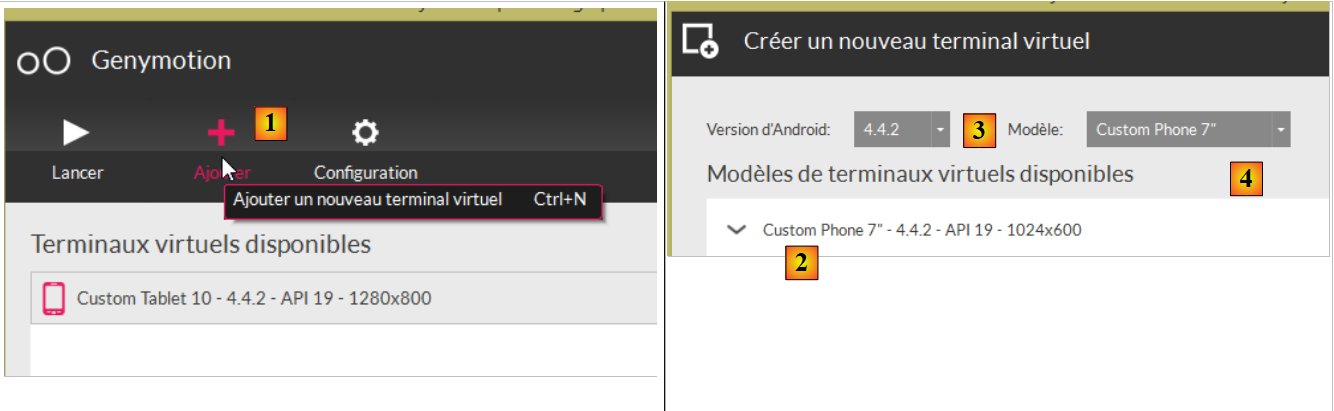 |
- in [1], add a virtual device;
- in [2], select one or more terminals to install. You can refine the displayed list by specifying the desired Android version version as well as the device model [4];
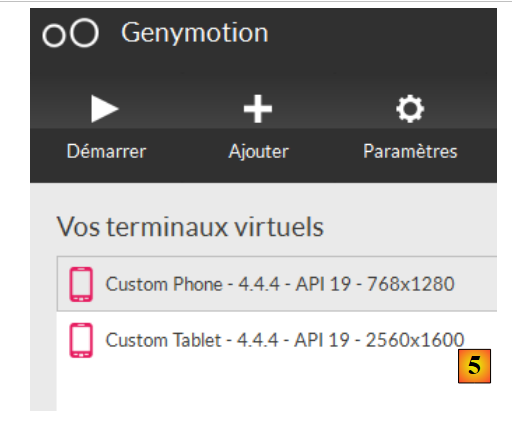 |
Once the download is complete, you will see a list of the virtual devices available for testing your Android apps;