8. Case Study
8.1. Introduction
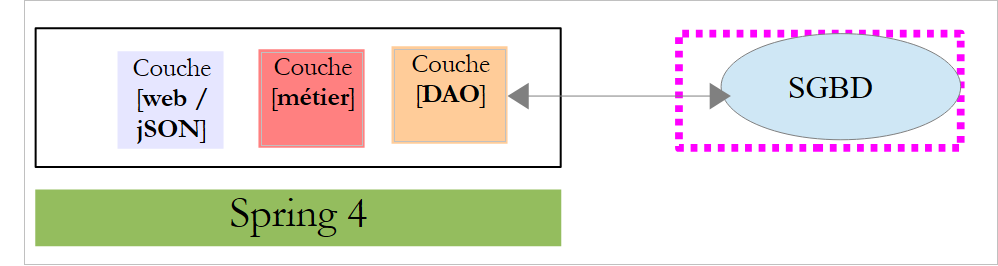
We propose to write a web application for scheduling appointments for a medical practice. This problem was addressed in the document 'Tutorial AngularJS / Spring 4' at URL [http://tahe.developpez.com/angularjs-spring4/]. The architecture of this application was as follows:
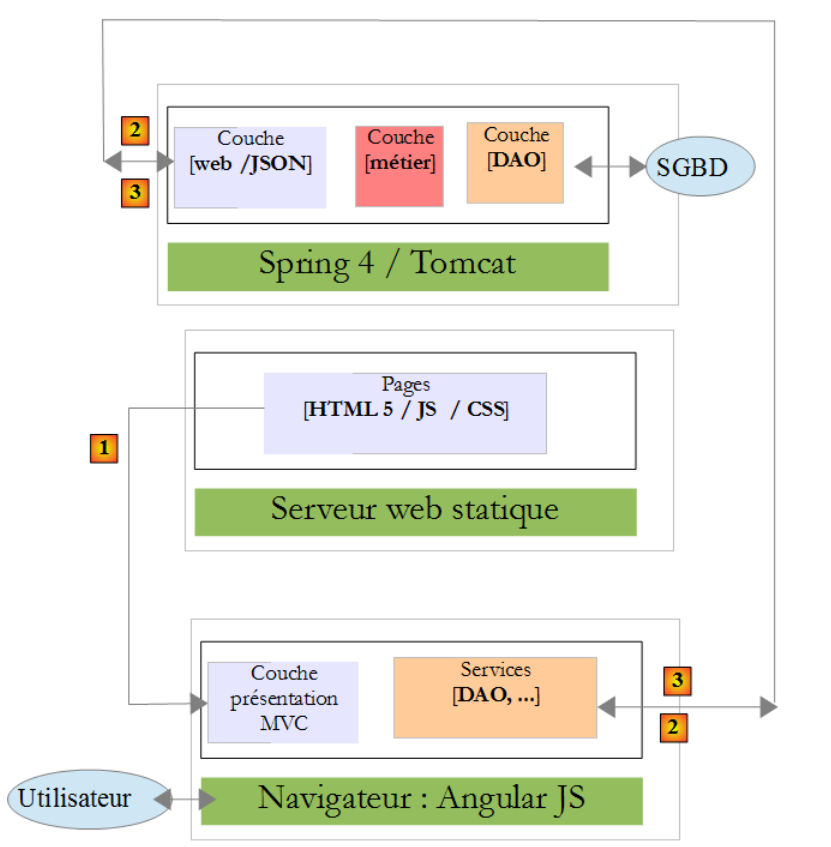 |
- In [1], a web server delivers static pages to a browser. These pages contain a AngularJS application built on the MVC model (Model–View–Controller). The model here encompasses both the views and the domain, represented here by the [Services] layer;
- the user will interact with the views presented to them in the browser. Their actions will sometimes require querying the Spring 4 server [2]. The server will process the request and return a response jSON (JavaScript Object Notation) [3]. This response will be used to update the view presented to the user.
We propose to take this application and implement it end-to-end with Spring MVC. The architecture then becomes as follows:
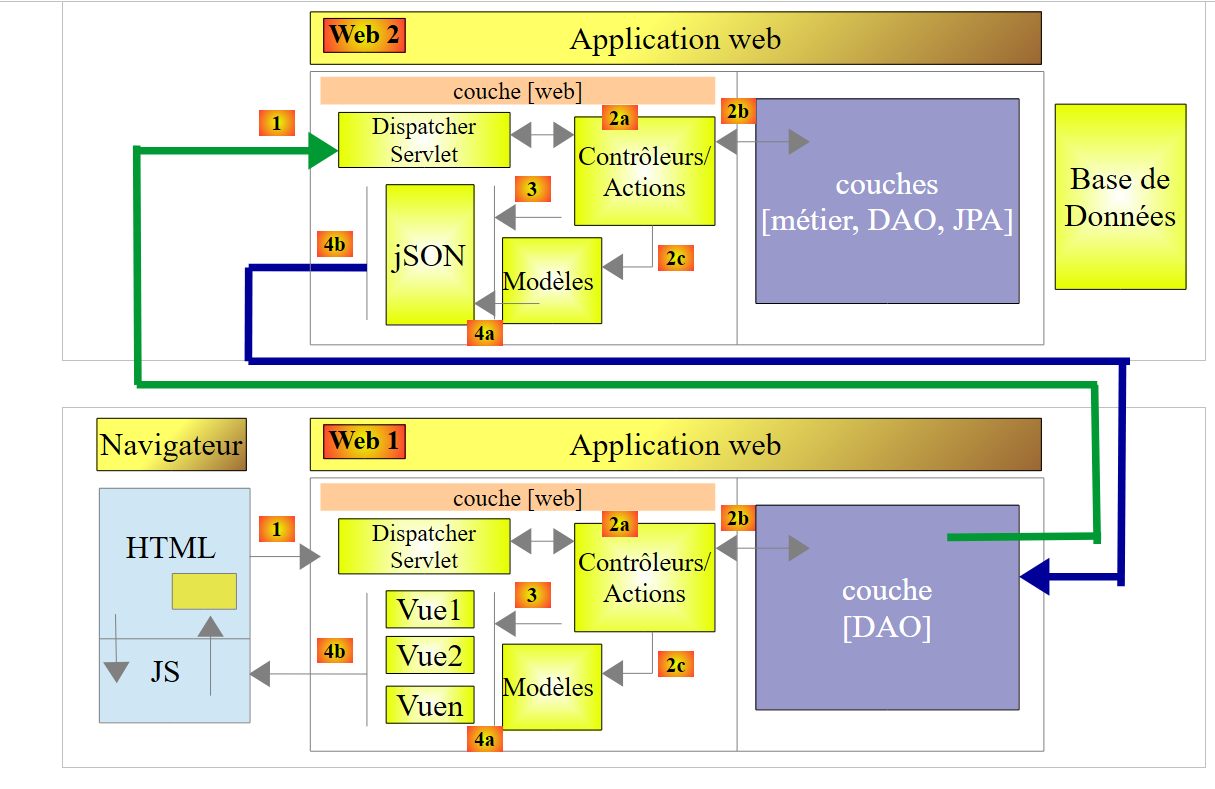 |
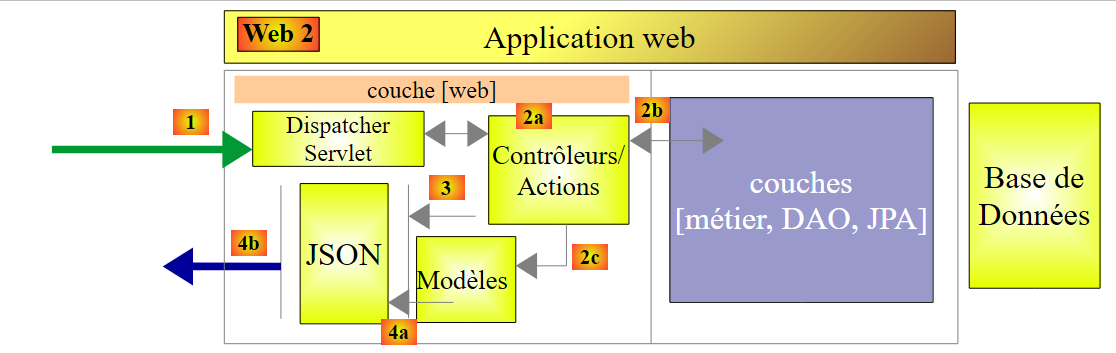
The browser will connect to a [Web 1] application implemented using Spring MVC, which will retrieve its data from a [Web 2] web service, also implemented using Spring MVC.
8.2. Application Features
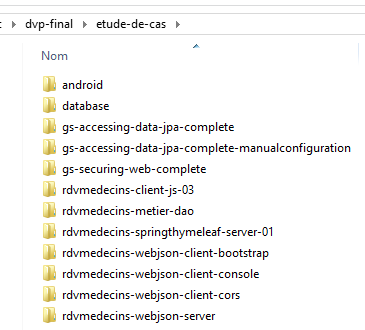
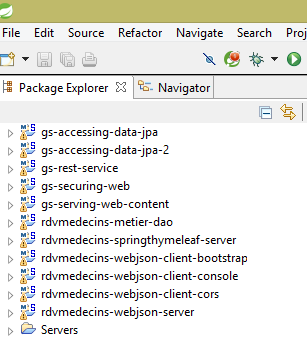
Readers are invited to explore the application’s features by testing it. We load the Maven projects from the [etude-de-cas] folder into STS:
 |  |
First, we will create the database MySQL 5 [dbrdvmedecins] using the tool [Wamp Server] (see section 9.5):
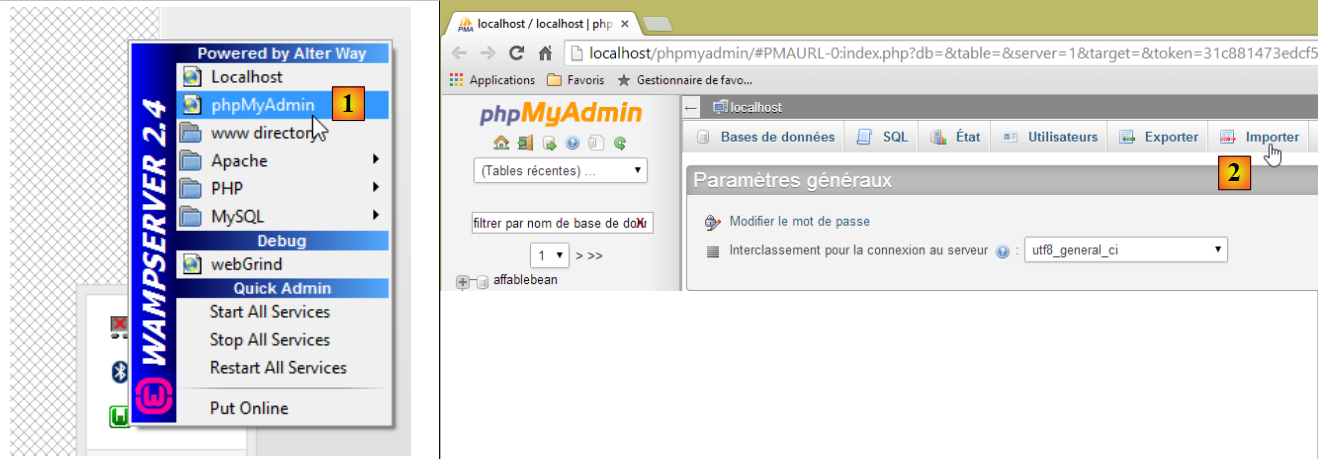 |
- In [1], select the [phpMyAdmin] tool from WampServer;
- in [2], select option from [Importer];
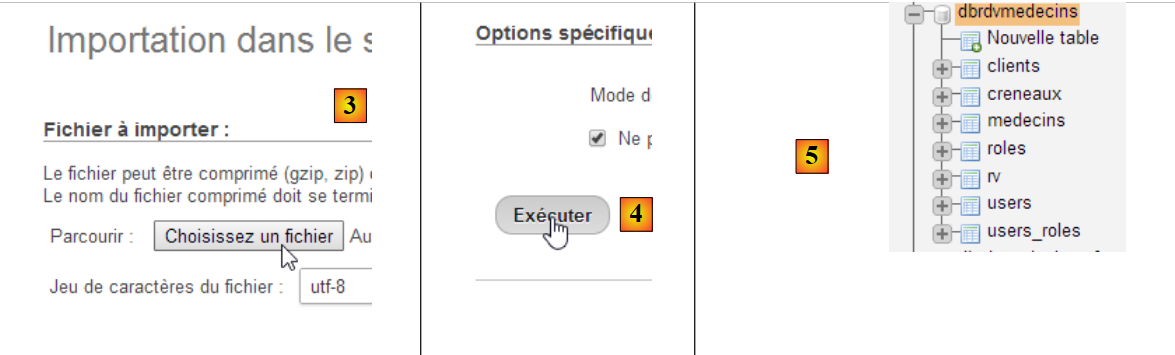 |
- In [3], select the file [database/dbrdvmedecins.sql];
- in [4], run it;
- in [5], the database is created.
Next, we need to start the server connected to the database. This is the [rdvmedecins-webjson-server] project
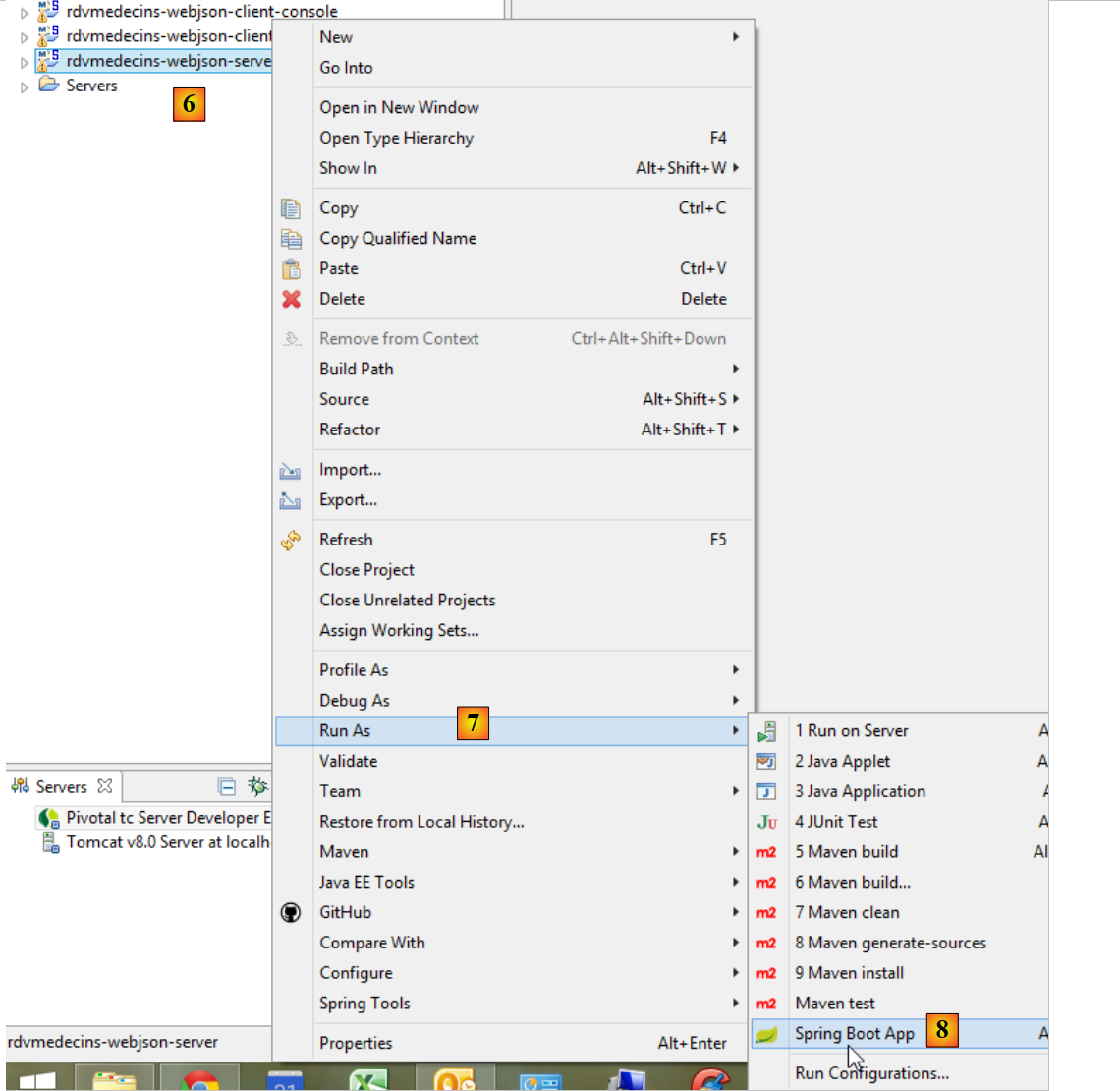 |
The server will be available at URL [http://localhost:8080]. This can be changed in the project's [application.properties] file:
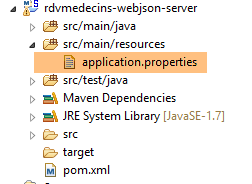 |
server.port=8080
The database access credentials are stored in the [DomainAndPersistenceConfig] class of the [rdvmedecins-metier-dao] project:
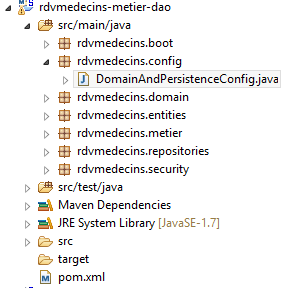 |
    // the MySQL data source
    @Bean
    public DataSource dataSource() {
        BasicDataSource dataSource = new BasicDataSource();
        dataSource.setDriverClassName("com.mysql.jdbc.Driver");
        dataSource.setUrl("jdbc:mysql://localhost:3306/dbrdvmedecins");
        dataSource.setUsername("root");
        dataSource.setPassword("");
        return dataSource;
}
If you access SGBD or MySQL with different credentials, this is where it happens.
We then launch the [rdvmedecins-springthymeleaf-server] server in the same way as the previous server:
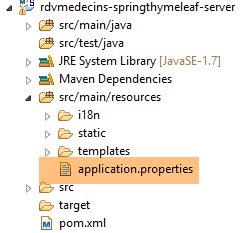 | 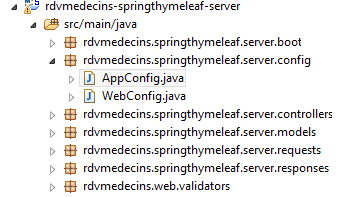 |
This server is available by default at URL [http://localhost:8081]. Again, this can be configured in the project’s [application.properties] file:
server.port=8081
Additionally, this server must know the URL of the server connected to the database. This configuration is found in the [AppConfig] class above:
    // admin / admin
    private final String USER_INIT = "admin";
    private final String MDP_USER_INIT = "admin";
    // web service root / json
    private final String WEBJSON_ROOT = "http://localhost:8080";
    // timeout in milliseconds
    private final int TIMEOUT = 5000;
    // CORS
private final boolean CORS_ALLOWED=true;
If the first server was started on a port other than 8080, you must modify line 5.
Then, using a browser, request the URL [http://localhost:8081/boot.html]:
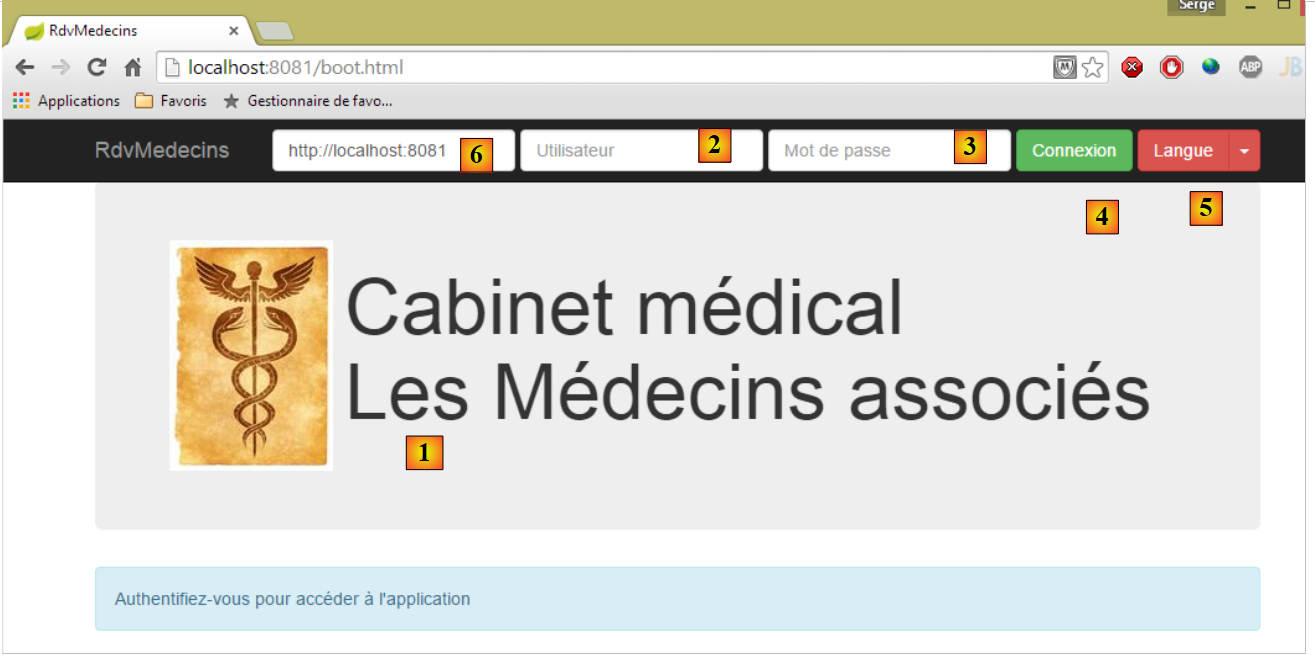 |
- [1], the application's login page;
- where [2] and [3] are the username and password of the user who wants to use the application. There are two users: admin/admin (login/password) with a role (ADMIN) and user/user with a role (USER). Only the role ADMIN has permission to use the application. The role USER is only there to show what the server responds with in this use case;
- in [4], the button that allows you to connect to the server;
- in [5], the application language. There are two: French (default) and English;
- in [6], the URL of the [rdvmedecins-springthymeleaf-server] server;
 |
- in [1], you log in;
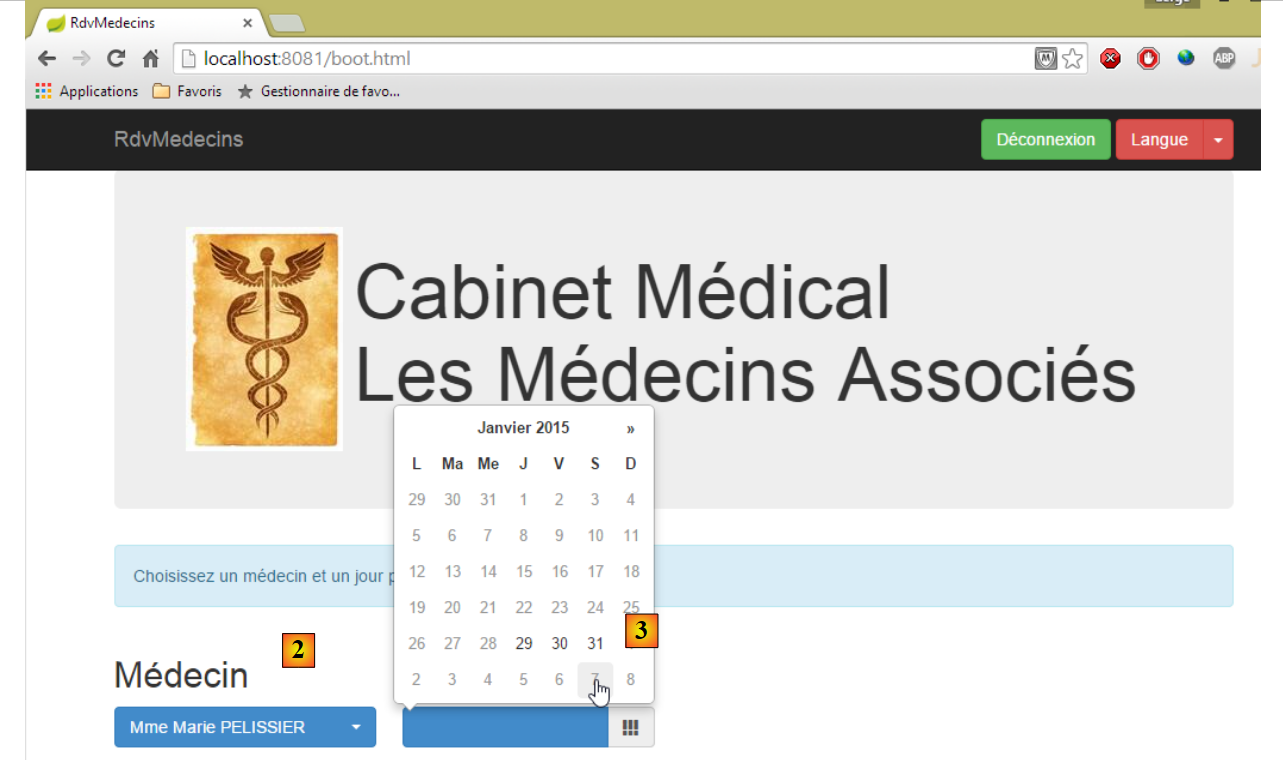 |
- once logged in, you can choose the doctor you want to make an appointment with and the date of the appointment; once a doctor and a date have been selected, the appointment details are automatically displayed;
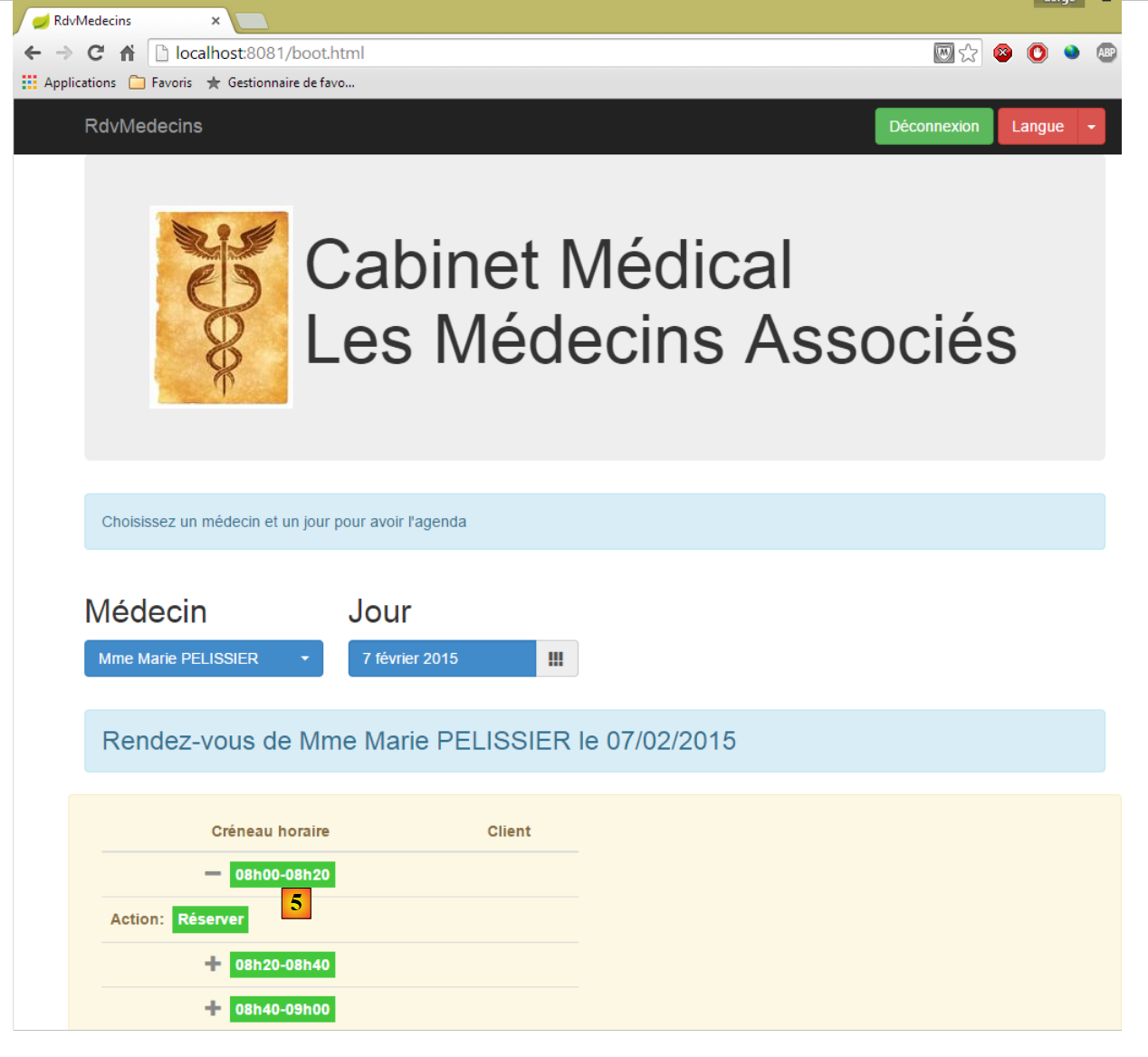 |
- Once you have obtained the doctor’s agenda, you can book a time slot [5];
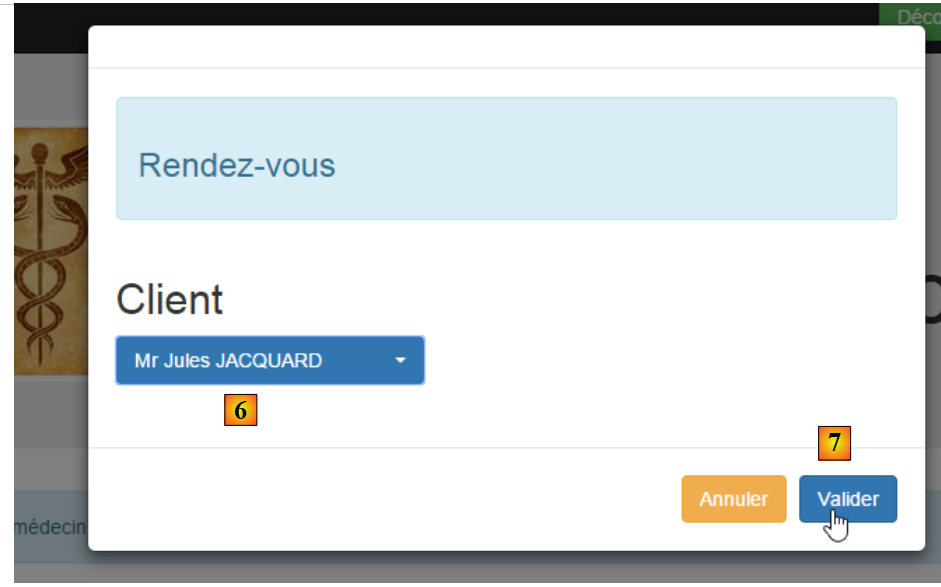 |
- in [6], select the patient for the appointment and confirm this selection in [7];
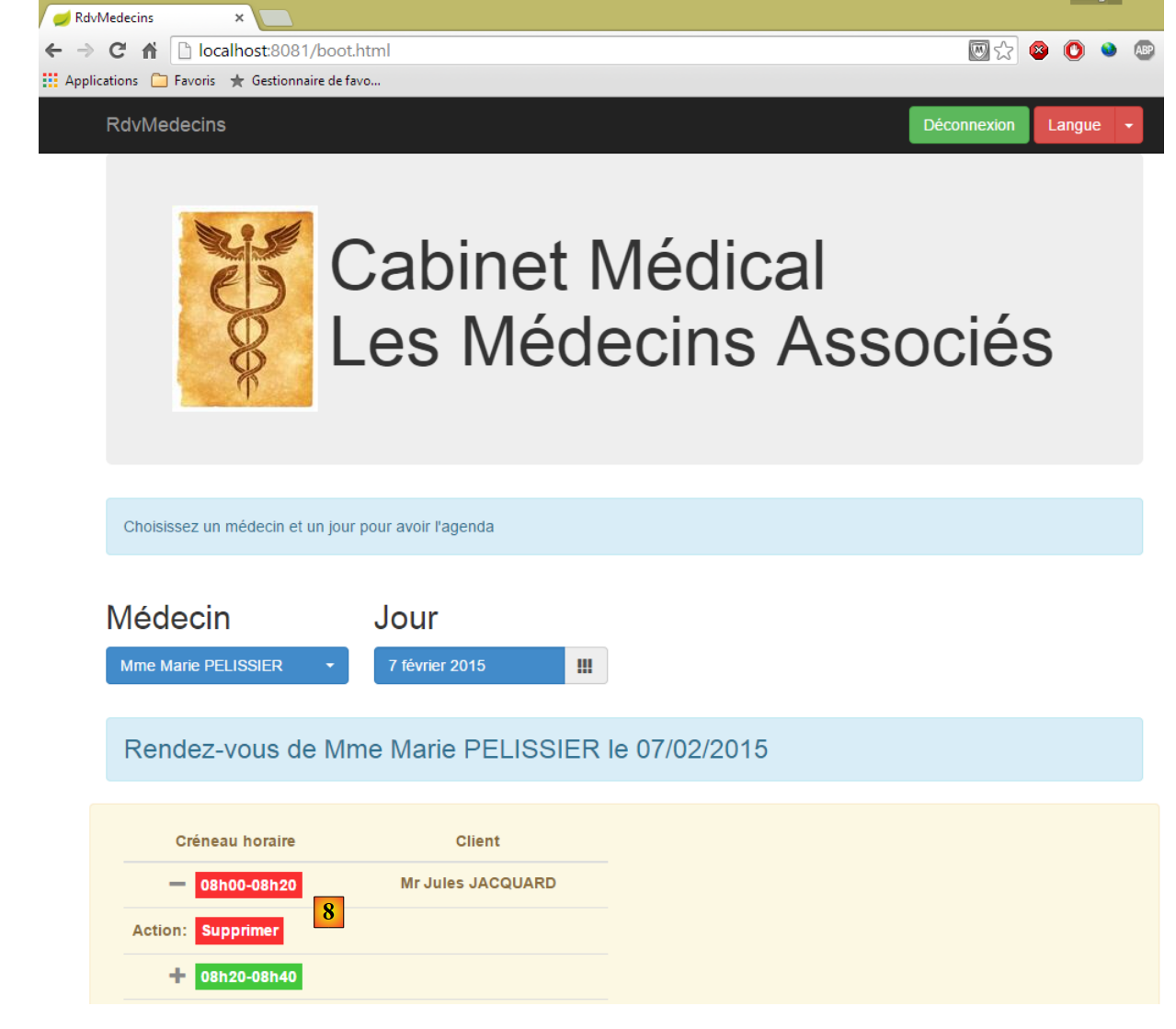 |
Once the appointment is confirmed, you are automatically redirected to agenda, where the new appointment is now listed. This appointment can be deleted later in [8].
The main features have been described. They are simple. Let’s finish with language management:
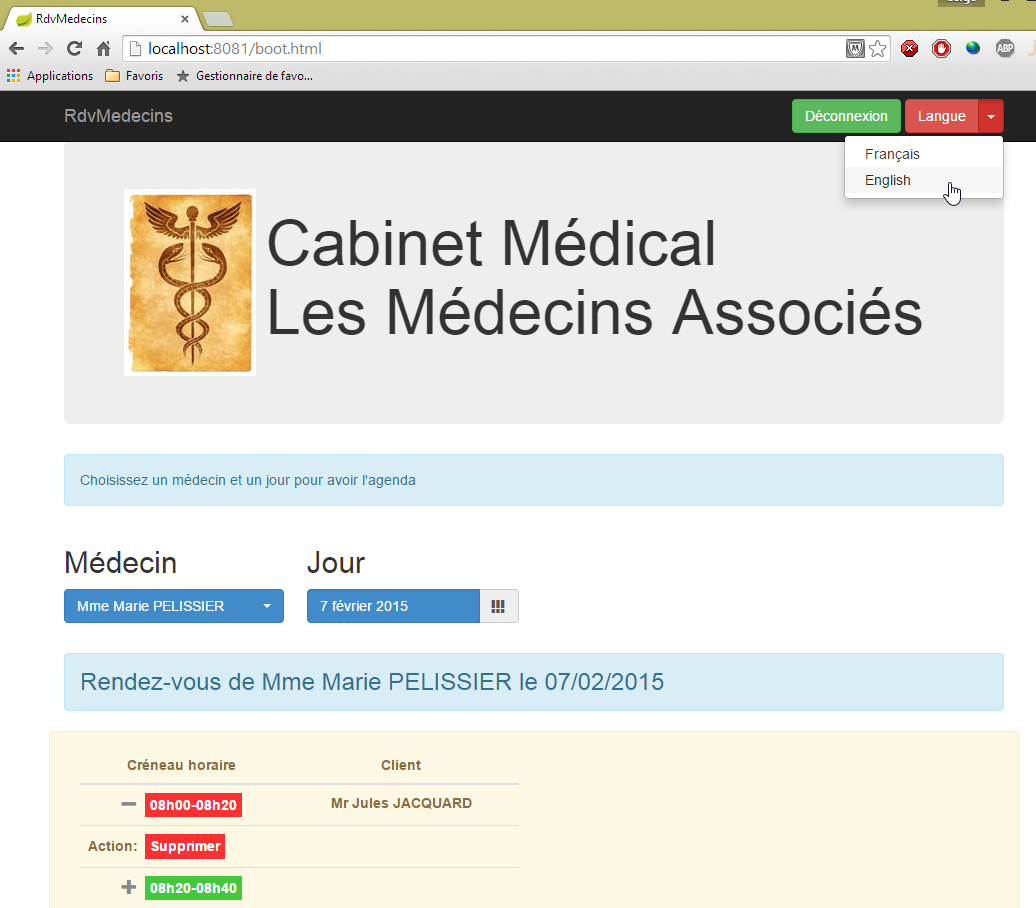
- in [1], you switch from French to English;
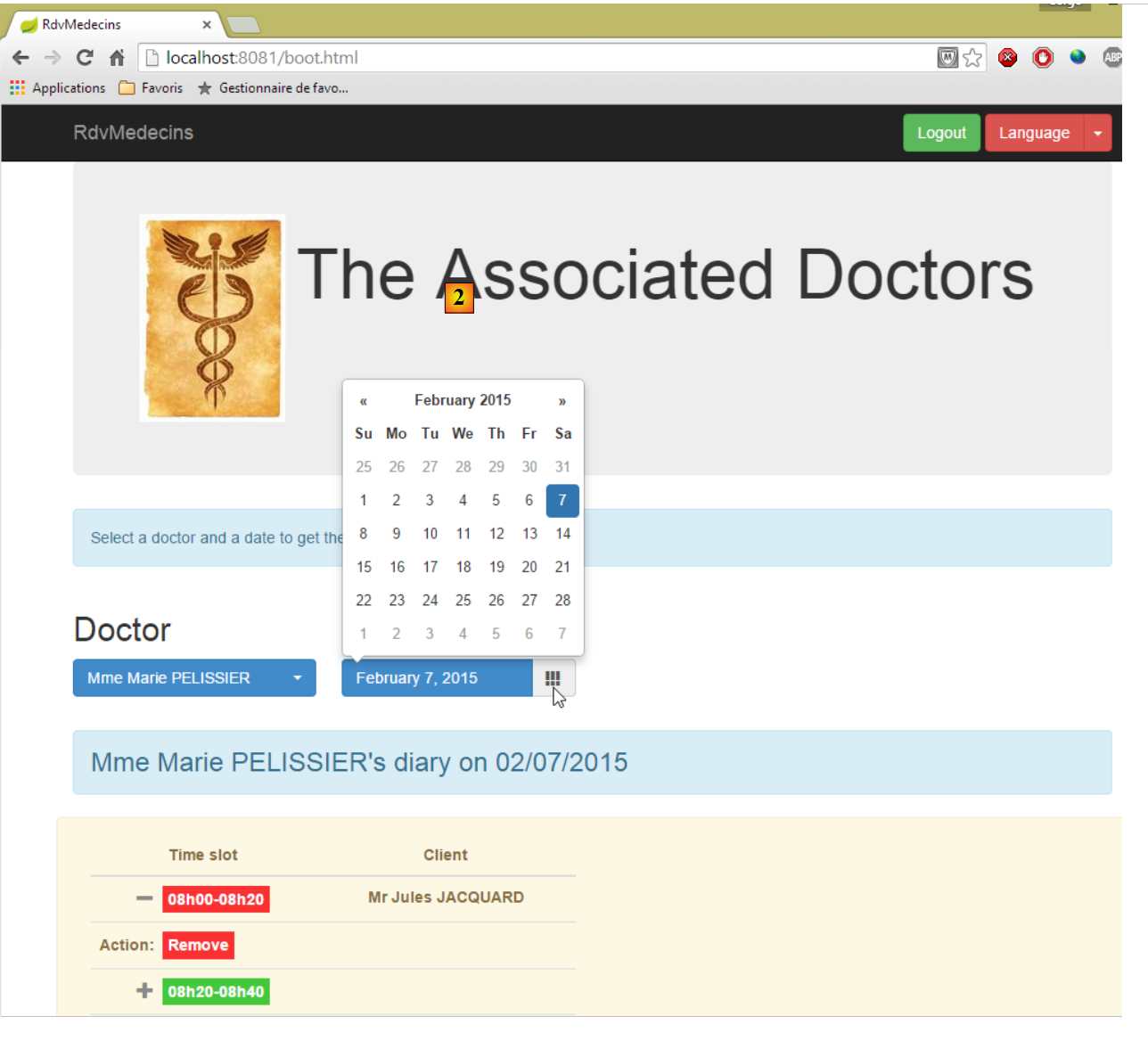 |
- in [2], the view switches to English, including the calendar;
8.3. The Database
 |
The database, hereinafter referred to as [dbrdvmedecins], is a MySQL5 database containing the following tables:
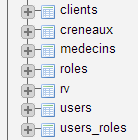 |
Appointments are managed by the following tables:
- [medecins]: contains the list of doctors at the practice;
- [clients]: contains the list of patients at the practice;
- [creneaux]: contains the time slots for each doctor;
- [rv]: contains the list of doctors' appointments.
The tables [roles], [users], and [users_roles] are tables related to authentication. For now, we will not be dealing with them. The relationships between the tables managing appointments are as follows:
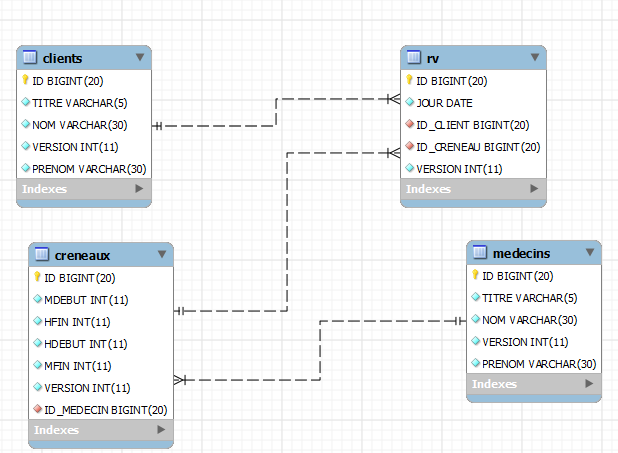 |
- a time slot belongs to a doctor – a doctor has 0 or more time slots;
- an appointment brings together both a client and a doctor via the doctor’s time slot;
- a client has 0 or more appointments;
- a time slot is associated with 0 or more appointments (on different days).
8.3.1. The [MEDECINS] table
It contains information about the doctors managed by the [RdvMedecins] application.
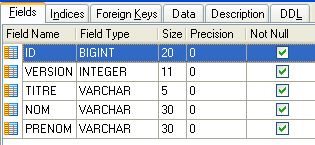 | 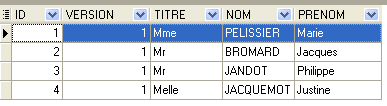 |
- ID: ID number for the doctor—primary key of the table
- VERSION: ID number for the version of the row in the table. This number is incremented by 1 each time a change is made to the row.
- NOM: the doctor’s last name
- PRENOM: their first name
- TITRE: their title (Ms., Mrs., Mr.)
8.3.2. The table [CLIENTS]
The clients codes for the various doctors are stored in the [CLIENTS] table:
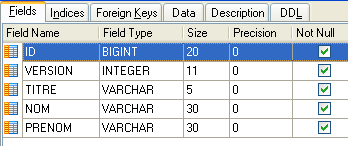 | 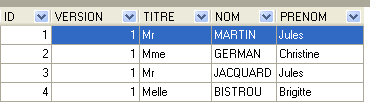 |
- ID: customer ID number—primary key of the table
- VERSION: number identifying the version of the row in the table. This number is incremented by 1 each time a change is made to the row.
- NOM: the customer's last name
- PRENOM: first name
- TITRE: their title (Ms., Mrs., Mr.)
8.3.3. The [CRENEAUX] table
It lists the time slots where RV entries are possible:
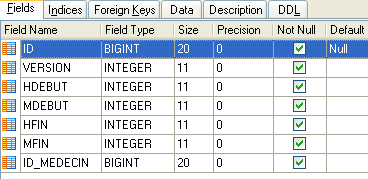 |
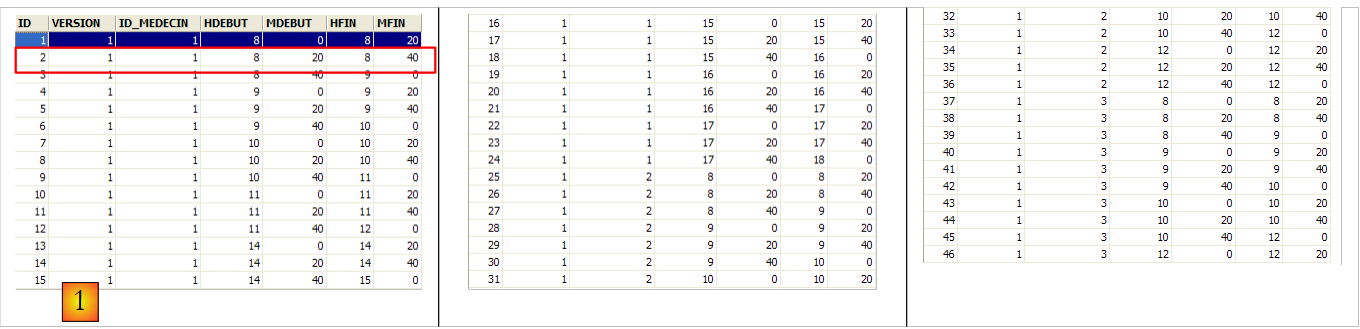 |
- ID: ID number for the time slot—primary key of the table (row 8)
- VERSION: number identifying the version for the row in the table. This number is incremented by 1 each time a change is made to the row.
- ID_MEDECIN: ID number for the doctor to whom this time slot belongs – foreign key on column MEDECINS(ID).
- HDEBUT: slot start time
- MDEBUT: slot start minutes
- HFIN: slot end time
- MFIN: slot end minutes
The second row of table [CRENEAUX] (see [1] above) indicates, for example, that slot No. 2 begins at 8:20 a.m. and ends at 8:40 a.m. and belongs to doctor No. 1 (Dr. Marie PELISSIER).
8.3.4. The table [RV]
lists the RV values assigned to each doctor:
 |
- ID: ID number that uniquely identifies the RV – primary key
- JOUR: day of the RV
- ID_CRENEAU: time slot for RV – foreign key on the [ID] field in the [CRENEAUX] table – determines both the time slot and the doctor in question.
- ID_CLIENT: customer ID for whom the reservation is made – foreign key on the [ID] field in the [CLIENTS] table
This table has a uniqueness constraint on the values of the joined columns (JOUR, ID_CRENEAU):
If a row in table [RV] has the value (JOUR1, ID_CRENEAU1) for the columns (JOUR, ID_CRENEAU), this value cannot appear anywhere else. Otherwise, this would mean that two RV entries were recorded at the same time for the same doctor. From a Java programming perspective, the JDBC driver in the database triggers a SQLException when this occurs.
The id line equal to 3 (see [1] above) means that a RV was booked for slot #20 and client #4 on 08/23/2006. The table [CRENEAUX] tells us that slot no. 20 corresponds to the time slot 4:20 PM – 4:40 PM and belongs to doctor no. 1 (Ms. Marie PELISSIER). Table [CLIENTS] tells us that client #4 is Ms. Brigitte BISTROU.
8.3.5. Creating the Database
To create the [dbrdvmedecins] database, a [dbrdvmedecins.sql] script is provided with the examples in this [1-3] document:
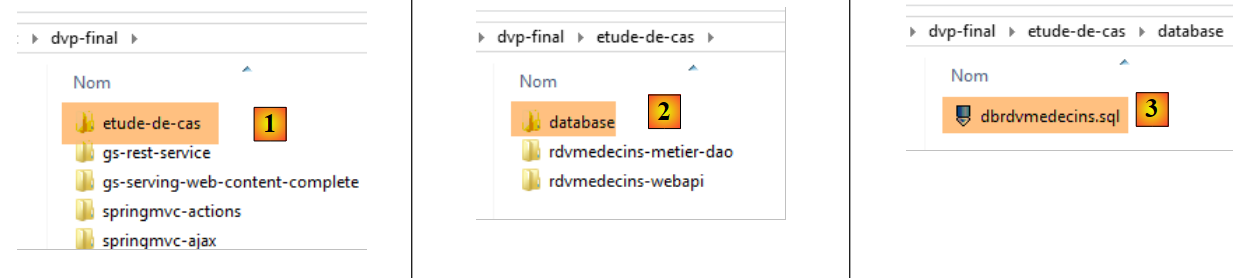 |
We use the [PhpMyAdmin] tool from WampServer:
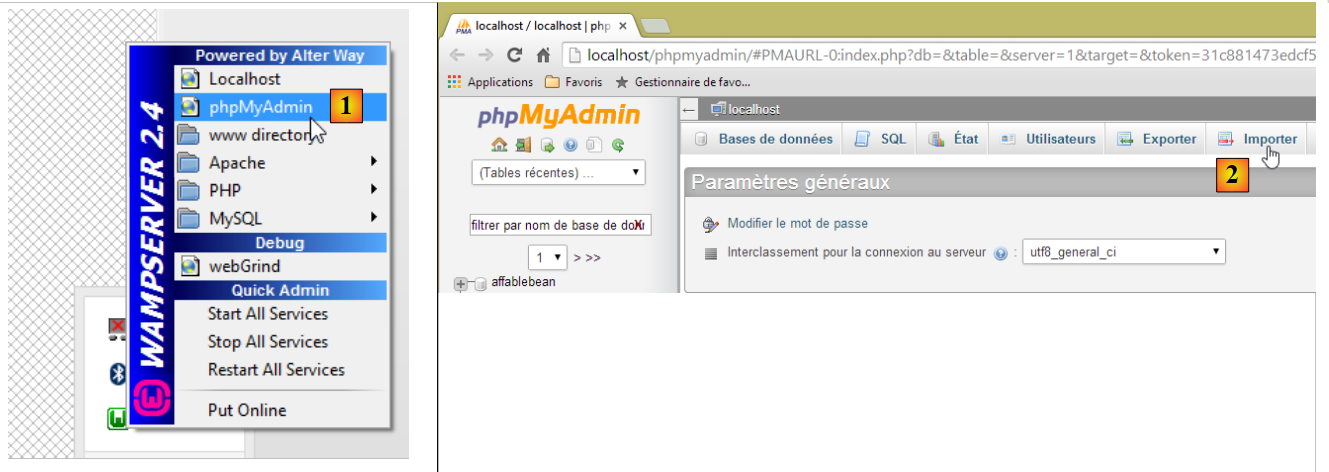 |
- In [1], select the [phpMyAdmin] tool from WampServer;
- in [2], we choose option from [Importer];
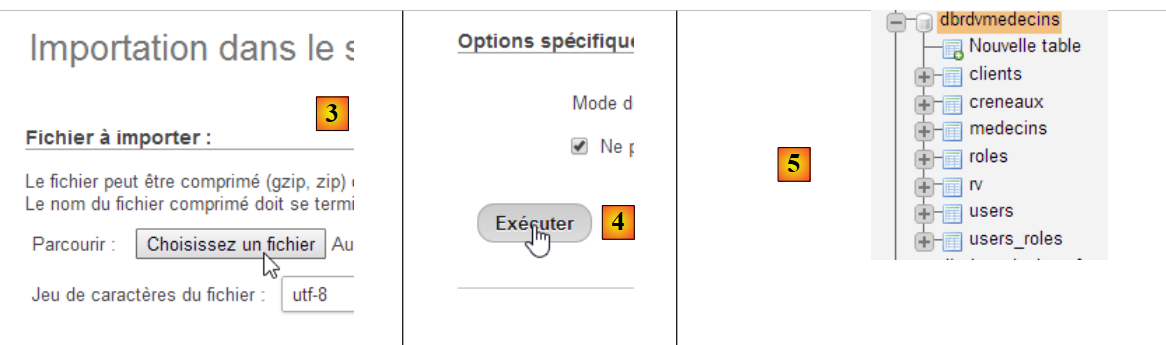 |
- In [3], select the file [database/dbrdvmedecins.sql];
- in [4], run it;
- in [5], the database is created.
8.4. The web service / jSON
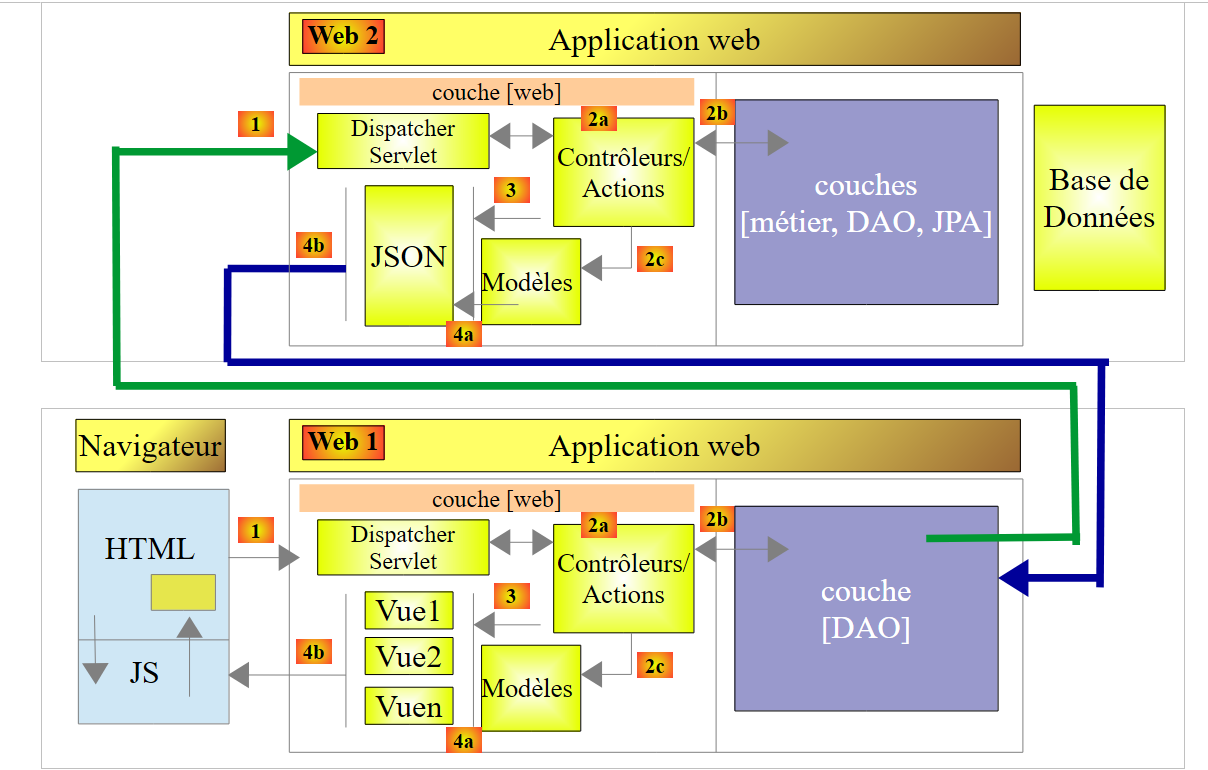 |
In the architecture above, we will now address the construction of the web service / jSON built with the Spring framework MVC. We will write it in several steps:
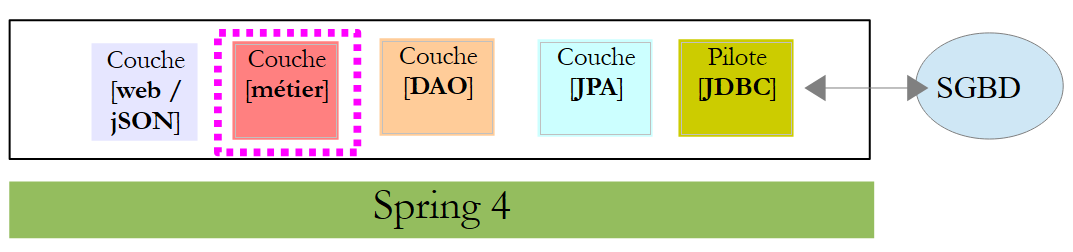
- first the [métier] and [DAO] layers (Data Access Object). Here we will use Spring Data;
- then the jSON web service without authentication. Here we will use Spring MVC;
- then we will add the authentication component using Spring Security.
The following is a copy of the [http://tahe.developpez.com/angularjs-spring4/] document, with a few modifications.
8.4.1. Introduction to Spring Data
We will implement the [DAO] layer of the project using Spring Data, a branch of the Spring ecosystem.
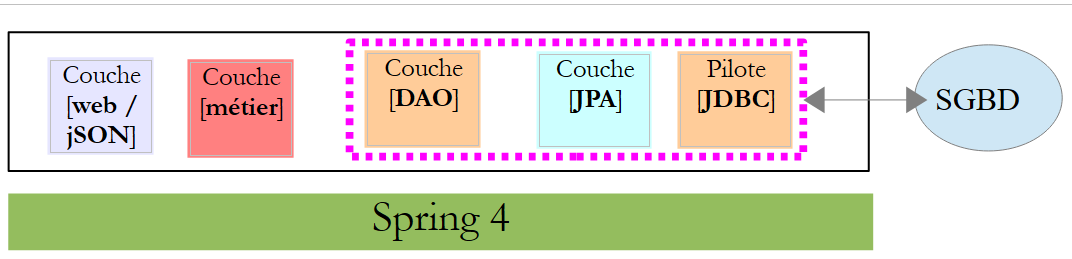 |
The Spring website offers numerous tutorials to get started with Spring [http://spring.io/guides]. We will use one of them to introduce Spring Data. For this, we use Spring Tool Suite (STS).
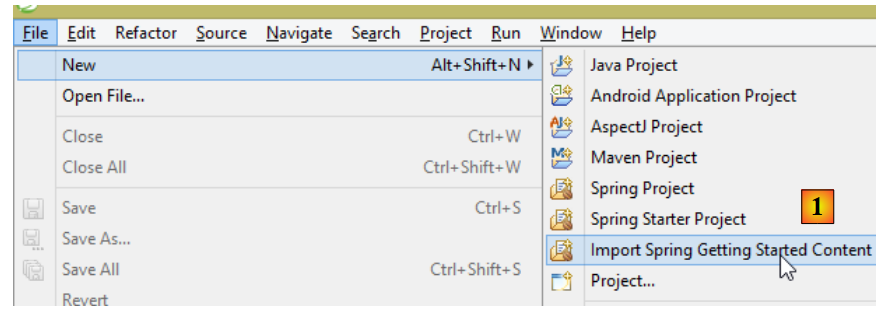 |
- In [1], we import one of the tutorials from [spring.io/guides];
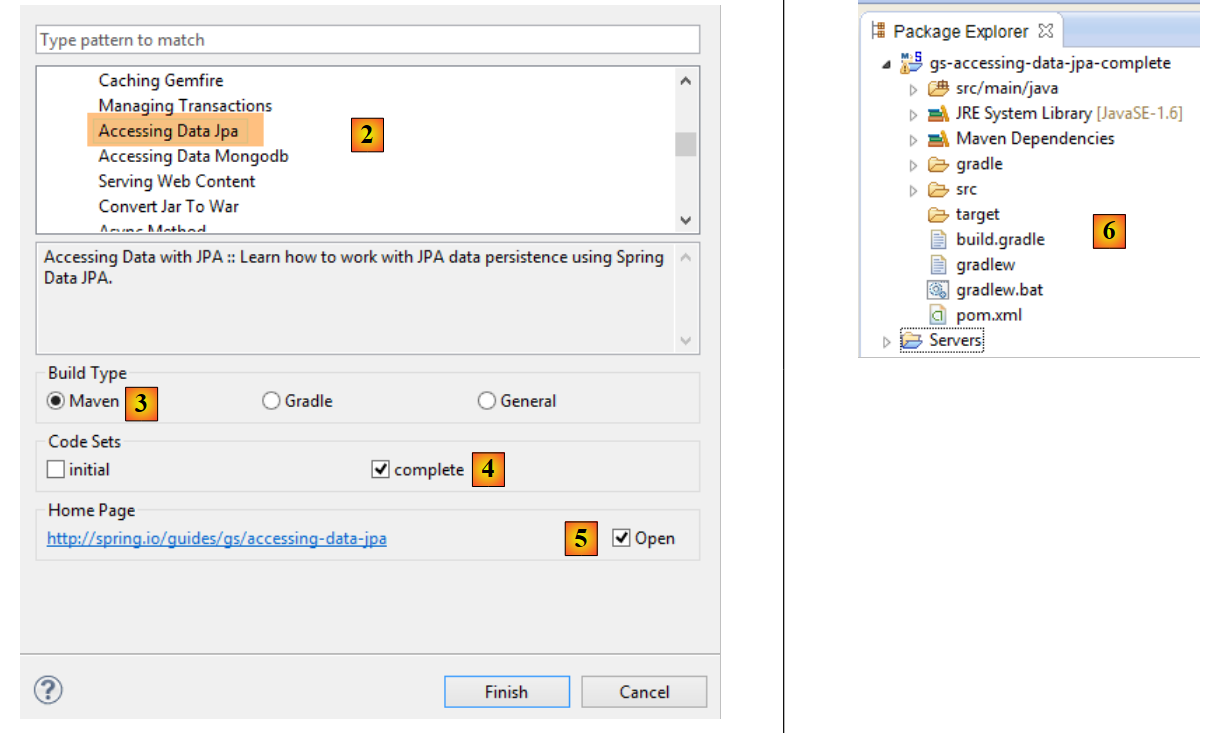 |
- In [2], we select the tutorial [Accessing Data Jpa], which demonstrates how to access a database using Spring Data;
- In [3], we select a project configured by Maven;
- In [4], the tutorial is available in two forms: [initial], which is an empty version that you fill in by following the tutorial, or [complete], which is the final version of the tutorial. We choose the latter;
- In [5], you can choose to view the tutorial in a browser;
- in [6], the final project.
8.4.1.1. The project's Maven configuration
The project's Maven dependencies are configured in the [pom.xml] file:
    <groupId>org.springframework</groupId>
    <artifactId>gs-accessing-data-jpa</artifactId>
    <version>0.1.0</version>

    <parent>
        <groupId>org.springframework.boot</groupId>
        <artifactId>spring-boot-starter-parent</artifactId>
        <version>1.1.10.RELEASE</version>
    </parent>

    <dependencies>
        <dependency>
            <groupId>org.springframework.boot</groupId>
            <artifactId>spring-boot-starter-data-jpa</artifactId>
        </dependency>
        <dependency>
            <groupId>com.h2database</groupId>
            <artifactId>h2</artifactId>
        </dependency>
    </dependencies>

    <properties>
        <!-- use UTF-8 for everything -->
        <project.build.sourceEncoding>UTF-8</project.build.sourceEncoding>
        <project.reporting.outputEncoding>UTF-8</project.reporting.outputEncoding>
        <start-class>hello.Application</start-class>
</properties>
- lines 5–9: define a parent Maven project. This project defines most of the project’s dependencies. They may be sufficient, in which case no additional dependencies are added, or they may not be, in which case the missing dependencies are added;
- lines 12–15: define a dependency on [spring-boot-starter-data-jpa]. This artifact contains the Spring classes Data;
- lines 16–19: define a dependency on the SGBD H2 artifact, which allows for the creation and management of in-memory databases.
Let’s look at the classes provided by these dependencies:
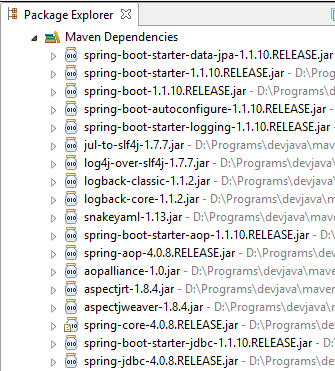 | 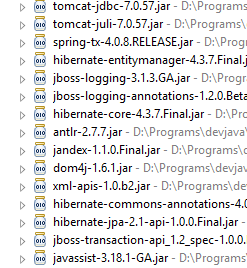 | 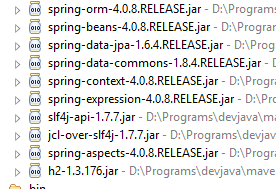 |
There are many of them:
- some belong to the Spring ecosystem (those starting with spring);
- others belong to the Hibernate ecosystem (hibernate, jboss), of which we use the JPA implementation here;
- others are testing libraries (junit, hamcrest);
- others are logging libraries (log4j, logback, slf4j);
We will keep them all. For a production application, only those that are necessary should be kept.
On line 26 of the [pom.xml] file, we find the line:
<start-class>hello.Application</start-class>
This line is linked to the following lines:
<build>
        <plugins>
            <plugin>
                <artifactId>maven-compiler-plugin</artifactId>
            </plugin>
            <plugin>
                <groupId>org.springframework.boot</groupId>
                <artifactId>spring-boot-maven-plugin</artifactId>
            </plugin>
        </plugins>
    </build>
Lines 6–9: The [spring-boot-maven-plugin] plugin is used to generate the application’s executable, jar. Line 26 of the [pom.xml] file then specifies the executable class for this jar.
8.4.1.2. The [JPA] layer
Database access is handled through a [JPA] layer, Java Persistence API:
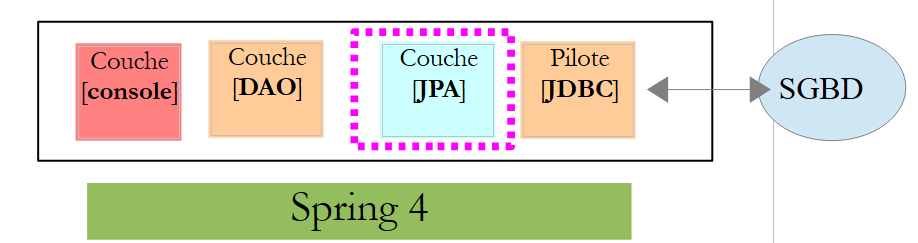 |
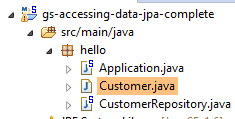 |
The application is basic and handles clients and [Customer]. The [Customer] class is part of the [JPA] layer and is as follows:
package hello;

import javax.persistence.Entity;
import javax.persistence.GeneratedValue;
import javax.persistence.GenerationType;
import javax.persistence.Id;

@Entity
public class Customer {

    @Id
    @GeneratedValue(strategy = GenerationType.AUTO)
    private long id;
    private String firstName;
    private String lastName;

    protected Customer() {
    }

    public Customer(String firstName, String lastName) {
        this.firstName = firstName;
        this.lastName = lastName;
    }

    @Override
    public String toString() {
        return String.format("Customer[id=%d, firstName='%s', lastName='%s']", id, firstName, lastName);
    }

}
A customer has an ID [id], a first name [firstName], and a last name [lastName]. Each instance [Customer] represents a row in a database table.
- Line 8: annotation JPA, which ensures that the persistence of instances [Customer] (Create, Read, Update, Delete) will be managed by an implementation JPA. Based on the Maven dependencies, we can see that the JPA / Hibernate implementation is being used;
- Lines 11–12: JPA annotations that associate the [id] field with the primary key of the [Customer] table. Line 12 indicates that the JPA implementation will use the primary key generation method specific to the SGBD being used, in this case H2;
There are no other annotations for JPA. Default values will therefore be used:
- the [Customer] table will bear the name of the class, i.e., [Customer];
- the columns of this table will bear the names of the class fields: [id, firstName, lastName], noting that case is not taken into account in the name of a table column;
Note that the JPA implementation used is never named.
8.4.1.3. The [DAO] layer
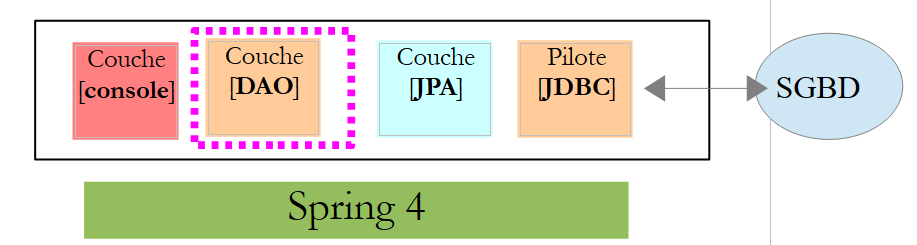 |
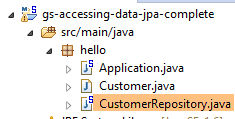 |
The class [CustomerRepository] implements the layer [DAO]. Its code is as follows:
package hello;

import java.util.List;

import org.springframework.data.repository.CrudRepository;

public interface CustomerRepository extends CrudRepository<Customer, Long> {

    List<Customer> findByLastName(String lastName);
}
This is therefore an interface and not a class (line 7). It extends the [CrudRepository] interface, a Spring interface (line 5). This interface is parameterized by two types: the first is the type of the managed elements, here the type [Customer], and the second is the type of the primary key of the managed elements, here a type [Long]. The [CrudRepository] interface is as follows:
package org.springframework.data.repository;

import java.io.Serializable;

@NoRepositoryBean
public interface CrudRepository<T, ID extends Serializable> extends Repository<T, ID> {

    <S extends T> S save(S entity);

    <S extends T> Iterable<S> save(Iterable<S> entities);

    T findOne(ID id);

    boolean exists(ID id);

    Iterable<T> findAll();

    Iterable<T> findAll(Iterable<ID> ids);

    long count();

    void delete(ID id);

    void delete(T entity);

    void delete(Iterable<? extends T> entities);

    void deleteAll();
}
This interface defines the CRUD operations (Create – Read – Update – Delete) that can be performed on a type JPA T:
- line 8: the save method allows an entity T to be persisted in the database. It persists the entity using the primary key assigned to it by SGBD. It also allows an entity T identified by its primary key id to be updated. The choice between these two actions depends on the value of the primary key id: if it is null, the persistence operation occurs; otherwise, the update operation occurs;
- line 10: same as above, but for a list of entities;
- line 12: the method findOne retrieves an entity T identified by its primary key id;
- line 22: the delete method allows you to delete an entity T identified by its primary key id;
- lines 24–28: variants of the [delete] method;
- line 16: the [findAll] method retrieves all persisted T entities;
- line 18: same as above, but limited to entities for which a list of identifiers has been provided;
Let’s return to the [CustomerRepository] interface:
package hello;

import java.util.List;

import org.springframework.data.repository.CrudRepository;

public interface CustomerRepository extends CrudRepository<Customer, Long> {

    List<Customer> findByLastName(String lastName);
}
- Line 9 allows you to retrieve a [Customer] by its name [lastName];
And that’s all for the [DAO] layer. There is no implementation class for the previous interface. It is generated at runtime by [Spring Data]. The methods of the [CrudRepository] interface are automatically implemented. For the methods added to the [CustomerRepository] interface, it depends. Let’s go back to the definition of [Customer]:
    private long id;
    private String firstName;
private String lastName;
The method on line 9 is automatically implemented by [Spring Data] because it references the [lastName] field (line 3) of [Customer]. When it encounters a [findBySomething] method in the interface to be implemented, Spring Data implements it using the following JPQL (Java Persistence Query Language) query:
Therefore, the type T must have a field named [something]. Thus, the method
will be implemented by code similar to the following:
return [em].createQuery("select c from Customer c where c.lastName=:value").setParameter("value",lastName).getResultList()
where [em] refers to the persistence context JPA. This is only possible if the class [Customer] has a field named [lastName], which is the case.
In conclusion, in simple cases, Spring Data allows us to implement the [DAO] layer with a simple interface.
8.4.1.4. The [console] layer
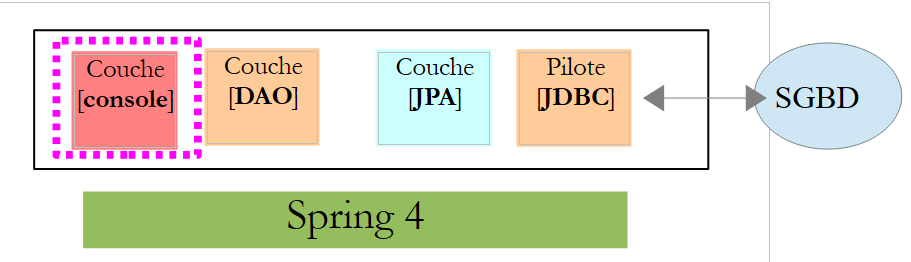 |
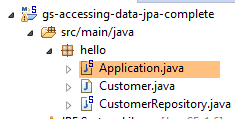 |
The [Application] class is as follows:
package hello;

import java.util.List;

import org.springframework.boot.SpringApplication;
import org.springframework.boot.autoconfigure.EnableAutoConfiguration;
import org.springframework.context.ConfigurableApplicationContext;
import org.springframework.context.annotation.Configuration;

@Configuration
@EnableAutoConfiguration
public class Application {

    public static void main(String[] args) {

        ConfigurableApplicationContext context = SpringApplication.run(Application.class);
        CustomerRepository repository = context.getBean(CustomerRepository.class);

        // save a couple of customers
        repository.save(new Customer("Jack", "Bauer"));
        repository.save(new Customer("Chloe", "O'Brian"));
        repository.save(new Customer("Kim", "Bauer"));
        repository.save(new Customer("David", "Palmer"));
        repository.save(new Customer("Michelle", "Dessler"));

        // fetch all customers
        Iterable<Customer> customers = repository.findAll();
        System.out.println("Customers found with findAll():");
        System.out.println("-------------------------------");
        for (Customer customer : customers) {
            System.out.println(customer);
        }
        System.out.println();

        // fetch an individual customer by ID
        Customer customer = repository.findOne(1L);
        System.out.println("Customer found with findOne(1L):");
        System.out.println("--------------------------------");
        System.out.println(customer);
        System.out.println();

        // fetch customers by last name
        List<Customer> bauers = repository.findByLastName("Bauer");
        System.out.println("Customer found with findByLastName('Bauer'):");
        System.out.println("--------------------------------------------");
        for (Customer bauer : bauers) {
            System.out.println(bauer);
        }

        context.close();
    }

}
- Line 10: indicates that the class is used to configure Spring. Recent versions of Spring can indeed be configured in Java rather than in XML. Both methods can be used simultaneously. In the code of a class annotated with [Configuration], one normally finds Spring beans, i.e., class definitions to be instantiated. Here, no beans are defined. It should be noted that when working with a SGBD, various Spring beans must be defined:
- a [EntityManagerFactory] that defines the JPA implementation to be used,
- a [DataSource] that defines the data source to be used,
- a [TransactionManager] that defines the transaction manager to use;
Here, none of these beans are defined.
- Line 11: The [EnableAutoConfiguration] annotation is an annotation from the [Spring Boot] project (lines 5–6). This annotation instructs Spring Boot via the [SpringApplication] class (line 16) to configure the application based on the libraries found in its classpath. Because the Hibernate libraries are in the classpath, the [entityManagerFactory] bean will be implemented with Hibernate. Because the SGBD H2 library is in the Classpath, the [dataSource] bean will be implemented with H2. In the [dataSource] bean, we must also define the user and their password. Here, Spring Boot will use the default H2 administrator, which has no password. Because the [spring-tx] library is in the classpath, Spring’s transaction manager will be used.
Additionally, the folder containing the [Application] class will be scanned for beans implicitly recognized by Spring or explicitly defined by Spring annotations. Thus, the [Customer] and [CustomerRepository] classes will be inspected. Because the first has the annotation [@Entity], it will be cataloged as an entity to be managed by Hibernate. Because the second extends the interface [CrudRepository], it will be registered as a Spring bean.
Let’s examine lines 16–17 of the code:
ConfigurableApplicationContext context = SpringApplication.run(Application.class);
CustomerRepository repository = context.getBean(CustomerRepository.class);
- Line 16: The static method [run] of the [SpringApplication] class in the Spring Boot project is executed. Its parameter is the class that has a [Configuration] or [EnableAutoConfiguration] annotation. Everything explained previously will then take place. The result is a Spring application context, i.e., a set of beans managed by Spring;
- line 17: we request from this Spring context a bean that implements the [CustomerRepository] interface. Here, we retrieve the class generated by Spring, Data, to implement this interface.
The following operations simply use the methods of the bean implementing the [CustomerRepository] interface. Note on line 50 that the context is closed. The console output is as follows:
- lines 1-8: the Spring Boot project logo;
- line 9: the [hello.Application] class is executed;
- line 10: [AnnotationConfigApplicationContext] is a class implementing Spring’s [ApplicationContext] interface. It is a bean container;
- line 11: the bean [entityManagerFactory] is implemented using the class [LocalContainerEntityManagerFactory], a Spring class;
- line 15: [Hibernate] appears. It is this JPA implementation that was chosen;
- line 19: a Hibernate dialect is the variant SQL to be used with SGBD. Here, the [H2Dialect] dialect indicates that Hibernate will work with the SGBD H2;
- Lines 21–22: The database is created. The table [CUSTOMER] is created. This means that Hibernate has been configured to generate tables from the JPA definitions; here, the JPA definition of the [Customer] class;
- lines 27–31: the five clients entries inserted;
- lines 33–35: result of the [findOne] method of the interface;
- lines 37–40: results of the [findByLastName] method;
- lines 41 and following: logs of the Spring context closure.
8.4.1.5. Manual configuration of the Spring project Data
We duplicate the previous project into the [gs-accessing-data-jpa-2] project:
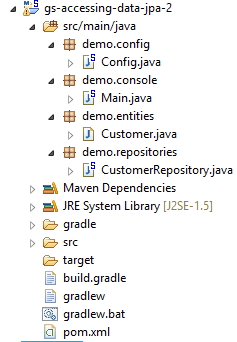 |
In this new project, we will not rely on the automatic configuration provided by Spring Boot. We will configure it manually. This can be useful if the default configurations do not suit our needs.
First, we will specify the necessary dependencies in the [pom.xml] file:
...
    <dependencies>
        <!-- Spring Core -->
        <dependency>
            <groupId>org.springframework</groupId>
            <artifactId>spring-core</artifactId>
            <version>4.1.2.RELEASE</version>
        </dependency>
        <dependency>
            <groupId>org.springframework</groupId>
            <artifactId>spring-context</artifactId>
            <version>4.1.2.RELEASE</version>
        </dependency>
        <dependency>
            <groupId>org.springframework</groupId>
            <artifactId>spring-beans</artifactId>
            <version>4.1.2.RELEASE</version>
        </dependency>
        <!-- Spring transactions -->
        <dependency>
            <groupId>org.springframework</groupId>
            <artifactId>spring-orm</artifactId>
            <version>4.1.2.RELEASE</version>
        </dependency>
        <dependency>
            <groupId>org.springframework</groupId>
            <artifactId>spring-aop</artifactId>
            <version>4.1.2.RELEASE</version>
        </dependency>
        <!-- Spring ORM -->
        <dependency>
            <groupId>org.springframework</groupId>
            <artifactId>spring-tx</artifactId>
            <version>4.1.2.RELEASE</version>
        </dependency>
        <!-- Spring Data -->
        <dependency>
            <groupId>org.springframework.data</groupId>
            <artifactId>spring-data-jpa</artifactId>
            <version>1.7.1.RELEASE</version>
        </dependency>
        <!-- Spring Boot -->
        <dependency>
            <groupId>org.springframework.boot</groupId>
            <artifactId>spring-boot</artifactId>
            <version>1.1.10.RELEASE</version>
        </dependency>
        <!-- Hibernate -->
        <dependency>
            <groupId>org.hibernate</groupId>
            <artifactId>hibernate-entitymanager</artifactId>
            <version>4.3.4.Final</version>
        </dependency>
        <!-- H2 Database -->
        <dependency>
            <groupId>com.h2database</groupId>
            <artifactId>h2</artifactId>
            <version>1.4.178</version>
        </dependency>
        <!-- Commons DBCP -->
        <dependency>
            <groupId>commons-dbcp</groupId>
            <artifactId>commons-dbcp</artifactId>
            <version>1.4</version>
        </dependency>
        <dependency>
            <groupId>commons-pool</groupId>
            <artifactId>commons-pool</artifactId>
            <version>1.6</version>
        </dependency>
    </dependencies>
...

</project>
- lines 2–18: Spring core libraries;
- lines 19–29: Spring libraries for managing database transactions;
- lines 30–35: the Spring library for working with a ORM (Object Relational Mapper);
- lines 36–41: Spring Data used to access the database;
- lines 42–47: Spring Boot to launch the application;
- lines 54–59: SGBD H2;
- lines 60-70: Databases are often used with open connection pools, which avoid repeatedly opening and closing connections. Here, the implementation used is that of [commons-dbcp];
Still in [pom.xml], we change the name of the executable class:
    <properties>
...
        <start-class>demo.console.Main</start-class>
</properties>
In the new project, the [Customer] entity and the [CustomerRepository] interface remain unchanged. We will modify the [Application] class, which will be split into two classes:
- [Config], which will be the configuration class:
- [Main], which will be the executable class;
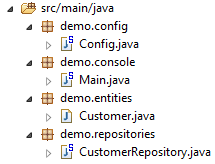 |
The executable class [Main] is the same as before, without the configuration annotations:
package demo.console;

import java.util.List;

import org.springframework.boot.SpringApplication;
import org.springframework.context.ConfigurableApplicationContext;

import demo.config.Config;
import demo.entities.Customer;
import demo.repositories.CustomerRepository;

public class Main {

    public static void main(String[] args) {

        ConfigurableApplicationContext context = SpringApplication.run(Config.class);
        CustomerRepository repository = context.getBean(CustomerRepository.class);
...

        context.close();
    }

}
- line 12: the [Main] class no longer has any configuration annotations;
- line 16: the application is launched with Spring Boot. The parameter [Config.class] is the new project configuration class;
The [Config] class that configures the project is as follows:
package demo.config;

import javax.persistence.EntityManagerFactory;
import javax.sql.DataSource;

import org.apache.commons.dbcp.BasicDataSource;
import org.springframework.context.annotation.Bean;
import org.springframework.context.annotation.Configuration;
import org.springframework.data.jpa.repository.config.EnableJpaRepositories;
import org.springframework.orm.jpa.JpaTransactionManager;
import org.springframework.orm.jpa.JpaVendorAdapter;
import org.springframework.orm.jpa.LocalContainerEntityManagerFactoryBean;
import org.springframework.orm.jpa.vendor.Database;
import org.springframework.orm.jpa.vendor.HibernateJpaVendorAdapter;
import org.springframework.transaction.PlatformTransactionManager;
import org.springframework.transaction.annotation.EnableTransactionManagement;

//@ComponentScan(basePackages = { "demo" })
//@EntityScan(basePackages = { "demo.entities" })
@EnableTransactionManagement
@EnableJpaRepositories(basePackages = { "demo.repositories" })
@Configuration
public class Config {
    // h2 data source
    @Bean
    public DataSource dataSource() {
        BasicDataSource dataSource = new BasicDataSource();
        dataSource.setDriverClassName("org.h2.Driver");
        dataSource.setUrl("jdbc:h2:./demo");
        dataSource.setUsername("sa");
        dataSource.setPassword("");
        return dataSource;
    }

    // the provider JPA
    @Bean
    public JpaVendorAdapter jpaVendorAdapter() {
        HibernateJpaVendorAdapter hibernateJpaVendorAdapter = new HibernateJpaVendorAdapter();
        hibernateJpaVendorAdapter.setShowSql(false);
        hibernateJpaVendorAdapter.setGenerateDdl(true);
        hibernateJpaVendorAdapter.setDatabase(Database.H2);
        return hibernateJpaVendorAdapter;
    }

    // EntityManagerFactory
    @Bean
    public EntityManagerFactory entityManagerFactory(JpaVendorAdapter jpaVendorAdapter, DataSource dataSource) {
        LocalContainerEntityManagerFactoryBean factory = new LocalContainerEntityManagerFactoryBean();
        factory.setJpaVendorAdapter(jpaVendorAdapter);
        factory.setPackagesToScan("demo.entities");
        factory.setDataSource(dataSource);
        factory.afterPropertiesSet();
        return factory.getObject();
    }

    // Transaction manager
    @Bean
    public PlatformTransactionManager transactionManager(EntityManagerFactory entityManagerFactory) {
        JpaTransactionManager txManager = new JpaTransactionManager();
        txManager.setEntityManagerFactory(entityManagerFactory);
        return txManager;
    }

}
- line 22: the [@Configuration] annotation makes the [Config] class a Spring configuration class;
- line 21: the [@EnableJpaRepositories] annotation specifies the directories where the Spring interfaces Data and [CrudRepository] are located. These interfaces will become Spring components and be available in its context;
- line 20: the [@EnableTransactionManagement] annotation indicates that the methods of the [CrudRepository] interfaces must be executed within a transaction;
- line 19: the [@EntityScan] annotation allows you to specify the directories where JPA entities should be searched for. Here it has been commented out because this information is explicitly provided in line 50. This annotation should be present if the [@EnableAutoConfiguration] mode is used and the JPA entities are not in the same folder as the configuration class;
- Line 18: The [@ComponentScan] annotation specifies the directories where Spring components should be searched for. Spring components are classes tagged with Spring annotations such as @Service, @Component, @Controller, etc. Here, there are no others besides those defined within the [Config] class, so the annotation has been commented out;
- Lines 25–33: define the data source, the H2 database. It is the @Bean annotation on line 25 that makes the object created by this method a Spring-managed component. The method name can be anything here. However, it must be named [dataSource] if EntityManagerFactory on line 47 is absent and defined via autoconfiguration;
- line 29: the database will be named [demo] and will be generated in the project folder;
- lines 36–43: define the JPA implementation used, in this case a Hibernate implementation. The method name can be anything here;
- line 39: no logs for SQL;
- line 30: the database will be created if it does not exist;
- lines 46-54: define the EntityManagerFactory that will manage the persistence of JPA. The method must be named [entityManagerFactory];
- line 47: the method receives two parameters of the types of the two beans defined previously. These will then be constructed and injected by Spring as method parameters;
- line 49: sets the JPA implementation to be used;
- line 50: specifies the directories where the JPA entities can be found;
- line 51: specifies the data source to be managed;
- lines 57–62: the transaction manager. The method must be named [transactionManager]. It receives the bean from lines 46–54 as a parameter;
- line 60: the transaction manager is associated with EntityManagerFactory;
The preceding methods can be defined in any order.
Running the project yields the same results. A new file appears in the project folder, the H2 database file:
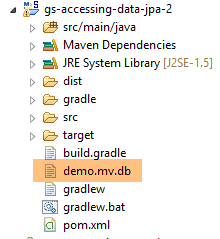 |
Finally, we can do without Spring Boot. We create a second executable class, [Main2]:
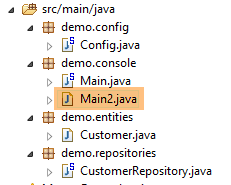 |
The [Main2] class has the following code:
package demo.console;

import java.util.List;

import org.springframework.context.annotation.AnnotationConfigApplicationContext;

import demo.config.Config;
import demo.entities.Customer;
import demo.repositories.CustomerRepository;

public class Main2 {

    public static void main(String[] args) {

        AnnotationConfigApplicationContext context = new AnnotationConfigApplicationContext(Config.class);
        CustomerRepository repository = context.getBean(CustomerRepository.class);
....

        context.close();
    }

}
- Line 15: The configuration class [Config] is now used by the Spring class [AnnotationConfigApplicationContext]. As seen on line 5, there are no longer any dependencies on Spring Boot.
Execution yields the same results as before.
8.4.1.6. Creating an executable archive
To create an executable archive of the project, proceed as follows:
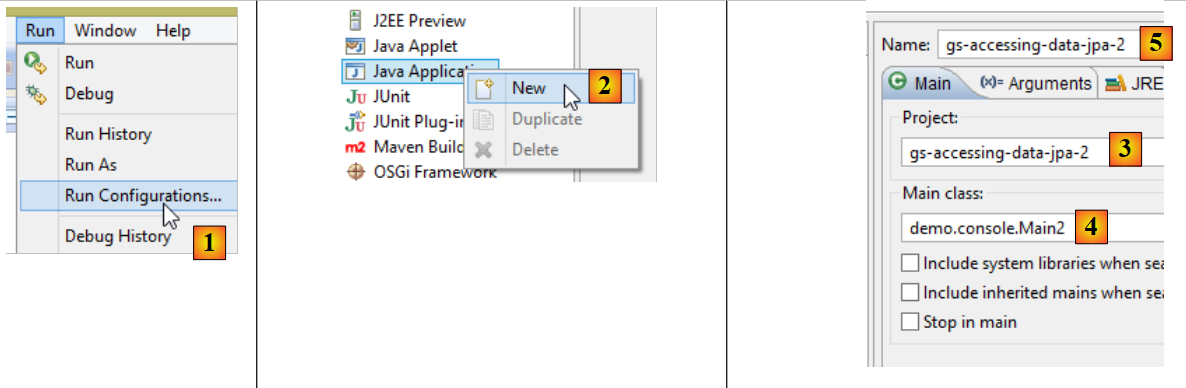 |
- in [1]: create a runtime configuration;
- in [2]: of type [Java Application]
- in [3]: specify the project to be executed (use the Browse button);
- in [4]: specify the class to execute;
- in [5]: the name of the run configuration – can be anything;
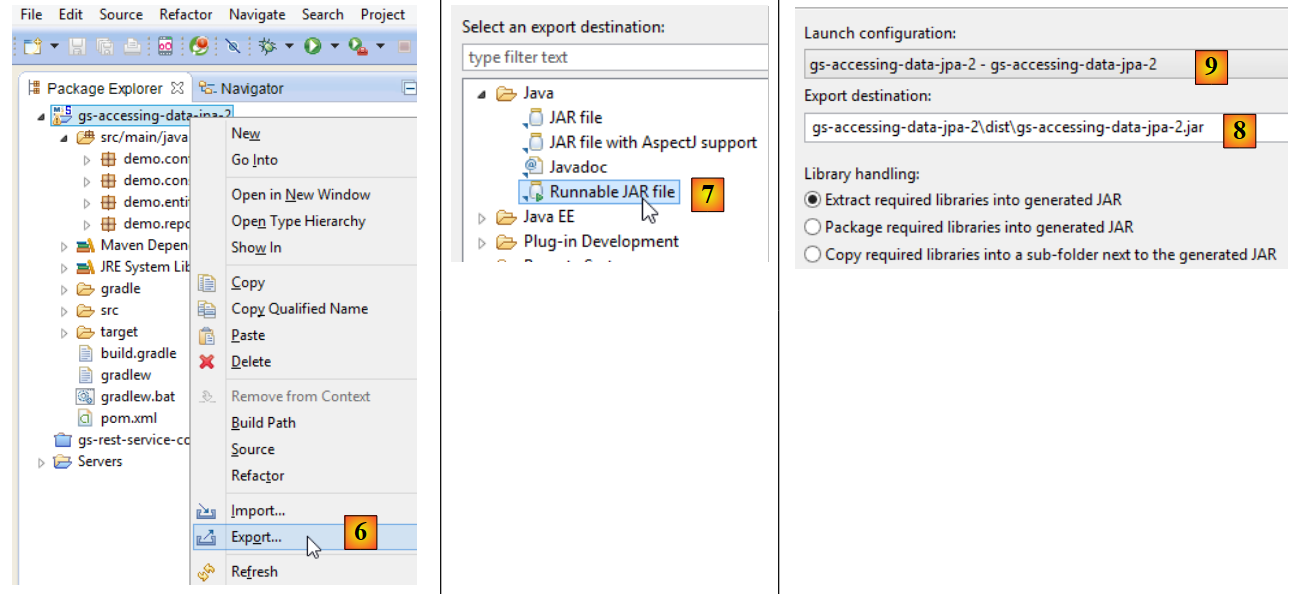 |
- in [6]: the project is exported;
- in [7]: as an executable JAR archive;
- in [8]: specifies the path and name of the executable file to be created;
- in [9]: the name of the execution configuration created in [5];
Once this is done, open a console in the folder containing the executable archive:
The archive is executed as follows:
.....\dist>java -jar gs-accessing-data-jpa-2.jar
The results displayed in the console are as follows:
8.4.1.7. Create a new Spring project Data
To create a Spring project template Data, proceed as follows:
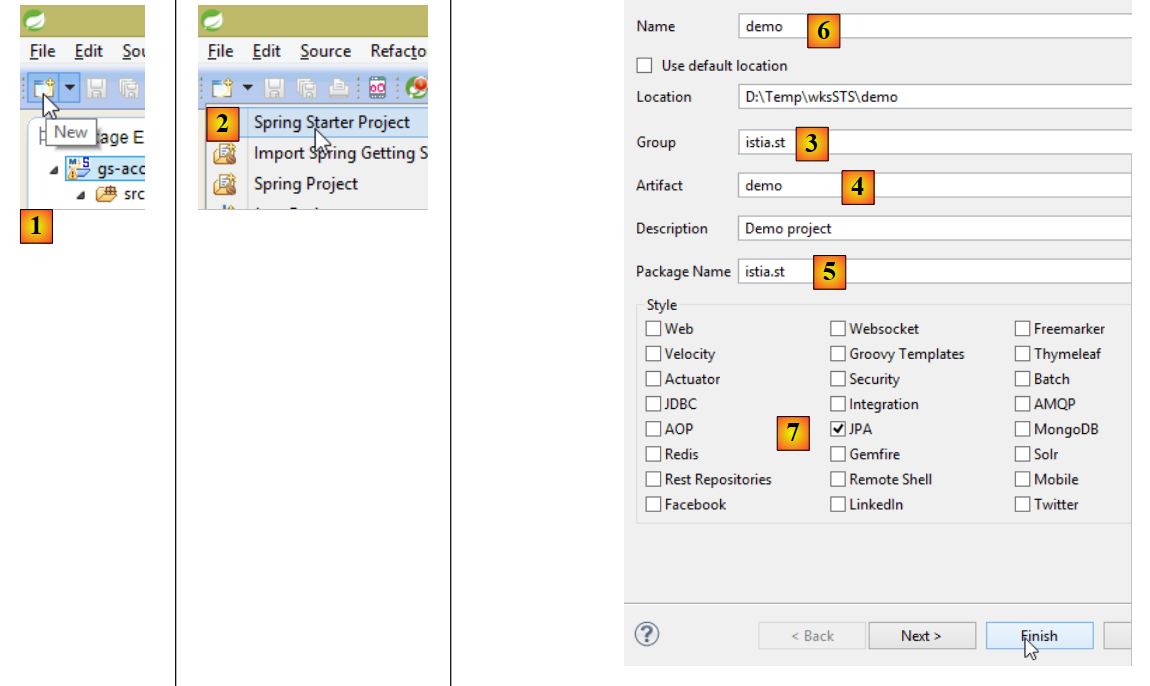 |
- In [1], create a new project;
- In [2]: of type [Spring Starter Project];
- The generated project will be a Maven project. In [3], specify the project group name;
- in [4]: specify the name of the artifact (a jar here) that will be created when the project is built;
- in [5]: specify the package of the executable class that will be created in the project;
- in [6]: the Eclipse name of the project – can be anything (does not have to be identical to [4]);
- in [7]: specify that a project with a [JPA] layer will be created. The dependencies required for such a project will then be included in the [pom.xml] file;
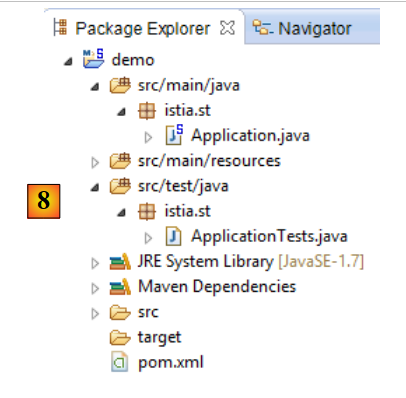 |
- in [8]: the created project;
The file [pom.xml] includes the dependencies required for a project JPA:
    <parent>
        <groupId>org.springframework.boot</groupId>
        <artifactId>spring-boot-starter-parent</artifactId>
        <version>1.2.0.RELEASE</version>
        <relativePath/> <!-- lookup parent from repository -->
    </parent>

    <dependencies>
        <dependency>
            <groupId>org.springframework.boot</groupId>
            <artifactId>spring-boot-starter-data-jpa</artifactId>
        </dependency>
        <dependency>
            <groupId>org.springframework.boot</groupId>
            <artifactId>spring-boot-starter-test</artifactId>
            <scope>test</scope>
        </dependency>
</dependencies>
- lines 9–12: dependencies required for JPA – will include [Spring Data];
- lines 13–17: dependencies required for JUnit tests integrated with Spring;
The executable class [Application] does nothing but is preconfigured:
package istia.st;

import org.springframework.boot.SpringApplication;
import org.springframework.boot.autoconfigure.EnableAutoConfiguration;
import org.springframework.context.annotation.ComponentScan;
import org.springframework.context.annotation.Configuration;

@Configuration
@ComponentScan
@EnableAutoConfiguration
public class Application {

    public static void main(String[] args) {
        SpringApplication.run(Application.class, args);
    }
}
The test class [ApplicationTests] does nothing but is preconfigured:
package istia.st;

import org.junit.Test;
import org.junit.runner.RunWith;
import org.springframework.boot.test.SpringApplicationConfiguration;
import org.springframework.test.context.junit4.SpringJUnit4ClassRunner;

@RunWith(SpringJUnit4ClassRunner.class)
@SpringApplicationConfiguration(classes = Application.class)
public class ApplicationTests {

    @Test
    public void contextLoads() {
    }

}
- line 9: the [@SpringApplicationConfiguration] annotation allows the [Application] configuration file to be used. The test class will thus benefit from all the beans defined by this file;
- line 8: the [@RunWith] annotation enables the integration of Spring with JUnit: the class will be able to run as a JUnit test. [@RunWith] is a JUnit annotation (line 4), whereas the [SpringJUnit4ClassRunner] class is a Spring class (line 6);
Now that we have a JPA application skeleton, we can complete it to write the server persistence layer project for our appointment management application.
8.4.2. The Eclipse server project
 |
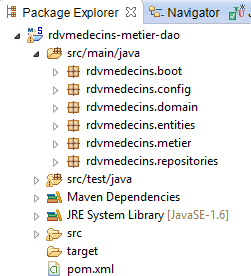 |
The main elements of the project are as follows:
- [pom.xml]: the project’s Maven configuration file;
- [rdvmedecins.entities]: the JPA entities;
- [rdvmedecins.repositories]: the Spring interfaces Data for accessing the entities JPA;
- [rdvmedecins.metier]: the [métier] layer;
- [rdvmedecins.domain]: the entities manipulated by the layer [métier];
- [rdvmdecins.config]: the configuration classes of the persistence layer;
- [rdvmedecins.boot]: a basic console application;
8.4.3. The Maven configuration
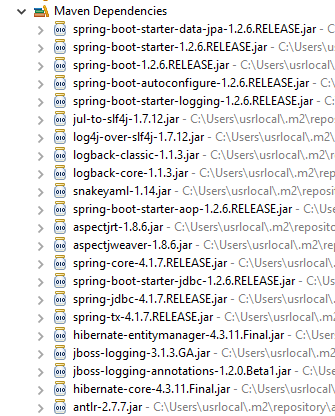 | 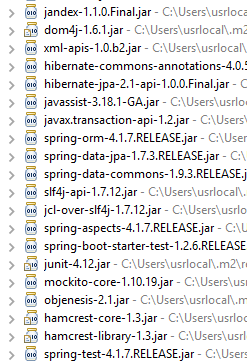 | 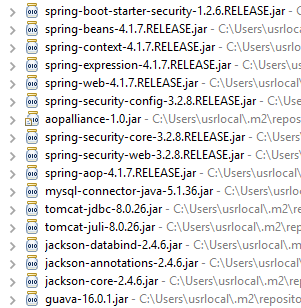 |
The project's [pom.xml] file is as follows:
<?xml version="1.0" encoding="UTF-8"?>
<project xmlns="http://maven.apache.org/POM/4.0.0" xsi:schemaLocation="http://maven.apache.org/POM/4.0.0 http://maven.apache.org/maven-v4_0_0.xsd"
        xmlns:xsi="http://www.w3.org/2001/XMLSchema-instance">
        <modelVersion>4.0.0</modelVersion>
        <groupId>istia.st.spring4.rdvmedecins</groupId>
        <artifactId>rdvmedecins-metier-dao</artifactId>
        <version>0.0.1-SNAPSHOT</version>
        <parent>
                <groupId>org.springframework.boot</groupId>
                <artifactId>spring-boot-starter-parent</artifactId>
                <version>1.2.6.RELEASE</version>
        </parent>
        <dependencies>
                <!-- Spring Data JPA -->
                <dependency>
                        <groupId>org.springframework.boot</groupId>
                        <artifactId>spring-boot-starter-data-jpa</artifactId>
                </dependency>
                <!-- Spring test -->
                <dependency>
                        <groupId>org.springframework.boot</groupId>
                        <artifactId>spring-boot-starter-test</artifactId>
                        <scope>test</scope>
                </dependency>
                <!-- Spring security -->
                <dependency>
                        <groupId>org.springframework.boot</groupId>
                        <artifactId>spring-boot-starter-security</artifactId>
                </dependency>
                <!-- driver JDBC / MySQL -->
                <dependency>
                        <groupId>mysql</groupId>
                        <artifactId>mysql-connector-java</artifactId>
                </dependency>
                <!-- Tomcat JDBC -->
                <dependency>
                        <groupId>org.apache.tomcat</groupId>
                        <artifactId>tomcat-jdbc</artifactId>
                </dependency>
                <!-- mapper jSON -->
                <dependency>
                        <groupId>com.fasterxml.jackson.core</groupId>
                        <artifactId>jackson-databind</artifactId>
                </dependency>
                <!-- Googe Guava -->
                <dependency>
                        <groupId>com.google.guava</groupId>
                        <artifactId>guava</artifactId>
                        <version>16.0.1</version>
                </dependency>
        </dependencies>
        <properties>
                <!-- use UTF-8 for everything -->
                <project.build.sourceEncoding>UTF-8</project.build.sourceEncoding>
                <project.reporting.outputEncoding>UTF-8</project.reporting.outputEncoding>
                <start-class>rdvmedecins.boot.Boot</start-class>
                <java.version>1.8</java.version>
        </properties>
        <build>
                <plugins>
                        <plugin>
                                <groupId>org.springframework.boot</groupId>
                                <artifactId>spring-boot-maven-plugin</artifactId>
                        </plugin>
                </plugins>
        </build>
        <repositories>
                <repository>
                        <id>spring-milestones</id>
                        <name>Spring Milestones</name>
                        <url>http://repo.spring.io/libs-milestone</url>
                        <snapshots>
                                <enabled>false</enabled>
                        </snapshots>
                </repository>
                <repository>
                        <id>org.jboss.repository.releases</id>
                        <name>JBoss Maven Release Repository</name>
                        <url>https://repository.jboss.org/nexus/content/repositories/releases</url>
                        <snapshots>
                                <enabled>false</enabled>
                        </snapshots>
                </repository>
        </repositories>
        <pluginRepositories>
                <pluginRepository>
                        <id>spring-milestones</id>
                        <name>Spring Milestones</name>
                        <url>http://repo.spring.io/libs-milestone</url>
                        <snapshots>
                                <enabled>false</enabled>
                        </snapshots>
                </pluginRepository>
        </pluginRepositories>
</project>
- Lines 8–12: The project is based on the parent project [spring-boot-starter-parent]. For dependencies already present in the parent project, version is not specified. The version defined in the parent will be used. Other dependencies are declared normally;
- lines 15–18: for Spring Data;
- lines 20–24: for the tests JUnit;
- lines 26–29: for the Spring Security library, whose [DAO] layer uses one of the password encryption classes;
- lines 31-34: driver JDBC for SGBD and MySQL5;
- lines 36–39: Tomcat connection pool JDBC. A connection pool collects open connections to a database. When the code wants to open a connection, it requests one from the pool. When the code closes the connection, it is not closed but returned to the pool. All of this happens transparently at the code level. Performance is improved because repeatedly opening and closing a connection takes time. Here, the connection pool establishes a certain number of connections to the database upon instantiation. After that, there is no opening or closing of connections, unless the number of connections stored in the pool proves insufficient. In that case, the pool automatically creates new connections;
- lines 41–44: Jackson library for managing jSON;
- lines 46–50: Google library for managing collections;
8.4.4. The JPA entities
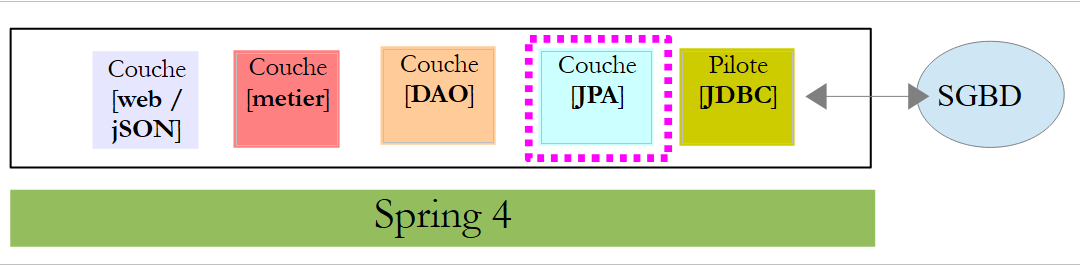 |
The JPA entities are the objects that will encapsulate the rows of the database tables.
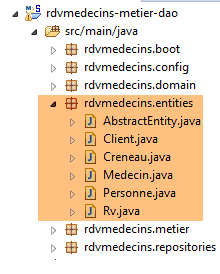 |
The [AbstractEntity] class is the parent class of the [Personne, Creneau, Rv] entities. Its definition is as follows:
package rdvmedecins.entities;

import java.io.Serializable;

import javax.persistence.GeneratedValue;
import javax.persistence.GenerationType;
import javax.persistence.Id;
import javax.persistence.MappedSuperclass;
import javax.persistence.Version;

@MappedSuperclass
public class AbstractEntity implements Serializable {

    private static final long serialVersionUID = 1L;
    @Id
    @GeneratedValue(strategy = GenerationType.IDENTITY)
    protected Long id;
    @Version
    protected Long version;

    @Override
    public int hashCode() {
        int hash = 0;
        hash += (id != null ? id.hashCode() : 0);
        return hash;
    }

    // initialization
    public AbstractEntity build(Long id, Long version) {
        this.id = id;
        this.version = version;
        return this;
    }

        @Override
    public boolean equals(Object entity) {
        String class1 = this.getClass().getName();
        String class2 = entity.getClass().getName();
        if (!class2.equals(class1) || entity==null) {
            return false;
        }
        AbstractEntity other = (AbstractEntity) entity;
        return this.id.longValue() == other.id.longValue();
    }


    // getters and setters
    ..
}
- line 11: the annotation [@MappedSuperclass] indicates that the annotated class is the parent of entities JPA and [@Entity];
- lines 15–17: define the primary key [id] for each entity. It is the annotation [@Id] that makes the field [id] a primary key. The annotation [@GeneratedValue(strategy = GenerationType.IDENTITY)] indicates that the value of this primary key is generated by SGBD and that the generation mode [IDENTITY] is enforced. For SGBD MySQL, this means that the primary keys will be generated by SGBD with the attribute [AUTO_INCREMENT]
- Lines 18-19: define the version for each entity. The JPA implementation will increment this version number each time the entity is modified. This number is used to prevent simultaneous updates of the entity by two different users: two users, U1 and U2, read entity E with a version number equal to V1. U1 modifies E and commits this change to the database: the version number then changes to V1+1. U2 modifies E in turn and saves this change to the database: they will receive an exception because their version (V1) differs from the one in the database (V1+1);
- lines 29–33: the [build] method initializes the two fields of [AbstractEntity]. This method returns the reference to the [AbstractEntity] instance thus initialized;
- lines 36–44: the class’s [equals] method is redefined: two entities are considered equal if they have the same class name and the same id identifier;
- lines 21–26: when redefining a class’s [equals] method, its [hashCode] method must also be redefined (lines 21–26). The rule is that two entities deemed equal by the [equals] method must have the same [hashCode]. Here, an entity’s [hashCode] is equal to its primary key [id]. The [hashCode] of a class is used in particular in the management of dictionaries whose values are instances of the class;
The entity [Personne] is the parent class of the entities [Medecin] and [Client]:
package rdvmedecins.entities;

import javax.persistence.Column;
import javax.persistence.MappedSuperclass;

@MappedSuperclass
public class Personne extends AbstractEntity {
    private static final long serialVersionUID = 1L;
    // attributes of a person
    @Column(length = 5)
    private String titre;
    @Column(length = 20)
    private String nom;
    @Column(length = 20)
    private String prenom;

    // default builder
    public Personne() {
    }

    // builder with parameters
    public Personne(String titre, String nom, String prenom) {
        this.titre = titre;
        this.nom = nom;
        this.prenom = prenom;
    }

    // toString
    public String toString() {
        return String.format("Personne[%s, %s, %s, %s, %s]", id, version, titre, nom, prenom);
    }

    // getters and setters
    ...
}
- line 6: the annotation [@MappedSuperclass] indicates that the annotated class is a parent of entities JPA and [@Entity];
- lines 10–15: a person has a title (Ms.), a first name (Jacqueline), and a last name (Tatou). No information is provided about the table columns. By default, they will therefore have the same names as the fields;
The entity [Medecin] is as follows:
package rdvmedecins.entities;

import javax.persistence.Entity;
import javax.persistence.Table;

@Entity
@Table(name = "medecins")
public class Medecin extends Personne {

    private static final long serialVersionUID = 1L;

    // default builder
    public Medecin() {
    }

    // builder with parameters
    public Medecin(String titre, String nom, String prenom) {
        super(titre, nom, prenom);
    }

    public String toString() {
        return String.format("Medecin[%s]", super.toString());
    }

}
- line 6: the class is an entity JPA;
- line 7: associated with the [MEDECINS] table in the database;
- line 8: the entity [Medecin] derives from the entity [Personne];
A doctor can be initialized as follows:
If, in addition, we want to assign it an identifier and a version, we can write:
where the method [build] is the one defined in [AbstractEntity].
The [Client] entity is as follows:
package rdvmedecins.entities;

import javax.persistence.Entity;
import javax.persistence.Table;

@Entity
@Table(name = "clients")
public class Client extends Personne {

    private static final long serialVersionUID = 1L;

    // default builder
    public Client() {
    }

    // builder with parameters
    public Client(String titre, String nom, String prenom) {
        super(titre, nom, prenom);
    }

    // identity
    public String toString() {
        return String.format("Client[%s]", super.toString());
    }

}
- line 6: the class is an entity JPA;
- line 7: associated with the [CLIENTS] table in the database;
- line 8: the entity [Client] derives from the entity [Personne];
The entity [Creneau] is as follows:
package rdvmedecins.entities;

import javax.persistence.Column;
import javax.persistence.Entity;
import javax.persistence.FetchType;
import javax.persistence.JoinColumn;
import javax.persistence.ManyToOne;
import javax.persistence.Table;

@Entity
@Table(name = "creneaux")
public class Creneau extends AbstractEntity {

    private static final long serialVersionUID = 1L;
    // characteristics of a RV slot
    private int hdebut;
    private int mdebut;
    private int hfin;
    private int mfin;

    // a slot is linked to a doctor
    @ManyToOne(fetch = FetchType.LAZY)
    @JoinColumn(name = "id_medecin")
    private Medecin medecin;

    // foreign key
    @Column(name = "id_medecin", insertable = false, updatable = false)
    private long idMedecin;

    // default builder
    public Creneau() {
    }

    // builder with parameters
    public Creneau(Medecin medecin, int hdebut, int mdebut, int hfin, int mfin) {
        this.medecin = medecin;
        this.hdebut = hdebut;
        this.mdebut = mdebut;
        this.hfin = hfin;
        this.mfin = mfin;
    }

    // toString
    public String toString() {
        return String.format("Créneau[%d, %d, %d, %d:%d, %d:%d]", id, version, idMedecin, hdebut, mdebut, hfin, mfin);
    }

    // foreign key
    public long getIdMedecin() {
        return idMedecin;
    }

    // setters - getters
    ...
}
- line 10: the class is an entity JPA;
- line 11: associated with the [CRENEAUX] table in the database;
- line 12: the entity [Creneau] derives from theentity [AbstractEntity] and therefore inherits the identifier [id] and the version [version];
- line 16: slot start time (14);
- line 17: start minutes of the time slot (20);
- line 18: slot end time (14);
- line 19: end minutes of the slot (40);
- lines 22–24: the physician who owns the slot. The table [CRENEAUX] has a foreign key on the table [MEDECINS]. This relationship is represented by lines 22–24;
- row 22: the annotation [@ManyToOne] indicates a many-to-one relationship (slots to doctor). The attribute [fetch=FetchType.LAZY] indicates that when a [Creneau] entity is requested from the persistence context and must be retrieved from the database, the [Medecin] entity is not returned along with it. The advantage of this mode is that the [Medecin] entity is only retrieved if the developer requests it. This saves memory and improves performance;
- line 23: specifies the name of the foreign key column in the table [CRENEAUX];
- Lines 27–28: the foreign key on the [MEDECINS] table;
- Line 27: The column [ID_MEDECIN] has already been used on line 23. This means it can be modified in two different ways, which is not allowed by the standard JPA. We therefore add the attributes [insertable = false, updatable = false], which means the column can only be read;
The [Rv] entity is as follows:
package rdvmedecins.entities;

import java.util.Date;

import javax.persistence.Column;
import javax.persistence.Entity;
import javax.persistence.FetchType;
import javax.persistence.JoinColumn;
import javax.persistence.ManyToOne;
import javax.persistence.Table;
import javax.persistence.Temporal;
import javax.persistence.TemporalType;

@Entity
@Table(name = "rv")
public class Rv extends AbstractEntity {
    private static final long serialVersionUID = 1L;

    // characteristics of a Rv
    @Temporal(TemporalType.DATE)
    private Date jour;

    // a rv is linked to a customer
    @ManyToOne(fetch = FetchType.LAZY)
    @JoinColumn(name = "id_client")
    private Client client;

    // a rv is linked to a time slot
    @ManyToOne(fetch = FetchType.LAZY)
    @JoinColumn(name = "id_creneau")
    private Creneau creneau;

    // foreign keys
    @Column(name = "id_client", insertable = false, updatable = false)
    private long idClient;
    @Column(name = "id_creneau", insertable = false, updatable = false)
    private long idCreneau;

    // default builder
    public Rv() {
    }

    // with parameters
    public Rv(Date jour, Client client, Creneau creneau) {
        this.jour = jour;
        this.client = client;
        this.creneau = creneau;
    }

    // toString
    public String toString() {
        return String.format("Rv[%d, %s, %d, %d]", id, jour, client.id, creneau.id);
    }

    // foreign keys
    public long getIdCreneau() {
        return idCreneau;
    }

    public long getIdClient() {
        return idClient;
    }

    // getters and setters
...
}
- line 14: the class is an entity JPA;
- line 15: associated with the [RV] table in the database;
- line 16: the entity [Rv] derives from theentity [AbstractEntity] and therefore inherits the identifier [id] and the version [version];
- line 21: the appointment date;
- line 20: the Java type [Date] contains both a date and a time. Here, we specify that only the date is used;
- lines 24–26: the customer for whom this appointment was made. The [RV] table has a foreign key on the [CLIENTS] table. This relationship is represented by lines 24–26;
- lines 29–31: the time slot for the appointment. Table [RV] has a foreign key on table [CRENEAUX]. This relationship is represented by lines 29–31;
- rows 34–35: the foreign key [idClient];
- lines 36–37: the foreign key [idCreneau];
8.4.5. The [DAO] layer
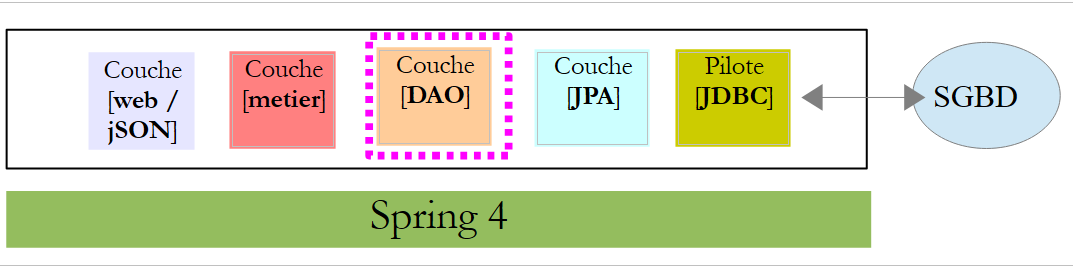 |
We will implement the [DAO] layer using Spring Data:
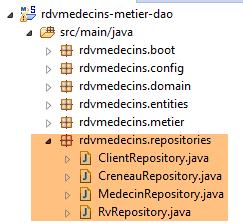 |
The [DAO] layer is implemented with four Spring interfaces Data:
- [ClientRepository]: provides access to the entities JPA and [Client];
- [CreneauRepository]: provides access to the entities JPA and [Creneau];
- [MedecinRepository]: provides access to entities JPA and [Medecin];
- [RvRepository]: provides access to entities JPA and [Rv];
The [MedecinRepository] interface is as follows:
package rdvmedecins.repositories;

import org.springframework.data.repository.CrudRepository;

import rdvmedecins.entities.Medecin;

public interface MedecinRepository extends CrudRepository<Medecin, Long> {
}
- line 7: the [MedecinRepository] interface simply inherits the methods from the [CrudRepository] interface without adding any others;
The [ClientRepository] interface is as follows:
package rdvmedecins.repositories;

import org.springframework.data.repository.CrudRepository;

import rdvmedecins.entities.Client;

public interface ClientRepository extends CrudRepository<Client, Long> {
}
- line 7: the [ClientRepository] interface simply inherits the methods from the [CrudRepository] interface without adding any others;
The [CreneauRepository] interface is as follows:
package rdvmedecins.repositories;

import org.springframework.data.jpa.repository.Query;
import org.springframework.data.repository.CrudRepository;

import rdvmedecins.entities.Creneau;

public interface CreneauRepository extends CrudRepository<Creneau, Long> {
    // list of physician slots
    @Query("select c from Creneau c where c.medecin.id=?1")
    Iterable<Creneau> getAllCreneaux(long idMedecin);
}
- Line 8: The [CreneauRepository] interface inherits the methods of the [CrudRepository] interface;
- lines 10–11: The [getAllCreneaux] method retrieves a doctor’s available time slots;
- line 11: the parameter is the doctor’s ID. The result is a list of time slots in the form of a [Iterable<Creneau>] object;
- line 10: the annotation [@Query] is used to specify the query JPQL (Java Persistence Query Language) that implements the method. The parameter [?1] will be replaced by the parameter [idMedecin] of the method;
The [RvRepository] interface is as follows:
package rdvmedecins.repositories;

import java.util.Date;

import org.springframework.data.jpa.repository.Query;
import org.springframework.data.repository.CrudRepository;

import rdvmedecins.entities.Rv;

public interface RvRepository extends CrudRepository<Rv, Long> {

    @Query("select rv from Rv rv left join fetch rv.client c left join fetch rv.creneau cr where cr.medecin.id=?1 and rv.jour=?2")
    Iterable<Rv> getRvMedecinJour(long idMedecin, Date jour);
}
- line 10: the [RvRepository] interface inherits the methods of the [CrudRepository] interface;
- lines 12-13: the [getRvMedecinJour] method retrieves a doctor’s appointments for a given day;
- line 13: the parameters are the doctor’s ID and the day. The result is a list of appointments in the form of a [Iterable<Rv>] object;
- line 12: the annotation [@Query] specifies the query JPQL that implements the method. The parameter [?1] will be replaced by the method’s parameter [idMedecin], and the parameter [?2] will be replaced by the method’s parameter [jour]. The following query JPQL is not sufficient:
because the fields of class Rv, of types [Client] and [Creneau], are obtained in [FetchType.LAZY] mode, which means they must be explicitly requested to be retrieved. This is done in the query JPQL using the syntax [left join fetch entité], which requests that a join be performed with the table referenced by the foreign key in order to retrieve the referenced entity;
8.4.6. The [métier] layer
 |
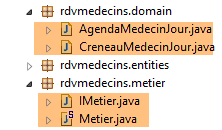 |
- [IMetier] is the interface of the [métier] layer, and [Metier] is its implementation;
- [AgendaMedecinJour] and [CreneauMedecinJour] are two business entities;
8.4.6.1. The entities
The entity [CreneauMedecinJour] associates a time slot with any appointment scheduled within that slot:
package rdvmedecins.domain;

import java.io.Serializable;

import rdvmedecins.entities.Creneau;
import rdvmedecins.entities.Rv;

public class CreneauMedecinJour implements Serializable {

    private static final long serialVersionUID = 1L;
    // fields
    private Creneau creneau;
    private Rv rv;

    // manufacturers
    public CreneauMedecinJour() {

    }

    public CreneauMedecinJour(Creneau creneau, Rv rv) {
        this.creneau=creneau;
        this.rv=rv;
    }

    // toString
    @Override
    public String toString() {
        return String.format("[%s %s]", creneau, rv);
    }

    // getters and setters
...
}
- line 12: the time slot;
- line 13: the appointment, if any – null otherwise;
The entity [AgendaMedecinJour] is a doctor's agenda for a given day, i.e., the list of their appointments:
package rdvmedecins.domain;

import java.io.Serializable;
import java.text.SimpleDateFormat;
import java.util.Date;

import rdvmedecins.entities.Medecin;

public class AgendaMedecinJour implements Serializable {

    private static final long serialVersionUID = 1L;
    // fields
    private Medecin medecin;
    private Date jour;
    private CreneauMedecinJour[] creneauxMedecinJour;

    // manufacturers
    public AgendaMedecinJour() {

    }

    public AgendaMedecinJour(Medecin medecin, Date jour, CreneauMedecinJour[] creneauxMedecinJour) {
        this.medecin = medecin;
        this.jour = jour;
        this.creneauxMedecinJour = creneauxMedecinJour;
    }

    public String toString() {
        StringBuffer str = new StringBuffer("");
        for (CreneauMedecinJour cr : creneauxMedecinJour) {
            str.append(" ");
            str.append(cr.toString());
        }
        return String.format("Agenda[%s,%s,%s]", medecin, new SimpleDateFormat("dd/MM/yyyy").format(jour), str.toString());
    }

    // getters and setters
...
}
- line 13: the doctor;
- line 14: the day in the agenda;
- line 15: their appointment slots with or without an appointment;
8.4.6.2. The service
The interface for the [métier] layer is as follows:
package rdvmedecins.metier;

import java.util.Date;
import java.util.List;

import rdvmedecins.domain.AgendaMedecinJour;
import rdvmedecins.entities.Client;
import rdvmedecins.entities.Creneau;
import rdvmedecins.entities.Medecin;
import rdvmedecins.entities.Rv;

public interface IMetier {

    // clients list
    public List<Client> getAllClients();

    // list of doctors
    public List<Medecin> getAllMedecins();

    // list of physician slots
    public List<Creneau> getAllCreneaux(long idMedecin);

    // list of a doctor's Rv on a given day
    public List<Rv> getRvMedecinJour(long idMedecin, Date jour);

    // find a customer identified by his id
    public Client getClientById(long id);

    // find a customer identified by his id
    public Medecin getMedecinById(long id);

    // find a Rv identified by its id
    public Rv getRvById(long id);

    // find a time slot identified by its id
    public Creneau getCreneauById(long id);

    // add a RV to the list
    public Rv ajouterRv(Date jour, Creneau créneau, Client client);

    // delete a RV
    public void supprimerRv(Rv rv);

    // job
    public AgendaMedecinJour getAgendaMedecinJour(long idMedecin, Date jour);

}
The comments explain the role of each method.
The implementation of the [IMetier] interface is the following [Metier] class:
package rdvmedecins.metier;

import java.util.Date;
import java.util.Hashtable;
import java.util.List;
import java.util.Map;

import org.springframework.beans.factory.annotation.Autowired;
import org.springframework.stereotype.Service;

import rdvmedecins.domain.AgendaMedecinJour;
import rdvmedecins.domain.CreneauMedecinJour;
import rdvmedecins.entities.Client;
import rdvmedecins.entities.Creneau;
import rdvmedecins.entities.Medecin;
import rdvmedecins.entities.Rv;
import rdvmedecins.repositories.ClientRepository;
import rdvmedecins.repositories.CreneauRepository;
import rdvmedecins.repositories.MedecinRepository;
import rdvmedecins.repositories.RvRepository;

import com.google.common.collect.Lists;

@Service("métier")
public class Metier implements IMetier {

    // repositories
    @Autowired
    private MedecinRepository medecinRepository;
    @Autowired
    private ClientRepository clientRepository;
    @Autowired
    private CreneauRepository creneauRepository;
    @Autowired
    private RvRepository rvRepository;

    // interface implementation
    @Override
    public List<Client> getAllClients() {
        return Lists.newArrayList(clientRepository.findAll());
    }

    @Override
    public List<Medecin> getAllMedecins() {
        return Lists.newArrayList(medecinRepository.findAll());
    }

    @Override
    public List<Creneau> getAllCreneaux(long idMedecin) {
        return Lists.newArrayList(creneauRepository.getAllCreneaux(idMedecin));
    }

    @Override
    public List<Rv> getRvMedecinJour(long idMedecin, Date jour) {
        return Lists.newArrayList(rvRepository.getRvMedecinJour(idMedecin, jour));
    }

    @Override
    public Client getClientById(long id) {
        return clientRepository.findOne(id);
    }

    @Override
    public Medecin getMedecinById(long id) {
        return medecinRepository.findOne(id);
    }

    @Override
    public Rv getRvById(long id) {
        return rvRepository.findOne(id);
    }

    @Override
    public Creneau getCreneauById(long id) {
        return creneauRepository.findOne(id);
    }

    @Override
    public Rv ajouterRv(Date jour, Creneau créneau, Client client) {
        return rvRepository.save(new Rv(jour, client, créneau));
    }

    @Override
    public void supprimerRv(Rv rv) {
        rvRepository.delete(rv.getId());
    }

    public AgendaMedecinJour getAgendaMedecinJour(long idMedecin, Date jour) {
    ...
    }

}
- line 24: the annotation [@Service] is a Spring annotation that makes the annotated class a Spring-managed component. A component may or may not be given a name. This one is named [métier];
- line 25: the class [Metier] implements the interface [IMetier];
- line 28: the annotation [@Autowired] is a Spring annotation. The value of the field annotated in this way will be initialized (injected) by Spring with the reference of a Spring component of the specified type or name. Here, the annotation [@Autowired] does not specify a name. Therefore, type-based injection will be performed;
- line 29: the field [medecinRepository] will be initialized with the reference to a Spring component of type [MedecinRepository]. This will be the reference to the class generated by Spring, Data, to implement the [MedecinRepository] interface that we have already presented;
- lines 30–35: this process is repeated for the other three interfaces under consideration;
- lines 39–41: implementation of the [getAllClients] method;
- line 40: we use the [findAll] method from the [ClientRepository] interface. This method returns a [Iterable<Client>] type, which we convert to [List<Client>] using the static method [Lists.newArrayList]. The [Lists] class is defined in the Google Guava library. In [pom.xml], this dependency has been imported:
        <dependency>
            <groupId>com.google.guava</groupId>
            <artifactId>guava</artifactId>
            <version>16.0.1</version>
        </dependency>
- lines 38–86: the methods of the [IMetier] interface are implemented using classes from the [DAO] layer;
Only the method on line 88 is specific to the [métier] layer. It was placed here because it performs business logic that goes beyond simple data access. Without this method, there would be no reason to create a [métier] layer. The [getAgendaMedecinJour] method is as follows:
public AgendaMedecinJour getAgendaMedecinJour(long idMedecin, Date jour) {
        // list of doctor's time slots
        List<Creneau> creneauxHoraires = getAllCreneaux(idMedecin);
        // list of bookings for the same doctor on the same day
        List<Rv> reservations = getRvMedecinJour(idMedecin, jour);
        // create a dictionary from the Rv taken
        Map<Long, Rv> hReservations = new Hashtable<Long, Rv>();
        for (Rv resa : reservations) {
            hReservations.put(resa.getCreneau().getId(), resa);
        }
        // create the agenda for the requested day
        AgendaMedecinJour agenda = new AgendaMedecinJour();
        // the doctor
        agenda.setMedecin(getMedecinById(idMedecin));
        // the day
        agenda.setJour(jour);
        // reservation slots
        CreneauMedecinJour[] creneauxMedecinJour = new CreneauMedecinJour[creneauxHoraires.size()];
        agenda.setCreneauxMedecinJour(creneauxMedecinJour);
        // filling reservation slots
        for (int i = 0; i < creneauxHoraires.size(); i++) {
            // line i agenda
            creneauxMedecinJour[i] = new CreneauMedecinJour();
            // time slot
            Creneau créneau = creneauxHoraires.get(i);
            long idCreneau = créneau.getId();
            creneauxMedecinJour[i].setCreneau(créneau);
            // is the slot free or reserved?
            if (hReservations.containsKey(idCreneau)) {
                // the slot is occupied - we note the resa
                Rv resa = hReservations.get(idCreneau);
                creneauxMedecinJour[i].setRv(resa);
            }
        }
        // we return the result
        return agenda;
    }
Readers are encouraged to read the comments. The algorithm is as follows:
- retrieve all time slots for the specified doctor;
- retrieve all their appointments for the specified day;
- with this information, we can determine whether a time slot is available or booked;
8.4.7. The Spring project configuration
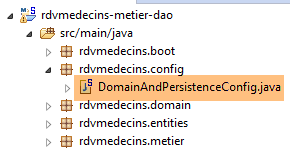 |
The [DomainAndPersistenceConfig] class configures the entire project:
package rdvmedecins.config;

import javax.persistence.EntityManagerFactory;

import org.apache.tomcat.jdbc.pool.DataSource;
import org.springframework.context.annotation.Bean;
import org.springframework.context.annotation.ComponentScan;
import org.springframework.context.annotation.Configuration;
import org.springframework.data.jpa.repository.config.EnableJpaRepositories;
import org.springframework.orm.jpa.JpaTransactionManager;
import org.springframework.orm.jpa.JpaVendorAdapter;
import org.springframework.orm.jpa.LocalContainerEntityManagerFactoryBean;
import org.springframework.orm.jpa.vendor.Database;
import org.springframework.orm.jpa.vendor.HibernateJpaVendorAdapter;
import org.springframework.transaction.PlatformTransactionManager;

@Configuration
@EnableJpaRepositories(basePackages = { "rdvmedecins.repositories", "rdvmedecins.security" })
@ComponentScan(basePackages = { "rdvmedecins" })
public class DomainAndPersistenceConfig {

    // JPA entity packages
    public final static String[] ENTITIES_PACKAGES = { "rdvmedecins.entities", "rdvmedecins.security" };

    // the MySQL data source
    @Bean
    public DataSource dataSource() {
        // data source TomcatJdbc
        DataSource dataSource = new DataSource();
        // configuration JDBC
        dataSource.setDriverClassName("com.mysql.jdbc.Driver");
        dataSource.setUrl("jdbc:mysql://localhost:3306/dbrdvmedecins");
        dataSource.setUsername("root");
        dataSource.setPassword("");
        // initially open connections
        dataSource.setInitialSize(5);
        // result
        return dataSource;
    }

    // provider JPA is Hibernate
    @Bean
    public JpaVendorAdapter jpaVendorAdapter() {
        HibernateJpaVendorAdapter hibernateJpaVendorAdapter = new HibernateJpaVendorAdapter();
        hibernateJpaVendorAdapter.setShowSql(false);
        hibernateJpaVendorAdapter.setGenerateDdl(false);
        hibernateJpaVendorAdapter.setDatabase(Database.MYSQL);
        return hibernateJpaVendorAdapter;
    }


    // EntityManagerFactory
    @Bean
    public EntityManagerFactory entityManagerFactory(JpaVendorAdapter jpaVendorAdapter, DataSource dataSource) {
        LocalContainerEntityManagerFactoryBean factory = new LocalContainerEntityManagerFactoryBean();
        factory.setJpaVendorAdapter(jpaVendorAdapter);
        factory.setPackagesToScan(ENTITIES_PACKAGES);
        factory.setDataSource(dataSource);
        factory.afterPropertiesSet();
        return factory.getObject();
    }

    // Transaction manager
    @Bean
    public PlatformTransactionManager transactionManager(EntityManagerFactory entityManagerFactory) {
        JpaTransactionManager txManager = new JpaTransactionManager();
        txManager.setEntityManagerFactory(entityManagerFactory);
        return txManager;
    }

}
- line 17: the class is a Spring configuration class;
- line 18: the packages containing the Spring interfaces [CrudRepository] and Data. These will be added to the Spring context;
- line 19: adds to the Spring context all classes in the [rdvmedecins] package and its subclasses that have a Spring annotation. In the [rdvmdecins.metier] package, the [Metier] class with its [@Service] annotation will be found and added to the Spring context;
- lines 26–39: configure the Tomcat connection pool JDBC (line 5);
- line 36: the connection pool will have 5 open connections by default. This line is shown for illustrative purposes. In our case, 1 connection would be sufficient. If the [DAO] layer were used by multiple threads, this line would be necessary. This will be the case later on, when the [DAO] layer serves as the foundation for a web application that inherently supports multiple users being served simultaneously;
- lines 42–49: the JPA implementation used is a Hibernate implementation;
- line 45: no SQL logs;
- line 46: no table regeneration;
- line 47: the SGBD used is MySQL;
- lines 53–61: define the EntityManagerFactory of the JPA layer. From this object, we obtain the [EntityManager] object, which allows us to perform the JPA operations;
- Line 57: Specifies the package(s) containing the JPA entities;
- line 58: specifies the data source to be connected to the JPA layer;
- lines 64–69: the transaction manager associated with the preceding EntityManagerFactory. By default, the methods of the Spring [CrudRepository] interfaces are executed within a transaction. The transaction is started before entering the method and is terminated (by a commit or rollback) after exiting it;
8.4.8. Tests for the [métier] layer
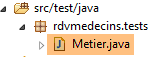 |
The [rdvmedecins.tests.Metier] class is a Spring / JUnit 4 test class:
package rdvmedecins.tests;

import java.text.ParseException;
import java.util.Date;
import java.util.List;

import org.junit.Assert;
import org.junit.Test;
import org.junit.runner.RunWith;
import org.springframework.beans.factory.annotation.Autowired;
import org.springframework.boot.test.SpringApplicationConfiguration;
import org.springframework.test.context.junit4.SpringJUnit4ClassRunner;

import rdvmedecins.config.DomainAndPersistenceConfig;
import rdvmedecins.domain.AgendaMedecinJour;
import rdvmedecins.entities.Client;
import rdvmedecins.entities.Creneau;
import rdvmedecins.entities.Medecin;
import rdvmedecins.entities.Rv;
import rdvmedecins.metier.IMetier;

@SpringApplicationConfiguration(classes = DomainAndPersistenceConfig.class)
@RunWith(SpringJUnit4ClassRunner.class)
public class Metier {

    @Autowired
    private IMetier métier;

    @Test
    public void test1(){
        // display clients
        List<Client> clients = métier.getAllClients();
        display("Liste des clients :", clients);
        // physician display
        List<Medecin> medecins = métier.getAllMedecins();
        display("Liste des médecins :", medecins);
        // display doctor's slots
        Medecin médecin = medecins.get(0);
        List<Creneau> creneaux = métier.getAllCreneaux(médecin.getId());
        display(String.format("Liste des créneaux du médecin %s", médecin), creneaux);
        // list of a doctor's Rv on a given day
        Date jour = new Date();
        display(String.format("Liste des rv du médecin %s, le [%s]", médecin, jour), métier.getRvMedecinJour(médecin.getId(), jour));
        // add a RV to the list
        Rv rv = null;
        Creneau créneau = creneaux.get(2);
        Client client = clients.get(0);
        System.out.println(String.format("Ajout d'un Rv le [%s] dans le créneau %s pour le client %s", jour, créneau,
            client));
        rv = métier.ajouterRv(jour, créneau, client);
        // check
        Rv rv2 = métier.getRvById(rv.getId());
        Assert.assertEquals(rv, rv2);
        display(String.format("Liste des Rv du médecin %s, le [%s]", médecin, jour), métier.getRvMedecinJour(médecin.getId(), jour));
        // add a RV in the same slot on the same day
        // must trigger an exception
        System.out.println(String.format("Ajout d'un Rv le [%s] dans le créneau %s pour le client %s", jour, créneau,
            client));
        Boolean erreur = false;
        try {
            rv = métier.ajouterRv(jour, créneau, client);
            System.out.println("Rv ajouté");
        } catch (Exception ex) {
            Throwable th = ex;
            while (th != null) {
                System.out.println(ex.getMessage());
                th = th.getCause();
            }
            // we note the error
            erreur = true;
        }
        // check for errors
        Assert.assertTrue(erreur);
        // RV list
        display(String.format("Liste des Rv du médecin %s, le [%s]", médecin, jour), métier.getRvMedecinJour(médecin.getId(), jour));
        // display agenda
        AgendaMedecinJour agenda = métier.getAgendaMedecinJour(médecin.getId(), jour);
        System.out.println(agenda);
        Assert.assertEquals(rv, agenda.getCreneauxMedecinJour()[2].getRv());
        // delete a RV
        System.out.println("Suppression du Rv ajouté");
        métier.supprimerRv(rv);
        // check
        rv2 = métier.getRvById(rv.getId());
        Assert.assertNull(rv2);
        display(String.format("Liste des Rv du médecin %s, le [%s]", médecin, jour), métier.getRvMedecinJour(médecin.getId(), jour));
    }

    // utility method - displays items in a collection
    private void display(String message, Iterable<?> elements) {
        System.out.println(message);
        for (Object element : elements) {
            System.out.println(element);
        }
    }

}
- line 22: the [@SpringApplicationConfiguration] annotation allows the use of the [DomainAndPersistenceConfig] configuration file discussed earlier. The test class thus benefits from all the beans defined by this file;
- line 23: the [@RunWith] annotation enables the integration of Spring with JUnit: the class will be able to run as a JUnit test. [@RunWith] is a JUnit annotation (line 9), whereas the [SpringJUnit4ClassRunner] class is a Spring class (line 12);
- lines 26–27: injection into the test class of a reference to the [métier] layer;
- many tests are merely visual tests:
- lines 32-33: list of clients;
- lines 35-36: list of doctors;
- lines 39-40: list of a doctor’s time slots;
- line 43: list of a doctor’s appointments;
- line 50: adding a new appointment. The [ajouterRv] method returns the appointment with additional information, its primary key id;
- line 53: this primary key is used to search for the appointment in the database;
- line 54: we verify that the appointment being searched for and the appointment found are the same. Recall that the [equals] method of the [Rv] entity has been redefined: two appointments are equal if they have the same id. Here, this shows us that the added appointment has indeed been inserted into the database;
- lines 61–73: we attempt to add the same appointment a second time. This must be rejected by SGBD because there is a uniqueness constraint:
CREATE TABLE IF NOT EXISTS `rv` (
  `ID` bigint(20) NOT NULL AUTO_INCREMENT,
  `JOUR` date NOT NULL,
  `ID_CLIENT` bigint(20) NOT NULL,
  `ID_CRENEAU` bigint(20) NOT NULL,
  `VERSION` int(11) NOT NULL DEFAULT '0',
  PRIMARY KEY (`ID`),
  UNIQUE KEY `UNQ1_RV` (`JOUR`,`ID_CRENEAU`),
  KEY `FK_RV_ID_CRENEAU` (`ID_CRENEAU`),
  KEY `FK_RV_ID_CLIENT` (`ID_CLIENT`)
) ENGINE=InnoDB  DEFAULT CHARSET=utf8 COLLATE=utf8_swedish_ci AUTO_INCREMENT=60 ;
Line 8 above specifies that the combination [JOUR, ID_CRENEAU] must be unique, which prevents two appointments from being scheduled in the same time slot on the same day.
- line 73: we verify that an exception has indeed occurred;
- line 77: we request the agenda for the doctor for whom we just added an appointment;
- line 79: we verify that the added appointment is indeed present in their agenda;
- line 82: delete the added appointment;
- line 84: retrieve the deleted appointment from the database;
- Line 85: We check that we have retrieved a null pointer, indicating that the appointment we were looking for does not exist;
The test runs successfully:
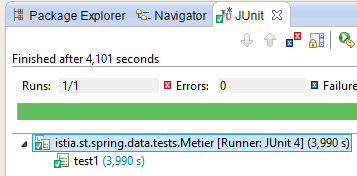 |
8.4.9. The console program
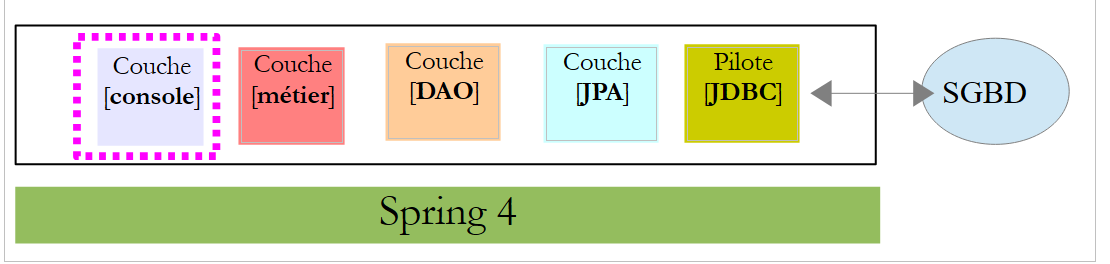 |
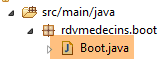 |
The console program is basic. It demonstrates how to retrieve a foreign key:
package rdvmedecins.boot;

import java.text.SimpleDateFormat;
import java.util.Date;

import org.springframework.boot.SpringApplication;
import org.springframework.context.ConfigurableApplicationContext;

import rdvmedecins.config.DomainAndPersistenceConfig;
import rdvmedecins.entities.Client;
import rdvmedecins.entities.Creneau;
import rdvmedecins.entities.Rv;
import rdvmedecins.metier.IMetier;

public class Boot {
    // the boot
    public static void main(String[] args) {
        // prepare the configuration
        SpringApplication app = new SpringApplication(DomainAndPersistenceConfig.class);
        app.setLogStartupInfo(false);
        // launch it
        ConfigurableApplicationContext context = app.run(args);
        // business
        IMetier métier = context.getBean(IMetier.class);
        try {
            // add a RV
            Date jour = new Date();
            System.out.println(String.format("Ajout d'un Rv le [%s] dans le créneau 1 pour le client 1", new SimpleDateFormat("dd/MM/yyyy").format(jour)));
            Client client = (Client) new Client().build(1L, 1L);
            Creneau créneau = (Creneau) new Creneau().build(1L, 1L);
            Rv rv = métier.ajouterRv(jour, créneau, client);
            System.out.println(String.format("Rv ajouté = %s", rv));
            // check
            créneau = métier.getCreneauById(1L);
            long idMedecin = créneau.getIdMedecin();
            display("Liste des rendez-vous", métier.getRvMedecinJour(idMedecin, jour));
        } catch (Exception ex) {
            System.out.println("Exception : " + ex.getCause());
        }
        // closing the Spring context
        context.close();
    }

    // utility method - displays items in a collection
    private static <T> void display(String message, Iterable<T> elements) {
        System.out.println(message);
        for (T element : elements) {
            System.out.println(element);
        }
    }

}
The program adds an appointment and then verifies that it has been added.
- line 19: the [SpringApplication] class will use the [DomainAndPersistenceConfig] configuration class;
- line 20: removal of application startup logs;
- line 22: the [SpringApplication] class is executed. It returns a Spring context, i.e., the list of registered beans;
- line 24: a reference is retrieved to the bean implementing the [IMetier] interface. This is therefore a reference to the [métier] layer;
- lines 27–31: a new appointment is added for today, for client #1 in slot #1. The client and slot were created from scratch to demonstrate that only the identifiers are used. We have initialized version here, but we could have entered anything. It is not used here;
- line 34: we want to know which doctor has slot #1. To do this, we need to query the database for slot #1. Because we are in [FetchType.LAZY] mode, the doctor is not returned with the slot. However, we made sure to include a [idMedecin] field in the [Creneau] entity to retrieve the doctor’s primary key;
- line 35: we retrieve the doctor’s primary key;
- line 36: the list of the doctor's appointments is displayed;
The console results are as follows:
8.4.10. Log management
The console logs are configured by two files: [application.properties] and [logback.xml] [1]:
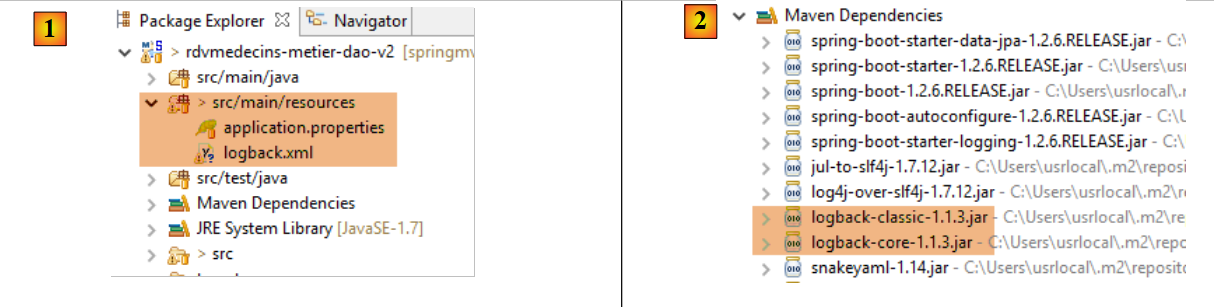 |
The [application.properties] file is used by the Spring Boot framework. It allows you to define a wide range of parameters to change the default values used by Spring Boot (http://docs.spring.io/spring-boot/docs/current/reference/html/common-application-properties.html). Here is its content:
logging.level.org.hibernate=OFF
spring.main.show-banner=false
- Line 1: controls the Hibernate logging level—here, no logs
- line 2: controls the display of the Spring Boot banner—here, no banner
The file [logback.xml] is the configuration file for the [logback] logging framework [2]:
<configuration>
        <appender name="STDOUT" class="ch.qos.logback.core.ConsoleAppender">
                <!-- encoders are by default assigned the type ch.qos.logback.classic.encoder.PatternLayoutEncoder -->
                <encoder>
                        <pattern>%d{HH:mm:ss.SSS} [%thread] %-5level %logger{36} - %msg%n</pattern>
                </encoder>
        </appender>
        <!-- log level control -->
        <root level="info"> <!-- off, info, debug, warn -->
                <appender-ref ref="STDOUT" />
        </root>
</configuration>
- The general log level is controlled by line 9—here, logs at level [info];
This produces the following result:
If we set the Hibernate logging level to [info] (without changing anything else):
logging.level.org.hibernate=INFO
spring.main.show-banner=false
this yields the following result:
If we set the logging level to [debug] (without changing anything else):
logging.level.org.hibernate=DEBUG
spring.main.show-banner=false
this yields the following result:
10:35:13.522 [main] DEBUG o.s.b.f.s.DefaultListableBeanFactory - Eagerly caching bean 'clientRepository' to allow for resolving potential circular references
10:35:13.522 [main] DEBUG o.s.b.f.annotation.InjectionMetadata - Processing injected element of bean 'clientRepository': PersistenceElement for public void org.springframework.data.jpa.repository.support.JpaRepositoryFactoryBean.setEntityManager(javax.persistence.EntityManager)
10:35:13.522 [main] DEBUG o.s.b.f.s.DefaultListableBeanFactory - Creating instance of bean '(inner bean)#6a2eea2a'
10:35:13.522 [main] DEBUG o.s.b.f.s.DefaultListableBeanFactory - Creating instance of bean '(inner bean)#b967222'
10:35:13.522 [main] DEBUG o.s.b.f.s.DefaultListableBeanFactory - Invoking afterPropertiesSet() on bean with name '(inner bean)#b967222'
10:35:13.522 [main] DEBUG o.s.b.f.s.DefaultListableBeanFactory - Finished creating instance of bean '(inner bean)#b967222'
10:35:13.522 [main] DEBUG o.s.b.f.s.DefaultListableBeanFactory - Finished creating instance of bean '(inner bean)#6a2eea2a'
10:35:13.522 [main] DEBUG o.s.b.f.s.DefaultListableBeanFactory - Creating instance of bean '(inner bean)#1ba05e38'
10:35:13.522 [main] DEBUG o.s.b.f.s.DefaultListableBeanFactory - Finished creating instance of bean '(inner bean)#1ba05e38'
10:35:13.522 [main] DEBUG o.s.b.f.s.DefaultListableBeanFactory - Creating instance of bean '(inner bean)#6c298dc'
10:35:13.522 [main] DEBUG o.s.b.f.s.DefaultListableBeanFactory - Returning cached instance of singleton bean 'entityManagerFactory'
10:35:13.522 [main] DEBUG o.s.b.f.s.DefaultListableBeanFactory - Finished creating instance of bean '(inner bean)#6c298dc'
10:35:13.522 [main] DEBUG o.s.b.f.s.DefaultListableBeanFactory - Returning cached instance of singleton bean 'jpaMappingContext'
10:35:13.522 [main] DEBUG o.s.b.f.s.DefaultListableBeanFactory - Invoking afterPropertiesSet() on bean with name 'clientRepository'
10:35:13.522 [main] DEBUG o.s.o.j.SharedEntityManagerCreator$SharedEntityManagerInvocationHandler - Creating new EntityManager for shared EntityManager invocation
10:35:13.522 [main] DEBUG o.s.o.jpa.EntityManagerFactoryUtils - Closing JPA EntityManager
10:35:13.522 [main] DEBUG o.s.o.j.SharedEntityManagerCreator$SharedEntityManagerInvocationHandler - Creating new EntityManager for shared EntityManager invocation
10:35:13.522 [main] DEBUG o.s.o.jpa.EntityManagerFactoryUtils - Closing JPA EntityManager
10:35:13.522 [main] DEBUG o.s.aop.framework.JdkDynamicAopProxy - Creating JDK dynamic proxy: target source is org.springframework.data.jpa.repository.support.CrudMethodMetadataPostProcessor$ThreadBoundTargetSource@723ed581
10:35:13.522 [main] DEBUG o.s.aop.framework.JdkDynamicAopProxy - Creating JDK dynamic proxy: target source is SingletonTargetSource for target object [org.springframework.data.jpa.repository.support.SimpleJpaRepository@796065aa]
10:35:13.522 [main] DEBUG o.s.b.f.s.DefaultListableBeanFactory - Finished creating instance of bean 'clientRepository'
10:35:13.522 [main] DEBUG o.s.b.f.a.AutowiredAnnotationBeanPostProcessor - Autowiring by type from bean name 'métier' to bean named 'clientRepository'
...
8.4.11. The [web / jSON] layer
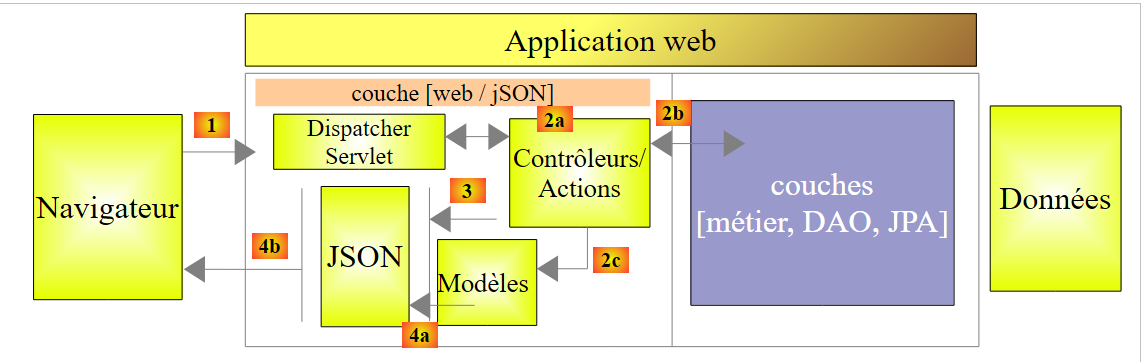 |
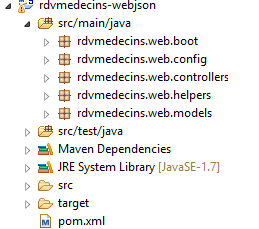 |
We will build the [web / jSON] layer in several steps:
- Step 1: An operational web layer without authentication;
- Step 2: Implementing authentication with Spring Security;
- Step 3: Implementing CORS and [Cross-Origin Resource Sharing (CORS) is a mechanism that allows many resources (e.g. fonts, JavaScript, etc.) on a web page to be requested from another domain outside the domain the resource originated from. (Wikipedia)]. The client for our web service will be an Angular web client that does not necessarily belong to the same domain as our web service. By default, it cannot access the web service unless the web service authorizes it to do so. We’ll see how;
8.4.11.1. Maven Configuration
The project’s [pom.xml] file is as follows:
<?xml version="1.0" encoding="UTF-8"?>
<project xmlns="http://maven.apache.org/POM/4.0.0" xmlns:xsi="http://www.w3.org/2001/XMLSchema-instance"
        xsi:schemaLocation="http://maven.apache.org/POM/4.0.0 http://maven.apache.org/xsd/maven-4.0.0.xsd">
        <modelVersion>4.0.0</modelVersion>
        <groupId>istia.st.spring4.mvc</groupId>
        <artifactId>rdvmedecins-webjson-server</artifactId>
        <version>0.0.1-SNAPSHOT</version>
        <packaging>jar</packaging>

        <name>rdvmedecins-webjson-server</name>
        <description>Gestion de RV Médecins</description>
        <parent>
                <groupId>org.springframework.boot</groupId>
                <artifactId>spring-boot-starter-parent</artifactId>
                <version>1.2.6.RELEASE</version>
        </parent>
        <dependencies>
                <!-- web spring layer mvc -->
                <dependency>
                        <groupId>org.springframework.boot</groupId>
                        <artifactId>spring-boot-starter-web</artifactId>
                </dependency>
                <!-- test layer -->
                <dependency>
                        <groupId>org.springframework.boot</groupId>
                        <artifactId>spring-boot-starter-test</artifactId>
                        <scope>test</scope>
                </dependency>
                <!-- layer DAO -->
                <dependency>
                        <groupId>istia.st.spring4.rdvmedecins</groupId>
                        <artifactId>rdvmedecins-metier-dao</artifactId>
                        <version>0.0.1-SNAPSHOT</version>
                </dependency>
        </dependencies>
...
</project>
- lines 12–15: the parent Maven project;
- lines 19–22: dependencies for a Spring project MVC;
- lines 24–28: dependencies for the JUnit / Spring tests;
- lines 30-34: dependencies on the [métier, DAO, JPA] layer project;
8.4.11.2. The web service interface
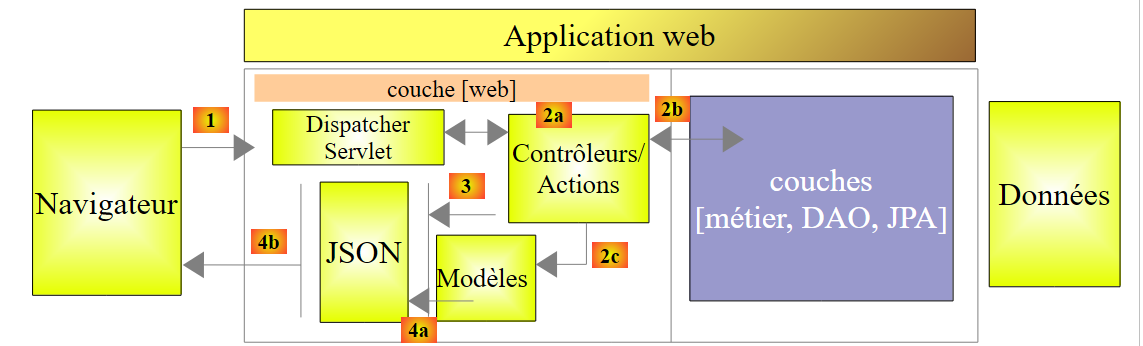 |
- in [1], above, the browser can only request a limited number of URL with a specific syntax;
- in [4], it receives a response jSON;
The responses from our web service will all have the same format corresponding to the transformation jSON of an object of type [Response] as follows:
package rdvmedecins.web.models;

import java.util.List;

public class Response<T> {

    // ----------------- properties
    // operation status
    private int status;
    // any error messages
    private List<String> messages;
    // the body of the reply
    private T body;

    // manufacturers
    public Response() {

    }

    public Response(int status, List<String> messages, T body) {
        this.status = status;
        this.messages = messages;
        this.body = body;
    }

    // getters and setters
    ...
}
- line 7: response error code 0: OK, otherwise: KO;
- line 11: a list of error messages, if there is an error;
- line 13: the body of the response;
We now present the screenshots illustrating the web service interface / jSON:
List of all patients at the medical practice [/getAllClients]
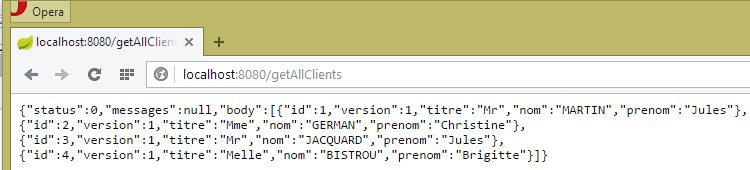 |
List of all doctors at the medical practice [/getAllMedecins]
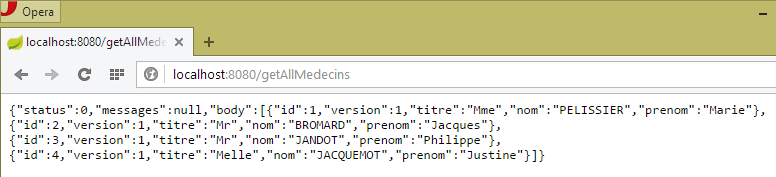 |
List of a doctor’s available time slots [/getAllCreneaux/{idMedecin}]
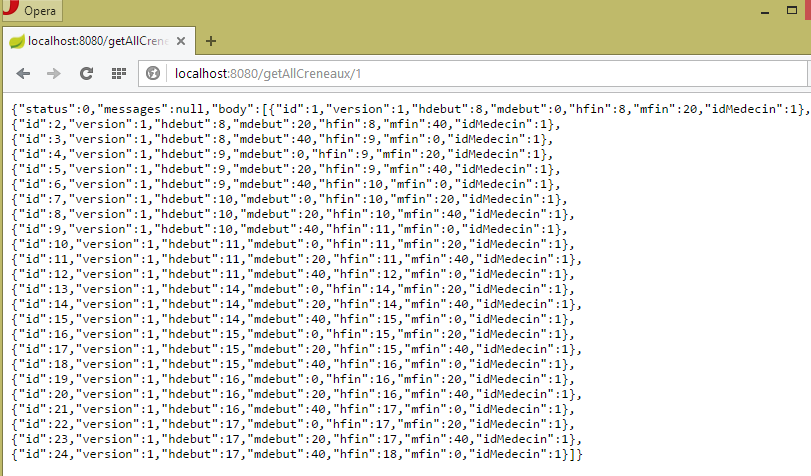 |
List of a doctor's appointments [/getRvMedecinJour/{idMedecin}/{yyyy-mm-dd}
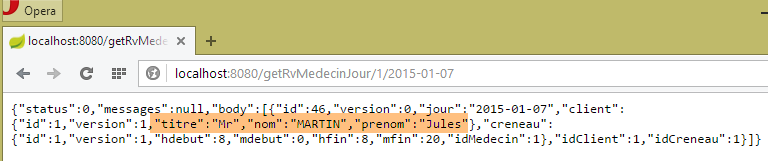 |
Agenda for a doctor [/getAgendaMedecinJour/{idMedecin}/{aaaa-mm-jj}]
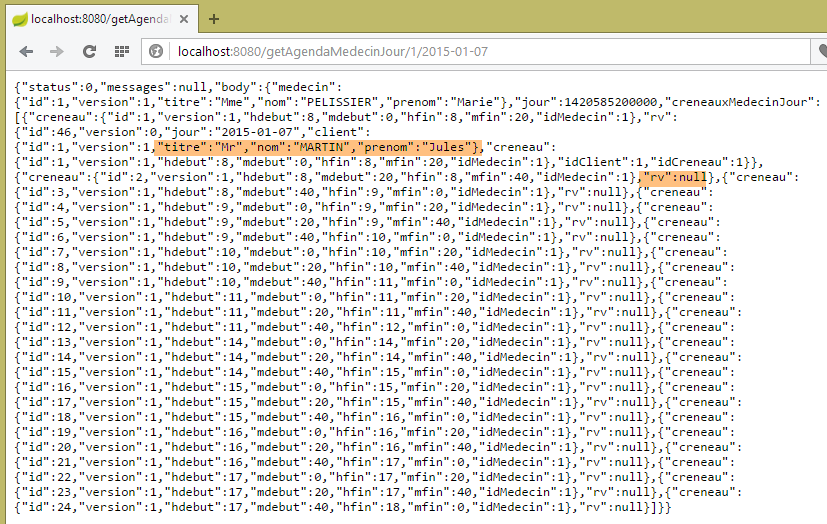 |
To add/delete an appointment, we use the Chrome extension [Advanced Rest Client] because these operations are performed using a POST.
Add an appointment [/ajouterRv]
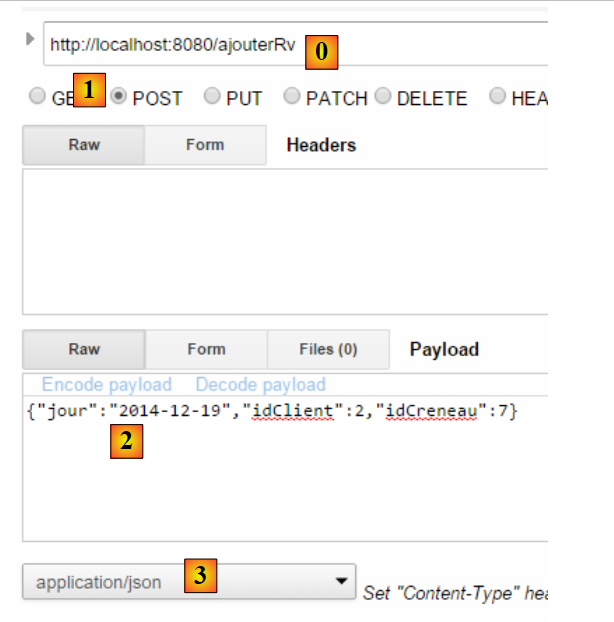 |
- in [0], the URL of the web service;
- in [1], the POST method is used;
- in [2], the text jSON of the information transmitted to the web service in the form {day, idClient, idCreneau};
- in [3], the client informs the web service that it is sending information in the format jSON;
The response is then as follows:
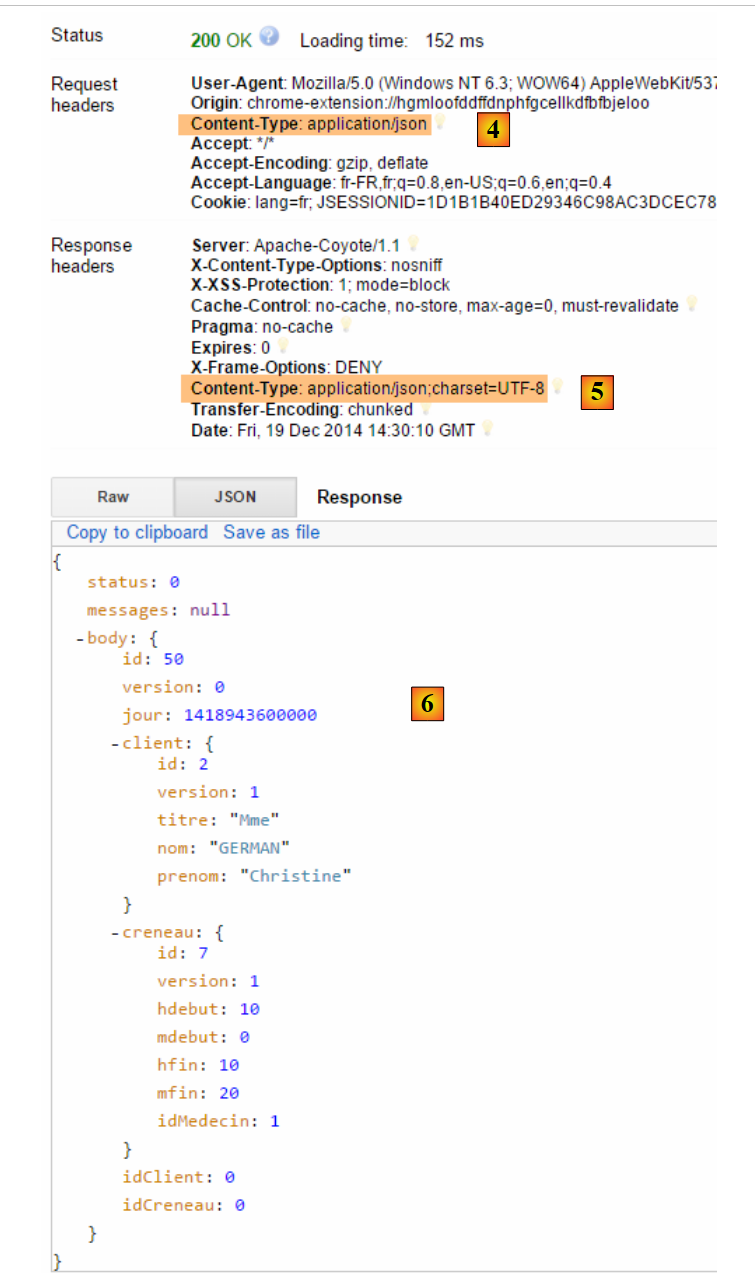 |
- in [4]: the client sends the header indicating that the data it is sending is in the format jSON;
- in [5]: the web service responds that it is also sending jSON;
- in [6]: the web service’s response jSON. The field [body] contains the jSON format of the added appointment;
The presence of the new appointment can be verified:
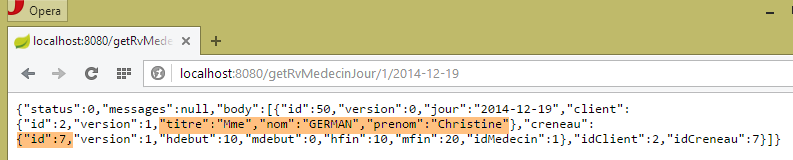 |
Note the id and [50] fields for the appointment. We will delete this one.
Delete an appointment [/supprimerRv]
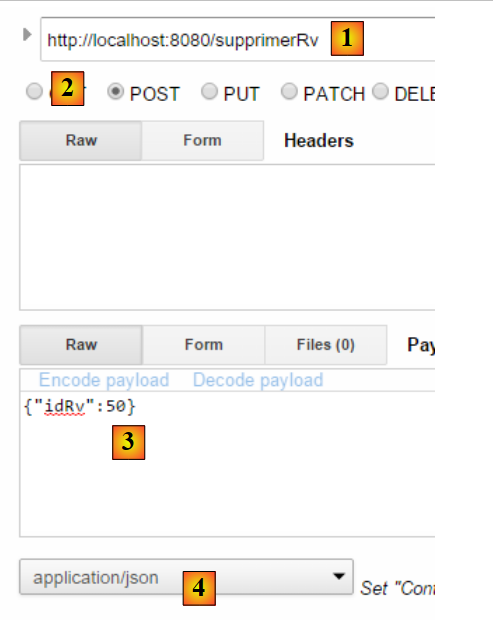 |
- to [1], the URL from the web service;
- in [2], the method POST is used;
- in [3], the text jSON of the information transmitted to the web service in the form {idRv};
- in [4], the client informs the web service that it is sending it jSON information;
The answer is as follows:
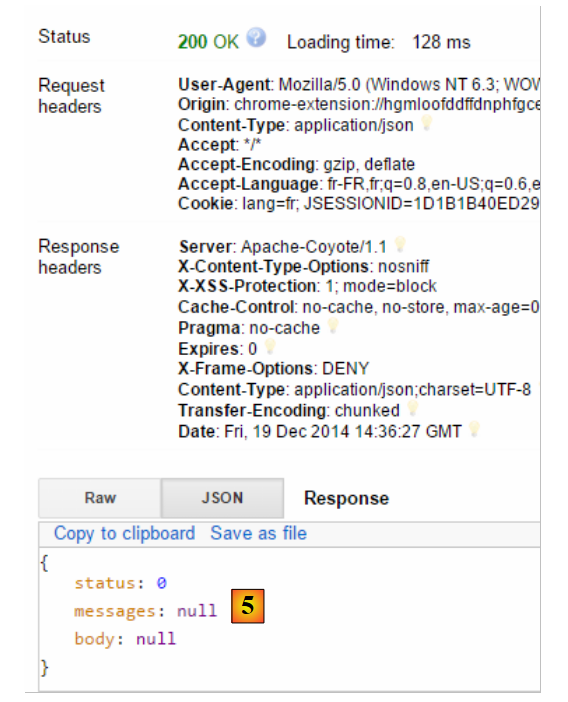 |
- In [5]: the field [status] is 0, indicating that the operation was successful;
The deletion of the appointment can be verified:
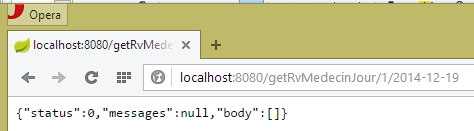 |
Above, the appointment for patient [Mme GERMAIN] is no longer present.
The web service also allows retrieving entities by their ID:
 |
 |
 |
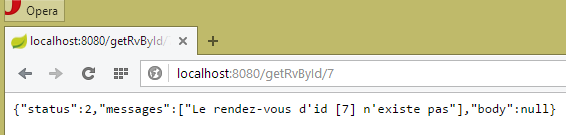 |
All these URL entities are processed by the [RdvMedecinsController] controller, which we will present shortly.
8.4.11.3. Web service configuration
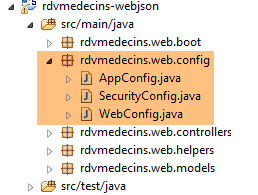 |
The configuration class [AppConfig] is as follows:
package rdvmedecins.web.config;

import org.springframework.context.annotation.ComponentScan;
import org.springframework.context.annotation.Configuration;
import org.springframework.context.annotation.Import;

import rdvmedecins.config.DomainAndPersistenceConfig;

@Configuration
@ComponentScan(basePackages = { "rdvmedecins.web" })
@Import({ DomainAndPersistenceConfig.class, SecurityConfig.class, WebConfig.class })
public class AppConfig {

}
- line 12: the [AppConfig] class configures the entire application;
- line 9: the [AppConfig] class is a Spring configuration class;
- line 10: Spring components are requested to be searched for in the [rdvmedecins.web] package and its subpackages. This is how the following components will be discovered:
- [@RestController RdvMedecinsController] in the [rdvmedecins.web.controllers] package;
- [@Component ApplicationModel] in the [rdvmedecins.web.models] package;
- line 11: we import the [DomainAndPersistenceConfig] class, which configures the [rdvmedecins-metier-dao] project to provide access to that project’s beans;
- line 11: the [SecurityConfig] class configures the web application's security. We will ignore it for now;
- Line 11: The [WebConfig] class configures the [web / jSON] layer;
The [WebConfig] class is as follows:
package rdvmedecins.web.config;

import org.springframework.boot.context.embedded.EmbeddedServletContainerFactory;
import org.springframework.boot.context.embedded.ServletRegistrationBean;
import org.springframework.boot.context.embedded.tomcat.TomcatEmbeddedServletContainerFactory;
import org.springframework.context.annotation.Bean;
import org.springframework.context.annotation.Configuration;
import org.springframework.web.servlet.DispatcherServlet;
import org.springframework.web.servlet.config.annotation.EnableWebMvc;

import com.fasterxml.jackson.databind.ObjectMapper;
import com.fasterxml.jackson.databind.ser.impl.SimpleBeanPropertyFilter;
import com.fasterxml.jackson.databind.ser.impl.SimpleFilterProvider;

@Configuration
@EnableWebMvc
public class WebConfig {

    // dispatcherservlet configuration for CORS headers
    @Bean
    public DispatcherServlet dispatcherServlet() {
        DispatcherServlet servlet = new DispatcherServlet();
        servlet.setDispatchOptionsRequest(true);
        return servlet;
    }

    @Bean
    public ServletRegistrationBean servletRegistrationBean(DispatcherServlet dispatcherServlet) {
        return new ServletRegistrationBean(dispatcherServlet, "/*");
    }

    @Bean
    public EmbeddedServletContainerFactory embeddedServletContainerFactory() {
        return new TomcatEmbeddedServletContainerFactory("", 8080);
    }

    // mappers jSON
    @Bean
    public ObjectMapper jsonMapper() {
        return new ObjectMapper();
    }

    @Bean
    public ObjectMapper jsonMapperShortCreneau() {
        ObjectMapper jsonMapperShortCreneau = new ObjectMapper();
        SimpleBeanPropertyFilter creneauFilter = SimpleBeanPropertyFilter.serializeAllExcept("medecin");
        jsonMapperShortCreneau.setFilters(new SimpleFilterProvider().addFilter("creneauFilter", creneauFilter));
        return jsonMapperShortCreneau;
    }

    @Bean
    public ObjectMapper jsonMapperLongRv() {
        ObjectMapper jsonMapperLongRv = new ObjectMapper();
        SimpleBeanPropertyFilter rvFilter = SimpleBeanPropertyFilter.serializeAllExcept("");
        SimpleBeanPropertyFilter creneauFilter = SimpleBeanPropertyFilter.serializeAllExcept("medecin");
        jsonMapperLongRv.setFilters(
                new SimpleFilterProvider().addFilter("rvFilter", rvFilter).addFilter("creneauFilter", creneauFilter));
        return jsonMapperLongRv;
    }

    @Bean
    public ObjectMapper jsonMapperShortRv() {
        ObjectMapper jsonMapperShortRv = new ObjectMapper();
        SimpleBeanPropertyFilter rvFilter = SimpleBeanPropertyFilter.serializeAllExcept("client", "creneau");
        jsonMapperShortRv.setFilters(new SimpleFilterProvider().addFilter("rvFilter", rvFilter));
        return jsonMapperShortRv;
    }

}
- Lines 20–25: define the [dispatcherServlet] bean. The [DispatcherServlet] class is the servlet of the Spring MVC framework. It acts as [FrontController]: it intercepts requests sent to the Spring site MVC and has them processed by one of the site’s controllers;
- line 22: instantiation of the class;
- line 23: this line can be ignored for now;
- lines 27–30: the [dispatcherServlet] servlet handles all URL requests;
- lines 27–30: activate the embedded Tomcat server in the project dependencies. It will run on port 8080;
- lines 38–67: four jSON mappers configured with different jSON filters;
- lines 38–41: a jSON mapper without filters;
- lines 43–49: the jSON [jsonMapperShortCreneau] mapper serializes/deserializes a [Creneau] object while ignoring the [Creneau.medecin] field;
- lines 51–59: the jSON [jsonMapperLongRv] mapper serializes/deserializes a [Rv] object while ignoring the [Rv.creneau.medecin] field;
- lines 61-67: the jSON [jsonMapperShortRv] mapper serializes / deserializes a [Rv] object while ignoring the [Rv.creneau] and [Rv.client] fields;
8.4.11.4. The [ApplicationModel] class
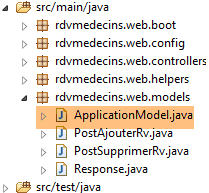 |
The [ApplicationModel] class will serve two purposes:
- as a cache to store lists of doctors and patients (clients);
- as a single interface for the controllers;
package rdvmedecins.web.models;

import java.util.Date;
import java.util.List;

import javax.annotation.PostConstruct;

import org.springframework.beans.factory.annotation.Autowired;
import org.springframework.stereotype.Component;

import rdvmedecins.domain.AgendaMedecinJour;
import rdvmedecins.entities.Client;
import rdvmedecins.entities.Creneau;
import rdvmedecins.entities.Medecin;
import rdvmedecins.entities.Rv;
import rdvmedecins.metier.IMetier;
import rdvmedecins.web.helpers.Static;

@Component
public class ApplicationModel implements IMetier {

    // the [métier] layer
    @Autowired
    private IMetier métier;

    // data from the [métier] layer
    private List<Medecin> médecins;
    private List<Client> clients;
    private List<String> messages;
    // configuration data
    private boolean CORSneeded = false;
    private boolean secured = false;

    @PostConstruct
    public void init() {
        // we get the doctors and the clients
        try {
            médecins = métier.getAllMedecins();
            clients = métier.getAllClients();
        } catch (Exception ex) {
            messages = Static.getErreursForException(ex);
        }
    }

    // getter
    public List<String> getMessages() {
        return messages;
    }

    // ------------------------- interface layer [métier]
    @Override
    public List<Client> getAllClients() {
        return clients;
    }

    @Override
    public List<Medecin> getAllMedecins() {
        return médecins;
    }

    @Override
    public List<Creneau> getAllCreneaux(long idMedecin) {
        return métier.getAllCreneaux(idMedecin);
    }

    @Override
    public List<Rv> getRvMedecinJour(long idMedecin, Date jour) {
        return métier.getRvMedecinJour(idMedecin, jour);
    }

    @Override
    public Client getClientById(long id) {
        return métier.getClientById(id);
    }

    @Override
    public Medecin getMedecinById(long id) {
        return métier.getMedecinById(id);
    }

    @Override
    public Rv getRvById(long id) {
        return métier.getRvById(id);
    }

    @Override
    public Creneau getCreneauById(long id) {
        return métier.getCreneauById(id);
    }

    @Override
    public Rv ajouterRv(Date jour, Creneau creneau, Client client) {
        return métier.ajouterRv(jour, creneau, client);
    }

    @Override
    public void supprimerRv(long idRv) {
        métier.supprimerRv(idRv);
    }

    @Override
    public AgendaMedecinJour getAgendaMedecinJour(long idMedecin, Date jour) {
        return métier.getAgendaMedecinJour(idMedecin, jour);
    }

     // getters and setters
public boolean isCORSneeded() {
        return CORSneeded;
    }

    public boolean isSecured() {
        return secured;
    }

}
- line 19: the annotation [@Component] makes the class [ApplicationModel] a Spring component. Like all Spring components seen so far (with the exception of @Controller), only a single object of this type will be instantiated (singleton);
- line 20: the [ApplicationModel] class implements the [IMetier] interface;
- lines 23–24: a reference to the [métier] layer is injected by Spring;
- line 34: the [@PostConstruct] annotation ensures that the [init] method will be executed immediately after the [ApplicationModel] class is instantiated;
- lines 38–39: the lists of doctors and clients are retrieved from the [métier] layer;
- line 41: if an exception occurs, the messages from the exception stack are stored in the field on line 17;
The architecture of the web layer evolves as follows:
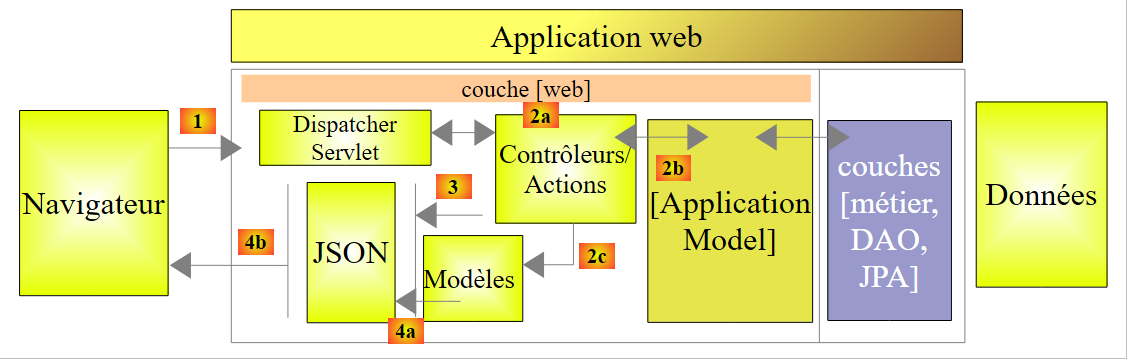 |
- in [2b], the methods of the controller(s) communicate with the singleton [ApplicationModel];
This strategy provides flexibility in cache management. Currently, doctors’ appointment slots are not cached. To cache them, simply modify the [ApplicationModel] class. This has no impact on the controller, which will continue to use the [List<Creneau> getAllCreneaux(long idMedecin)] method as it did before. It is the implementation of this method in [ApplicationModel] that will be changed.
8.4.11.5. The Static Class
The [Static] class contains a set of static utility methods that have no "business" or "web" aspects:
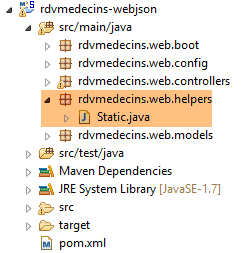 |
Its code is as follows:
package rdvmedecins.web.helpers;

import java.util.ArrayList;
import java.util.List;

public class Static {

    public Static() {
    }

    // list of exception error messages
    public static List<String> getErreursForException(Exception exception) {
        // retrieve the list of exception error messages
        Throwable cause = exception;
        List<String> erreurs = new ArrayList<String>();
        while (cause != null) {
            erreurs.add(cause.getMessage());
            cause = cause.getCause();
        }
        return erreurs;
    }
}
- line 12: the [Static.getErreursForException] method that was used (line 8 below) in the [init] method of the [ApplicationModel] class:
    @PostConstruct
    public void init() {
        // we get the doctors and the clients
        try {
            médecins = métier.getAllMedecins();
            clients = métier.getAllClients();
        } catch (Exception ex) {
            messages = Static.getErreursForException(ex);
        }
}
The method constructs a [List<String>] object with the [exception.getMessage()] error messages from a [exception] exception and those it contains [exception.getCause()].
8.4.11.6. The skeleton of the [RdvMedecinsController] controller
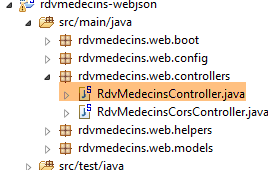 |
We will now detail the processing of URL by the web service. Three main classes are involved in this processing:
- the controller [RdvMedecinsController];
- the utility methods class [Static];
- the cache class [ApplicationModel];
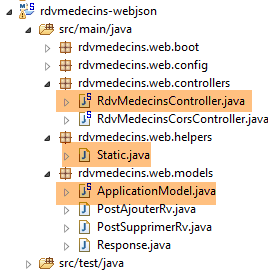 |
The [RdvMedecinsController] controller is as follows:
package rdvmedecins.web.controllers;

import java.text.ParseException;
import java.text.SimpleDateFormat;
import java.util.ArrayList;
import java.util.Date;
import java.util.List;

import javax.annotation.PostConstruct;
import javax.servlet.http.HttpServletResponse;

import org.springframework.beans.factory.annotation.Autowired;
import org.springframework.stereotype.Controller;
import org.springframework.web.bind.annotation.PathVariable;
import org.springframework.web.bind.annotation.RequestBody;
import org.springframework.web.bind.annotation.RequestHeader;
import org.springframework.web.bind.annotation.RequestMapping;
import org.springframework.web.bind.annotation.RequestMethod;
import org.springframework.web.bind.annotation.ResponseBody;

import com.fasterxml.jackson.core.JsonProcessingException;
import com.fasterxml.jackson.databind.ObjectMapper;

import rdvmedecins.domain.AgendaMedecinJour;
import rdvmedecins.entities.Client;
import rdvmedecins.entities.Creneau;
import rdvmedecins.entities.Medecin;
import rdvmedecins.entities.Rv;
import rdvmedecins.web.helpers.Static;
import rdvmedecins.web.models.ApplicationModel;
import rdvmedecins.web.models.PostAjouterRv;
import rdvmedecins.web.models.PostSupprimerRv;
import rdvmedecins.web.models.Response;

@Controller
public class RdvMedecinsController {

    @Autowired
    private ApplicationModel application;

    @Autowired
    private RdvMedecinsCorsController rdvMedecinsCorsController;

    // message list
    private List<String> messages;

    // mappers jSON
    @Autowired
    private ObjectMapper jsonMapper;

    @Autowired
    private ObjectMapper jsonMapperShortCreneau;

    @Autowired
    private ObjectMapper jsonMapperLongRv;

    @Autowired
    private ObjectMapper jsonMapperShortRv;

    @PostConstruct
    public void init() {
        // application error messages
        messages = application.getMessages();
    }

    // list of doctors
    @RequestMapping(value = "/getAllMedecins", method = RequestMethod.GET, produces = "application/json; charset=UTF-8")
    @ResponseBody
    public String getAllMedecins() throws JsonProcessingException {...}

    // clients list
    @RequestMapping(value = "/getAllClients", method = RequestMethod.GET, produces = "application/json; charset=UTF-8")
    @ResponseBody
    public String getAllClients() throws JsonProcessingException {...}

    // list of physician slots
    @RequestMapping(value = "/getAllCreneaux/{idMedecin}", method = RequestMethod.GET, produces = "application/json; charset=UTF-8")
    @ResponseBody
    public String getAllCreneaux(@PathVariable("idMedecin") long idMedecin) throws JsonProcessingException {...}

    // list of doctor's appointments
    @RequestMapping(value = "/getRvMedecinJour/{idMedecin}/{jour}", method = RequestMethod.GET, produces = "application/json; charset=UTF-8")
    @ResponseBody
    public String getRvMedecinJour(@PathVariable("idMedecin") long idMedecin, @PathVariable("jour") String jour)
                    throws JsonProcessingException {...}

    @RequestMapping(value = "/getClientById/{id}", method = RequestMethod.GET, produces = "application/json; charset=UTF-8")
    @ResponseBody
    public String getClientById(@PathVariable("id") long id) throws JsonProcessingException {...}

    @RequestMapping(value = "/getMedecinById/{id}", method = RequestMethod.GET, produces = "application/json; charset=UTF-8")
    @ResponseBody
    public String getMedecinById(@PathVariable("id") long id) String origin) throws JsonProcessingException {...}

    @RequestMapping(value = "/getRvById/{id}", method = RequestMethod.GET, produces = "application/json; charset=UTF-8")
    @ResponseBody
    public String getRvById(@PathVariable("id") long id) throws JsonProcessingException {...}

    @RequestMapping(value = "/getCreneauById/{id}", method = RequestMethod.GET, produces = "application/json; charset=UTF-8")
    @ResponseBody
    public String getCreneauById(@PathVariable("id") long id) throws JsonProcessingException {...}

    @RequestMapping(value = "/ajouterRv", method = RequestMethod.POST, produces = "application/json; charset=UTF-8", consumes = "application/json; charset=UTF-8")
    @ResponseBody
    public String ajouterRv(@RequestBody PostAjouterRv post) throws JsonProcessingException {...}

    @RequestMapping(value = "/supprimerRv", method = RequestMethod.POST, produces = "application/json; charset=UTF-8", consumes = "application/json; charset=UTF-8")
    @ResponseBody
    public String supprimerRv(@RequestBody PostSupprimerRv post) throws JsonProcessingException {...}

    @RequestMapping(value = "/getAgendaMedecinJour/{idMedecin}/{jour}", method = RequestMethod.GET, produces = "application/json; charset=UTF-8")
    @ResponseBody
    public String getAgendaMedecinJour(@PathVariable("idMedecin") long idMedecin, @PathVariable("jour") String jour)
                    throws JsonProcessingException {...}

    @RequestMapping(value = "/authenticate", method = RequestMethod.GET, produces = "application/json; charset=UTF-8")
    @ResponseBody
    public String authenticate() throws JsonProcessingException {...}
}
- line 35: the [@Controller] annotation makes the [RdvMedecinsController] class a Spring controller, the C in MVC;
- lines 38-39: an object of type [ApplicationModel] will be injected here by Spring. We have introduced it;
- lines 41-42: an object of type [RdvMedecinsCorsController] will be injected here by Spring. We will introduce this object later;
- lines 48-58: the jSON mappers defined in the [WebConfig] configuration class;
- line 60: the [@PostConstruct] annotation marks a method to be executed immediately after the class is instantiated. When this method is executed, the objects injected by Spring are available;
- line 63: any error messages are retrieved from the [ApplicationModel] object. This object was instantiated when the application started and attempted to cache the doctors and the clients. If it failed, then we have [messages!=null]. This will allow the controller’s methods to determine whether the application initialized correctly;
- lines 67–118: the URL exposed by the [web / jSON] service. All methods return the jSON string of a [Response<T>] object as follows:
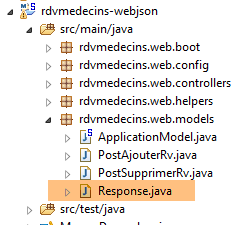 |
package rdvmedecins.web.models;

import java.util.List;

public class Response<T> {

    // ----------------- properties
    // operation status
    private int status;
    // any error messages
    private List<String> messages;
    // the body of the reply
    private T body;

    // manufacturers
    public Response() {

    }

    public Response(int status, List<String> messages, T body) {
        this.status = status;
        this.messages = messages;
        this.body = body;
    }

    // getters and setters
    ...
}
- line 9: an error code: 0 means no error;
- line 11: if [status!=0], then [messages] is a list of error messages;
- line 13: a T object encapsulated in the response. T is null in case of an error;
This object is serialized into jSON before being sent to the client browser;
- Line 67: The exposed URL is [/getAllMedecins]. The client must use a [GET] method to make its request (method = RequestMethod.GET). If this URL were requested by a POST, it would be rejected, and Spring MVC would send an error code HTTP to the web client. The method itself returns the response to the client (line 68). This will be a string (line 67). The header HTTP [Content-type : application/json; charset=UTF-8] will be sent to the client to indicate that it will receive a string jSON (line 67);
- line 77: URL is set by {idMedecin}. This parameter is retrieved with the annotation [@PathVariable] on line 79;
- line 79: the parameter [long idMedecin] receives its value from the parameter {idMedecin} of URL [@PathVariable("idMedecin")]. The parameter in URL and the one in the method may have different names. It should be noted here that [@PathVariable("idMedecin")] is of type String (all URLs are Strings) whereas the [long idMedecin] parameter is of type [long]. The type change is performed automatically. An error code HTTP is returned if this type change fails;
- line 105: the annotation [@RequestBody] refers to the body of the query. In a GET request, there is almost never a body (but it is possible to include one). In a POST request, there usually is one (but it is possible to omit it). For URL and [ajouterRv], the web client sends the following string in its POST:
The [@RequestBody PostAjouterRv post] syntax (line 105) , combined with the fact that the method expects jSON [consumes = "application/json; charset=UTF-8"] on line 103, will cause the jSON string sent by the web client to be deserialized into an object of type [PostAjouterRv]. This is as follows:
package rdvmedecins.web.models;

public class PostAjouterRv {

    // data from post
    private String jour;
    private long idClient;
    private long idCreneau;

    // getters and setters
    ...
}
Here too, the necessary type conversions will occur automatically;
- lines 107–109, there is a similar mechanism for URL [/supprimerRv]. The posted string jSON is as follows:
and the type [PostSupprimerRv] is as follows:
package rdvmedecins.web.models;

public class PostSupprimerRv {

    // data from post
    private long idRv;

    // getters and setters
    ...
}
8.4.11.7. URL [/getAllMedecins]
The URL [/getAllMedecins] is processed by the following method of the [RdvMedecinsController] controller:
// list of doctors
    @RequestMapping(value = "/getAllMedecins", method = RequestMethod.GET, produces = "application/json; charset=UTF-8")
    @ResponseBody
    public String getAllMedecins() throws JsonProcessingException {
        // the answer
        Response<List<Medecin>> response;
        // application status
        if (messages != null) {
            response = new Response<>(-1, messages, null);
        } else {
            // list of doctors
            try {
                response = new Response<>(0, null, application.getAllMedecins());
            } catch (RuntimeException e) {
                response = new Response<>(1, Static.getErreursForException(e), null);
            }
        }
        // answer
        return jsonMapper.writeValueAsString(response);
    }
- lines 9-10: we check if the application has initialized correctly (messages==null). If not, we return a response with status=-1 and body=messages;
- line 13: otherwise, we request the list of doctors from the [ApplicationModel] class;
- line 19: we send the jSON string from the response using the jSON and [jsonMapper] mappers because the [Medecin] classhas a jSON filter. The response may be error-free (line 14) or contain an error (line 16). The [application.getAllMedecins()] method does not throw an exception because it simply returns a cached list. Nevertheless, we will retain this exception handling in case the doctors are no longer cached;
We have not yet illustrated the case where the application initialized incorrectly. Let’s stop SGBD and MySQL5, start the web service, and then request URL and [/getAllMedecins]:
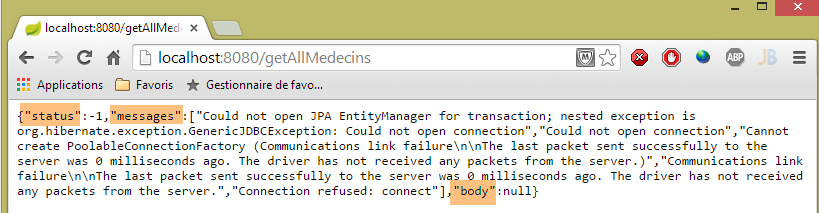
We do indeed get an error. Under normal circumstances, we get the following view:
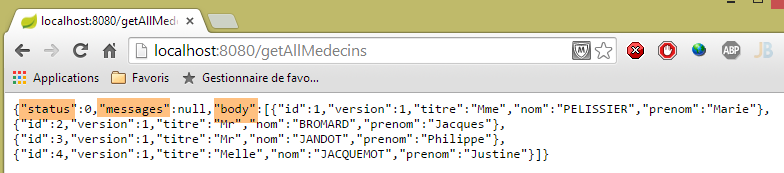 |
8.4.11.8. The URL [/getAllClients]
The URL [/getAllClients] is processed by the following method of the [RdvMedecinsController] controller:
// clients list
    @RequestMapping(value = "/getAllClients", method = RequestMethod.GET, produces = "application/json; charset=UTF-8")
    @ResponseBody
    public String getAllClients() throws JsonProcessingException {
        // the answer
        Response<List<Client>> response;
        // application status
        if (messages != null) {
            response = new Response<>(-1, messages, null);
        }
        // clients list
        try {
            response = new Response<>(0, null, application.getAllClients());
        } catch (RuntimeException e) {
            response = new Response<>(1, Static.getErreursForException(e), null);
        }
        // answer
        return jsonMapper.writeValueAsString(response);
    }
It is similar to the [getAllMedecins] method already discussed. The results obtained are as follows:
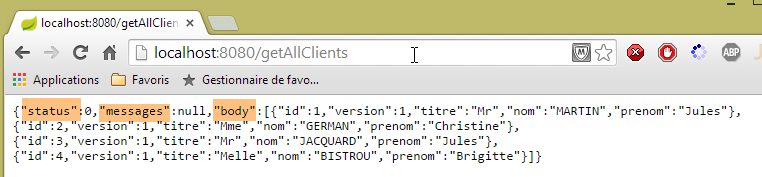 |
8.4.11.9. URL [/getAllCreneaux/{idMedecin}]
The URL [/getAllCreneaux/{idMedecin}] is processed by the following method of the [RdvMedecinsController] controller:
// list of physician slots
    @RequestMapping(value = "/getAllCreneaux/{idMedecin}", method = RequestMethod.GET, produces = "application/json; charset=UTF-8")
    @ResponseBody
    public String getAllCreneaux(@PathVariable("idMedecin") long idMedecin) throws JsonProcessingException {
        // the answer
        Response<List<Creneau>> response;
        // application status
        if (messages != null) {
            response = new Response<>(-1, messages, null);
        }
        // we get the doctor back
        Response<Medecin> responseMedecin = getMedecin(idMedecin);
        if (responseMedecin.getStatus() != 0) {
            response = new Response<>(responseMedecin.getStatus(), responseMedecin.getMessages(), null);
        } else {
            Medecin médecin = responseMedecin.getBody();
            // doctor's slots
            try {
                response = new Response<>(0, null, application.getAllCreneaux(médecin.getId()));
            } catch (RuntimeException e1) {
                response = new Response<>(3, Static.getErreursForException(e1), null);
            }
        }
        // answer
        return jsonMapperShortCreneau.writeValueAsString(response);
    }
- line 12: the doctor identified by the parameter [id] is requested from a local method:
private Response<Medecin> getMedecin(long id) {
        // we get the doctor back
        Medecin médecin = null;
        try {
            médecin = application.getMedecinById(id);
        } catch (RuntimeException e1) {
            return new Response<Medecin>(1, Static.getErreursForException(e1), null);
        }
        // existing doctor?
        if (médecin == null) {
            List<String> messages = new ArrayList<String>();
            messages.add(String.format("Le médecin d'id [%s] n'existe pas", id));
            return new Response<Medecin>(2, messages, null);
        }
        // ok
        return new Response<Medecin>(0, null, médecin);
    }
We return from this method with a status in [0,1,2]. Let’s go back to the code for the [getAllCreneaux] method:
- lines 13-14: if status!=0, we construct a response with an error;
- line 16: we retrieve the doctor;
- line 19: we retrieve this doctor’s time slots;
- line 25: a [List<Creneau>] object is sent as a response. Recall the definition of the [Creneau] class:
@Entity
@Table(name = "creneaux")
public class Creneau extends AbstractEntity {

    private static final long serialVersionUID = 1L;
    // characteristics of a RV slot
    private int hdebut;
    private int mdebut;
    private int hfin;
    private int mfin;

    // a slot is linked to a doctor
    @ManyToOne(fetch = FetchType.LAZY)
    @JoinColumn(name = "id_medecin")
    private Medecin medecin;

    // foreign key
    @Column(name = "id_medecin", insertable = false, updatable = false)
    private long idMedecin;
...
}
- line 13: the doctor is searched for using the [FetchType.LAZY] method;
Recall the query JPQL, which implements the method [getAllCreneaux] in the layer [DAO]:
@Query("select c from Creneau c where c.medecin.id=?1")
The notation [c.medecin.id] forces a join between the tables [CRENEAUX] and [MEDECINS]. Consequently, the query returns all of the doctor’s time slots, with the doctor included in each one. When we serialize these time slots into jSON, the doctor’s jSON string appears in each one. This is unnecessary. To control the serialization, we need two things:
- access to the object being serialized;
- configure the object to be serialized;
Point 1 is verified by injecting the appropriate jSON converter into the object in the controller:
@Autowired
private ObjectMapper jsonMapperShortCreneau;
Point 2 is achieved by adding an annotation to the [Creneau] class defined in the [rdvmedecins-metier-dao] project:
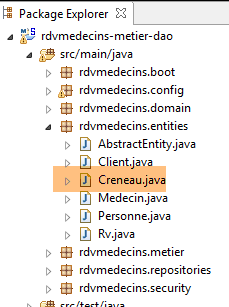 |
@Entity
@Table(name = "creneaux")
@JsonFilter("creneauFilter")
public class Creneau extends AbstractEntity {
...
- line 3: an annotation from the Jackson library jSON. It creates a filter named [creneauFilter]. Using this filter, we will be able to programmatically define which fields should or should not be serialized;
The serialization of the [Creneau] object occurs in the following line of the [getAllCreneaux] method:
        // answer
        return jsonMapperShortCreneau.writeValueAsString(response);
The jSON [jsonMapperShortCreneau] mapper has been defined in the [WebConfig] class as follows:
    @Bean
    public ObjectMapper jsonMapperShortCreneau() {
        ObjectMapper jsonMapperShortCreneau = new ObjectMapper();
        SimpleBeanPropertyFilter creneauFilter = SimpleBeanPropertyFilter.serializeAllExcept("medecin");
        jsonMapperShortCreneau.setFilters(new SimpleFilterProvider().addFilter("creneauFilter", creneauFilter));
        return jsonMapperShortCreneau;
}
- line 5: the filter named [creneauFilter] is associated with the filter [creneauFilter] from line 4. This filter serializes the object [Creneau] without its field [medecin];
The result returned by the [getAllCreneaux] method is the string jSON of type [Response<List<Creneau>].
The results obtained are as follows:
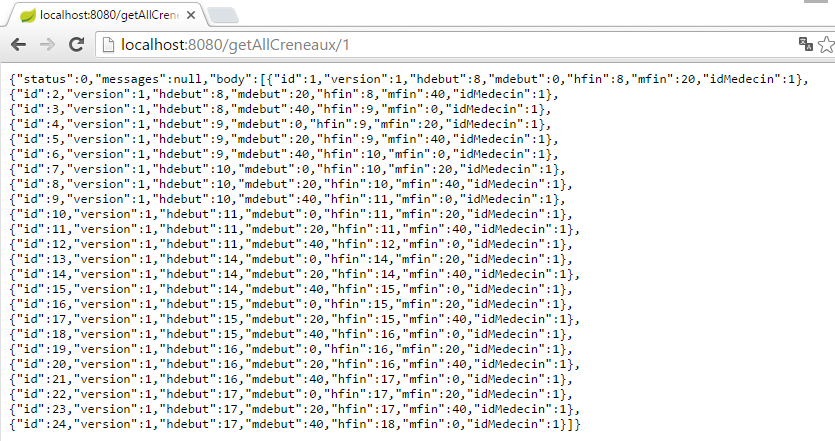 |
or these if the time slot does not exist:
 |
From this example, we can derive the following rule:
- the web server methods / jSON return an object of type [Response<T>], which is serialized to jSON;
- if type T has one or more jSON filters, a mapper with these same filters will be used to serialize it;
8.4.11.10. The URL [/getRvMedecinJour/{idMedecin}/{jour}]
The URL [/getRvMedecinJour/{idMedecin}/{jour}] is processed by the following method of the [RdvMedecinsController] controller:
// list of doctor's appointments
    @RequestMapping(value = "/getRvMedecinJour/{idMedecin}/{jour}", method = RequestMethod.GET, produces = "application/json; charset=UTF-8")
    @ResponseBody
    public String getRvMedecinJour(@PathVariable("idMedecin") long idMedecin)
                    throws JsonProcessingException {
        // the answer
        Response<List<Rv>> response=null;
        boolean erreur = false;
        // application status
        if (messages != null) {
            response = new Response<>(-1, messages, null);
            erreur = true;
        }
        // check the date
        Date jourAgenda = null;
        if (!erreur) {
            SimpleDateFormat sdf = new SimpleDateFormat("yyyy-MM-dd");
            sdf.setLenient(false);
            try {
                jourAgenda = sdf.parse(jour);
            } catch (ParseException e) {
                List<String> messages = new ArrayList<String>();
                messages.add(String.format("La date [%s] est invalide", jour));
                response = new Response<List<Rv>>(3, messages, null);
                erreur = true;
            }
        }
        Response<Medecin> responseMedecin = null;
        if (!erreur) {
            // we get the doctor back
            responseMedecin = getMedecin(idMedecin);
            if (responseMedecin.getStatus() != 0) {
                response = new Response<>(responseMedecin.getStatus(), responseMedecin.getMessages(), null);
                erreur = true;
            }
        }
        if (!erreur) {
            Medecin médecin = responseMedecin.getBody();
            // list of appointments
            try {
                response = new Response<>(0, null, application.getRvMedecinJour(médecin.getId(), jourAgenda));
            } catch (RuntimeException e1) {
                response = new Response<>(4, Static.getErreursForException(e1), null);
            }
        }
        // answer
        return jsonMapperLongRv.writeValueAsString(response);
    }
- We need to return the string jSON of type [Response<List<Rv>>]. The [Rv] class has a [Rv.creneau] field. If this field is serialized, we will encounter the jSON [creneauFilter] filter;
- line 47: the object of type [Response<List<Rv>>] from line 7 is serialized to jSON;
Let’s examine the case where the list of appointments was obtained on line 42. The [Rv] class in the [rdvmedecins-metier-dao] project is defined as follows:
@Entity
@Table(name = "rv")
public class Rv extends AbstractEntity {
    private static final long serialVersionUID = 1L;

    // characteristics of a Rv
    @Temporal(TemporalType.DATE)
    private Date jour;

    // a rv is linked to a customer
    @ManyToOne(fetch = FetchType.LAZY)
    @JoinColumn(name = "id_client")
    private Client client;

    // a rv is linked to a time slot
    @ManyToOne(fetch = FetchType.LAZY)
    @JoinColumn(name = "id_creneau")
    private Creneau creneau;

    // foreign keys
    @Column(name = "id_client", insertable = false, updatable = false)
    private long idClient;
    @Column(name = "id_creneau", insertable = false, updatable = false)
    private long idCreneau;

...

}
- line 11: the customer is searched for using mode [FetchType.LAZY];
- line 18: the time slot is searched for using mode [FetchType.LAZY];
Recall the JPQL query that retrieves the appointments:
@Query("select rv from Rv rv left join fetch rv.client c left join fetch rv.creneau cr where cr.medecin.id=?1 and rv.jour=?2")
Joins are performed explicitly to retrieve the fields [client] and [creneau]. Furthermore, due to the join [cr.medecin.id=?1], we will also have the doctor. The doctor will therefore appear in the jSON string for each appointment. However, this duplicated information is also unnecessary. We have seen how to resolve this issue using a jSON filter on the [Creneau] object. Because of the [FetchType.LAZY] modes of the [client] and [creneau] fields in the [Rv] class, we will soon discover the need to apply a jSON filter to the [RV] class of the [rdvmedecins-metier-dao] project:
@Entity
@Table(name = "rv")
@JsonFilter("rvFilter")
public class Rv extends AbstractEntity {
...
We will control the serialization of the [Rv] object using the [rvFilter] filter. Apparently, we don’t need to filter here because we need all the fields of the [Rv] object. However, because we specified that the class has a filter named jSON, we must define this filter for any serialization of an object of type [Rv]; otherwise, we will encounter an exception. To do this, we use the following jSON mapper defined in the [rdvMedecinsController] class:
    @Autowired
    private ObjectMapper jsonMapperLongRv;
This mapper is defined as follows in the [WebConfig] configuration class:
    @Bean
    public ObjectMapper jsonMapperLongRv() {
        ObjectMapper jsonMapperLongRv = new ObjectMapper();
        SimpleBeanPropertyFilter rvFilter = SimpleBeanPropertyFilter.serializeAllExcept("");
        SimpleBeanPropertyFilter creneauFilter = SimpleBeanPropertyFilter.serializeAllExcept("medecin");
        jsonMapperLongRv.setFilters(new SimpleFilterProvider().addFilter("rvFilter", rvFilter).addFilter("creneauFilter",creneauFilter));
        return jsonMapperLongRv;
}
- line 4: we specify that all fields of the [Rv] object must be serialized;
- line 5: we specify that in the [Creneau] object, the [medecin] field should not be serialized;
- line 6: we add the two filters [rvFilter] and [creneauFilter] to the jSON filters of the [jsonMapperLongRv] object;
The results obtained are as follows:
 |
or these with a day without an appointment:
 |
or these with an incorrect day:
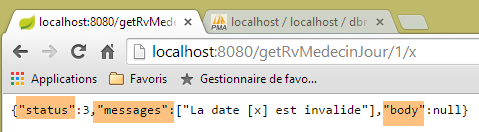 |
or these with an incorrect doctor:
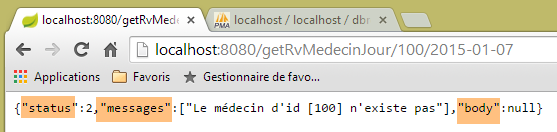 |
8.4.11.11. The URL [/getAgendaMedecinJour/{idMedecin}/{jour}]
L'URL [/getAgendaMedecinJour/{idMedecin}/{jour}] is processed by the following method of the [RdvMedecinsController] controller:
@RequestMapping(value = "/getAgendaMedecinJour/{idMedecin}/{jour}", method = RequestMethod.GET, produces = "application/json; charset=UTF-8")
    @ResponseBody
    public String getAgendaMedecinJour(@PathVariable("idMedecin") long idMedecin)
                    throws JsonProcessingException {
        // the answer
        Response<AgendaMedecinJour> response = null;
        boolean erreur = false;
        // application status
        if (messages != null) {
            response = new Response<>(-1, messages, null);
            erreur = true;
        }
        // check the date
        Date jourAgenda = null;
        if (!erreur) {
            // check the date
            SimpleDateFormat sdf = new SimpleDateFormat("yyyy-MM-dd");
            sdf.setLenient(false);
            try {
                jourAgenda = sdf.parse(jour);
            } catch (ParseException e) {
                erreur = true;
                List<String> messages = new ArrayList<String>();
                messages.add(String.format("La date [%s] est invalide", jour));
                response = new Response<>(3, messages, null);
            }
        }
        // we get the doctor back
        Medecin médecin = null;
        if (!erreur) {
            // we get the doctor back
            Response<Medecin> responseMedecin = getMedecin(idMedecin);
            if (responseMedecin.getStatus() != 0) {
                response = new Response<>(responseMedecin.getStatus(), responseMedecin.getMessages(), null);
            } else {
                médecin = responseMedecin.getBody();
            }
        }
        // we retrieve its agenda
        if (!erreur) {
            try {
                response = new Response<>(0, null, application.getAgendaMedecinJour(médecin.getId(), jourAgenda));
            } catch (RuntimeException e1) {
                erreur = true;
                response = new Response<>(4, Static.getErreursForException(e1), null);
            }
        }
        // answer
        return jsonMapperLongRv.writeValueAsString(response);
    }
- lines 6, 49: we return the string jSON of type [AgendaMedecinJour] encapsulated in an object [Response];
The [AgendaMedecinJour] type is as follows:
public class AgendaMedecinJour implements Serializable {
    // fields
    private Medecin medecin;
    private Date jour;
   private CreneauMedecinJour[] creneauxMedecinJour;
The type [CreneauMedecinJour] is as follows:
public class CreneauMedecinJour implements Serializable {

    private static final long serialVersionUID = 1L;
    // fields
    private Creneau creneau;
   private Rv rv;
The fields [creneau] and [rv] have filters jSON that need to be configured. This is what line 49 of the [getAgendaMedecinJour] method does, which uses the jSON and [jsonMapperLongRv] mappers we’ve already encountered:
    @Bean
    public ObjectMapper jsonMapperLongRv() {
        ObjectMapper jsonMapperLongRv = new ObjectMapper();
        SimpleBeanPropertyFilter rvFilter = SimpleBeanPropertyFilter.serializeAllExcept("");
        SimpleBeanPropertyFilter creneauFilter = SimpleBeanPropertyFilter.serializeAllExcept("medecin");
        jsonMapperLongRv.setFilters(
                new SimpleFilterProvider().addFilter("rvFilter", rvFilter).addFilter("creneauFilter", creneauFilter));
        return jsonMapperLongRv;
}
The results obtained are as follows:
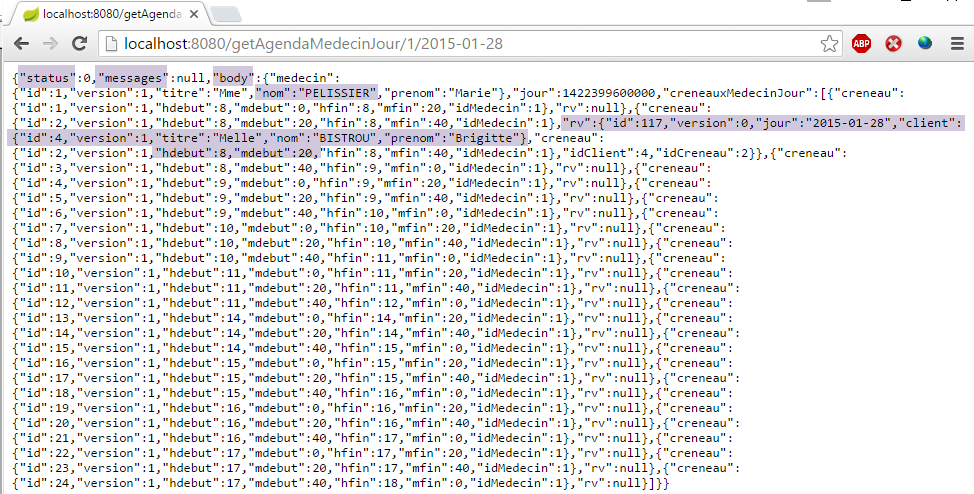 |
Above, we see that on 01/28/2015, Dr. PELISSIER has an appointment with Ms. Brigitte BISTROU at 8:20 a.m.;
or these if the date is incorrect:
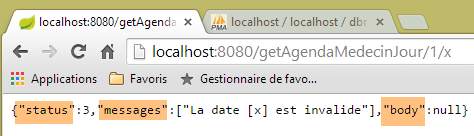 |
or these if the doctor’s ID is invalid:
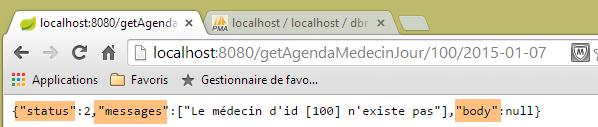 |
8.4.11.12. URL [/getMedecinById/{id}]
The URL [/getMedecinById/{id}] is handled by the following method of the [RdvMedecinsController] controller:
    @RequestMapping(value = "/getMedecinById/{id}", method = RequestMethod.GET, produces = "application/json; charset=UTF-8")
    @ResponseBody
    public String getMedecinById(@PathVariable("id") long id) throws JsonProcessingException {
        // the answer
        Response<Medecin> response;
        // application status
        if (messages != null) {
            response = new Response<Medecin>(-1, messages, null);
        } else {
            response = getMedecin(id);
        }
        // answer
        return jsonMapper.writeValueAsString(response);
}
- lines 5, 13: the method returns the string jSON of type [Medecin]. This type has no jSON filter annotation. Therefore, on line 14, the jSON mapper is used without filters;
On line 10, the [getMedecin] method is as follows:
    private Response<Medecin> getMedecin(long id) {
        // we get the doctor back
        Medecin médecin = null;
        try {
            médecin = application.getMedecinById(id);
        } catch (RuntimeException e1) {
            return new Response<Medecin>(1, Static.getErreursForException(e1), null);
        }
        // existing doctor?
        if (médecin == null) {
            List<String> messages = new ArrayList<String>();
            messages.add(String.format("Le médecin d'id [%s] n'existe pas", id));
            return new Response<Medecin>(2, messages, null);
        }
        // ok
        return new Response<Medecin>(0, null, médecin);
}
The results obtained are as follows:
 |
or these if the doctor's ID is incorrect:
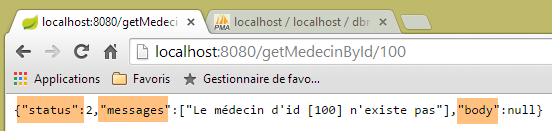 |
8.4.11.13. L'URL [/getClientById/{id}]
The URL [/getClientById/{id}] is handled by the following method of the [RdvMedecinsController] controller:
    @RequestMapping(value = "/getClientById/{id}", method = RequestMethod.GET, produces = "application/json; charset=UTF-8")
    @ResponseBody
    public String getClientById(@PathVariable("id") long id) throws JsonProcessingException {
        // the answer
        Response<Client> response;
        // application status
        if (messages != null) {
            response = new Response<>(-1, messages, null);
        } else {
            response = getClient(id);
        }
        // answer
        return jsonMapper.writeValueAsString(response);
}
- lines 5, 13: the method returns the string jSON of type [Client]. This type has no jSON filter annotations. Therefore, on line 13, the jSON mapper is used without filters;
On line 11, the [getClient] method is as follows:
    private Response<Client> getClient(long id) {
        // we get the customer back
        Client client = null;
        try {
            client = application.getClientById(id);
        } catch (RuntimeException e1) {
            return new Response<Client>(1, Static.getErreursForException(e1), null);
        }
        // existing customer?
        if (client == null) {
            List<String> messages = new ArrayList<String>();
            messages.add(String.format("Le client d'id [%s] n'existe pas", id));
            return new Response<Client>(2, messages, null);
        }
        // ok
        return new Response<Client>(0, null, client);
}
The results obtained are as follows:
 |
or these if the customer number is incorrect:
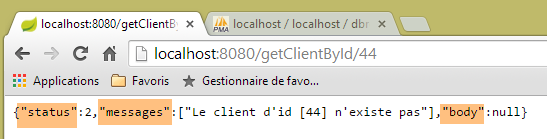 |
8.4.11.14. L'URL [/getCreneauById/{id}]
L'URL [/getCreneauById/{id}] is handled by the following method of the [RdvMedecinsController] controller:
    @RequestMapping(value = "/getCreneauById/{id}", method = RequestMethod.GET, produces = "application/json; charset=UTF-8")
    @ResponseBody
    public String getCreneauById(@PathVariable("id") long id) throws JsonProcessingException {
        // the answer
        Response<Creneau> response;
        // application status
        if (messages != null) {
            response = new Response<>(-1, messages, null);
        } else {
            // we give back the slot
            response = getCreneau(id);
        }
        // answer
        return jsonMapperShortCreneau.writeValueAsString(response);
}
- Lines 5, 14: The method returns the string jSON of type [Response<Creneau>];
Line 8, the [getCreneau] method is as follows:
    private Response<Creneau> getCreneau(long id) {
        // we get the slot back
        Creneau créneau = null;
        try {
            créneau = application.getCreneauById(id);
        } catch (RuntimeException e1) {
            return new Response<Creneau>(1, Static.getErreursForException(e1), null);
        }
        // existing niche?
        if (créneau == null) {
            List<String> messages = new ArrayList<String>();
            messages.add(String.format("Le créneau d'id [%s] n'existe pas", id));
            return new Response<Creneau>(2, messages, null);
        }
        // ok
        return new Response<Creneau>(0, null, créneau);
    }
Let's review the code for the [Creneau] entity:
@Entity
@Table(name = "creneaux")
@JsonFilter("creneauFilter")
public class Creneau extends AbstractEntity {

    private static final long serialVersionUID = 1L;
    // characteristics of a RV slot
    private int hdebut;
    private int mdebut;
    private int hfin;
    private int mfin;

    // a slot is linked to a doctor
    @ManyToOne(fetch = FetchType.LAZY)
    @JoinColumn(name = "id_medecin")
    private Medecin medecin;

    // foreign key
    @Column(name = "id_medecin", insertable = false, updatable = false)
private long idMedecin;
- lines 14-16: because the [medecin] field is in [fetch = FetchType.LAZY] mode, it is not retrieved when searching for a slot via its [id]. It is therefore necessary to exclude it from serialization. Without this exclusion, an exception occurs. This is due to the fact that the [mapper] serialization object will call the [getMedecin] method to obtain the [medecin] field. However, with a JPA / Hibernate implementation, the [fetch = FetchType.LAZY] mode of the [medecin] field returned a [Creneau] object whose [getMedecin] method is programmed to retrieve the doctor from the JPA. This is called a [proxy] object. Now, let’s recall the architecture of the web application:
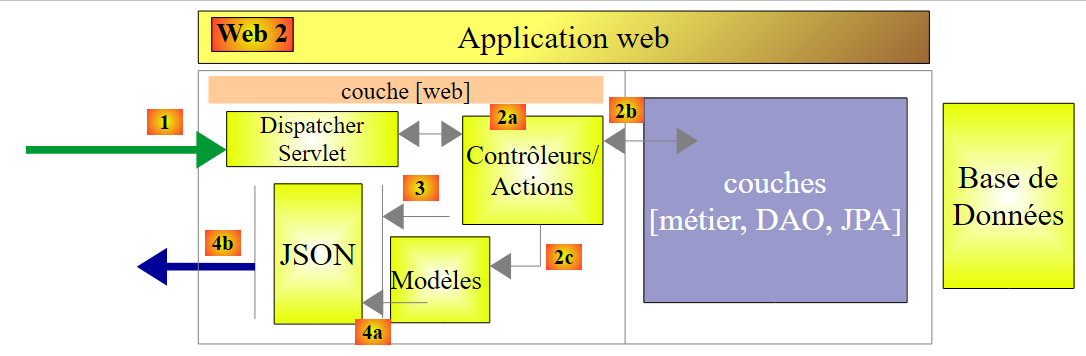 |
The controller is located in the [Contrôleurs / Actions] block. When we are in this block, the concept of the JPA context no longer applies. The latter is created during operations in the [DAO] layer. It does not persist beyond that. Therefore, when the controller attempts to access the JPA context, an exception occurs indicating that it has been closed. To avoid this exception, you must prevent the serialization of the [medecin] field of the [Rv] class. This is what the jSON [jsonMapperShortCreneau] mapper does:
    @Bean
    public ObjectMapper jsonMapperShortCreneau() {
        ObjectMapper jsonMapperShortCreneau = new ObjectMapper();
        SimpleBeanPropertyFilter creneauFilter = SimpleBeanPropertyFilter.serializeAllExcept("medecin");
        jsonMapperShortCreneau.setFilters(new SimpleFilterProvider().addFilter("creneauFilter", creneauFilter));
        return jsonMapperShortCreneau;
}
The results obtained are as follows:
 |
or these if the slot number is incorrect:
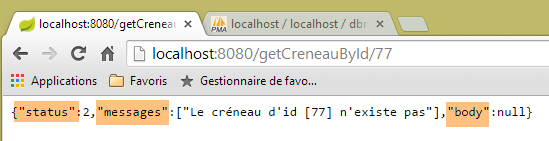 |
8.4.11.15. L'URL [/getRvById/{id}]
The URL [/getRvById/{id}] is handled by the following method of the [RdvMedecinsController] controller:
    @RequestMapping(value = "/getRvById/{id}", method = RequestMethod.GET, produces = "application/json; charset=UTF-8")
    @ResponseBody
    public String getRvById(@PathVariable("id") long id) throws JsonProcessingException {
        // the answer
        Response<Rv> response;
        // application status
        if (messages != null) {
            response = new Response<>(-1, messages, null);
        } else {
            // we retrieve rv
            response = getRv(id);
        }
        // answer
        return jsonMapperShortRv.writeValueAsString(response);
}
- Lines 5, 14: The method returns the string jSON of type [Response<Rv>];
Line 11: the [getRv] method is as follows:
    private Response<Rv> getRv(long id) {
        // we retrieve the Rv
        Rv rv = null;
        try {
            rv = application.getRvById(id);
        } catch (RuntimeException e1) {
            return new Response<Rv>(1, Static.getErreursForException(e1), null);
        }
        // Rv existing?
        if (rv == null) {
            List<String> messages = new ArrayList<String>();
            messages.add(String.format("Le rendez-vous d'id [%s] n'existe pas", id));
            return new Response<Rv>(2, messages, null);
        }
        // ok
        return new Response<Rv>(0, null, rv);
}
The [Rv] class has two fields with the annotation [fetch = FetchType.LAZY]: the [creneau] and [client] fields. These fields are therefore not returned when retrieving a [Rv] via its primary key. For the same reasons as before, they must therefore be excluded from serialization. This is what the following [jsonMapperShortRv] mapper, defined in the [WebConfig] class, does:
    @Bean
    public ObjectMapper jsonMapperShortRv() {
        ObjectMapper jsonMapperShortRv = new ObjectMapper();
        SimpleBeanPropertyFilter rvFilter = SimpleBeanPropertyFilter.serializeAllExcept("client", "creneau");
        jsonMapperShortRv.setFilters(new SimpleFilterProvider().addFilter("rvFilter", rvFilter));
        return jsonMapperShortRv;
}
The results obtained are as follows:
 |
or these if the appointment number is incorrect:
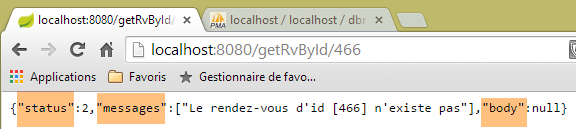 |
8.4.11.16. L'URL [/ajouterRv]
L'URL [/ajouterRv] is processed by the following method of the [RdvMedecinsController] controller:
@RequestMapping(value = "/ajouterRv", method = RequestMethod.POST, produces = "application/json; charset=UTF-8", consumes = "application/json; charset=UTF-8")
    @ResponseBody
    public String ajouterRv(@RequestBody PostAjouterRv post) throws JsonProcessingException {
        // the answer
        Response<Rv> response = null;
        boolean erreur = false;
        // application status
        if (messages != null) {
            response = new Response<>(-1, messages, null);
            erreur = true;
        }
        // retrieve posted values
        String jour;
        long idCreneau = -1;
        long idClient = -1;
        Date jourAgenda = null;
        if (!erreur) {
            // retrieve posted values
            jour = post.getJour();
            idCreneau = post.getIdCreneau();
            idClient = post.getIdClient();
            // check the date
            SimpleDateFormat sdf = new SimpleDateFormat("yyyy-MM-dd");
            sdf.setLenient(false);
            try {
                jourAgenda = sdf.parse(jour);
            } catch (ParseException e) {
                List<String> messages = new ArrayList<String>();
                messages.add(String.format("La date [%s] est invalide", jour));
                response = new Response<>(6, messages, null);
                erreur = true;
            }
        }
        // we get the slot back
        Response<Creneau> responseCréneau = null;
        if (!erreur) {
            // we get the slot back
            responseCréneau = getCreneau(idCreneau);
            if (responseCréneau.getStatus() != 0) {
                erreur = true;
                response = new Response<>(responseCréneau.getStatus(), responseCréneau.getMessages(), null);
            }
        }
        // we get the customer back
        Response<Client> responseClient = null;
        Creneau créneau = null;
        if (!erreur) {
            créneau = (Creneau) responseCréneau.getBody();
            // we get the customer back
            responseClient = getClient(idClient);
            if (responseClient.getStatus() != 0) {
                erreur = true;
                response = new Response<>(responseClient.getStatus() + 2, responseClient.getMessages(), null);
            }
        }
        if (!erreur) {
            Client client = responseClient.getBody();
            // we add the Rv
            try {
                response = new Response<>(0, null, application.ajouterRv(jourAgenda, créneau, client));
            } catch (RuntimeException e1) {
                erreur = true;
                response = new Response<>(5, Static.getErreursForException(e1), null);
            }
        }
        // answer
        return jsonMapperLongRv.writeValueAsString(response);
    }
- lines 5, 67: the method must return the string jSON of type [Response<Rv>];
- line 3: the annotation [@RequestBody PostAjouterRv post] retrieves the body of POST and places it in the parameter [PostAjouterRv post]. This body is from jSON [consumes = "application/json; charset=UTF-8"], which will be automatically deserialized into the following [PostAjouterRv] type:
public class PostAjouterRv {

    // data from post
    private String jour;
    private long idClient;
    private long idCreneau;
...
- then there is code that has already been encountered in one form or another;
- line 67: the implementation of the filters jSON, [creneauFilter], and [rvFilter]. The method returns the string jSON of type [Response<Rv>], where Rv was obtained on line 61. The object [Rv] encapsulates an object [Creneau] as well as an object [Client]. The object [Creneau] has a dependency [FetchType.LAZY] on an object [Medecin] and was obtained in lines 36–44. It was retrieved from the JPA context via its primary key and was obtained without its dependency [FetchType.LAZY]. Finally,
- the object [Rv] has all its dependencies. They can be serialized;
- the object [Creneau] does not have its dependency [medecin]. Therefore, the latter must not be serialized;
The mapper jSON [jsonMapperLongRv] defined in the class [WebConfig] meets these constraints:
    @Bean
    public ObjectMapper jsonMapperLongRv() {
        ObjectMapper jsonMapperLongRv = new ObjectMapper();
        SimpleBeanPropertyFilter rvFilter = SimpleBeanPropertyFilter.serializeAllExcept("");
        SimpleBeanPropertyFilter creneauFilter = SimpleBeanPropertyFilter.serializeAllExcept("medecin");
        jsonMapperLongRv.setFilters(new SimpleFilterProvider().addFilter("rvFilter", rvFilter).addFilter("creneauFilter",creneauFilter));
        return jsonMapperLongRv;
}
The results obtained look like this with the [Advanced Rest Client] client:
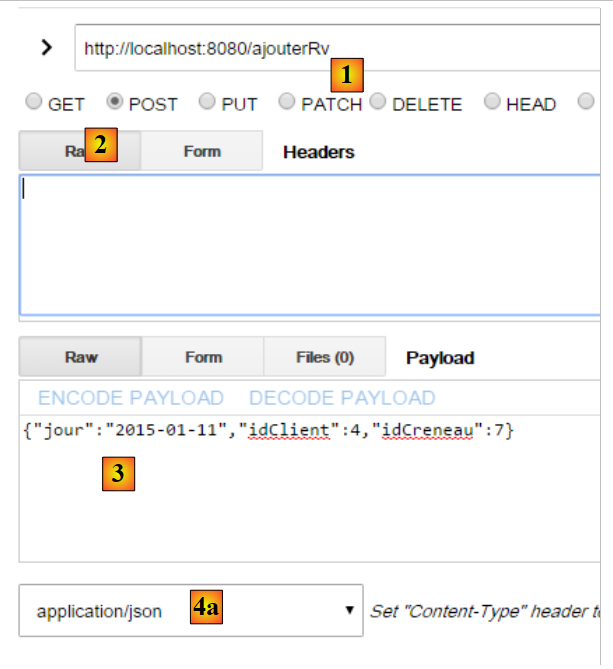 |
- in [1], the URL from POST;
- in [2], the POST;
- in [3], the posted value;
- in [4a], this posted value is from jSON;
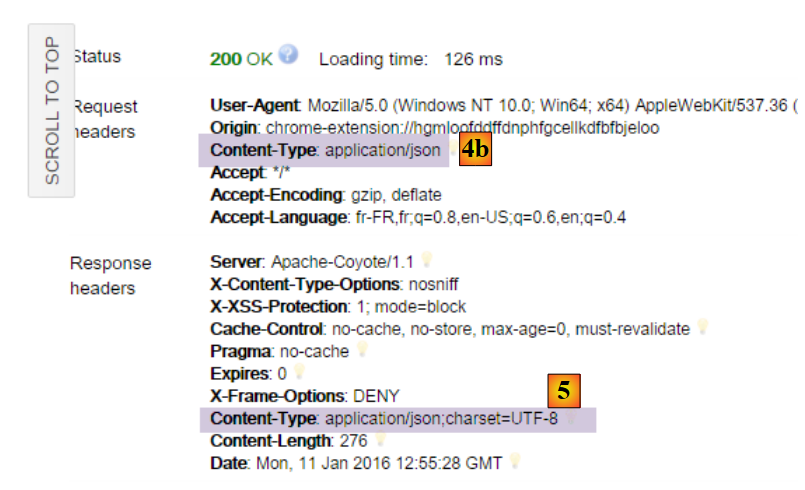 |
- in [4b], the client indicates that it is sending jSON;
- in [5], the server indicates that it is returning jSON;
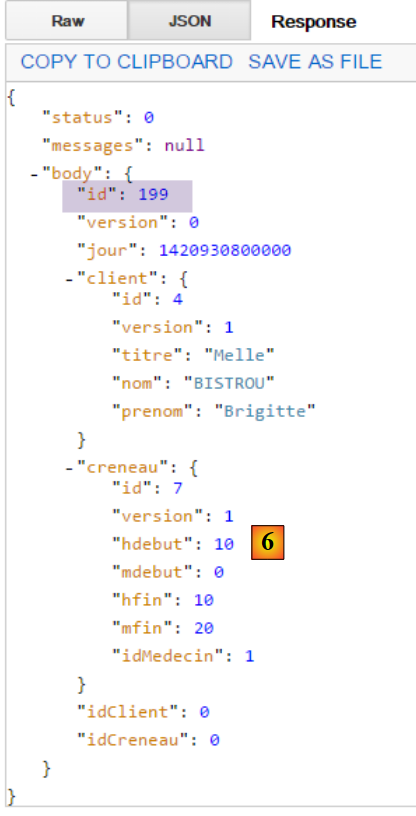 |
- in [6], the server’s response jSON, which represents the added appointment. It shows the identifier [id] of the added appointment;
The following is obtained with a non-existent slot number:
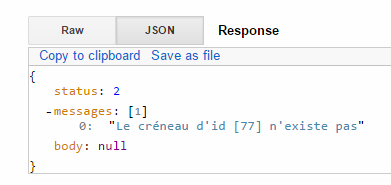 |
8.4.11.17. URL [/supprimerRv]
The URL [/supprimerRv] is processed by the following method of the [RdvMedecinsController] controller:
@RequestMapping(value = "/supprimerRv", method = RequestMethod.POST, produces = "application/json; charset=UTF-8", consumes = "application/json; charset=UTF-8")
    @ResponseBody
    public String supprimerRv(@RequestBody PostSupprimerRv post) throws JsonProcessingException {
        // the answer
        Response<Void> response = null;
        boolean erreur = false;
        // headers CORS
        rdvMedecinsCorsController.sendOptions(origin, httpServletResponse);
        // application status
        if (messages != null) {
            response = new Response<>(-1, messages, null);
            erreur = true;
        }
        // retrieve posted values
        long idRv = post.getIdRv();
        // we retrieve the rv
        if (!erreur) {
            Response<Rv> responseRv = getRv(idRv);
            if (responseRv.getStatus() != 0) {
                response = new Response<>(responseRv.getStatus(), responseRv.getMessages(), null);
                erreur = true;
            }
        }
        if (!erreur) {
            // deletion of rv
            try {
                application.supprimerRv(idRv);
                response = new Response<Void>(0, null, null);
            } catch (RuntimeException e1) {
                response = new Response<>(3, Static.getErreursForException(e1), null);
            }
        }
        // answer
        return jsonMapper.writeValueAsString(response);
    }
- line 5: the type [Void] is the class corresponding to the primitive type [void];
- lines 5, 34: the method returns the string jSON of type [Response<Void>], which has no jSON filters. Therefore, on line 34, the mapper jSON is used without filters;
- line 3: the method takes the body of the POST as a parameter, i.e., the posted value. This is received in the form jSON [consumes = "application/json; charset=UTF-8"] and automatically deserialized into the following [PostSupprimerRv] type:
public class PostSupprimerRv {

    // data from post
    private long idRv;
- line 28: when the deletion is successful, a response is sent with [status=0];
The results obtained are as follows:
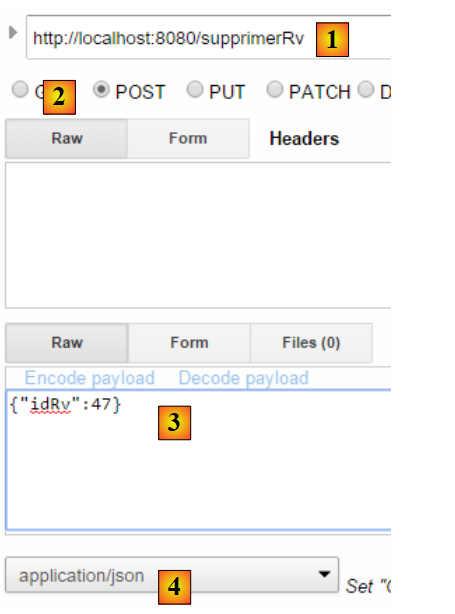 |
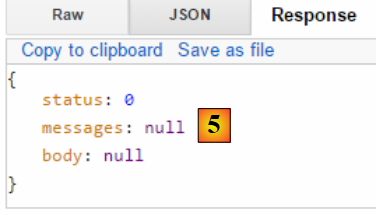 |
- in [5], the [status=0] field indicates that the deletion was successful;
With a non-existent appointment ID, we get the following:
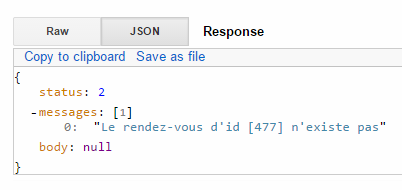 |
We are done with the controller. Now let’s see how to run the project.
8.4.11.18. The web service's executable class
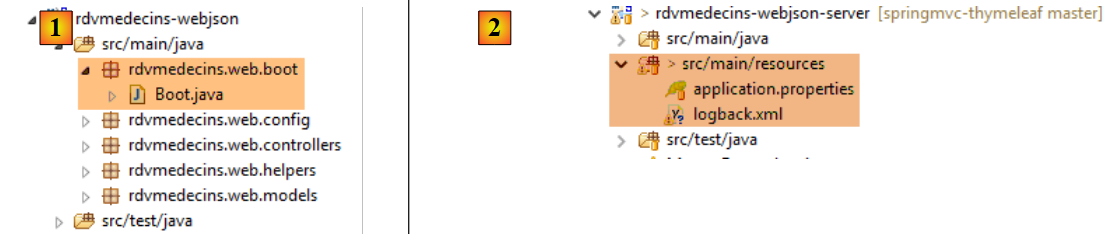 |
The class [Boot] [1] is as follows:
package rdvmedecins.web.boot;

import org.springframework.boot.SpringApplication;

import rdvmedecins.web.config.AppConfig;

public class Boot {

    public static void main(String[] args) {
        SpringApplication.run(AppConfig.class, args);
    }
}
On line 10, the static method [SpringApplication.run] is executed with the project configuration class [AppConfig] as its first parameter. This method will perform the project's auto-configuration, launch the Tomcat server embedded in the dependencies, and deploy the [RdvMedecinsController] controller to it.
The logs are controlled by the following files: [2]:
[logback.xml]
<configuration>
        <appender name="STDOUT" class="ch.qos.logback.core.ConsoleAppender">
                <!-- encoders are by default assigned the type ch.qos.logback.classic.encoder.PatternLayoutEncoder -->
                <encoder>
                        <pattern>%d{HH:mm:ss.SSS} [%thread] %-5level %logger{36} - %msg%n</pattern>
                </encoder>
        </appender>
        <!-- log level control -->
        <root level="info"> <!-- off, info, debug, warn -->
                <appender-ref ref="STDOUT" />
        </root>
</configuration>
- line 9: the general log level is set to [info];
[application.properties]
logging.level.org.springframework.web=INFO
logging.level.org.hibernate=OFF
spring.main.show-banner=false
Lines 1-2 set a specific logging level for certain parts of the application:
- line 1: we want logs from the [web] layer;
- line 2: we do not want logs from the [JPA] layer;
- line 3: no Spring Boot banner;
The logs during execution are as follows:
11:06:04,279 |-INFO in ch.qos.logback.classic.LoggerContext[default] - Could NOT find resource [logback.groovy]
11:06:04,279 |-INFO in ch.qos.logback.classic.LoggerContext[default] - Could NOT find resource [logback-test.xml]
11:06:04,279 |-INFO in ch.qos.logback.classic.LoggerContext[default] - Found resource [logback.xml] at [file:/D:/data/istia-1516/projets/springmvc-thymeleaf/dvp-final/etude-de-cas/rdvmedecins-webjson-server/target/classes/logback.xml]
11:06:04,279 |-WARN in ch.qos.logback.classic.LoggerContext[default] - Resource [logback.xml] occurs multiple times on the classpath.
11:06:04,279 |-WARN in ch.qos.logback.classic.LoggerContext[default] - Resource [logback.xml] occurs at [file:/D:/data/istia-1516/projets/springmvc-thymeleaf/dvp-final/etude-de-cas/rdvmedecins-metier-dao/target/classes/logback.xml]
11:06:04,279 |-WARN in ch.qos.logback.classic.LoggerContext[default] - Resource [logback.xml] occurs at [file:/D:/data/istia-1516/projets/springmvc-thymeleaf/dvp-final/etude-de-cas/rdvmedecins-webjson-server/target/classes/logback.xml]
11:06:04,342 |-INFO in ch.qos.logback.classic.joran.action.ConfigurationAction - debug attribute not set
11:06:04,342 |-INFO in ch.qos.logback.core.joran.action.AppenderAction - About to instantiate appender of type [ch.qos.logback.core.ConsoleAppender]
11:06:04,342 |-INFO in ch.qos.logback.core.joran.action.AppenderAction - Naming appender as [STDOUT]
11:06:04,357 |-INFO in ch.qos.logback.core.joran.action.NestedComplexPropertyIA - Assuming default type [ch.qos.logback.classic.encoder.PatternLayoutEncoder] for [encoder] property
11:06:04,404 |-INFO in ch.qos.logback.classic.joran.action.RootLoggerAction - Setting level of ROOT logger to INFO
11:06:04,404 |-INFO in ch.qos.logback.core.joran.action.AppenderRefAction - Attaching appender named [STDOUT] to Logger[ROOT]
11:06:04,404 |-INFO in ch.qos.logback.classic.joran.action.ConfigurationAction - End of configuration.
11:06:04,420 |-INFO in ch.qos.logback.classic.joran.JoranConfigurator@56f4468b - Registering current configuration as safe fallback point

11:06:04.732 [main] INFO  rdvmedecins.web.boot.Boot - Starting Boot on Gportpers3 with PID 420 (D:\data\istia-1516\projets\springmvc-thymeleaf\dvp-final\etude-de-cas\rdvmedecins-webjson-server\target\classes started by usrlocal in D:\data\istia-1516\projets\springmvc-thymeleaf\dvp-final\etude-de-cas\rdvmedecins-webjson-server)
11:06:04.775 [main] INFO  o.s.b.c.e.AnnotationConfigEmbeddedWebApplicationContext - Refreshing org.springframework.boot.context.embedded.AnnotationConfigEmbeddedWebApplicationContext@2ea6137: startup date [Wed Oct 14 11:06:04 CEST 2015]; root of context hierarchy
11:06:05.538 [main] INFO  o.s.b.c.e.t.TomcatEmbeddedServletContainer - Tomcat initialized with port(s): 8080 (http)
11:06:05.688 [main] INFO  o.a.catalina.core.StandardService - Starting service Tomcat
11:06:05.689 [main] INFO  o.a.catalina.core.StandardEngine - Starting Servlet Engine: Apache Tomcat/8.0.26
11:06:05.833 [localhost-startStop-1] INFO  o.a.c.c.C.[Tomcat].[localhost].[/] - Initializing Spring embedded WebApplicationContext
11:06:05.833 [localhost-startStop-1] INFO  o.s.web.context.ContextLoader - Root WebApplicationContext: initialization completed in 1061 ms
11:06:06.231 [localhost-startStop-1] INFO  o.s.o.j.LocalContainerEntityManagerFactoryBean - Building JPA container EntityManagerFactory for persistence unit 'default'
11:06:09.234 [localhost-startStop-1] INFO  o.s.s.web.DefaultSecurityFilterChain - Creating filter chain: org.springframework.security.web.util.matcher.AnyRequestMatcher@1, [org.springframework.security.web.context.request.async.WebAsyncManagerIntegrationFilter@12d14fa, org.springframework.security.web.context.SecurityContextPersistenceFilter@29823fb6, org.springframework.security.web.header.HeaderWriterFilter@662d93b2, org.springframework.security.web.authentication.logout.LogoutFilter@2d81ee0, org.springframework.security.web.authentication.www.BasicAuthenticationFilter@52aa47ad, org.springframework.security.web.savedrequest.RequestCacheAwareFilter@60bd7a74, org.springframework.security.web.servletapi.SecurityContextHolderAwareRequestFilter@5a374232, org.springframework.security.web.authentication.AnonymousAuthenticationFilter@7ddb4452, org.springframework.security.web.session.SessionManagementFilter@2cd9855f, org.springframework.security.web.access.ExceptionTranslationFilter@2263f0a2, org.springframework.security.web.access.intercept.FilterSecurityInterceptor@192ce7f6]
11:06:09.255 [localhost-startStop-1] INFO  o.s.b.c.e.ServletRegistrationBean - Mapping servlet: 'dispatcherServlet' to [/*]
11:06:09.255 [localhost-startStop-1] INFO  o.s.b.c.e.FilterRegistrationBean - Mapping filter: 'springSecurityFilterChain' to: [/*]
11:06:09.536 [main] INFO  o.s.w.s.m.m.a.RequestMappingHandlerMapping - Mapped "{[/authenticate],methods=[GET]}" onto public rdvmedecins.web.models.Response<java.lang.Void> rdvmedecins.web.controllers.RdvMedecinsController.authenticate(javax.servlet.http.HttpServletResponse,java.lang.String)
11:06:09.536 [main] INFO  o.s.w.s.m.m.a.RequestMappingHandlerMapping - Mapped "{[/getAgendaMedecinJour/{idMedecin}/{jour}],methods=[GET]}" onto public rdvmedecins.web.models.Response<java.lang.String> rdvmedecins.web.controllers.RdvMedecinsController.getAgendaMedecinJour(long,java.lang.String,javax.servlet.http.HttpServletResponse,java.lang.String) throws com.fasterxml.jackson.core.JsonProcessingException
11:06:09.536 [main] INFO  o.s.w.s.m.m.a.RequestMappingHandlerMapping - Mapped "{[/getAllCreneaux/{idMedecin}],methods=[GET]}" onto public rdvmedecins.web.models.Response<java.lang.String> rdvmedecins.web.controllers.RdvMedecinsController.getAllCreneaux(long,javax.servlet.http.HttpServletResponse,java.lang.String) throws com.fasterxml.jackson.core.JsonProcessingException
11:06:09.536 [main] INFO  o.s.w.s.m.m.a.RequestMappingHandlerMapping - Mapped "{[/getRvMedecinJour/{idMedecin}/{jour}],methods=[GET]}" onto public rdvmedecins.web.models.Response<java.lang.String> rdvmedecins.web.controllers.RdvMedecinsController.getRvMedecinJour(long,java.lang.String,javax.servlet.http.HttpServletResponse,java.lang.String) throws com.fasterxml.jackson.core.JsonProcessingException
11:06:09.536 [main] INFO  o.s.w.s.m.m.a.RequestMappingHandlerMapping - Mapped "{[/getMedecinById/{id}],methods=[GET]}" onto public rdvmedecins.web.models.Response<rdvmedecins.entities.Medecin> rdvmedecins.web.controllers.RdvMedecinsController.getMedecinById(long,javax.servlet.http.HttpServletResponse,java.lang.String)
11:06:09.536 [main] INFO  o.s.w.s.m.m.a.RequestMappingHandlerMapping - Mapped "{[/getClientById/{id}],methods=[GET]}" onto public rdvmedecins.web.models.Response<rdvmedecins.entities.Client> rdvmedecins.web.controllers.RdvMedecinsController.getClientById(long,javax.servlet.http.HttpServletResponse,java.lang.String)
11:06:09.536 [main] INFO  o.s.w.s.m.m.a.RequestMappingHandlerMapping - Mapped "{[/supprimerRv],methods=[POST],consumes=[application/json;charset=UTF-8]}" onto public rdvmedecins.web.models.Response<java.lang.Void> rdvmedecins.web.controllers.RdvMedecinsController.supprimerRv(rdvmedecins.web.models.PostSupprimerRv,javax.servlet.http.HttpServletResponse,java.lang.String)
11:06:09.536 [main] INFO  o.s.w.s.m.m.a.RequestMappingHandlerMapping - Mapped "{[/getAllClients],methods=[GET]}" onto public rdvmedecins.web.models.Response<java.util.List<rdvmedecins.entities.Client>> rdvmedecins.web.controllers.RdvMedecinsController.getAllClients(javax.servlet.http.HttpServletResponse,java.lang.String)
11:06:09.536 [main] INFO  o.s.w.s.m.m.a.RequestMappingHandlerMapping - Mapped "{[/ajouterRv],methods=[POST],consumes=[application/json;charset=UTF-8]}" onto public rdvmedecins.web.models.Response<java.lang.String> rdvmedecins.web.controllers.RdvMedecinsController.ajouterRv(rdvmedecins.web.models.PostAjouterRv,javax.servlet.http.HttpServletResponse,java.lang.String) throws com.fasterxml.jackson.core.JsonProcessingException
11:06:09.536 [main] INFO  o.s.w.s.m.m.a.RequestMappingHandlerMapping - Mapped "{[/getCreneauById/{id}],methods=[GET]}" onto public rdvmedecins.web.models.Response<java.lang.String> rdvmedecins.web.controllers.RdvMedecinsController.getCreneauById(long,javax.servlet.http.HttpServletResponse,java.lang.String) throws com.fasterxml.jackson.core.JsonProcessingException
11:06:09.536 [main] INFO  o.s.w.s.m.m.a.RequestMappingHandlerMapping - Mapped "{[/getAllMedecins],methods=[GET]}" onto public rdvmedecins.web.models.Response<java.util.List<rdvmedecins.entities.Medecin>> rdvmedecins.web.controllers.RdvMedecinsController.getAllMedecins(javax.servlet.http.HttpServletResponse,java.lang.String)
11:06:09.536 [main] INFO  o.s.w.s.m.m.a.RequestMappingHandlerMapping - Mapped "{[/getRvById/{id}],methods=[GET]}" onto public rdvmedecins.web.models.Response<java.lang.String> rdvmedecins.web.controllers.RdvMedecinsController.getRvById(long,javax.servlet.http.HttpServletResponse,java.lang.String) throws com.fasterxml.jackson.core.JsonProcessingException
...
11:06:09.677 [main] INFO  o.s.w.s.m.m.a.RequestMappingHandlerAdapter - Looking for @ControllerAdvice: org.springframework.boot.context.embedded.AnnotationConfigEmbeddedWebApplicationContext@2ea6137: startup date [Wed Oct 14 11:06:04 CEST 2015]; root of context hierarchy
11:06:09.770 [main] INFO  o.a.coyote.http11.Http11NioProtocol - Initializing ProtocolHandler ["http-nio-8080"]
11:06:09.786 [main] INFO  o.a.coyote.http11.Http11NioProtocol - Starting ProtocolHandler ["http-nio-8080"]
11:06:09.802 [main] INFO  o.a.tomcat.util.net.NioSelectorPool - Using a shared selector for servlet write/read
11:06:09.817 [main] INFO  o.s.b.c.e.t.TomcatEmbeddedServletContainer - Tomcat started on port(s): 8080 (http)
11:06:09.817 [main] INFO  rdvmedecins.web.boot.Boot - Started Boot in 5.319 seconds (JVM running for 6.053)
- line 18: the Tomcat server is active;
- line 21: the Spring context is being initialized;
- lines 27-38: the URL exposed by the web service are discovered;
- line 44: the Tomcat server is ready and waiting for requests on port 8080;
If we modify the [application.properties] file as follows:
logging.level.org.springframework.web: OFF
logging.level.org.hibernate:OFF
spring.main.show-banner=false
we get the following logs:
Furthermore, if we modify the [logback.xml] file as follows:
<configuration>
        <appender name="STDOUT" class="ch.qos.logback.core.ConsoleAppender">
                <!-- encoders are by default assigned the type ch.qos.logback.classic.encoder.PatternLayoutEncoder -->
                <encoder>
                        <pattern>%d{HH:mm:ss.SSS} [%thread] %-5level %logger{36} - %msg%n</pattern>
                </encoder>
        </appender>
        <!-- log level control -->
        <root level="off"> <!-- off, info, debug, warn -->
                <appender-ref ref="STDOUT" />
        </root>
</configuration>
The following logs are obtained:
So we can see that we have some control over the logs that appear in the console. The [info] level is often the right log level.
We now have a working web service that can be queried using a web client. Next, we’ll address securing this service: we want only certain people to be able to manage doctors’ appointments. To do this, we’ll use the Spring Security framework, a component of the Spring ecosystem.
8.4.12. Introduction to Spring Security
We will once again import a Spring guide by following steps 1 through 3 below:
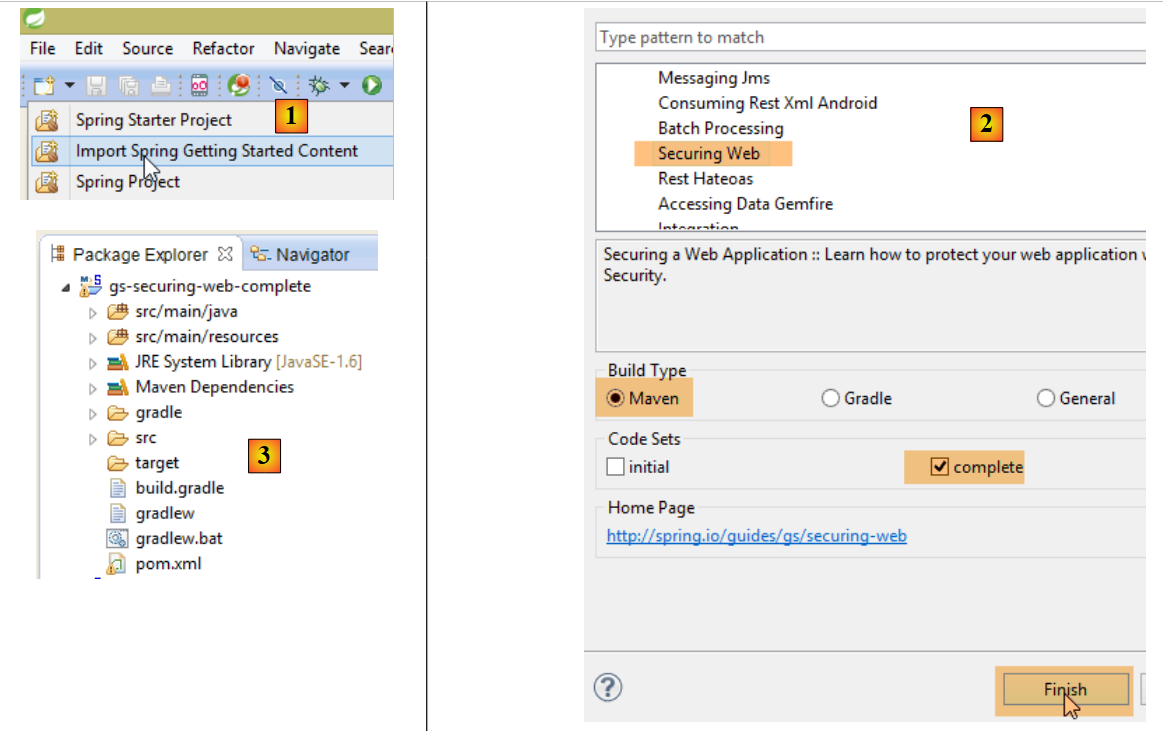 |
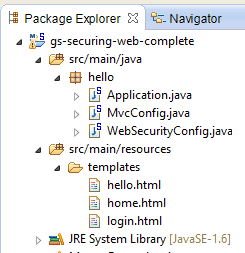 |
The project consists of the following elements:
- in the [templates] folder, you’ll find the HTML pages of the project;
- [Application]: is the project’s executable class;
- [MvcConfig]: is the Spring configuration class MVC;
- [WebSecurityConfig]: is the Spring Security configuration class;
8.4.12.1. Maven Configuration
The [3] project is a Maven project. Let’s examine its [pom.xml] file to see its dependencies:
<?xml version="1.0" encoding="UTF-8"?>
<project xmlns="http://maven.apache.org/POM/4.0.0" xmlns:xsi="http://www.w3.org/2001/XMLSchema-instance"
    xsi:schemaLocation="http://maven.apache.org/POM/4.0.0 http://maven.apache.org/xsd/maven-4.0.0.xsd">
    <modelVersion>4.0.0</modelVersion>

    <groupId>org.springframework</groupId>
    <artifactId>gs-securing-web</artifactId>
    <version>0.1.0</version>

    <parent>
        <groupId>org.springframework.boot</groupId>
        <artifactId>spring-boot-starter-parent</artifactId>
        <version>1.1.10.RELEASE</version>
    </parent>

    <dependencies>
        <dependency>
            <groupId>org.springframework.boot</groupId>
            <artifactId>spring-boot-starter-thymeleaf</artifactId>
        </dependency>
        <!-- tag::security[] -->
        <dependency>
            <groupId>org.springframework.boot</groupId>
            <artifactId>spring-boot-starter-security</artifactId>
        </dependency>
        <!-- end::security[] -->
    </dependencies>

    <properties>
        <start-class>hello.Application</start-class>
    </properties>

    <build>
        <plugins>
            <plugin>
                <groupId>org.springframework.boot</groupId>
                <artifactId>spring-boot-maven-plugin</artifactId>
            </plugin>
        </plugins>
    </build>

</project>
- lines 10–14: the project is a Spring Boot project;
- lines 17–20: dependency on the [Thymeleaf] framework;
- lines 22–25: dependency on the Spring Security framework;
8.4.12.2. Thymeleaf views
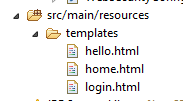 |
The view [home.html] is as follows:
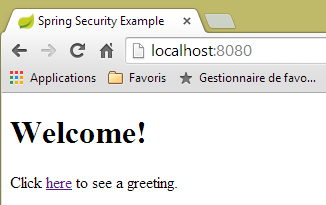 |
<!DOCTYPE html>
<html xmlns="http://www.w3.org/1999/xhtml"
    xmlns:th="http://www.thymeleaf.org"
    xmlns:sec="http://www.thymeleaf.org/thymeleaf-extras-springsecurity3">
<head>
<title>Spring Security Example</title>
</head>
<body>
    <h1>Welcome!</h1>

    <p>
        Click <a th:href="@{/hello}">here</a> to see a greeting.
    </p>
</body>
</html>
- Line 12: The attribute [th:href="@{/hello}"] will generate the attribute [href] for the <a> tag. The value [@{/hello}] will generate the path [<context>/hello], where [context] is the web application context;
The generated code HTML is as follows:
<!DOCTYPE html>

<html xmlns="http://www.w3.org/1999/xhtml" xmlns:sec="http://www.thymeleaf.org/thymeleaf-extras-springsecurity3">
    <head>
        <title>Spring Security Example</title>
    </head>
    <body>
        <h1>Welcome!</h1>

        <p>
            Click
            <a href="/hello">here</a>
            to see a greeting.
        </p>
    </body>
</html>
The view [hello.html] is as follows:
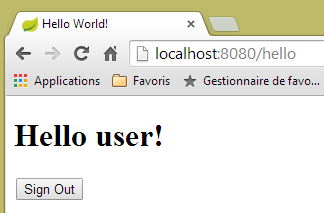 |
<!DOCTYPE html>
<html xmlns="http://www.w3.org/1999/xhtml"
    xmlns:th="http://www.thymeleaf.org"
    xmlns:sec="http://www.thymeleaf.org/thymeleaf-extras-springsecurity3">
<head>
<title>Hello World!</title>
</head>
<body>
    <h1 th:inline="text">Hello [[${#httpServletRequest.remoteUser}]]!</h1>
    <form th:action="@{/logout}" method="post">
        <input type="submit" value="Sign Out" />
    </form>
</body>
</html>
- Line 9: The [th:inline="text"] attribute will generate the text of the <h1> tag. This text contains a $ expression that must be evaluated. The element [[${#httpServletRequest.remoteUser}]] is the value of the [RemoteUser] attribute of the current HTTP query. This is the name of the logged-in user;
- line 10: a HTML form. The [th:action="@{/logout}"] attribute will generate the [action] attribute of the [form] tag. The value [@{/logout}] will generate the path [<context>/logout], where [context] is the web application context;
The generated code HTML is as follows:
<!DOCTYPE html>

<html xmlns="http://www.w3.org/1999/xhtml" xmlns:sec="http://www.thymeleaf.org/thymeleaf-extras-springsecurity3">
    <head>
        <title>Hello World!</title>
    </head>
    <body>
        <h1>Hello user!</h1>
        <form method="post" action="/logout">
            <input type="submit" value="Sign Out" />
            <input type="hidden" name="_csrf" value="b152e5b9-d1a4-4492-b89d-b733fe521c91" />
        </form>
    </body>
</html>
- line 8: the translation of Hello [[${#httpServletRequest.remoteUser}]]!;
- line 9: the translation of @{/logout};
- line 11: a hidden field named (attribute name) _csrf;
The final view [login.html] is as follows:
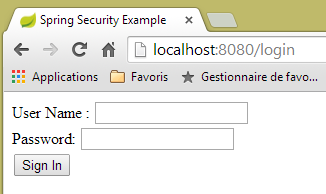 |
<!DOCTYPE html>
<html xmlns="http://www.w3.org/1999/xhtml"
    xmlns:th="http://www.thymeleaf.org"
    xmlns:sec="http://www.thymeleaf.org/thymeleaf-extras-springsecurity3">
<head>
<title>Spring Security Example</title>
</head>
<body>
    <div th:if="${param.error}">Invalid username and password.</div>
    <div th:if="${param.logout}">You have been logged out.</div>
    <form th:action="@{/login}" method="post">
        <div>
            <label> User Name : <input type="text" name="username" />
            </label>
        </div>
        <div>
            <label> Password: <input type="password" name="password" />
            </label>
        </div>
        <div>
            <input type="submit" value="Sign In" />
        </div>
    </form>
</body>
</html>
- line 9: the attribute [th:if="${param.error}"] ensures that the <div> tag will only be generated if the URL that displays the login page contains the parameter [error] (http://context/login?error);
- line 10: the [th:if="${param.logout}"] attribute ensures that the <div> tag will only be generated if the URL that displays the login page contains the [logout] parameter (http://context/login?logout);
- lines 11–23: a HTML form;
- line 11: the form will be posted to URL [<context>/login] where <context> is the web application context;
- line 13: an input field named [username];
- line 17: an input field named [password];
The generated code HTML is as follows:
<!DOCTYPE html>

<html xmlns="http://www.w3.org/1999/xhtml" xmlns:sec="http://www.thymeleaf.org/thymeleaf-extras-springsecurity3">
    <head>
        <title>Spring Security Example </title>
    </head>
    <body>

        <div>
            You have been logged out.
        </div>
        <form method="post" action="/login">
            <div>
                <label>
                    User Name :
                    <input type="text" name="username" />
                </label>
            </div>
            <div>
                <label>
                    Password:
                    <input type="password" name="password" />
                </label>
            </div>
            <div>
                <input type="submit" value="Sign In" />
            </div>
            <input type="hidden" name="_csrf" value="ef809b0a-88b4-4db9-bc53-342216b77632" />
        </form>
    </body>
</html>
Note on line 28 that Thymeleaf has added a hidden field named [_csrf].
8.4.12.3. Spring Configuration MVC
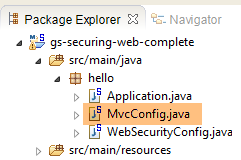 |
The [MvcConfig] class configures the Spring MVC framework:
package hello;

import org.springframework.context.annotation.Configuration;
import org.springframework.web.servlet.config.annotation.ViewControllerRegistry;
import org.springframework.web.servlet.config.annotation.WebMvcConfigurerAdapter;

@Configuration
public class MvcConfig extends WebMvcConfigurerAdapter {

    @Override
    public void addViewControllers(ViewControllerRegistry registry) {
        registry.addViewController("/home").setViewName("home");
        registry.addViewController("/").setViewName("home");
        registry.addViewController("/hello").setViewName("hello");
        registry.addViewController("/login").setViewName("login");
    }

}
- line 7: the annotation [@Configuration] makes the class [MvcConfig] a configuration class;
- line 8: the [MvcConfig] class extends the [WebMvcConfigurerAdapter] class to override certain methods;
- line 10: redefinition of a method from the parent class;
- lines 11–16: the method [addViewControllers] allows URL to be associated with HTML views. The following associations are made:
URL | view |
/templates/home.html | |
/templates/hello.html | |
/templates/login.html |
The suffix [html] and the folder [templates] are the default values used by Thymeleaf. They can be changed via configuration. The folder [templates] must be at the root of the project's classpath:
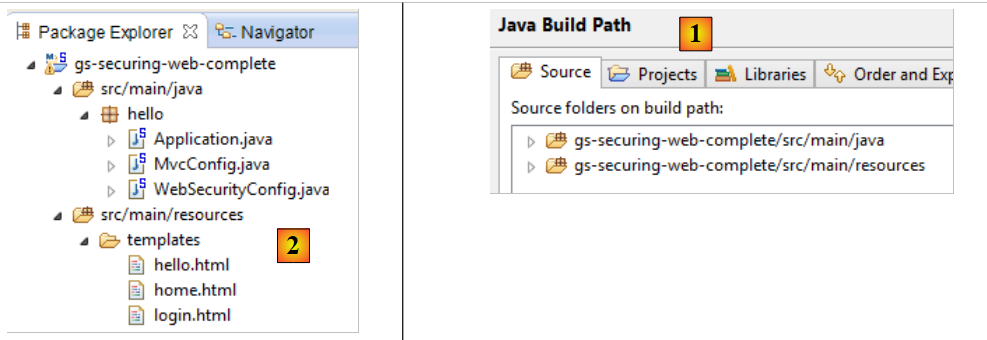 |
Above [1], the folders [java] and [resources] are both source folders. This means that their contents will be at the root of the project’s classpath. Therefore, in [2], the [hello] and [templates] folders will be at the root of the classpath.
8.4.12.4. Spring Security Configuration
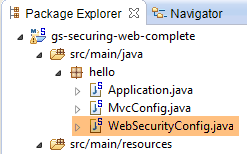 |
The [WebSecurityConfig] class configures the Spring Security framework:
package hello;

import org.springframework.context.annotation.Configuration;
import org.springframework.security.config.annotation.authentication.builders.AuthenticationManagerBuilder;
import org.springframework.security.config.annotation.web.builders.HttpSecurity;
import org.springframework.security.config.annotation.web.configuration.WebSecurityConfigurerAdapter;
import org.springframework.security.config.annotation.web.servlet.configuration.EnableWebMvcSecurity;

@Configuration
@EnableWebMvcSecurity
public class WebSecurityConfig extends WebSecurityConfigurerAdapter {
    @Override
    protected void configure(HttpSecurity http) throws Exception {
        http.authorizeRequests().antMatchers("/", "/home").permitAll().anyRequest().authenticated();
        http.formLogin().loginPage("/login").permitAll().and().logout().permitAll();
    }

    @Override
    protected void configure(AuthenticationManagerBuilder auth) throws Exception {
        auth.inMemoryAuthentication().withUser("user").password("password").roles("USER");
    }
}
- line 9: the [@Configuration] annotation makes the [WebSecurityConfig] class a configuration class;
- Line 10: The annotation [@EnableWebSecurity] designates the class [WebSecurityConfig] as a Spring Security configuration class;
- Line 11: The class [WebSecurity] extends the class [WebSecurityConfigurerAdapter] to override certain methods;
- line 12: redefinition of a method from the parent class;
- lines 13–16: the [configure(HttpSecurity http)] method is redefined to define access rights to the various URL classes in the application;
- line 14: the [http.authorizeRequests()] method allows URLs to be associated with access rights. The following associations are made there:
URL | rule | code |
access without authentication | | |
authenticated access only |
- line 15: defines the authentication method. Authentication is performed via a form accessible to everyone. Logout is also accessible to everyone;
- lines 19–21: redefine the method that manages users;
- line 20: authentication is performed using hard-coded users [auth.inMemoryAuthentication()]. A user is defined here with the login [user], the password [password], and the role [USER]. The same rights can be granted to users with the same role;
8.4.12.5. Executable class
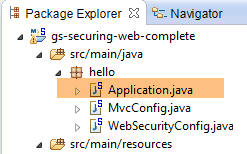 |
The class [Application] is as follows:
package hello;

import org.springframework.boot.autoconfigure.EnableAutoConfiguration;
import org.springframework.boot.SpringApplication;
import org.springframework.context.annotation.ComponentScan;
import org.springframework.context.annotation.Configuration;

@EnableAutoConfiguration
@Configuration
@ComponentScan
public class Application {

    public static void main(String[] args) throws Throwable {
        SpringApplication.run(Application.class, args);
    }

}
- line 8: the [@EnableAutoConfiguration] annotation instructs Spring Boot (line 3) to perform the configuration that the developer has not explicitly set up;
- line 9: makes the [Application] class a Spring configuration class;
- line 10: instructs the system to scan the directory containing the [Application] class to search for Spring components. The two classes [MvcConfig] and [WebSecurityConfig] will thus be discovered because they have the [@Configuration] annotation;
- line 13: the [main] method of the executable class;
- line 14: the static method [SpringApplication.run] is executed with the configuration class [Application] as a parameter. We have already encountered this process and know that the Tomcat server embedded in the project’s Maven dependencies will be launched and the project deployed on it. We have seen that four URL instances were managed by [/, /home, /login, /hello] and that some were protected by access rights.
8.4.12.6. Application Testing
Let’s start by requesting the URL [/], which is one of the four accepted URL instances. It is associated with the [/templates/home.html] view:
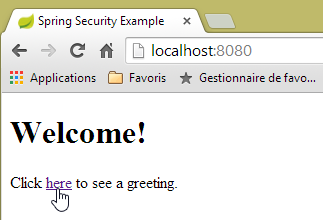 |
The requested URL [/] is accessible to everyone. That is why we obtained it. The [here] link is as follows:
The URL [/hello] will be requested when you click on the link. This one is protected:
URL | rule | code |
access without authentication | | |
authenticated access only |
You must be authenticated to access it. Spring Security will then redirect the client browser to the authentication page. Based on the configuration shown, this is the page URL [/login]. This page is accessible to everyone:
http.formLogin().loginPage("/login").permitAll().and().logout().permitAll();
We therefore get [1]:
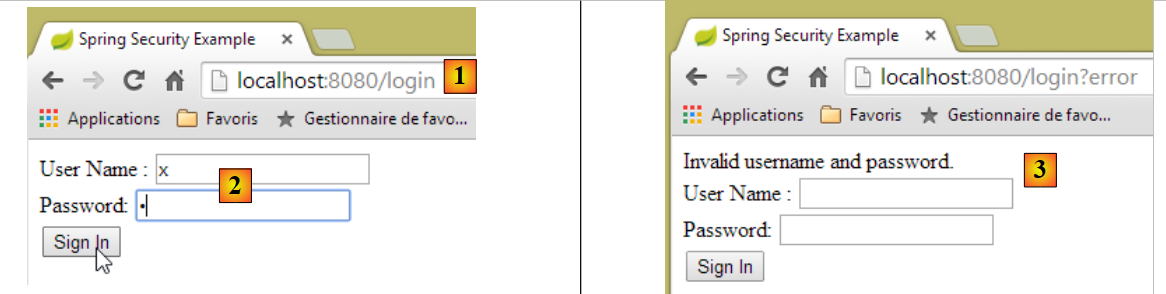 |
The source code for the resulting page is as follows:
- line 7, a hidden field appears that is not in the original [login.html] page. Thymeleaf added it. This code, called CSRF (Cross-Site Request Forgery), is intended to eliminate a security vulnerability. This token must be sent back to Spring Security along with the authentication for it to be accepted;
We recall that only the user/password is recognized by Spring Security. If we enter something else in [2], we get the same page with an error message in [3]. Spring Security redirected the browser to URL [http://localhost:8080/login?error]. The presence of the parameter [error] triggered the display of the tag:
<div th:if="${param.error}">Invalid username and password.</div>
Now, let’s enter the expected user/password values [4]:
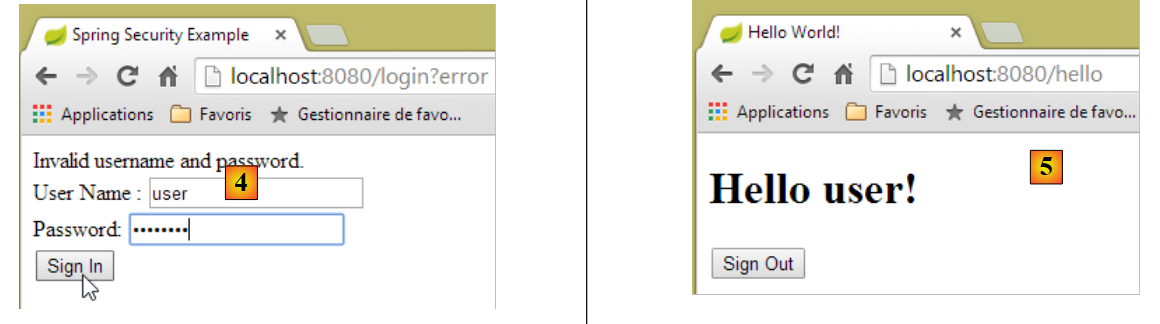 |
- in [4], we log in;
- in [5], Spring Security redirects us to URL [/hello] because that is the URL we requested when we were redirected to the login page. The user's identity was displayed by the following line in [hello.html]:
The [5] page displays the following form:
    <form th:action="@{/logout}" method="post">
        <input type="submit" value="Sign Out" />
</form>
When you click the [Sign Out] button, a POST will be performed on the URL [/logout]. This, like the URL [/login], is accessible to everyone:
http.formLogin().loginPage("/login").permitAll().and().logout().permitAll();
In our URL / views association, we haven’t defined anything for URL and [/logout]. What will happen? Let’s try:
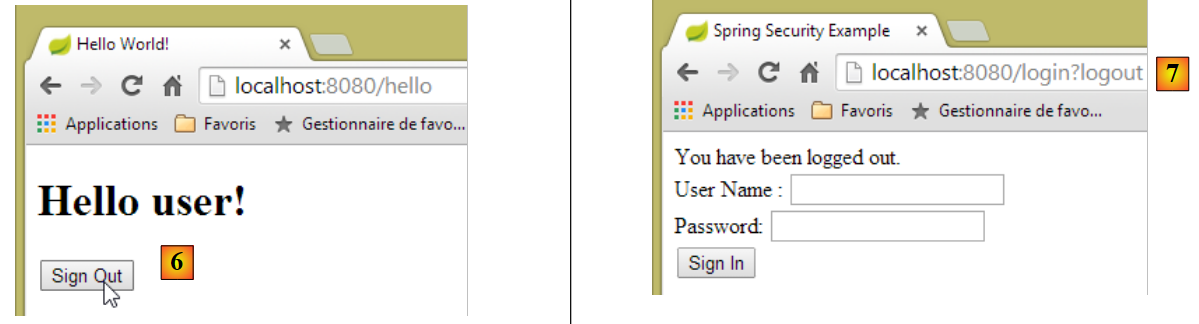 |
- In [6], we click the [Sign Out] button;
- in [7], we see that we have been redirected to URL [http://localhost:8080/login?logout]. Spring Security requested this redirection. The presence of the [logout] parameter in URL caused the following line to be displayed in the view:
<div th:if="${param.logout}">You have been logged out.</div>
8.4.12.7. Conclusion
In the previous example, we could have written the web application first and then secured it. Spring Security is non-intrusive. You can implement security for a web application that has already been written. Furthermore, we discovered the following points:
- it is possible to define an authentication page;
- Authentication must be accompanied by the token CSRF issued by Spring Security;
- If authentication fails, the user is redirected to the authentication page with an additional parameter error in the URL;
- If authentication succeeds, you are redirected to the page requested at the time of authentication. If you request the authentication page directly without going through an intermediate page, Spring Security redirects you to the URL [/] (this case was not presented);
- You log out by requesting the URL [/logout] with a POST. Spring Security then redirects us to the authentication page with the logout parameter in the URL;
All these conclusions are based on Spring Security’s default behavior. This behavior can be changed through configuration by overriding certain methods of the [WebSecurityConfigurerAdapter] class.
The previous tutorial will be of little help to us going forward. We will indeed use:
- a database to store users, their passwords, and their roles;
- header-based authentication (HTTP);
There are relatively few tutorials available for what we want to do here. The solution we’ll propose is a combination of code snippets found here and there.
8.4.13. Setting up security for the appointment web service
8.4.13.1. The database
The [rdvmedecins] database is being updated to include users, their passwords, and their roles. Three new tables are being added:
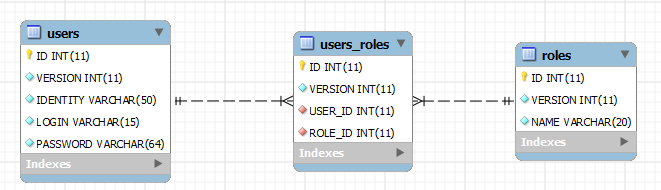
Table [USERS]: users
- ID: primary key;
- VERSION: row versioning column;
- IDENTITY: a descriptive user ID;
- LOGIN: the user's login;
- PASSWORD: the user's password;
In table USERS, passwords are not stored in plain text:
 |
The algorithm that encrypts the passwords is the BCRYPT algorithm.
Table [ROLES]: roles
- ID: primary key;
- VERSION: row versioning column;
- NAME: role name. By default, Spring Security expects names in the form ROLE_XX, for example ROLE_ADMIN or ROLE_GUEST;
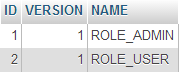 |
Table [USERS_ROLES]: join table for USERS / ROLES
A user can have multiple roles, and a role can include multiple users. This represents a many-to-many relationship, implemented by table [USERS_ROLES].
- ID: primary key;
- VERSION: row versioning column;
- USER_ID: user ID;
- ROLE_ID: role ID;
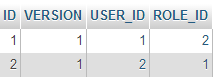 |
Because we are modifying the database, all layers of the [métier, DAO, JPA] project must be modified:
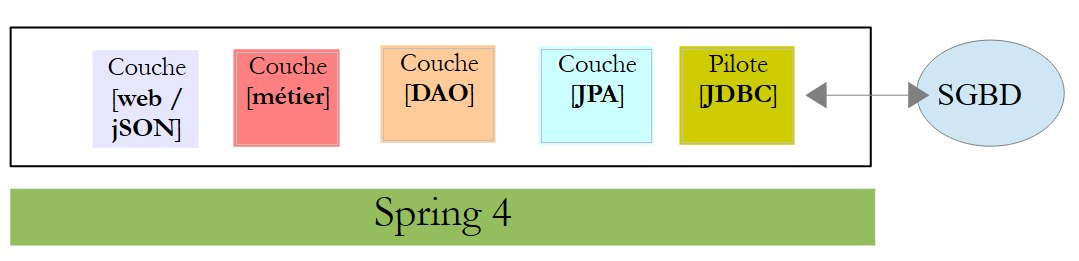 |
8.4.13.2. The new project STS from [métier, DAO, JPA]
The [rdvmedecins-metier-dao] project evolves as follows:
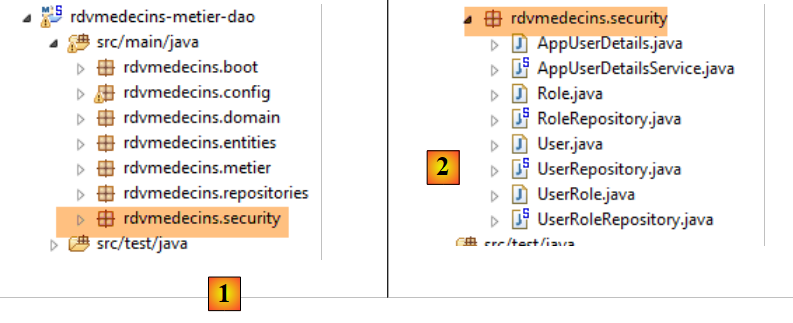 |
- to [1]: the new project;
- to [2]: the changes resulting from security considerations have been consolidated into a single package, [rdvmedecins.security]. These new elements belong to the [JPA] and [DAO] layers, but for simplicity they have been combined into a single package.
8.4.13.3. The new features in [JPA]
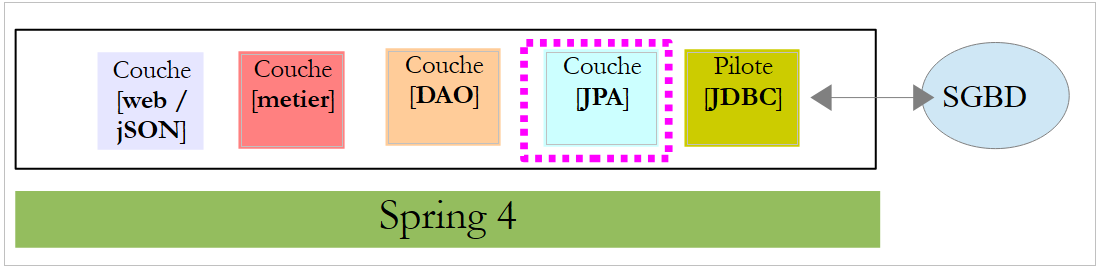 |
The JPA layer defines three new entities:
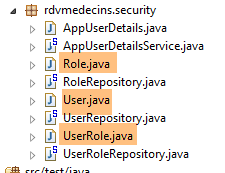 |
The class [User] is the mapping of the table [USERS]:
package rdvmedecins.entities;

import javax.persistence.Column;
import javax.persistence.Entity;
import javax.persistence.Table;

@Entity
@Table(name = "USERS")
public class User extends AbstractEntity {
    private static final long serialVersionUID = 1L;

    // properties
    private String identity;
    private String login;
    private String password;

    // manufacturer
    public User() {
    }

    public User(String identity, String login, String password) {
        this.identity = identity;
        this.login = login;
        this.password = password;
    }

    // identity
    @Override
    public String toString() {
        return String.format("User[%s,%s,%s]", identity, login, password);
    }

    // getters and setters
....
}
- line 9: the class extends the [AbstractEntity] class already used for the other entities;
- lines 13–15: no column names are specified because they have the same names as their associated fields;
The [Role] class is a representation of the [ROLES] table:
package rdvmedecins.entities;

import javax.persistence.Column;
import javax.persistence.Entity;
import javax.persistence.Table;

@Entity
@Table(name = "ROLES")
public class Role extends AbstractEntity {

    private static final long serialVersionUID = 1L;

    // properties
    private String name;

    // manufacturers
    public Role() {
    }

    public Role(String name) {
        this.name = name;
    }

    // identity
    @Override
    public String toString() {
        return String.format("Role[%s]", name);
    }

    // getters and setters
...
}
The [UserRole] class is the mapping of the [USERS_ROLES] table:
package rdvmedecins.entities;

import javax.persistence.Entity;
import javax.persistence.JoinColumn;
import javax.persistence.ManyToOne;
import javax.persistence.Table;

@Entity
@Table(name = "USERS_ROLES")
public class UserRole extends AbstractEntity {

    private static final long serialVersionUID = 1L;

    // a UserRole refers to a User
    @ManyToOne
    @JoinColumn(name = "USER_ID")
    private User user;
    // a UserRole refers to a Role
    @ManyToOne
    @JoinColumn(name = "ROLE_ID")
    private Role role;

    // getters and setters
...
}
- lines 15–17: define the foreign key from table [USERS_ROLES] to table [USERS];
- lines 19-21: define the foreign key from table [USERS_ROLES] to table [ROLES];
8.4.13.4. Changes to layer [DAO]
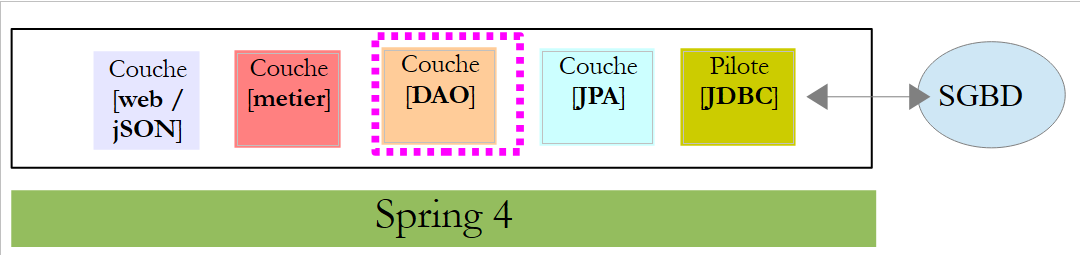 |
The [DAO] layer is expanded with three new [Repository] entries:
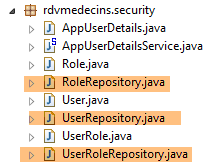 |
The [UserRepository] interface manages access to the [User] entities:
package rdvmedecins.repositories;

import org.springframework.data.jpa.repository.Query;
import org.springframework.data.repository.CrudRepository;

import rdvmedecins.entities.Role;
import rdvmedecins.entities.User;

public interface UserRepository extends CrudRepository<User, Long> {

    // list of user roles identified by id
    @Query("select ur.role from UserRole ur where ur.user.id=?1")
    Iterable<Role> getRoles(long id);

    // list of user roles identified by login and password
    @Query("select ur.role from UserRole ur where ur.user.login=?1 and ur.user.password=?2")
    Iterable<Role> getRoles(String login, String password);

    // search for a user via login
    User findUserByLogin(String login);
}
- line 9: the [UserRepository] interface extends the [CrudRepository] interface from Spring Data (line 4);
- lines 12-13: the [getRoles(User user)] method retrieves all roles for a user identified by their [id]
- lines 16-17: same as above, but for a user identified by their login and password;
- line 20: to find a user via their login;
The [RoleRepository] interface manages access to [Role] entities:
package rdvmedecins.security;

import org.springframework.data.repository.CrudRepository;

public interface RoleRepository extends CrudRepository<Role, Long> {

    // search for a role by name
    Role findRoleByName(String name);

}
- line 5: the [RoleRepository] interface extends the [CrudRepository] interface;
- line 8: you can search for a role by its name;
The [userRoleRepository] interface manages access to the [UserRole] entities:
package rdvmedecins.security;

import org.springframework.data.repository.CrudRepository;

public interface UserRoleRepository extends CrudRepository<UserRole, Long> {

}
- line 5: the [UserRoleRepository] interface simply extends the [CrudRepository] interface without adding any new methods;
8.4.13.5. User and role management classes
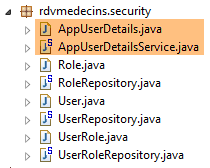 |
Spring Security requires the creation of a class that implements the following [UsersDetail] interface:
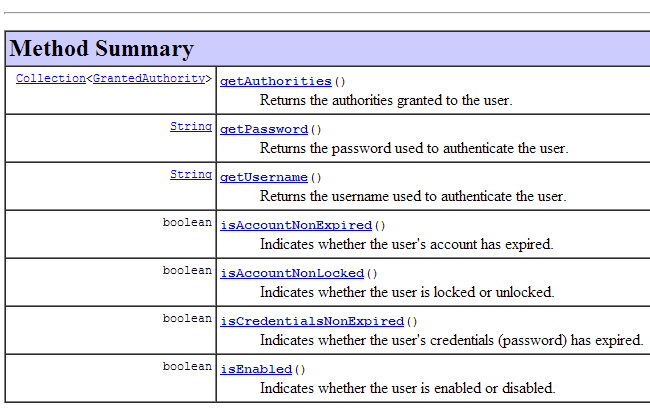 |
This interface is implemented here by the [AppUserDetails] class:
package rdvmedecins.security;

import java.util.ArrayList;
import java.util.Collection;

import org.springframework.security.core.GrantedAuthority;
import org.springframework.security.core.authority.SimpleGrantedAuthority;
import org.springframework.security.core.userdetails.UserDetails;

public class AppUserDetails implements UserDetails {

    private static final long serialVersionUID = 1L;

    // properties
    private User user;
    private UserRepository userRepository;

    // manufacturers
    public AppUserDetails() {
    }

    public AppUserDetails(User user, UserRepository userRepository) {
        this.user = user;
        this.userRepository = userRepository;
    }

    // -------------------------interface
    @Override
    public Collection<? extends GrantedAuthority> getAuthorities() {
        Collection<GrantedAuthority> authorities = new ArrayList<>();
        for (Role role : userRepository.getRoles(user.getId())) {
            authorities.add(new SimpleGrantedAuthority(role.getName()));
        }
        return authorities;
    }

    @Override
    public String getPassword() {
        return user.getPassword();
    }

    @Override
    public String getUsername() {
        return user.getLogin();
    }

    @Override
    public boolean isAccountNonExpired() {
        return true;
    }

    @Override
    public boolean isAccountNonLocked() {
        return true;
    }

    @Override
    public boolean isCredentialsNonExpired() {
        return true;
    }

    @Override
    public boolean isEnabled() {
        return true;
    }

    // getters and setters
    ...
}
- line 10: the [AppUserDetails] class implements the [UserDetails] interface;
- lines 15-16: the class encapsulates a user (line 15) and the repository that provides details about that user (line 16);
- lines 22–25: the constructor that instantiates the class with a user and its repository;
- lines 28–35: implementation of the [getAuthorities] method of the [UserDetails] interface. It must construct a collection of elements of type [GrantedAuthority] or a derived type. Here, we use the derived type [SimpleGrantedAuthority] (line 32), which encapsulates the name of one of the user’s roles from line 15;
- lines 31–33: we iterate through the list of roles for the user in line 15 to build a list of elements of type [SimpleGrantedAuthority];
- lines 38–40: implement the [getPassword] method of the [UserDetails] interface. The user's password from line 15 is returned;
- lines 38–40: implement the [getUserName] method of the [UserDetails] interface. The user’s login from line 15 is returned;
- lines 47–50: the user’s account never expires;
- lines 52–55: the user’s account is never locked;
- lines 57-60: the user's credentials never expire;
- lines 62-65: the user's account is always active;
Spring Security also requires the existence of a class that implements the [AppUserDetailsService] interface:
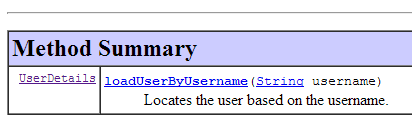 |
This interface is implemented by the following [AppUserDetailsService] class:
package rdvmedecins.security;

import org.springframework.beans.factory.annotation.Autowired;
import org.springframework.security.core.userdetails.UserDetails;
import org.springframework.security.core.userdetails.UserDetailsService;
import org.springframework.security.core.userdetails.UsernameNotFoundException;
import org.springframework.stereotype.Service;

@Service
public class AppUserDetailsService implements UserDetailsService {

    @Autowired
    private UserRepository userRepository;

    @Override
    public UserDetails loadUserByUsername(String login) throws UsernameNotFoundException {
        // search for user via login
        User user = userRepository.findUserByLogin(login);
        // found?
        if (user == null) {
            throw new UsernameNotFoundException(String.format("login [%s] inexistant", login));
        }
        // render user details
        return new AppUserDetails(user, userRepository);
    }

}
- line 9: the class will be a Spring component, so it will be available in its context;
- lines 12-13: the [UserRepository] component will be injected here;
- lines 16–25: implementation of the [loadUserByUsername] method of the [UserDetailsService] interface (line 10). The parameter is the user’s login;
- line 18: the user is searched for using their login;
- lines 20–22: if not found, an exception is thrown;
- line 24: a [AppUserDetails] object is constructed and rendered. It is indeed of type [UserDetails] (line 16);
8.4.13.6. Testing the [DAO] layer
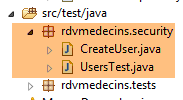 |
First, we create an executable class [CreateUser] capable of creating a user with a role:
package rdvmedecins.security;

import org.springframework.context.annotation.AnnotationConfigApplicationContext;
import org.springframework.security.crypto.bcrypt.BCrypt;

import rdvmedecins.config.DomainAndPersistenceConfig;
import rdvmedecins.security.Role;
import rdvmedecins.security.RoleRepository;
import rdvmedecins.security.User;
import rdvmedecins.security.UserRepository;
import rdvmedecins.security.UserRole;
import rdvmedecins.security.UserRoleRepository;

public class CreateUser {

    public static void main(String[] args) {
        // syntax: login password roleName

        // three parameters are required
        if (args.length != 3) {
            System.out.println("Syntaxe : [pg] user password role");
            System.exit(0);
        }
        // parameters are retrieved
        String login = args[0];
        String password = args[1];
        String roleName = String.format("ROLE_%s", args[2].toUpperCase());
        // spring context
        AnnotationConfigApplicationContext context = new AnnotationConfigApplicationContext(DomainAndPersistenceConfig.class);
        UserRepository userRepository = context.getBean(UserRepository.class);
        RoleRepository roleRepository = context.getBean(RoleRepository.class);
        UserRoleRepository userRoleRepository = context.getBean(UserRoleRepository.class);
        // does the role already exist?
        Role role = roleRepository.findRoleByName(roleName);
        // if it doesn't exist, we create it
        if (role == null) {
            role = roleRepository.save(new Role(roleName));
        }
        // does the user already exist?
        User user = userRepository.findUserByLogin(login);
        // if it doesn't exist, we create it
        if (user == null) {
            // hash the password with bcrypt
            String crypt = BCrypt.hashpw(password, BCrypt.gensalt());
            // save user
            user = userRepository.save(new User(login, login, crypt));
            // we create the relationship with the role
            userRoleRepository.save(new UserRole(user, role));
        } else {
            // the user already exists - does he/she have the required role?
            boolean trouvé = false;
            for (Role r : userRepository.getRoles(user.getId())) {
                if (r.getName().equals(roleName)) {
                    trouvé = true;
                    break;
                }
            }
            // if not found, we create the relationship with the role
            if (!trouvé) {
                userRoleRepository.save(new UserRole(user, role));
            }
        }

        // closing Spring context
        context.close();
    }

}
- line 17: the class expects three arguments defining a user: their login, password, and role;
- lines 25–27: the three parameters are retrieved;
- line 29: the Spring context is built from the configuration class [DomainAndPersistenceConfig]. This class already existed in the initial project. It must be updated as follows:
@EnableJpaRepositories(basePackages = { "rdvmedecins.repositories", "rdvmedecins.security" })
@EnableAutoConfiguration
@ComponentScan(basePackages = { "rdvmedecins" })
@EntityScan(basePackages = { "rdvmedecins.entities", "rdvmedecins.security" })
@EnableTransactionManagement
public class DomainAndPersistenceConfig {
....
}
- line 1: you must specify that there are now [Repository] components in the [rdvmedecins.security] package;
- line 4: you must specify that there are now JPA entities in the [rdvmedecins.security] package;
Let's go back to the code for creating a user:
- lines 30–32: we retrieve the references for the three [Repository] entries that may be useful for creating the user;
- line 34: we check if the role already exists;
- lines 36–38: if it does not, we create it in the database. It will have a name of the form [ROLE_XX];
- line 40: we check if the login already exists;
- lines 42–49: if the login does not exist, we create it in the database;
- line 44: we encrypt the password. Here, we use the [BCrypt] class from Spring Security (line 4). We therefore need the archives for this framework. The [pom.xml] file includes a new dependency:
        <dependency>
            <groupId>org.springframework.boot</groupId>
            <artifactId>spring-boot-starter-security</artifactId>
</dependency>
- line 46: the user is persisted in the database;
- line 48: as well as the relationship linking them to their role;
- lines 51–57: if the login already exists, we check whether the role we want to assign to them is already among their roles;
- lines 59–61: if the role being sought was not found, a row is created in the [USERS_ROLES] table to link the user to their role;
- We have not protected against potential exceptions. This is a helper class for quickly creating a user with a role.
When the class is executed with the arguments [x x guest], the following results are obtained in the database:
Table [USERS]
 |
Table [ROLES]
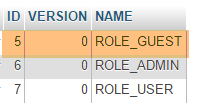 |
Table [USERS_ROLES]
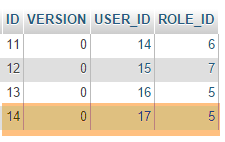 |
Now let’s consider the second class, [UsersTest], which is a test of JUnit:
|
package rdvmedecins.security;

import java.util.List;

import org.junit.Assert;
import org.junit.Test;
import org.junit.runner.RunWith;
import org.springframework.beans.factory.annotation.Autowired;
import org.springframework.boot.test.SpringApplicationConfiguration;
import org.springframework.security.core.authority.SimpleGrantedAuthority;
import org.springframework.security.crypto.bcrypt.BCrypt;
import org.springframework.test.context.junit4.SpringJUnit4ClassRunner;

import rdvmedecins.config.DomainAndPersistenceConfig;

import com.google.common.collect.Lists;

@SpringApplicationConfiguration(classes = DomainAndPersistenceConfig.class)
@RunWith(SpringJUnit4ClassRunner.class)
public class UsersTest {

    @Autowired
    private UserRepository userRepository;
    @Autowired
    private AppUserDetailsService appUserDetailsService;

    @Test
    public void findAllUsersWithTheirRoles() {
        Iterable<User> users = userRepository.findAll();
        for (User user : users) {
            System.out.println(user);
            display("Roles :", userRepository.getRoles(user.getId()));
        }
    }

    @Test
    public void findUserByLogin() {
        // user [admin] is retrieved
        User user = userRepository.findUserByLogin("admin");
        // we check that his password is [admin]
        Assert.assertTrue(BCrypt.checkpw("admin", user.getPassword()));
        // check admin / admin role
        List<Role> roles = Lists.newArrayList(userRepository.getRoles("admin", user.getPassword()));
        Assert.assertEquals(1L, roles.size());
        Assert.assertEquals("ROLE_ADMIN", roles.get(0).getName());
    }

    @Test
    public void loadUserByUsername() {
        // user [admin] is retrieved
        AppUserDetails userDetails = (AppUserDetails) appUserDetailsService.loadUserByUsername("admin");
        // we check that his password is [admin]
        Assert.assertTrue(BCrypt.checkpw("admin", userDetails.getPassword()));
        // check admin / admin role
        @SuppressWarnings("unchecked")
        List<SimpleGrantedAuthority> authorities = (List<SimpleGrantedAuthority>) userDetails.getAuthorities();
        Assert.assertEquals(1L, authorities.size());
        Assert.assertEquals("ROLE_ADMIN", authorities.get(0).getAuthority());
    }

    // utility method - displays items in a collection
    private void display(String message, Iterable<?> elements) {
        System.out.println(message);
        for (Object element : elements) {
            System.out.println(element);
        }
    }
}
- lines 27–34: visual test. We display all users with their roles;
- lines 36–46: we verify that the user [admin] has the password [admin] and the role [ROLE_ADMIN] using the repository [UserRepository];
- line 41: [admin] is the plaintext password. In the database, it is encrypted using the BCrypt algorithm. The [BCrypt.checkpw] method verifies that the plaintext password, once encrypted, matches the one in the database;
- lines 48-59: we verify that the user [admin] has the password [admin] and the role [ROLE_ADMIN] using the service [appUserDetailsService];
The tests run successfully with the following logs:
8.4.13.7. Interim Conclusion
The necessary classes for Spring Security were added with minimal changes to the original project. To recap:
- adding a dependency on Spring Security in the [pom.xml] file;
- creation of three additional tables in the database;
- creation of JPA entities and Spring components in the [rdvmedecins.security] package;
This very favorable scenario stems from the fact that the three tables added to the database are independent of the existing tables. We could even have placed them in a separate database. This was possible because we decided that a user had an existence independent of doctors and clients. If the latter had been potential users, it would have been necessary to create links between the [USERS] table and the [MEDECINS] and [CLIENTS] tables. This would have had a significant impact on the existing project.
8.4.13.8. The STS project in the [web] layer
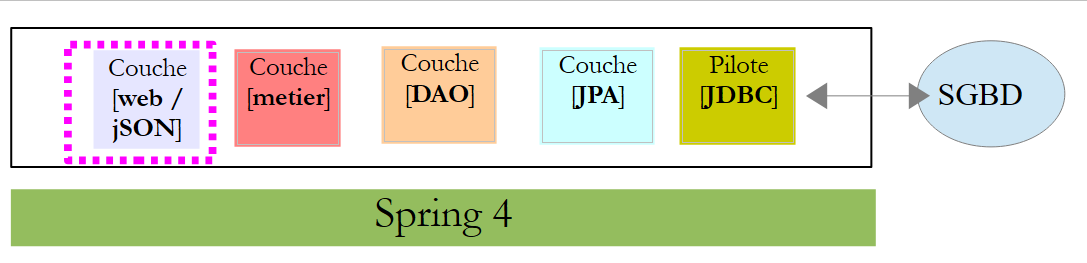 |
The [rdvmedecins-webjson] project evolves as follows from [1]:
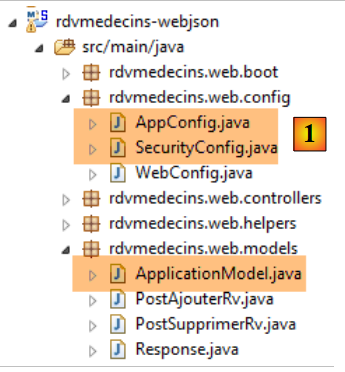 |
The main changes are to be made in the [rdvmedecins.web.config] package, where Spring Security must be configured. There are other, minor changes in the [AppConfig] and [ApplicationModel] classes. We have already encountered a Spring Security configuration class:
package hello;

import org.springframework.context.annotation.Configuration;
import org.springframework.security.config.annotation.authentication.builders.AuthenticationManagerBuilder;
import org.springframework.security.config.annotation.web.builders.HttpSecurity;
import org.springframework.security.config.annotation.web.configuration.WebSecurityConfigurerAdapter;
import org.springframework.security.config.annotation.web.servlet.configuration.EnableWebMvcSecurity;

@Configuration
@EnableWebMvcSecurity
public class WebSecurityConfig extends WebSecurityConfigurerAdapter {
    @Override
    protected void configure(HttpSecurity http) throws Exception {
        http.authorizeRequests().antMatchers("/", "/home").permitAll().anyRequest().authenticated();
        http.formLogin().loginPage("/login").permitAll().and().logout().permitAll();
    }

    @Override
    protected void configure(AuthenticationManagerBuilder auth) throws Exception {
        auth.inMemoryAuthentication().withUser("user").password("password").roles("USER");
    }
}
We will follow the same procedure:
- line 11: define a class that extends the [WebSecurityConfigurerAdapter] class;
- line 13: define a method [configure(HttpSecurity http)] that defines access rights to the various URL methods of the web service;
- line 19: define a method [configure(AuthenticationManagerBuilder auth)] that defines users and their roles;
Spring Security configuration is handled by the [SecurityConfig] class:
package rdvmedecins.web.config;

import org.springframework.beans.factory.annotation.Autowired;
import org.springframework.context.annotation.Configuration;
import org.springframework.http.HttpMethod;
import org.springframework.security.config.annotation.authentication.builders.AuthenticationManagerBuilder;
import org.springframework.security.config.annotation.web.builders.HttpSecurity;
import org.springframework.security.config.annotation.web.configuration.EnableWebSecurity;
import org.springframework.security.config.annotation.web.configuration.WebSecurityConfigurerAdapter;
import org.springframework.security.config.http.SessionCreationPolicy;
import org.springframework.security.crypto.bcrypt.BCryptPasswordEncoder;

import rdvmedecins.security.AppUserDetailsService;
import rdvmedecins.web.models.ApplicationModel;

@Configuration
@EnableWebSecurity
public class SecurityConfig extends WebSecurityConfigurerAdapter {
    @Autowired
    private AppUserDetailsService appUserDetailsService;
    @Autowired
    private ApplicationModel application;

    @Override
    protected void configure(AuthenticationManagerBuilder registry) throws Exception {
        // authentication is performed by the [appUserDetailsService] bean
        // the password is encrypted using the BCrypt hash algorithm
        registry.userDetailsService(appUserDetailsService).passwordEncoder(new BCryptPasswordEncoder());
    }

    @Override
    protected void configure(HttpSecurity http) throws Exception {
        // CSRF
        http.csrf().disable();
        // secure application?
        if (application.isSecured()) {
            // the password is transmitted by the header Authorization: Basic xxxx
            http.httpBasic();
            // the HTTP OPTIONS method must be authorized for all
            http.authorizeRequests() //
                    .antMatchers(HttpMethod.OPTIONS, "/", "/**").permitAll();
            // only the ADMIN role can use the application
            http.authorizeRequests() //
                    .antMatchers("/", "/**") // all URL
                    .hasRole("ADMIN");
            // no session
            http.sessionManagement().sessionCreationPolicy(SessionCreationPolicy.STATELESS);
        }
    }
}
- line 15: the [SecurityConfig] class is a Spring configuration class;
- line 16: to set up project security;
- lines 19-20: the [AppUserDetails] class, which provides access to application users, is injected;
- lines 21–22: the [ApplicationModel] class, which serves as a cache for the web application, is injected. We decide to use it here as well, to configure the web application in a single location. It is this class that defines the Boolean [isSecured] in line 36. This Boolean secures (true) or does not secure (false) the web application;
- lines 25–29: the method [configure(HttpSecurity http)] defines users and their roles. It receives a [AuthenticationManagerBuilder] type as a parameter. This parameter is enriched with two pieces of information (line 28):
- a reference to the [appUserDetailsService] service on line 20, which provides access to registered users. Note that the fact that they are stored in a database is not apparent here. They could therefore be stored in a cache, delivered by a web service, etc.
- the type of encryption used for the password. Recall that we used the BCrypt algorithm;
- lines 38–47: the [configure(HttpSecurity http)] method defines access rights to the URL tokens of the web service;
- line 34: we saw in the introductory project that by default Spring Security manages a CSRF token (Cross-Site Request Forgery) that the user wishing to authenticate must send back to the server. Here, this mechanism is disabled. Combined with the boolean (isSecured=false), this allows the web application to be used without security;
- line 38: we enable authentication via the HTTP header. The client must send the following HTTP header:
where code is the Base64 encoding of the login:password string. For example, the Base64 encoding of the string admin:admin is YWRtaW46YWRtaW4=. Therefore, a user with the login [admin] and password [admin] will send the following header HTTP to authenticate:
- Lines 40–42: indicate that all URL resources of the web service are accessible to users with the [ROLE_ADMIN] role. This means that a user without this role cannot access the web service;
- Line 47: The user’s password may or may not be stored in a session. If it is stored, the user only needs to authenticate the first time. On subsequent attempts, their credentials are not requested. Here, a sessionless mode has been chosen. Each request must be accompanied by security credentials;
The [AppConfig] class, which configures the entire application, is updated as follows:
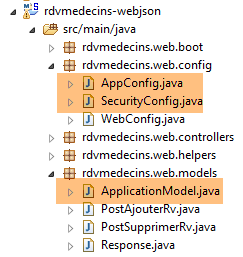 |
package rdvmedecins.web.config;

import org.springframework.context.annotation.ComponentScan;
import org.springframework.context.annotation.Configuration;
import org.springframework.context.annotation.Import;

import rdvmedecins.config.DomainAndPersistenceConfig;

@Configuration
@ComponentScan(basePackages = { "rdvmedecins.web" })
@Import({ DomainAndPersistenceConfig.class, SecurityConfig.class, WebConfig.class })
public class AppConfig {

}
- The change occurs on line 11: the configuration class [SecurityConfig] is added;
Finally, the [ApplicationModel] class is enhanced with a boolean:
@Component
public class ApplicationModel implements IMetier {

...
    // configuration data
    private boolean secured = false;

    public boolean isSecured() {
        return secured;
}
- Line 6: Set the boolean [secured] to [true / false] depending on whether or not you want to enable security.
8.4.13.9. Web service testing
We will test the web service with the Chrome client [Advanced Rest Client]. We will need to specify the HTTP authentication header:
where [code] is the Base64-encoded string [login:password]. To generate this code, you can use the following program:
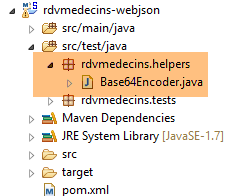 |
package rdvmedecins.helpers;

import org.springframework.security.crypto.codec.Base64;

public class Base64Encoder {

    public static void main(String[] args) {
        // we expect two arguments: login password
        if (args.length != 2) {
            System.out.println("Syntaxe : login password");
            System.exit(0);
        }
        // we retrieve the two arguments
        String chaîne = String.format("%s:%s", args[0], args[1]);
        // encode the string
        byte[] data = Base64.encode(chaîne.getBytes());
        // displays its Base64 encoding
        System.out.println(new String(data));
    }

}
If we run this program with the two arguments [admin admin]:
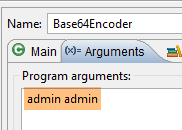 |
we get the following result:
Now that we know how to generate the HTTP authentication header, we launch the now-secure web service:
@Component
public class ApplicationModel implements IMetier {
...
private boolean secured = true;
Then, using the Chrome client [Advanced Rest Client], we request the list of all doctors:
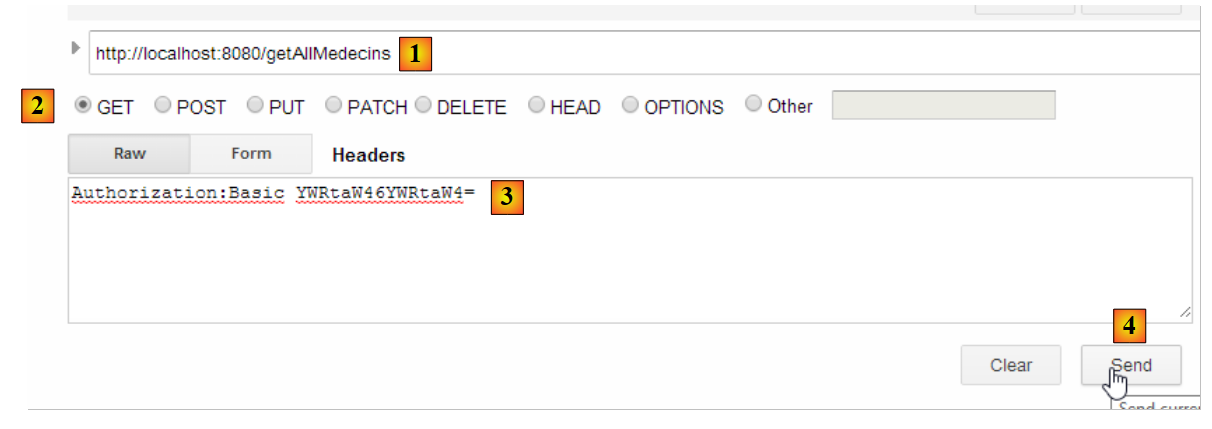 |
- in [1], we request the URL of the doctors;
- in [2], using a GET method;
- In [3], we provide the HTTP header for authentication. The code [YWRtaW46YWRtaW4=] is the Base64 encoding of the string [admin:admin];
- In [4], we send the command HTTP;
The server's response is as follows:
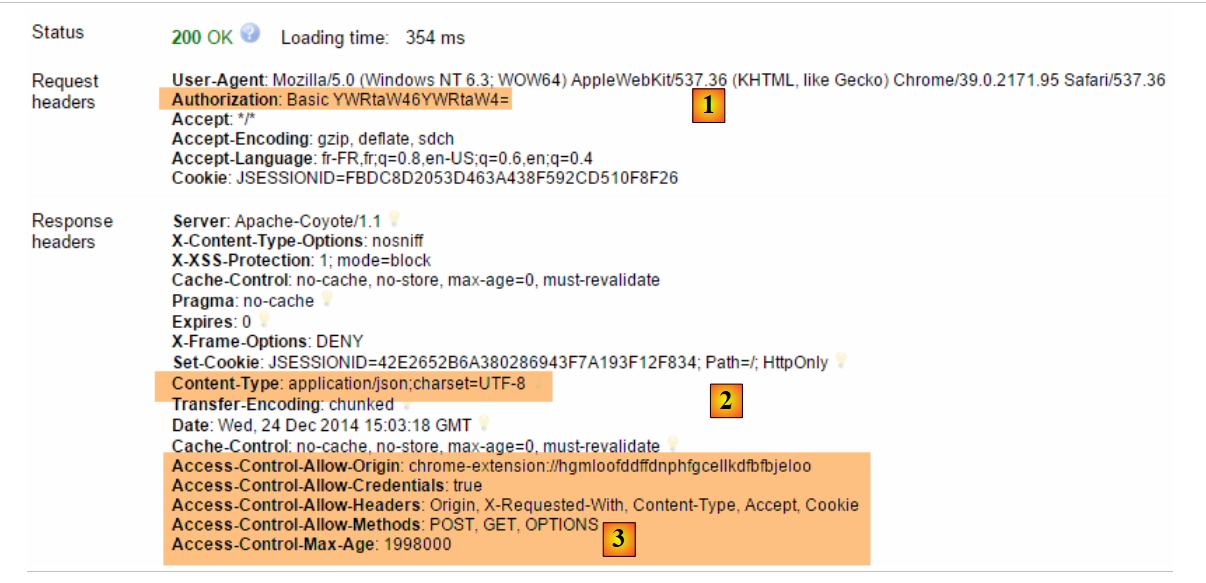 |
- in [1], the authentication header HTTP;
- in [2], the server returns a response jSON;
- in [3], a list of HTTP headers related to web application security;
We do indeed get the list of doctors:
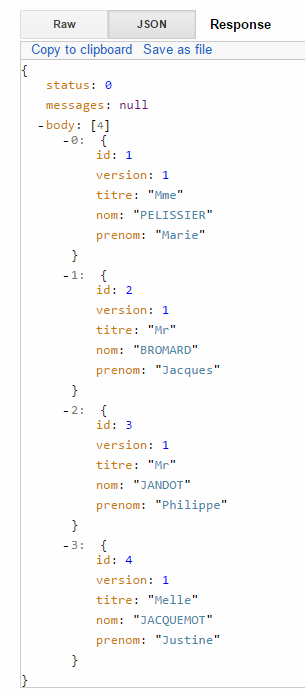 |
Now let’s try a HTTP request with an incorrect authentication header. The response is then as follows:
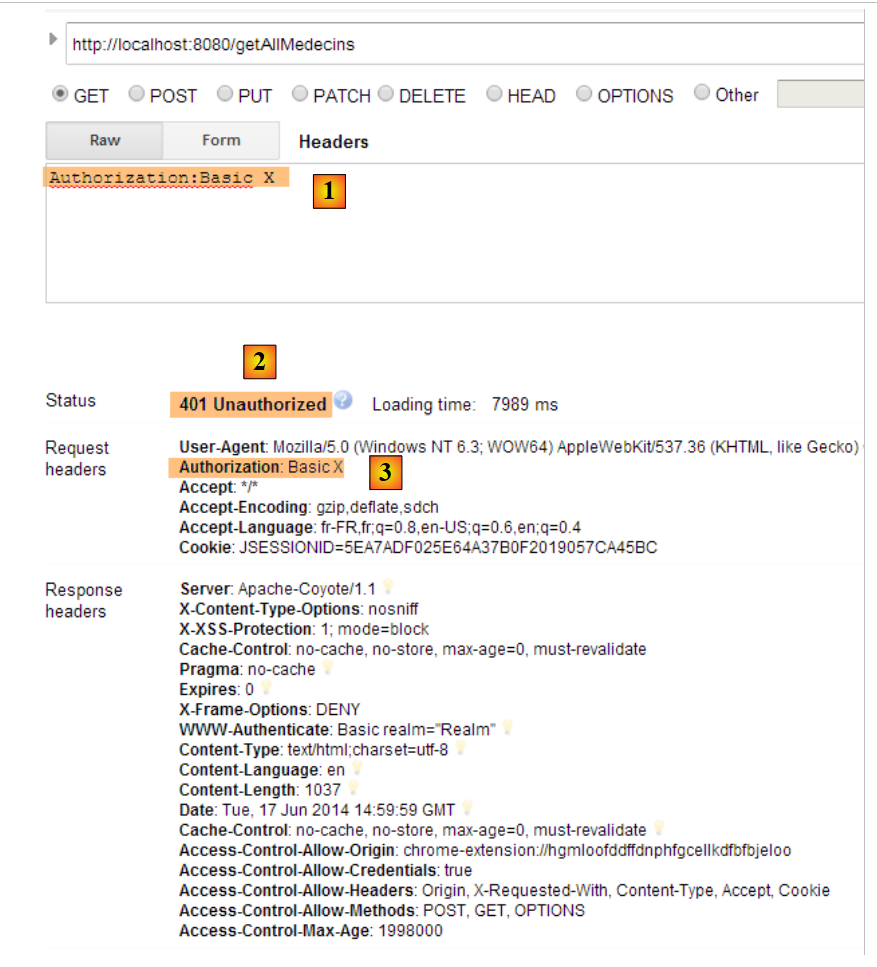 |
- in [1] and [3]: the HTTP authentication header;
- in [2]: the web service response;
Now, let’s try the user / user account. It exists but does not have access to the web service. If we run the Base64 encoding program with the two arguments [user user]:
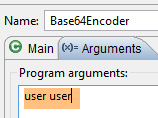 |
we get the following result:
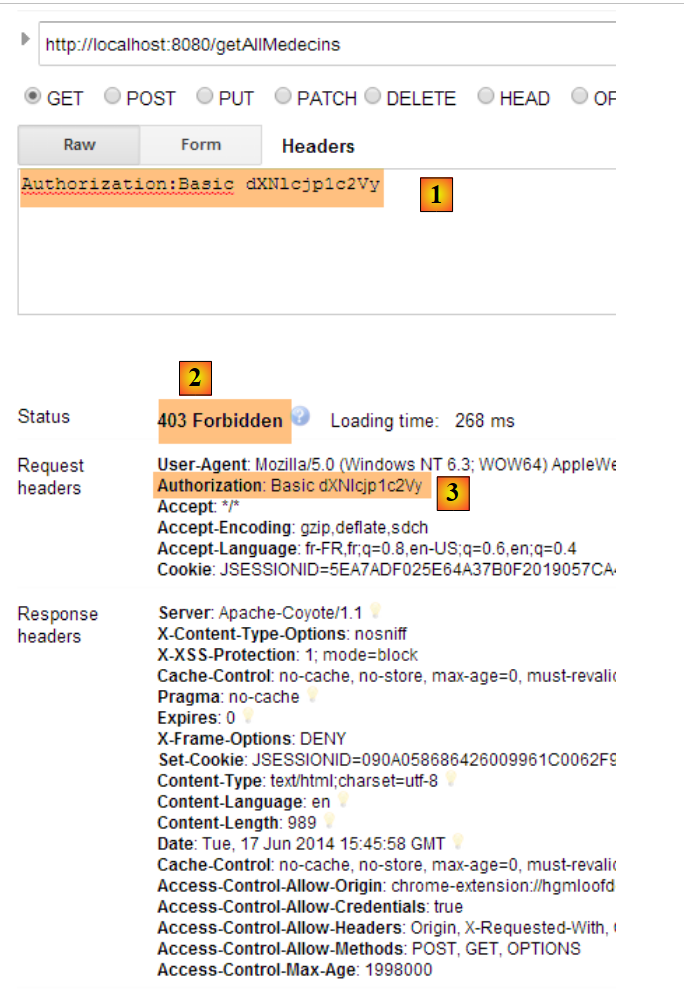 |
- in [1] and [3]: the authentication header HTTP;
- in [2]: the web service response. It differs from the previous one, which was [401 Unauthorized]. This time, the user authenticated successfully but does not have sufficient permissions to access URL;
A secure web service is now operational. We will enhance it to allow cross-domain requests. This requirement appeared in document [Tutoriel AngularJS / Spring 4], and although it does not apply here, we will address it anyway.
8.4.14. Implementing cross-domain requests
Let’s examine the issue of cross-domain requests. In document [Tutoriel AngularJS / Spring 4], we are developing a client/server application where the client is an application AngularJS:
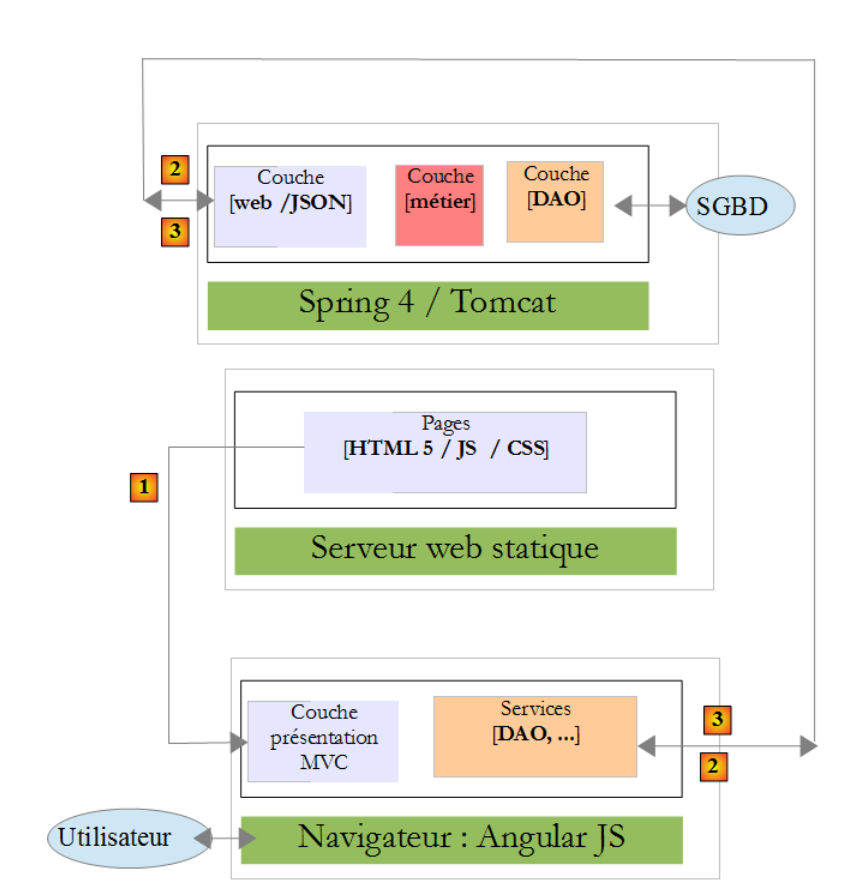 |
- the HTML / CSS / JS pages of the Angular application come from the [1] server;
- In [2], the [dao] service sends a request to another server, the [2] server. Well, that is prohibited by the browser running the Angular application because it is a security vulnerability. The application can only query the server it came from, i.e., the server [1];
In fact, it is inaccurate to say that the browser prevents the Angular application from querying the [2] server. It actually queries it to ask whether it allows a client that does not originate from its own domain to query it. This sharing technique is called Cross-Origin Resource Sharing (CORS). The [2] server grants permission by sending specific headers.
To demonstrate the issues that can arise, we will create a client/server application where:
- the server will be our web server / jSON;
- the client will be a simple HTML page equipped with Javascript code that will make requests to the web server / jSON;
8.4.14.1. The client project
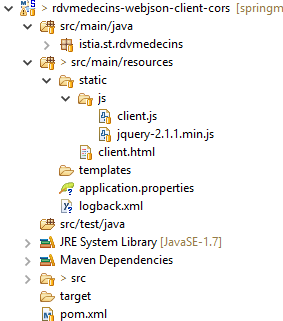 |
The project is a Maven project with the following file:
<?xml version="1.0" encoding="UTF-8"?>
<project xmlns="http://maven.apache.org/POM/4.0.0" xmlns:xsi="http://www.w3.org/2001/XMLSchema-instance"
        xsi:schemaLocation="http://maven.apache.org/POM/4.0.0 http://maven.apache.org/xsd/maven-4.0.0.xsd">
        <modelVersion>4.0.0</modelVersion>

        <groupId>istia.st</groupId>
        <artifactId>rdvmedecins-webjson-client-cors</artifactId>
        <version>0.0.1-SNAPSHOT</version>
        <packaging>jar</packaging>

        <name>rdvmedecins-webjson-client-cors</name>
        <description>Client for webjson server</description>

        <parent>
                <groupId>org.springframework.boot</groupId>
                <artifactId>spring-boot-starter-parent</artifactId>
                <version>1.2.6.RELEASE</version>
                <relativePath /> <!-- lookup parent from repository -->
        </parent>

        <properties>
                <project.build.sourceEncoding>UTF-8</project.build.sourceEncoding>
                <start-class>istia.st.rdvmedecins.Client</start-class>
                <java.version>1.8</java.version>
        </properties>

        <dependencies>
                <!-- spring MVC -->
                <dependency>
                        <groupId>org.springframework.boot</groupId>
                        <artifactId>spring-boot-starter-web</artifactId>
                </dependency>
        </dependencies>
</project>
- lines 14–19: this is a Spring Boot project;
- lines 29–32: we use the [spring-boot-starter-web] dependency, which includes a Tomcat server and Spring MVC;
The HTML page is as follows:
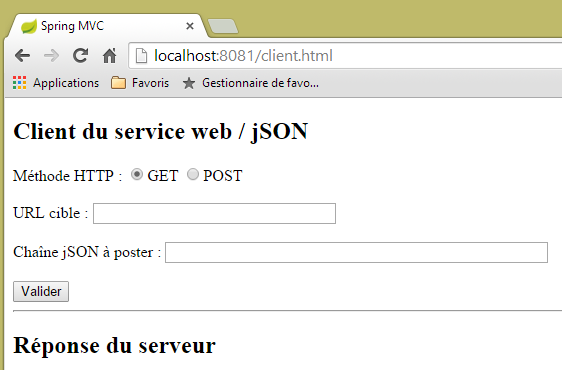 |
It is generated by the following code:
<!DOCTYPE html>
<html>
<head>
<meta charset="UTF-8">
<title>Spring MVC</title>
<script type="text/javascript" src="/js/jquery-2.1.1.min.js"></script>
<script type="text/javascript" src="/js/client.js"></script>
</head>
<body>
    <h2>Client du service web / jSON</h2>
    <form id="formulaire">
        <!--  method HTTP -->
        Méthode HTTP :
        <!--  -->
        <input type="radio" id="get" name="method" value="get" checked="checked" />GET
        <!--  -->
        <input type="radio" id="post" name="method" value="post" />POST
        <!--  URL -->
        <br /> <br />URL cible : <input type="text" id="url" size="30"><br />
        <!-- posted value -->
        <br /> Chaîne jSON à poster : <input type="text" id="posted" size="50" />
        <!-- validation button -->
        <br /> <br /> <input type="submit" value="Valider" onclick="javascript:requestServer(); return false;"></input>
    </form>
    <hr />
    <h2>Réponse du serveur</h2>
    <div id="response"></div>
</body>
</html>
- line 6: we import the jQuery library;
- line 7: we import a code that we are going to write;
The code [client.js] is as follows:
// global data
var url;
var posted;
var response;
var method;

function requestServer() {
    // retrieve information from the form
    var urlValue = url.val();
    var postedValue = posted.val();
    method = document.forms[0].elements['method'].value;
    // make a manual Ajax call
    if (method === "get") {
        doGet(urlValue);
    } else {
        doPost(urlValue, postedValue);
    }
}

function doGet(url) {
    // make a manual Ajax call
    $.ajax({
        headers : {
            'Authorization' : 'Basic YWRtaW46YWRtaW4='
        },
        url : 'http://localhost:8080' + url,
        type : 'GET',
        dataType : 'tex/plain',
        beforeSend : function() {
        },
        success : function(data) {
            // text result
            response.text(data);
        },
        complete : function() {
        },
        error : function(jqXHR) {
            // system error
            response.text(jqXHR.responseText);
        }
    })
}

function doPost(url, posted) {
    // make a manual Ajax call
    $.ajax({
        headers : {
            'Authorization' : 'Basic YWRtaW46YWRtaW4='
        },
        url : 'http://localhost:8080' + url,
        type : 'POST',
        contentType : 'application/json',
        data : posted,
        dataType : 'tex/plain',
        beforeSend : function() {
        },
        success : function(data) {
            // text result
            response.text(data);
        },
        complete : function() {
        },
        error : function(jqXHR) {
            // system error
            response.text(jqXHR.responseText);
        }
    })
}

// document loading
$(document).ready(function() {
    // retrieve page component references
    url = $("#url");
    posted = $("#posted");
    response = $("#response");
});
We’ll leave it to the reader to understand this code. Everything has been encountered at one time or another. However, some lines deserve an explanation:
- line 11:
- [document] refers to the document loaded by the browser, known as the DOM (Document Object Model),
- [document.forms[0]] refers to the first form in the document; a document may contain multiple forms. Here, there is only one,
- [document.forms[0].elements['method']] refers to the form element that has the attribute [name='method']. There are two of them:
<input type="radio" id="get" name="method" value="get" checked="checked" />GET
<input type="radio" id="post" name="method" value="post" />POST
- line 11:
- [document.forms[0].elements['method'].value] is the value that will be posted for the component with the attribute [name='method']. We know that the posted value is the value of the [value] attribute of the selected radio button. Here, it will therefore be one of the strings ['get', 'post'];
- lines 23–25: we are communicating with a server that requires a header HTTP [Authorization: Basic code]. We create this header for the user [admin / admin], who is the only one authorized to query the server;
- line 26: the user will enter URL of the type [/getAllMedecins, /supprimerRv, ...]. These URL must therefore be completed;
- line 28: the server returns jSON, which is a text format. The type [text/plain] is specified as the result type in order to display it exactly as received;
- line 33: display the server’s text response;
- line 39: display of any error message in text format;
- line 52: to indicate that the client is sending jSON;
In the client/server application built:
- the client is a web application available at URL [http://localhost:8081]. This is the application we are currently building;
- the server is a web application available at URL [http://localhost:8080]. This is our web server / jSON;
Because the client is not accessed from the same port as the server, the issue of cross-domain requests arises. [http://localhost:8080] and [http://localhost:8081] are two different domains.
The Spring Boot application is a console application launched by the following executable class [Client]:
package istia.st.rdvmedecins;

import org.springframework.boot.SpringApplication;
import org.springframework.boot.context.embedded.EmbeddedServletContainerFactory;
import org.springframework.boot.context.embedded.ServletRegistrationBean;
import org.springframework.boot.context.embedded.tomcat.TomcatEmbeddedServletContainerFactory;
import org.springframework.context.annotation.Bean;
import org.springframework.context.annotation.Configuration;
import org.springframework.web.servlet.DispatcherServlet;
import org.springframework.web.servlet.config.annotation.EnableWebMvc;
import org.springframework.web.servlet.config.annotation.ResourceHandlerRegistry;
import org.springframework.web.servlet.config.annotation.WebMvcConfigurerAdapter;

@Configuration
@EnableWebMvc
public class Client extends WebMvcConfigurerAdapter {

    public static void main(String[] args) {
        SpringApplication.run(Client.class, args);
    }

    // static pages
    @Override
    public void addResourceHandlers(ResourceHandlerRegistry registry) {
        registry.addResourceHandler("/**").addResourceLocations(new String[] { "classpath:/static/" });
    }

    // configuration dispatcherServlet
    @Bean
    public DispatcherServlet dispatcherServlet() {
        return new DispatcherServlet();
    }

    @Bean
    public ServletRegistrationBean servletRegistrationBean(DispatcherServlet dispatcherServlet) {
        return new ServletRegistrationBean(dispatcherServlet, "/*");
    }

    // embedded Tomcat server
    @Bean
    public EmbeddedServletContainerFactory embeddedServletContainerFactory() {
        return new TomcatEmbeddedServletContainerFactory("", 8081);
    }

}
- line 14: the [Client] class is a Spring configuration class;
- line 15: a Spring application named MVC is configured. This annotation triggers a number of automatic configurations;
- line 16: to override certain default values of the Spring framework MVC, you must extend the [WebMvcConfigurerAdapter] class;
- Lines 23–26: The [addResourceHandlers] method allows you to specify the directories where the application’s static resources (html, css, js, ...) for the application. Here, we specify the [static] folder located in the project’s classpath:
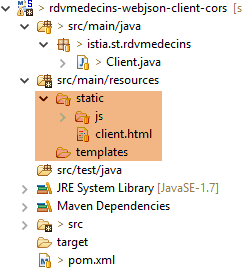 |
- lines 29–37: configuration of the [dispatcherServlet] bean, which refers to the Spring servlet MVC;
- lines 40–43: the embedded Tomcat server will run on port 8081;
8.4.14.2. URL [/getAllMedecins]
We launch:
- the web server / json on port 8080;
- the client for this server on port 8081;
then we request the URL [http://localhost:8081/client.html] [1]:
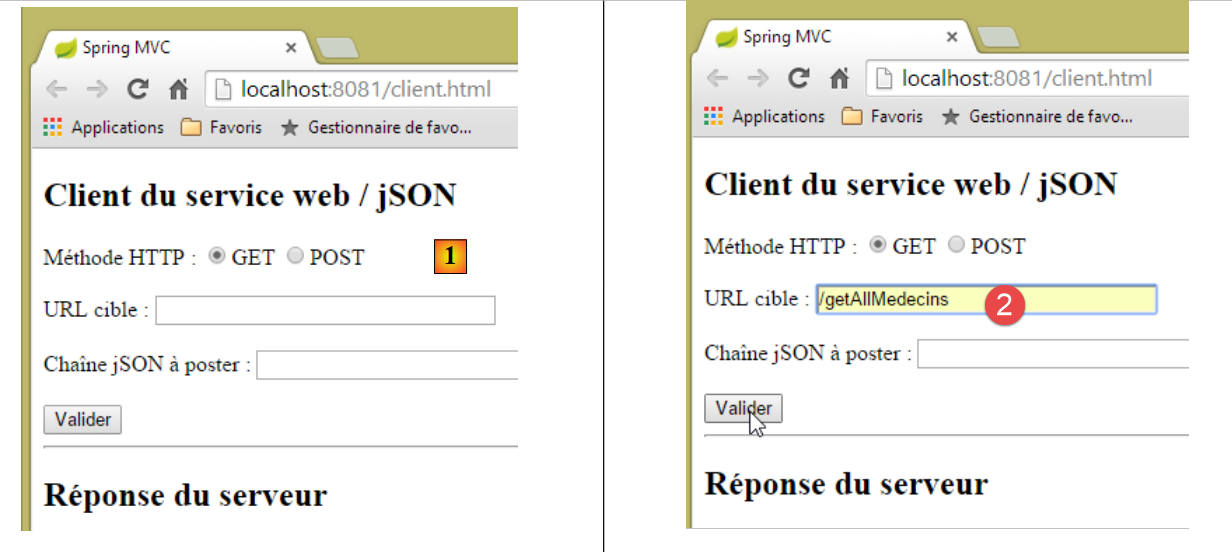 |
- in [2], we perform a GET on URL and [http://localhost:8080/getAllMedecins];
We do not receive a response from the server. When we look at the developer console (Ctrl-Shift-I), we find an error:
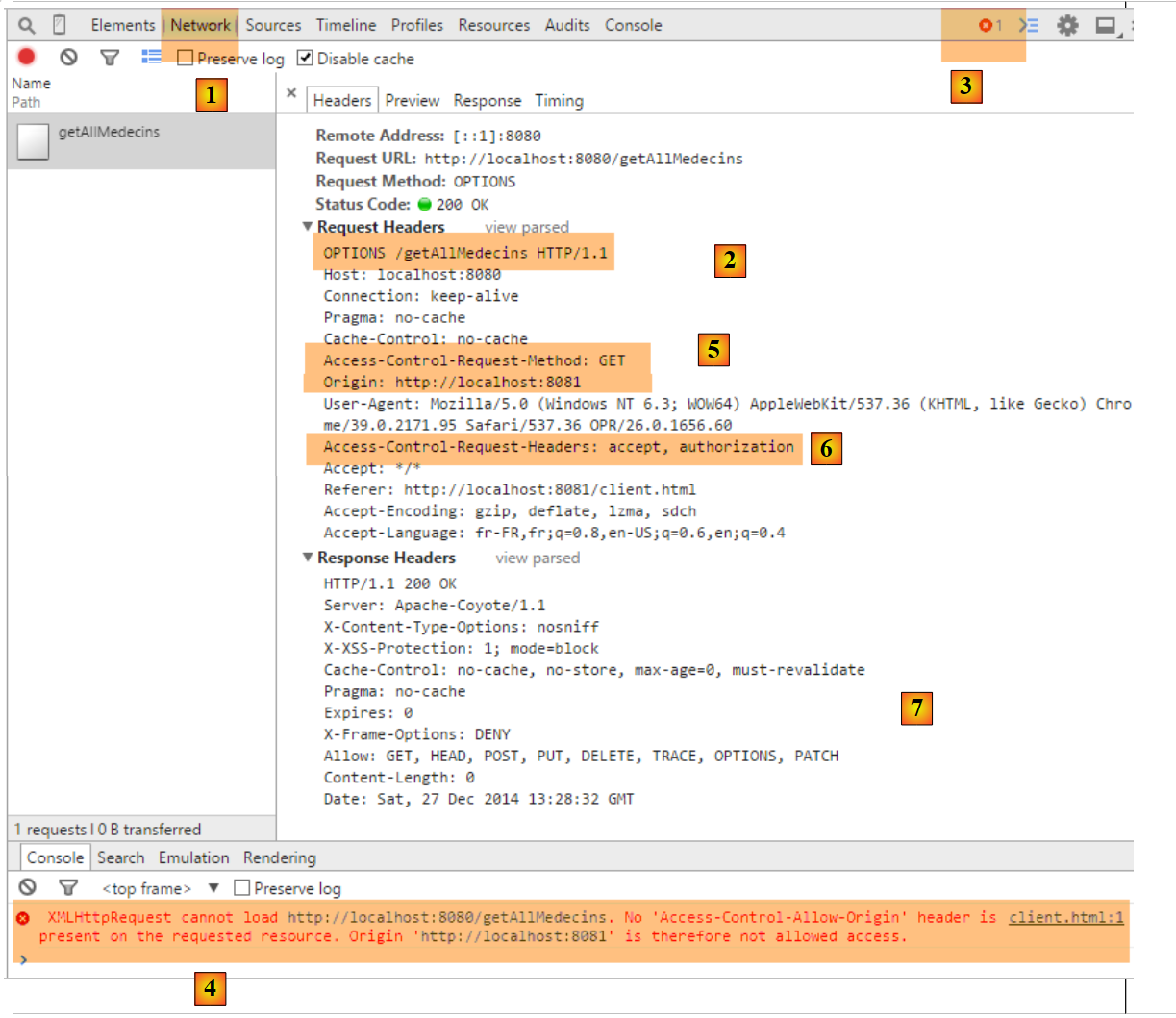 |
- In [1], we are in the [Network] tab;
- In [2], we see that the request HTTP that was made is not [GET] but [OPTIONS]. In the case of a cross-domain request, the browser checks with the server to ensure that certain conditions are met by sending it a request HTTP [OPTIONS]. In this case, the requests are those indicated by the dots [5-6];
- in [5], the browser asks whether the URL target can be reached via a GET. The header of the [Access-Control-Request-Method] request asks for a response with a HTTP [Access-Control-Allow-Methods] header indicating that the requested method is accepted;
- in [5], the browser sends the header HTTP [Origin: http://localhost:8081]. This header requests a response in a HTTP [Access-Control-Allow-Origin] header indicating that the specified origin is accepted;
- In [6], the browser asks whether the headers HTTP, [accept], and [authorization] are accepted. The request header [Access-Control-Request-Headers] expects a response with a header HTTP [Access-Control-Allow-Headers] indicating that the requested headers are accepted;
- an error occurs in [3]. Clicking the icon results in the error [4];
- in [4], the message indicates that the server did not send the header HTTP [Access-Control-Allow-Origin], which indicates whether the origin of the request is accepted;
- in [7], we can see that the server did indeed not send this header. As a result, the browser refused to make the HTTP GET request that was initially requested;
We need to modify the web server / jSON. We make an initial modification in [ApplicationModel], which is one of the web service configuration elements:
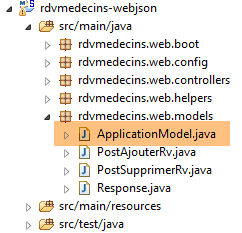 |
@Component
public class ApplicationModel implements IMetier {

    ...
    // configuration data
    private boolean corsAllowed = true;
    private boolean secured = true;

...
    public boolean isCorsAllowed() {
        return corsAllowed;
}
- Line 6: We create a Boolean variable that indicates whether or not to accept clients files from outside the server's domain;
- Lines 10–12: the method for accessing this information;
Then we create a new Spring controller MVC:
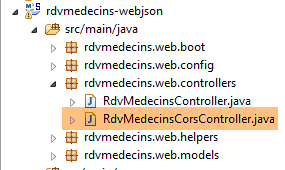 |
The [RdvMedecinsCorsController] class is as follows:
package rdvmedecins.web.controllers;

import javax.servlet.http.HttpServletResponse;

import org.springframework.beans.factory.annotation.Autowired;
import org.springframework.stereotype.Controller;
import org.springframework.web.bind.annotation.RequestMapping;
import org.springframework.web.bind.annotation.RequestMethod;

import rdvmedecins.web.models.ApplicationModel;

@Controller
public class RdvMedecinsCorsController {

    @Autowired
    private ApplicationModel application;

    // sending options to the customer
    public void sendOptions(String origin, HttpServletResponse response) {
        // Cors allowed ?
        if (!application.isCorsAllowed() || origin==null || !origin.startsWith("http://localhost")) {
            return;
        }
        // set header CORS
        response.addHeader("Access-Control-Allow-Origin", origin);
        // certain headers are allowed
        response.addHeader("Access-Control-Allow-Headers", "accept, authorization");
        // the GET is authorized
        response.addHeader("Access-Control-Allow-Methods", "GET");
    }

    // list of doctors
    @RequestMapping(value = "/getAllMedecins", method = RequestMethod.OPTIONS)
    public void getAllMedecins(@RequestHeader(value = "Origin", required = false) String origin, HttpServletResponse response) {
        sendOptions(origin, response);
    }
}
- lines 12–13: The class [RdvMedecinsCorsController] is a Spring controller;
- lines 33–36: define an action that handles URL and [/getAllMedecins] when requested with the command HTTP and [OPTIONS];
- line 34: the [getAllMedecins] method accepts the following parameters:
- the object [@RequestHeader(value = "Origin", required = false)], which retrieves the request header HTTP [Origin]. This header was sent by the request originator:
It is specified that the HTTP [Origin] header is optional [required = false]. In this case, if the header is missing, the [String origin] parameter will have a null value. With [required = true] as the default value, an exception is thrown if the header is missing. We wanted to avoid this scenario;
- line 34:
- the [HttpServletResponse response] object that will be sent to the client who made the request;
These two parameters are injected by Spring;
- line 35: we delegate the processing of the request to the method in lines 19–30;
- lines 15–16: the [ApplicationModel] object is injected;
- lines 21–23: if the application is configured to accept cross-domain requests, and if the sender has sent the header HTTP [Origin], and if this origin starts with [http://localhost], then the cross-domain request is accepted; otherwise, it is rejected;
- lines 25: if the client is in the domain [http://localhost:port], we send the header HTTP:
which means that the server accepts the client’s origin;
- line 25: we have specified two specific HTTP headers in the HTTP [OPTIONS] request:
In response to the HTTP [Access-Control-Request-X] header, the server responds with a HTTP [Access-Control-Allow-X] header in which it specifies what is authorized. Lines 23–26 simply repeat the client’s request to indicate that it has been accepted;
We are now ready for further testing. We launch the new version from the web service and find that the problem remains. Nothing has changed. If we add a console output to line 35 above, it is never displayed, indicating that the [getAllMedecins] method on line 34 is never called.
After some research, we discover that Spring MVC handles the commands HTTP and [OPTIONS] itself using default processing. Therefore, it is always Spring that responds, and never the [getAllMedecins] method on line 34. This default behavior of Spring MVC can be changed. We modify the existing [WebConfig] class:
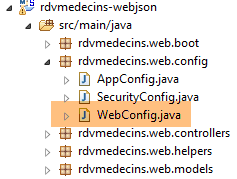 |
package rdvmedecins.web.config;

...
import org.springframework.web.servlet.DispatcherServlet;

@Configuration
public class WebConfig {

    // dispatcherservlet configuration for CORS headers
    @Bean
    public DispatcherServlet dispatcherServlet() {
        DispatcherServlet servlet = new DispatcherServlet();
        servlet.setDispatchOptionsRequest(true);
        return servlet;
    }

    // mapping jSON
...
- lines 10-11: the [dispatcherServlet] bean is used to define the servlet that handles requests from clients. Here, it is of type [DispatcherServlet], the Spring framework servlet MVC;
- line 12: an instance of type [DispatcherServlet] is created;
- line 13: we instruct the servlet to forward the HTTP and [OPTIONS] commands to the application;
- line 14: we render the servlet configured in this way;
We rerun the tests with this new configuration. We obtain the following result:
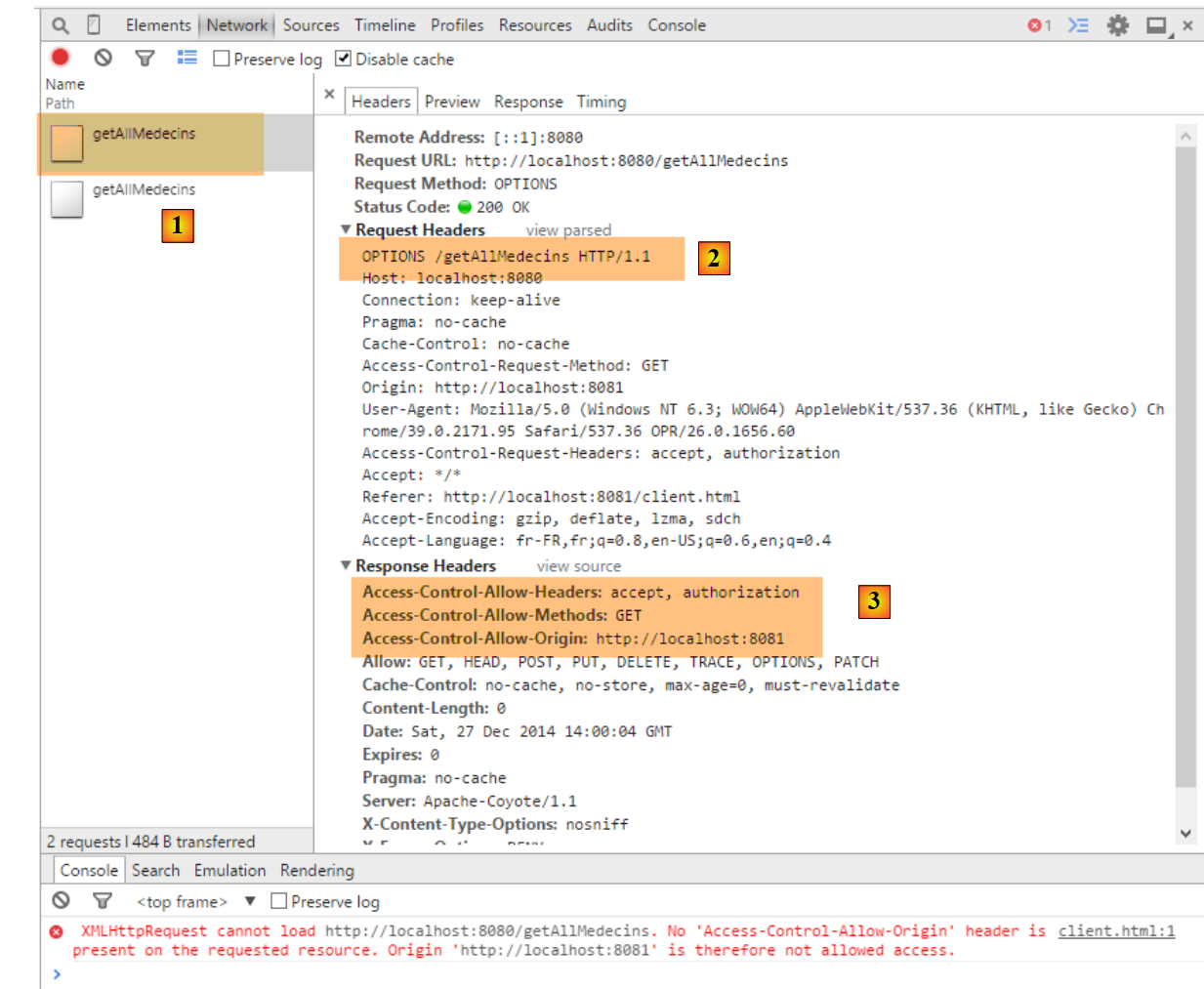 |
- in [1], we see that there are two requests HTTP to URL and [http://localhost:8080/getAllMedecins];
- in [2], the request [OPTIONS];
- in [3], the three headers HTTP that we just configured in the server response;
Let’s now examine the second request:
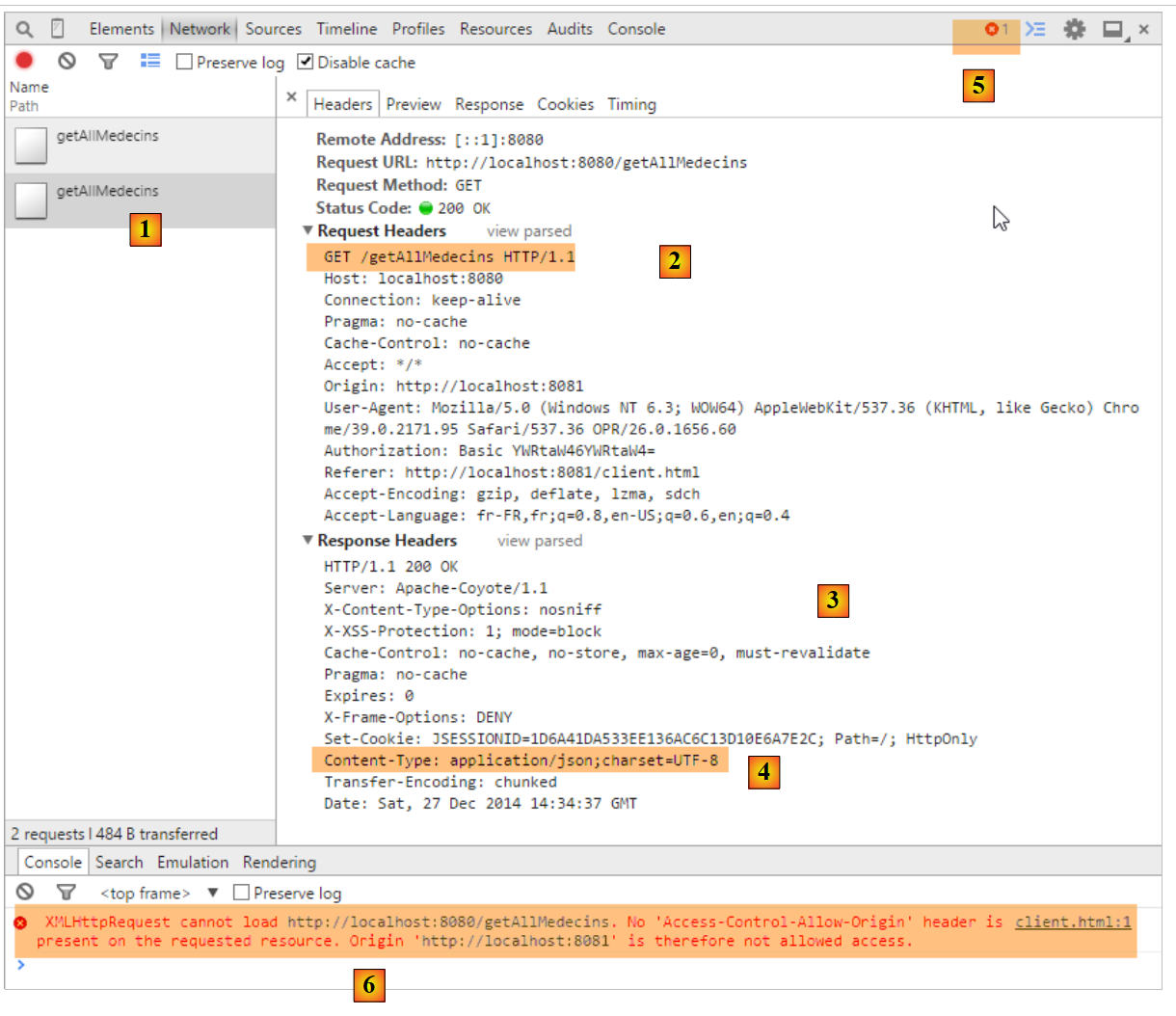 |
- in [1], the request being examined;
- in [2], this is the request GET. Thanks to the first request, [OPTIONS], the browser received the information it requested. It is now making the request [GET] that was initially requested;
- in [3], the server’s response;
- in [4], the server sends jSON;
- in [5], an error occurred;
- In [6], the error message;
It is more difficult to explain what happened here. The server's response [3] is normal [HTTP/1.1 200 OK]. We should therefore have the requested document. It is possible that the server did indeed send the document but that the browser is preventing its use because it requires that the response for the GET request also include the header HTTP [Access-Control-Allow-Origin:http://localhost:8081].
We modify the [RdvMedecinsController] controller as follows:
    @Autowired
    private RdvMedecinsCorsController rdvMedecinsCorsController;
...
    // list of doctors
    @RequestMapping(value = "/getAllMedecins", method = RequestMethod.GET, produces = "application/json; charset=UTF-8")
    @ResponseBody
    public String getAllMedecins(HttpServletResponse httpServletResponse,
            @RequestHeader(value = "Origin", required = false) String origin) throws JsonProcessingException {
        // the answer
        Response<List<Medecin>> response;
        // headers CORS
        rdvMedecinsCorsController.sendOptions(origin, httpServletResponse);
        // application status
...
- lines 1-2: the [RdvMedecinsCorsController] controller is injected;
- lines 7-8: the [getAllMedecins] method parameters are injected with the HttpServletResponse object, which encapsulates the response to be sent to the client, and the HTTP and [Origin] headers;
- Line 12: The [sendOptions] method of the [RdvMedecinsCorsController] controller is called—the very same method that was called to process the HTTP [OPTIONS] request. It will therefore send the same headers HTTP as for that request;
After this modification, the results are as follows:
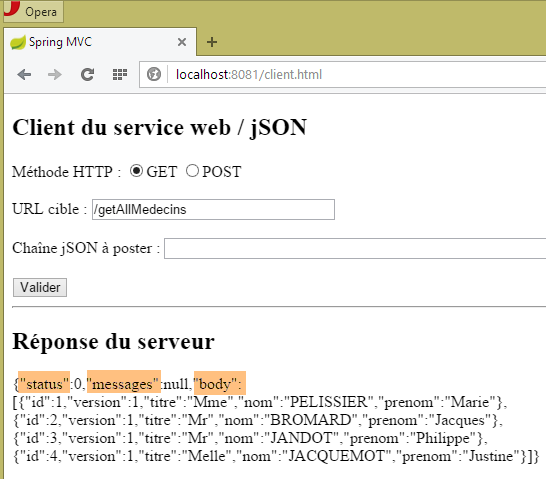 |
We have successfully obtained the list of doctors.
8.4.14.3. The other URL and [GET]
We now show the other URL queries via a GET. In the controllers, the code for the actions that process them follows the pattern of the actions that previously processed the URL and [/getAllMedecins]. The reader can verify the code in the examples provided with this document. Here is an example:
in [RdvMedecinsCorsController]
    // doctor's Rv list
    @RequestMapping(value = "/getRvMedecinJour/{idMedecin}/{jour}", method = RequestMethod.OPTIONS)
    public void getRvMedecinJour(@RequestHeader(value = "Origin", required = false) String origin,    HttpServletResponse response) {
        sendOptions(origin, response);
}
in [RdvMedecinsController]
    // list of doctor's appointments
    @RequestMapping(value = "/getRvMedecinJour/{idMedecin}/{jour}", method = RequestMethod.GET, produces = "application/json; charset=UTF-8")
    @ResponseBody
    public String getRvMedecinJour(@PathVariable("idMedecin") long idMedecin, @PathVariable("jour") String jour,
            HttpServletResponse httpServletResponse, @RequestHeader(value = "Origin", required = false) String origin)
                    throws JsonProcessingException {
        // the answer
        Response<List<Rv>> response = null;
        boolean erreur = false;
        // headers CORS
        rdvMedecinsCorsController.sendOptions(origin, httpServletResponse);
        // application status
...
Here are some screenshots of the execution:
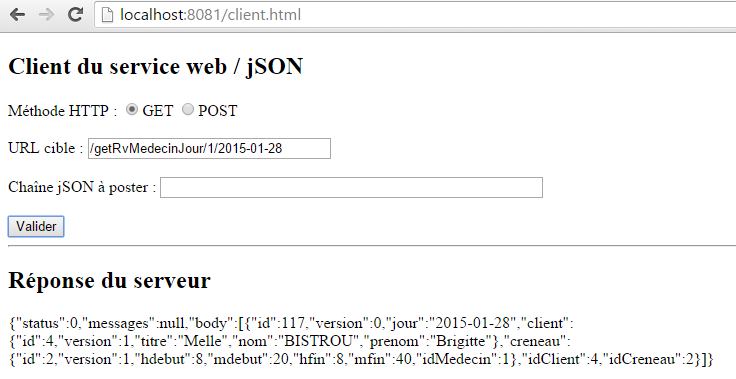 |
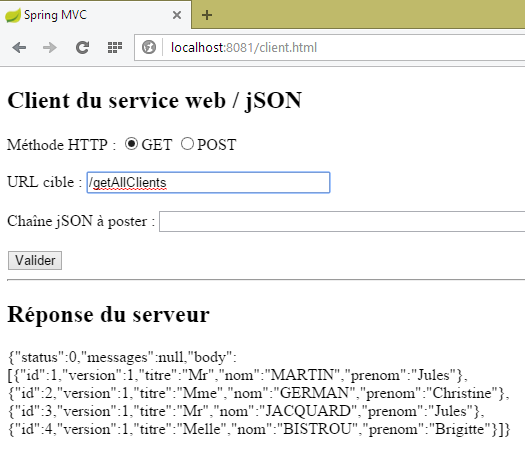 |
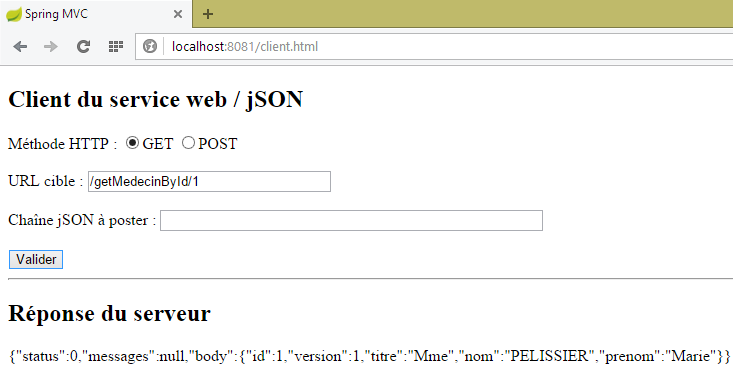 |
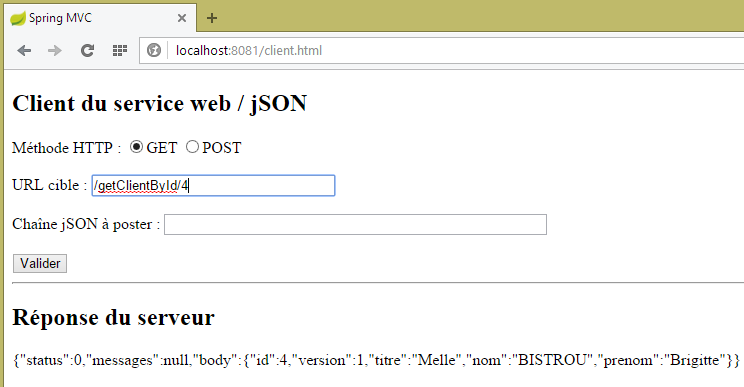 |
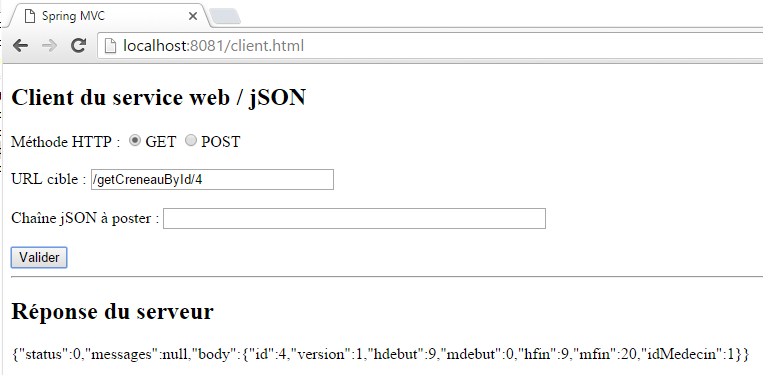 |
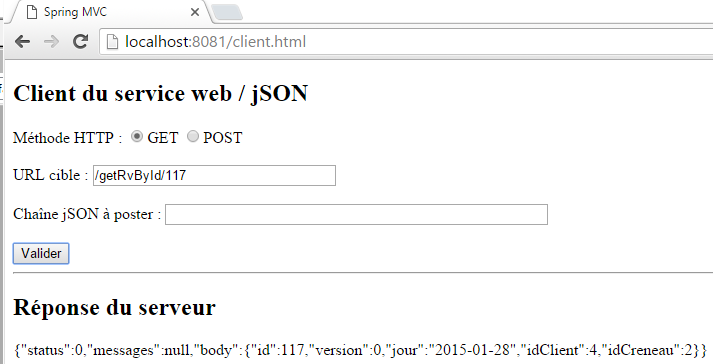 |
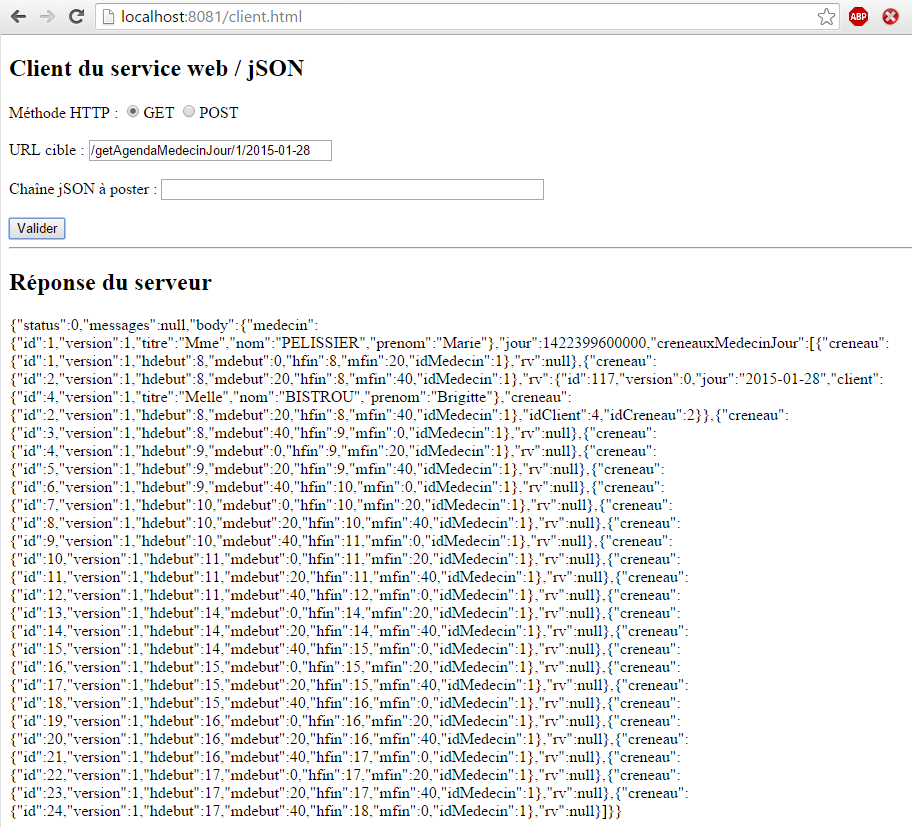 |
8.4.14.4. URL [POST]
Let’s examine the following case:
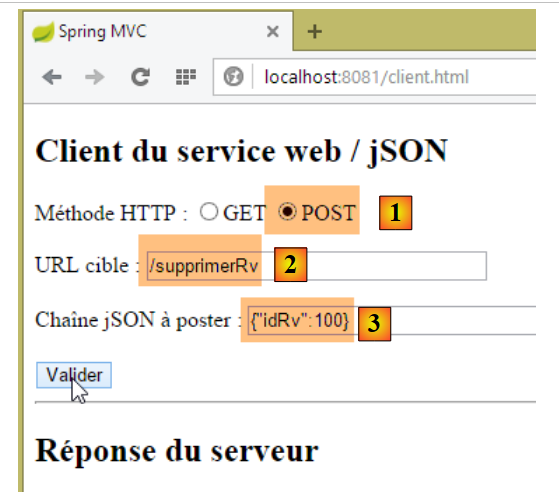 |
- we perform a POST [1] to the URL [2];
- in [3], the posted value. This is a jSON string;
- in total, we are trying to delete the appointment with [id] 100;
We are not modifying any code at this time. The result obtained is as follows:
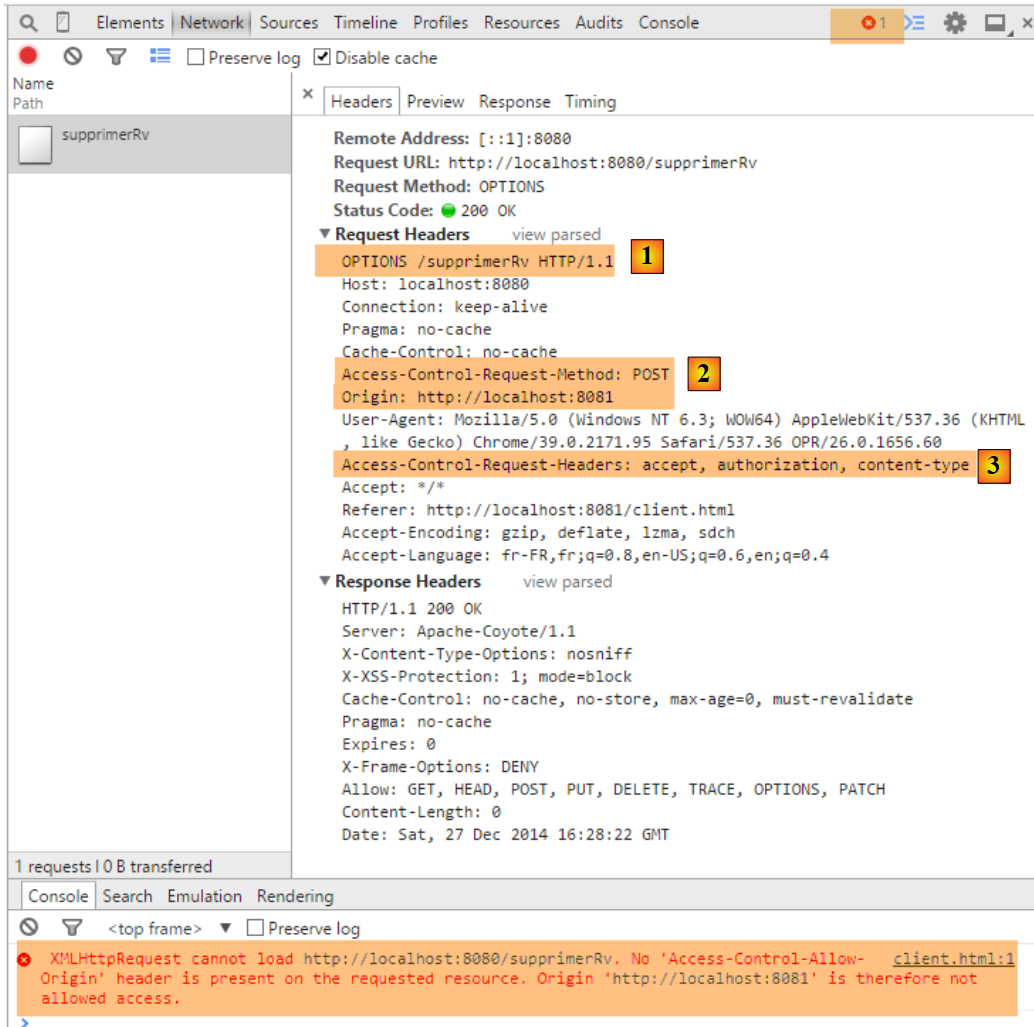 |
- in [1], as with the [GET] requests, a [OPTIONS] request is made by the browser;
- in [2], it requests access authorization for a [POST] request. Previously, this was [GET];
- in [3], it requests authorization to send the headers HTTP and [accept, authorization, content-type]. Previously, we only had the first two headers;
We modify the [RdvMedecinsCorsController.sendOptions] method as follows:
    public void sendOptions(String origin, HttpServletResponse response) {
        // Cors allowed ?
        if (!application.isCorsAllowed() || origin==null || !origin.startsWith("http://localhost")) {
            return;
        }
        // set header CORS
        response.addHeader("Access-Control-Allow-Origin", origin);
        // certain headers are allowed
        response.addHeader("Access-Control-Allow-Headers", "accept, authorization, content-type");
        // we authorize GET
        response.addHeader("Access-Control-Allow-Methods", "GET, POST");
}
- line 9: we added the header HTTP [Content-Type] (case is not important);
- line 11: we added the method HTTP [POST];
This means that the [POST] methods are handled in the same way as the [GET] requests. Here is an example of URL [/supprimerRv]:
in [RdvMedecinsController]
    @RequestMapping(value = "/supprimerRv", method = RequestMethod.POST, produces = "application/json; charset=UTF-8", consumes = "application/json; charset=UTF-8")
    @ResponseBody
    public String supprimerRv(@RequestBody PostSupprimerRv post, HttpServletResponse httpServletResponse,
            @RequestHeader(value = "Origin", required = false) String origin) throws JsonProcessingException {
        // the answer
        Response<Void> response = null;
        boolean erreur = false;
        // headers CORS
        rdvMedecinsCorsController.sendOptions(origin, httpServletResponse);
        // application status
        if (messages != null) {
...
in [RdvMedecinsCorsController]
    @RequestMapping(value = "/supprimerRv", method = RequestMethod.OPTIONS)
    public void supprimerRv(@RequestHeader(value = "Origin", required = false) String origin, HttpServletResponse response) {
        sendOptions(origin, response);
}
The result is as follows:
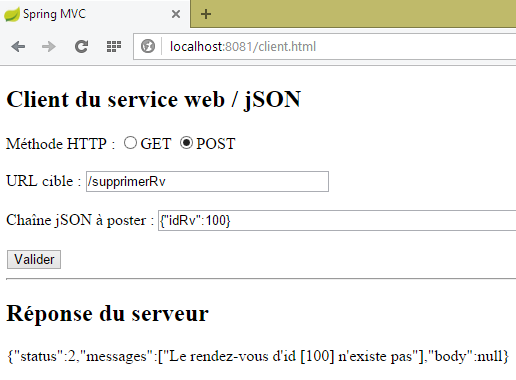 |
For URL [/ajouterRv], the following result is obtained:
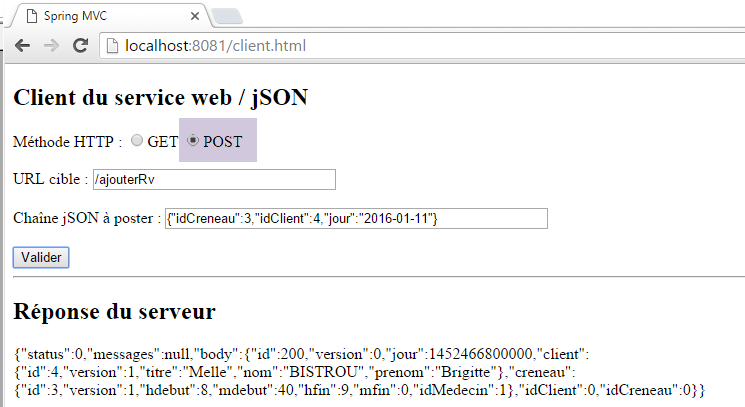 |
8.4.14.5. Conclusion
Our application now supports cross-domain requests. These can be enabled or disabled via configuration in the [ApplicationModel] class:
    // configuration data
    private boolean corsAllowed = false;
8.5. Web service client / jSON
Let’s return to the overall architecture of the application we want to write:
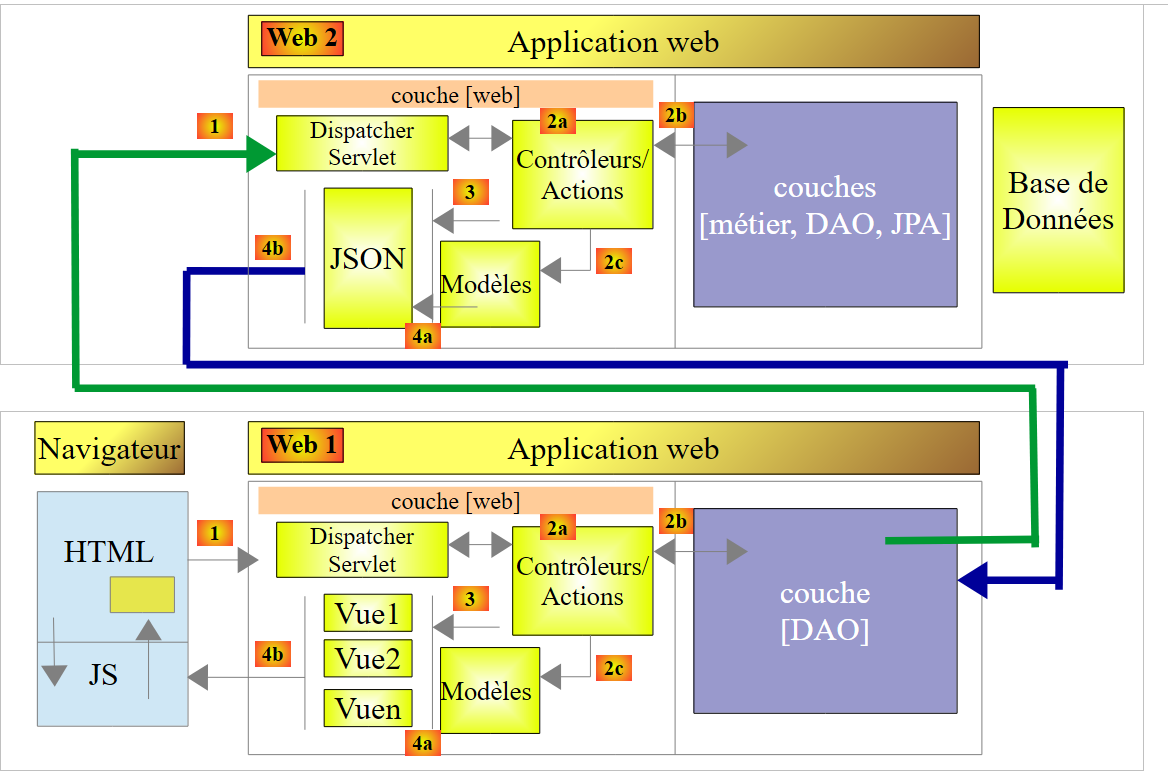 |
The upper part of the diagram has been written. This is the web server / jSON. We will now tackle the lower part, starting with its [DAO] layer. We will write this and then test it with a console client. The test architecture will be as follows:
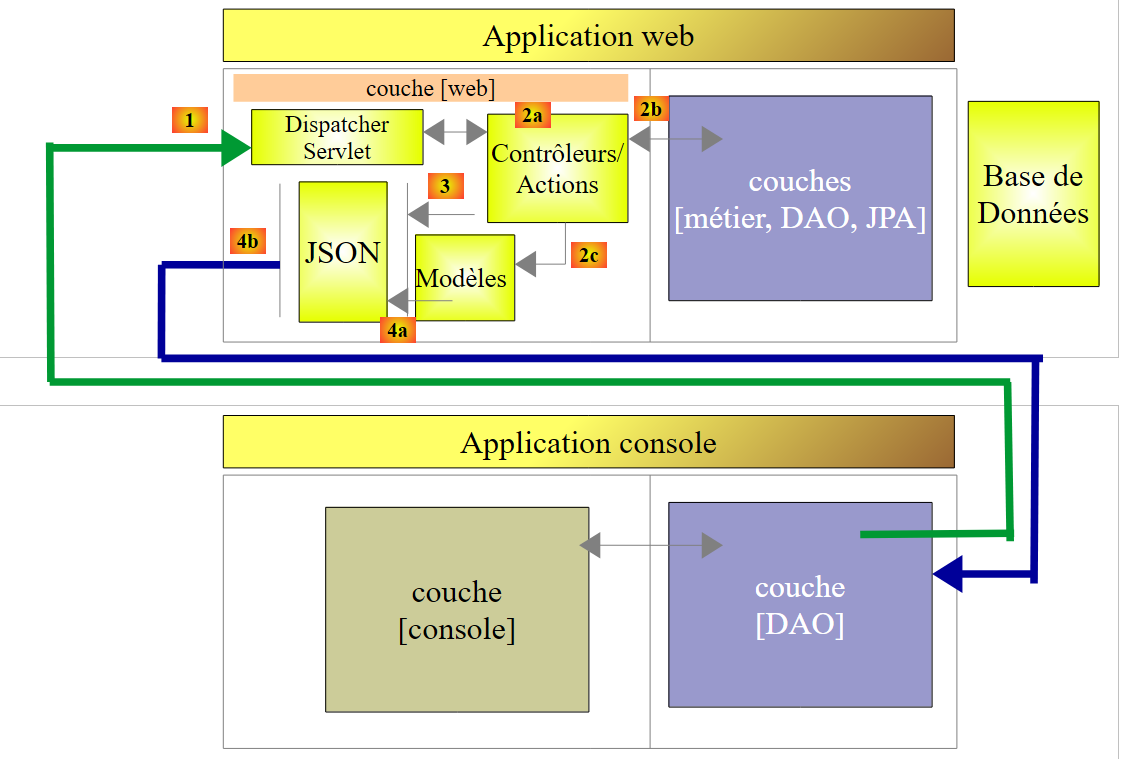 |
8.5.1. The console client project
The console client project STS will be as follows:
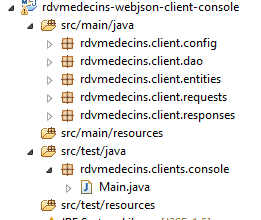 |
8.5.2. Maven configuration
The [pom.xml] file for the console client is as follows:
<project xmlns="http://maven.apache.org/POM/4.0.0" xmlns:xsi="http://www.w3.org/2001/XMLSchema-instance"
        xsi:schemaLocation="http://maven.apache.org/POM/4.0.0 http://maven.apache.org/xsd/maven-4.0.0.xsd">
        <modelVersion>4.0.0</modelVersion>
        <groupId>istia.st.rdvmedecins</groupId>
        <artifactId>rdvmedecins-webjson-client-console</artifactId>
        <version>0.0.1-SNAPSHOT</version>
        <name>rdvmedecins-webjson-client-console</name>
        <description>Client console du serveur web / jSON</description>

        <properties>
                <project.build.sourceEncoding>UTF-8</project.build.sourceEncoding>
                <java.version>1.8</java.version>
        </properties>

        <parent>
                <groupId>org.springframework.boot</groupId>
                <artifactId>spring-boot-starter-parent</artifactId>
                <version>1.2.6.RELEASE</version>
                <relativePath /> <!-- lookup parent from repository -->
        </parent>

        <dependencies>
                <!-- Spring -->
                <dependency>
                        <groupId>org.springframework</groupId>
                        <artifactId>spring-web</artifactId>
                </dependency>
                <!-- jSON library used by Spring -->
                <dependency>
                        <groupId>com.fasterxml.jackson.core</groupId>
                        <artifactId>jackson-core</artifactId>
                </dependency>
                <dependency>
                        <groupId>com.fasterxml.jackson.core</groupId>
                        <artifactId>jackson-databind</artifactId>
                </dependency>
                <!-- component used by Spring RestTemplate -->
                <dependency>
                        <groupId>org.apache.httpcomponents</groupId>
                        <artifactId>httpclient</artifactId>
                </dependency>
        </dependencies>
</project>
- lines 15–20: the parent Spring Boot project;
- lines 24–27: the web server console client / jSON is based on a component called [RestTemplate] provided by the [spring-web] dependency;
- lines 29–36: serialization/deserialization of jSON objects requires the jSON library. We use a variant of the Jackson library used by Spring Web;
- lines 38–41: at the lowest level, the [RestTemplate] component communicates with the server via TCP/IP sockets. We want to set the [timeout] value for these, i.e., the maximum wait time for a server response. The [RestTemplate] component does not allow us to set this value. To do this, we will pass to the [RestTemplate] constructor a low-level component provided by the [org.apache.httpcomponents.httpclient] dependency. It is this dependency that will allow us to set the [timeout] for the communication;
8.5.3. The [rdvmedecins.client.entities] package
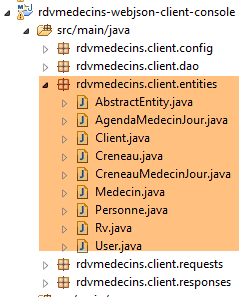 |
The [rdvmedecins.client.entities] package contains all the entities that the web service / jSON sends via its various URL endpoints. We will not go into detail about them again. Suffice it to say that the JPA and [Client, Creneau, Medecin, Rv, Personne] entities have been stripped of all their JPA annotations as well as their jSON annotations. Here is an example of the [Rv] class:
package rdvmedecins.client.entities;

import java.util.Date;

public class Rv extends AbstractEntity {
    private static final long serialVersionUID = 1L;

    // day of Rv
    private Date jour;

    // a rv is linked to a customer
    private Client client;

    // a rv is linked to a time slot
    private Creneau creneau;

    // foreign keys
    private long idClient;
    private long idCreneau;

    // default builder
    public Rv() {
    }

    // with parameters
    public Rv(Date jour, Client client, Creneau creneau) {
        this.jour = jour;
        this.client = client;
        this.creneau = creneau;
    }

    // toString
    public String toString() {
        return String.format("Rv[%d, %s, %d, %d]", id, jour, client.id, creneau.id);
    }

// getters and setters
...
}
8.5.4. The [rdvmedecins.client.requests] package
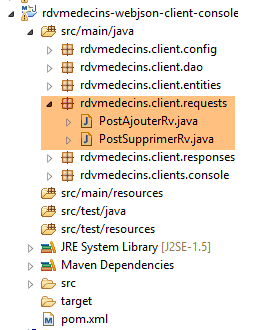 |
The [rdvmedecins.client.requests] package contains the two classes whose value jSON is posted to URL, [/ajouterRv], and [supprimerRv]. They are identical to their server-side counterparts.
8.5.5. The package [rdvmedecins.client.responses]
 |
[Response] is the type of all responses from the web service / jSON. It is a generic type:
package rdvmedecins.client.responses;

import java.util.List;

public class Response<T> {

    // ----------------- properties
    // operation status
    private int status;
    // any error messages
    private List<String> messages;
    // the body of the reply
    private T body;

    // manufacturers
    public Response() {

    }

    public Response(int status, List<String> messages, T body) {
        this.status = status;
        this.messages = messages;
        this.body = body;
    }

    // getters and setters
...
}
- line 5: the type [T] varies depending on the URL of the web service / jSON;
8.5.6. The [rdvmedecins.client.dao] package
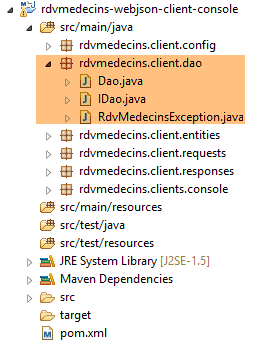 |
- [IDao] is the interface of the [DAO] layer, and [Dao] is its implementation. We will return to this implementation;
8.5.7. The [rdvmedecins.client.config] package
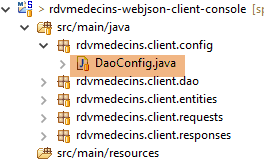 |
The [DaoConfig] class configures the application. Its code is as follows:
package rdvmedecins.client.config;

import org.springframework.context.annotation.Bean;
import org.springframework.context.annotation.ComponentScan;
import org.springframework.context.annotation.Configuration;
import org.springframework.http.client.HttpComponentsClientHttpRequestFactory;
import org.springframework.web.client.RestTemplate;

import com.fasterxml.jackson.databind.ObjectMapper;
import com.fasterxml.jackson.databind.ser.impl.SimpleBeanPropertyFilter;
import com.fasterxml.jackson.databind.ser.impl.SimpleFilterProvider;

@Configuration
@ComponentScan({ "rdvmedecins.client.dao" })
public class DaoConfig {

    @Bean
    public RestTemplate restTemplate() {
        // creation of the RestTemplate component
        HttpComponentsClientHttpRequestFactory factory = new HttpComponentsClientHttpRequestFactory();
        RestTemplate restTemplate = new RestTemplate(factory);
        // result
        return restTemplate;
    }

    // mappers jSON

    @Bean
    public ObjectMapper jsonMapper(){
        return new ObjectMapper();
    }

    @Bean
    public ObjectMapper jsonMapperShortCreneau() {
        ObjectMapper jsonMapperShortCreneau = new ObjectMapper();
        SimpleBeanPropertyFilter creneauFilter = SimpleBeanPropertyFilter.serializeAllExcept("medecin");
        jsonMapperShortCreneau.setFilters(new SimpleFilterProvider().addFilter("creneauFilter", creneauFilter));
        return jsonMapperShortCreneau;
    }

    @Bean
    public ObjectMapper jsonMapperLongRv() {
        ObjectMapper jsonMapperLongRv = new ObjectMapper();
        SimpleBeanPropertyFilter rvFilter = SimpleBeanPropertyFilter.serializeAllExcept("");
        SimpleBeanPropertyFilter creneauFilter = SimpleBeanPropertyFilter.serializeAllExcept("medecin");
        jsonMapperLongRv.setFilters(new SimpleFilterProvider().addFilter("rvFilter", rvFilter).addFilter("creneauFilter",
                creneauFilter));
        return jsonMapperLongRv;
    }

    @Bean
    public ObjectMapper jsonMapperShortRv() {
        ObjectMapper jsonMapperShortRv = new ObjectMapper();
        SimpleBeanPropertyFilter rvFilter = SimpleBeanPropertyFilter.serializeAllExcept("client", "creneau");
        jsonMapperShortRv.setFilters(new SimpleFilterProvider().addFilter("rvFilter", rvFilter));
        return jsonMapperShortRv;
    }

}
- line 13: the [DaoConfig] class is a Spring configuration class;
- line 14: the [rdvmedecins.client.dao] package will be searched for Spring components. The [Dao] component will be found there;
- lines 17–24: define a Spring singleton named [restTemplate] (the method name). This method returns an instance of [RestTemplate], which is the basic tool Spring provides for communicating with a web service / jSON;
- line 21: we could write [RestTemplate restTemplate = new RestTemplate() ;]. This is sufficient in most cases. But here, we want to set the client’s [timeout]. To do this, we inject into the [RestTemplate] component a low-level component of type [HttpComponentsClientHttpRequestFactory] (line 20), which will allow us to set these [timeout] values. The required Maven dependency has been provided;
- lines 28–57: define jSON mappers. These are the jSON mappers used on the server side (see section 8.4.11.3) to serialize the T type of the [Response<T>] response. These same converters will now be used on the client side to deserialize the T type;
8.5.8. The [IDao] interface
Let’s return to the application architecture:
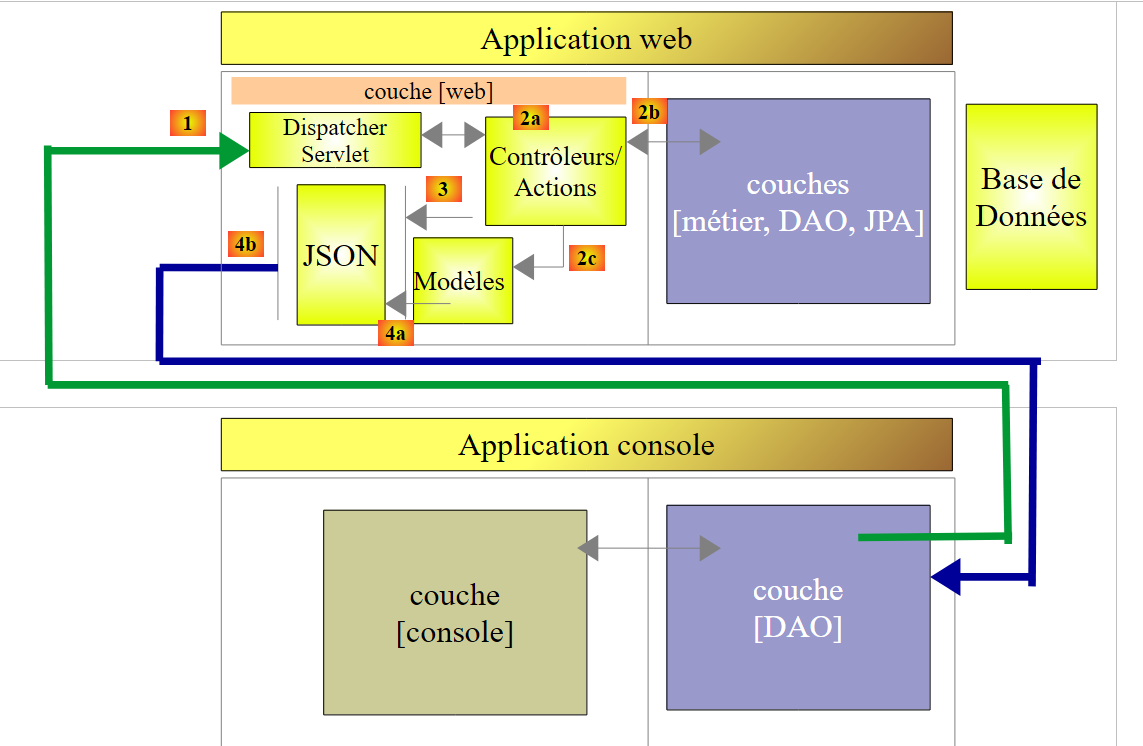 |
The [DAO] layer is an adapter between the [console] layer and the URL interfaces exposed by the /jSON web service. Its [IDao] interface will be as follows:
package rdvmedecins.client.dao;

import java.util.List;

import rdvmedecins.client.entities.AgendaMedecinJour;
import rdvmedecins.client.entities.Client;
import rdvmedecins.client.entities.Creneau;
import rdvmedecins.client.entities.Medecin;
import rdvmedecins.client.entities.Rv;
import rdvmedecins.client.entities.User;

public interface IDao {
    // Url of the web service
    public void setUrlServiceWebJson(String url);

    // timeout
    public void setTimeout(int timeout);

    // authentication
    public void authenticate(User user);

    // clients list
    public List<Client> getAllClients(User user);

    // list of doctors
    public List<Medecin> getAllMedecins(User user);

    // list of physician slots
    public List<Creneau> getAllCreneaux(User user, long idMedecin);

    // find a customer identified by his id
    public Client getClientById(User user, long id);

    // find a customer identified by his id
    public Medecin getMedecinById(User user, long id);

    // find a Rv identified by its id
    public Rv getRvById(User user, long id);

    // find a time slot identified by its id
    public Creneau getCreneauById(User user, long id);

    // add a RV to the list
    public Rv ajouterRv(User user, String jour, long idCreneau, long idClient);

    // delete a RV
    public void supprimerRv(User user, long idRv);

    // list of a doctor's Rv on a given day
    public List<Rv> getRvMedecinJour(User user, long idMedecin, String jour);

    // agenda
    public AgendaMedecinJour getAgendaMedecinJour(User user, long idMedecin, String jour);

}
- line 14: the method for setting the root URL of the web service / jSON, for example [http://localhost:8080];
- line 17: the method used to set client-side parameters. We want to control this parameter because some clients and HTTP requests can sometimes take a very long time waiting for a response that will never come;
- line 20: the method used to identify a user [login, passwd]. Throws an exception if the user is not recognized;
- Lines 22–53: Each URL exposed by the web service / jSON is associated with a method of the interface whose signature derives from the signature of the server-side method handling the exposed URL. Take, for example, the following server-side URL:
    @RequestMapping(value = "/getAgendaMedecinJour/{idMedecin}/{jour}", method = RequestMethod.GET)
    public Response<String> getAgendaMedecinJour(@PathVariable("idMedecin") long idMedecin,    @PathVariable("jour") String jour, HttpServletResponse response, @RequestHeader(value = "Origin", required = false) String origin) {
- line 1: we see that [idMedecin] and [jour] are the parameters of URL. These will be the input parameters for the method associated with this URL on the client side;
- line 2: we see that the server method returns a type [Response<String>]. This type [String] is the type of the value jSON of type [AgendaMedecinJour]. The type of the result of the method associated with this URL on the client side will be [AgendaMedecinJour];
On the client side, we declare the following method:
public AgendaMedecinJour getAgendaMedecinJour(User user, long idMedecin, String jour);
This signature is appropriate when the server sends a [int status, List<String> messages, String body] response with [status==0]. In this case, we have [messages==null && body!=null]. It is not appropriate when [status!=0]. In this case, we have [messages!=null && body==null]. We need to signal in some way that an error has occurred. To do this, we will throw a [RdvMedecinsException] exception as follows:
package rdvmedecins.client.dao;

import java.util.List;

public class RdvMedecinsException extends RuntimeException {

    private static final long serialVersionUID = 1L;
    // error code
    private int status;
    // list of error messages
    private List<String> messages;

    public RdvMedecinsException() {
    }

    public RdvMedecinsException(int code, List<String> messages) {
        super();
        this.status = code;
        this.messages = messages;
    }

    // getters and setters
...
}
- lines 9 and 11: the exception will take the values of the [status, messages] fields from the [Response<T>] object sent by the server;
- line 5: the [RdvMedecinsException] class extends the [RuntimeException] class. It is therefore an unchecked exception, meaning there is no requirement to handle it with a try/catch block or to declare it in the method signatures of the interface;
In addition, all methods of the [IDao] interface that query the /jSON web service have the following [User] type as a parameter:
package rdvmedecins.client.entities;

public class User {

    // data
    private String login;
    private String passwd;

    // manufacturers
    public User() {
    }

    public User(String login, String passwd) {
        this.login = login;
        this.passwd = passwd;
    }

    // getters and setters
    ...
}
In fact, every interaction with the web service /jSON must be accompanied by a HTTP authentication header.
8.5.9. The [rdvmedecins.clients.console] package
Now that we are familiar with the [DAO] layer interface, we can present the console application.
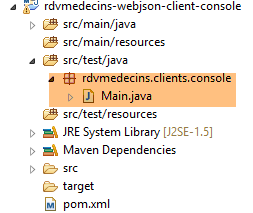 |
The [Main] class is as follows:
package rdvmedecins.clients.console;

import java.io.IOException;

import org.springframework.context.annotation.AnnotationConfigApplicationContext;

import rdvmedecins.client.config.DaoConfig;
import rdvmedecins.client.dao.IDao;
import rdvmedecins.client.dao.RdvMedecinsException;
import rdvmedecins.client.entities.Rv;
import rdvmedecins.client.entities.User;

import com.fasterxml.jackson.core.JsonProcessingException;
import com.fasterxml.jackson.databind.ObjectMapper;

public class Main {

    // serializer jSON
    static private ObjectMapper mapper = new ObjectMapper();
    // connection timeout in milliseconds
    static private int TIMEOUT = 1000;

    public static void main(String[] args) throws IOException {
        // retrieve a reference to the [DAO] layer
        AnnotationConfigApplicationContext context = new AnnotationConfigApplicationContext(DaoConfig.class);
        IDao dao = context.getBean(IDao.class);
        // we set the URL of the web service / json
        dao.setUrlServiceWebJson("http://localhost:8080");
        // set timeouts in milliseconds
        dao.setTimeout(TIMEOUT);

        // Authentication
        String message = "/authenticate [admin,admin]";
        try {
            dao.authenticate(new User("admin", "admin"));
            System.out.println(String.format("%s : OK", message));
        } catch (RdvMedecinsException e) {
            showException(message, e);
        }

        message = "/authenticate [user,user]";
        try {
            dao.authenticate(new User("user", "user"));
            System.out.println(String.format("%s : OK", message));
        } catch (RdvMedecinsException e) {
            showException(message, e);
        }

        message = "/authenticate [user,x]";
        try {
            dao.authenticate(new User("user", "x"));
            System.out.println(String.format("%s : OK", message));
        } catch (RdvMedecinsException e) {
            showException(message, e);
        }

        message = "/authenticate [x,x]";
        try {
            dao.authenticate(new User("x", "x"));
            System.out.println(String.format("%s : OK", message));
        } catch (RdvMedecinsException e) {
            showException(message, e);
        }

        message = "/authenticate [admin,x]";
        try {
            dao.authenticate(new User("admin", "x"));
            System.out.println(String.format("%s : OK", message));
        } catch (RdvMedecinsException e) {
            showException(message, e);
        }

        // clients list
        message = "/getAllClients";
        try {
            showResponse(message, dao.getAllClients(new User("admin", "admin")));
        } catch (RdvMedecinsException e) {
            showException(message, e);
        }

        // list of doctors
        message = "/getAllMedecins";
        try {
            showResponse(message, dao.getAllMedecins(new User("admin", "admin")));
        } catch (RdvMedecinsException e) {
            showException(message, e);
        }

        // list of slots for doctor 2
        message = "/getAllCreneaux/2";
        try {
            showResponse(message, dao.getAllCreneaux(new User("admin", "admin"), 2L));
        } catch (RdvMedecinsException e) {
            showException(message, e);
        }

        // customer no. 1
        message = "/getClientById/1";
        try {
            showResponse(message, dao.getClientById(new User("admin", "admin"), 1L));
        } catch (RdvMedecinsException e) {
            showException(message, e);
        }

        // doctor no. 2
        message = "/getMedecinById/2";
        try {
            showResponse(message, dao.getMedecinById(new User("admin", "admin"), 2L));
        } catch (RdvMedecinsException e) {
            showException(message, e);
        }

        // slot no. 3
        message = "/getCreneauById/3";
        try {
            showResponse(message, dao.getCreneauById(new User("admin", "admin"), 3L));
        } catch (RdvMedecinsException e) {
            showException(message, e);
        }

        // rv n° 4
        message = "/getRvById/4";
        try {
            showResponse(message, dao.getRvById(new User("admin", "admin"), 4L));
        } catch (RdvMedecinsException e) {
            showException(message, e);
        }

        // addition of a rv
        message = "/AjouterRv [idClient=4,idCreneau=8,jour=2015-01-08]";
        long idRv = 0;
        try {
            Rv response = dao.ajouterRv(new User("admin", "admin"), "2015-01-08", 8L, 4L);
            idRv = response.getId();
            showResponse(message, response);
        } catch (RdvMedecinsException e) {
            showException(message, e);
        }

        // list of rv from doctor 1 on 2015-01-08
        message = "/getRvMedecinJour/1/2015-01-08";
        try {
            showResponse(message, dao.getRvMedecinJour(new User("admin", "admin"), 1L, "2015-01-08"));
        } catch (RdvMedecinsException e) {
            showException(message, e);
        }

        // agenda from doctor 1 on 2015-01-08
        message = "/getAgendaMedecinJour/1/2015-01-08";
        try {
            showResponse(message, dao.getAgendaMedecinJour(new User("admin", "admin"), 1L, "2015-01-08"));
        } catch (RdvMedecinsException e) {
            showException(message, e);
        }
        // delete rv added
        message = String.format("/supprimerRv [idRv=%s]", idRv);
        try {
            dao.supprimerRv(new User("admin", "admin"), idRv);
        } catch (RdvMedecinsException e) {
            showException(message, e);
        }

        // list of rv from doctor 1 on 2015-01-08
        message = "/getRvMedecinJour/1/2015-01-08";
        try {
            showResponse(message, dao.getRvMedecinJour(new User("admin", "admin"), 1L, "2015-01-08"));
        } catch (RdvMedecinsException e) {
            showException(message, e);
        }
        // closing context
        context.close();
    }

    private static void showException(String message, RdvMedecinsException e) {
        System.out.println(String.format("URL [%s]", message));
        System.out.println(String.format("L'erreur n° [%s] s'est produite :", e.getStatus()));
        for (String msg : e.getMessages()) {
            System.out.println(msg);
        }
    }

    private static <T> void showResponse(String message, T response) throws JsonProcessingException {
        System.out.println(String.format("URL [%s]", message));
        System.out.println(mapper.writeValueAsString(response));
    }
}
- line 19: the jSON serializer, which will allow us to display the server response, line 184;
- line 25: the [AnnotationConfigApplicationContext] component is a Spring component capable of utilizing the configuration annotations of a Spring application. We pass to its constructor the [AppConfig] class, which configures the application;
- line 26: we retrieve a reference to the [DAO] layer;
- lines 27–30: we configure it;
- Lines 32–169: We test all methods of the [IDao] interface;
The results obtained are as follows:
09:20:56.935 [main] INFO  o.s.c.a.AnnotationConfigApplicationContext - Refreshing org.springframework.context.annotation.AnnotationConfigApplicationContext@52feb982: startup date [Wed Oct 14 09:20:56 CEST 2015]; root of context hierarchy
/authenticate [admin,admin] : OK
URL [/authenticate [user,user]]
L'erreur n° [111] s'est produite :
403 Forbidden
URL [/authenticate [user,x]]
L'erreur n° [111] s'est produite :
401 Unauthorized
URL [/authenticate [x,x]]
L'erreur n° [111] s'est produite :
403 Forbidden
URL [/authenticate [admin,x]]
L'erreur n° [111] s'est produite :
401 Unauthorized
URL [/getAllClients]
[{"id":1,"version":1,"titre":"Mr","nom":"MARTIN","prenom":"Jules"},{"id":2,"version":1,"titre":"Mme","nom":"GERMAN","prenom":"Christine"},{"id":3,"version":1,"titre":"Mr","nom":"JACQUARD","prenom":"Jules"},{"id":4,"version":1,"titre":"Melle","nom":"BISTROU","prenom":"Brigitte"}]
URL [/getAllMedecins]
[{"id":1,"version":1,"titre":"Mme","nom":"PELISSIER","prenom":"Marie"},{"id":2,"version":1,"titre":"Mr","nom":"BROMARD","prenom":"Jacques"},{"id":3,"version":1,"titre":"Mr","nom":"JANDOT","prenom":"Philippe"},{"id":4,"version":1,"titre":"Melle","nom":"JACQUEMOT","prenom":"Justine"}]
URL [/getAllCreneaux/2]
[{"id":25,"version":1,"hdebut":8,"mdebut":0,"hfin":8,"mfin":20,"medecin":null,"idMedecin":2},{"id":26,"version":1,"hdebut":8,"mdebut":20,"hfin":8,"mfin":40,"medecin":null,"idMedecin":2},{"id":27,"version":1,"hdebut":8,"mdebut":40,"hfin":9,"mfin":0,"medecin":null,"idMedecin":2},{"id":28,"version":1,"hdebut":9,"mdebut":0,"hfin":9,"mfin":20,"medecin":null,"idMedecin":2},{"id":29,"version":1,"hdebut":9,"mdebut":20,"hfin":9,"mfin":40,"medecin":null,"idMedecin":2},{"id":30,"version":1,"hdebut":9,"mdebut":40,"hfin":10,"mfin":0,"medecin":null,"idMedecin":2},{"id":31,"version":1,"hdebut":10,"mdebut":0,"hfin":10,"mfin":20,"medecin":null,"idMedecin":2},{"id":32,"version":1,"hdebut":10,"mdebut":20,"hfin":10,"mfin":40,"medecin":null,"idMedecin":2},{"id":33,"version":1,"hdebut":10,"mdebut":40,"hfin":11,"mfin":0,"medecin":null,"idMedecin":2},{"id":34,"version":1,"hdebut":11,"mdebut":0,"hfin":11,"mfin":20,"medecin":null,"idMedecin":2},{"id":35,"version":1,"hdebut":11,"mdebut":20,"hfin":11,"mfin":40,"medecin":null,"idMedecin":2},{"id":36,"version":1,"hdebut":11,"mdebut":40,"hfin":12,"mfin":0,"medecin":null,"idMedecin":2}]
URL [/getClientById/1]
{"id":1,"version":1,"titre":"Mr","nom":"MARTIN","prenom":"Jules"}
URL [/getMedecinById/2]
{"id":2,"version":1,"titre":"Mr","nom":"BROMARD","prenom":"Jacques"}
URL [/getCreneauById/3]
{"id":3,"version":1,"hdebut":8,"mdebut":40,"hfin":9,"mfin":0,"medecin":null,"idMedecin":1}
URL [/getRvById/4]
L'erreur n° [2] s'est produite :
Le rendez-vous d'id [4] n'existe pas
URL [/ajouterRv [idClient=4,idCreneau=8,jour=2015-01-08]]
{"id":144,"version":0,"jour":1420671600000,"client":{"id":4,"version":1,"titre":"Melle","nom":"BISTROU","prenom":"Brigitte"},"creneau":{"id":8,"version":1,"hdebut":10,"mdebut":20,"hfin":10,"mfin":40,"medecin":null,"idMedecin":1},"idClient":0,"idCreneau":0}
URL [/getRvMedecinJour/1/2015-01-08]
[{"id":144,"version":0,"jour":1420675200000,"client":{"id":4,"version":1,"titre":"Melle","nom":"BISTROU","prenom":"Brigitte"},"creneau":{"id":8,"version":1,"hdebut":10,"mdebut":20,"hfin":10,"mfin":40,"medecin":null,"idMedecin":1},"idClient":4,"idCreneau":8}]
URL [/getAgendaMedecinJour/1/2015-01-08]
{"medecin":{"id":1,"version":1,"titre":"Mme","nom":"PELISSIER","prenom":"Marie"},"jour":1420671600000,"creneauxMedecinJour":[{"creneau":{"id":1,"version":1,"hdebut":8,"mdebut":0,"hfin":8,"mfin":20,"medecin":null,"idMedecin":1},"rv":null},{"creneau":{"id":2,"version":1,"hdebut":8,"mdebut":20,"hfin":8,"mfin":40,"medecin":null,"idMedecin":1},"rv":null},{"creneau":{"id":3,"version":1,"hdebut":8,"mdebut":40,"hfin":9,"mfin":0,"medecin":null,"idMedecin":1},"rv":null},{"creneau":{"id":4,"version":1,"hdebut":9,"mdebut":0,"hfin":9,"mfin":20,"medecin":null,"idMedecin":1},"rv":null},{"creneau":{"id":5,"version":1,"hdebut":9,"mdebut":20,"hfin":9,"mfin":40,"medecin":null,"idMedecin":1},"rv":null},{"creneau":{"id":6,"version":1,"hdebut":9,"mdebut":40,"hfin":10,"mfin":0,"medecin":null,"idMedecin":1},"rv":null},{"creneau":{"id":7,"version":1,"hdebut":10,"mdebut":0,"hfin":10,"mfin":20,"medecin":null,"idMedecin":1},"rv":null},{"creneau":{"id":8,"version":1,"hdebut":10,"mdebut":20,"hfin":10,"mfin":40,"medecin":null,"idMedecin":1},"rv":{"id":144,"version":0,"jour":1420675200000,"client":{"id":4,"version":1,"titre":"Melle","nom":"BISTROU","prenom":"Brigitte"},"creneau":{"id":8,"version":1,"hdebut":10,"mdebut":20,"hfin":10,"mfin":40,"medecin":null,"idMedecin":1},"idClient":4,"idCreneau":8}},{"creneau":{"id":9,"version":1,"hdebut":10,"mdebut":40,"hfin":11,"mfin":0,"medecin":null,"idMedecin":1},"rv":null},{"creneau":{"id":10,"version":1,"hdebut":11,"mdebut":0,"hfin":11,"mfin":20,"medecin":null,"idMedecin":1},"rv":null},{"creneau":{"id":11,"version":1,"hdebut":11,"mdebut":20,"hfin":11,"mfin":40,"medecin":null,"idMedecin":1},"rv":null},{"creneau":{"id":12,"version":1,"hdebut":11,"mdebut":40,"hfin":12,"mfin":0,"medecin":null,"idMedecin":1},"rv":null},{"creneau":{"id":13,"version":1,"hdebut":14,"mdebut":0,"hfin":14,"mfin":20,"medecin":null,"idMedecin":1},"rv":null},{"creneau":{"id":14,"version":1,"hdebut":14,"mdebut":20,"hfin":14,"mfin":40,"medecin":null,"idMedecin":1},"rv":null},{"creneau":{"id":15,"version":1,"hdebut":14,"mdebut":40,"hfin":15,"mfin":0,"medecin":null,"idMedecin":1},"rv":null},{"creneau":{"id":16,"version":1,"hdebut":15,"mdebut":0,"hfin":15,"mfin":20,"medecin":null,"idMedecin":1},"rv":null},{"creneau":{"id":17,"version":1,"hdebut":15,"mdebut":20,"hfin":15,"mfin":40,"medecin":null,"idMedecin":1},"rv":null},{"creneau":{"id":18,"version":1,"hdebut":15,"mdebut":40,"hfin":16,"mfin":0,"medecin":null,"idMedecin":1},"rv":null},{"creneau":{"id":19,"version":1,"hdebut":16,"mdebut":0,"hfin":16,"mfin":20,"medecin":null,"idMedecin":1},"rv":null},{"creneau":{"id":20,"version":1,"hdebut":16,"mdebut":20,"hfin":16,"mfin":40,"medecin":null,"idMedecin":1},"rv":null},{"creneau":{"id":21,"version":1,"hdebut":16,"mdebut":40,"hfin":17,"mfin":0,"medecin":null,"idMedecin":1},"rv":null},{"creneau":{"id":22,"version":1,"hdebut":17,"mdebut":0,"hfin":17,"mfin":20,"medecin":null,"idMedecin":1},"rv":null},{"creneau":{"id":23,"version":1,"hdebut":17,"mdebut":20,"hfin":17,"mfin":40,"medecin":null,"idMedecin":1},"rv":null},{"creneau":{"id":24,"version":1,"hdebut":17,"mdebut":40,"hfin":18,"mfin":0,"medecin":null,"idMedecin":1},"rv":null}]}
URL [/getRvMedecinJour/1/2015-01-08]
[]
09:21:00.258 [main] INFO  o.s.c.a.AnnotationConfigApplicationContext - Closing org.springframework.context.annotation.AnnotationConfigApplicationContext@52feb982: startup date [Wed Oct 14 09:20:56 CEST 2015]; root of context hierarchy
We leave it to the reader to correlate the results with the code. The code shows how to call each method of the [DAO] layer. Let us simply note a few points:
- lines 2–14: show that during an authentication error, the server returns a status of HTTP, [403 Forbidden], or [401 Unauthorized], depending on the case;
- lines 30-31: a Rv is added to doctor #1;
- lines 32-33: we see this appointment. It is the only one for the day;
- lines 34-35: it is also visible in the doctor’s agenda;
- lines 36-37: the appointment has disappeared. The code has deleted it in the meantime;
The console logs are controlled by the following files:
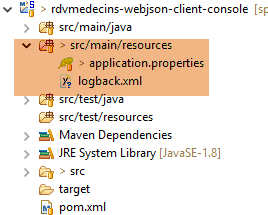 |
[application.properties]
logging.level.org.springframework.web=OFF
logging.level.org.hibernate=OFF
spring.main.show-banner=false
logging.level.httpclient.wire=OFF
[logback.xml]
<configuration>
        <appender name="STDOUT" class="ch.qos.logback.core.ConsoleAppender">
                <!-- encoders are by default assigned the type ch.qos.logback.classic.encoder.PatternLayoutEncoder -->
                <encoder>
                        <pattern>%d{HH:mm:ss.SSS} [%thread] %-5level %logger{36} - %msg%n</pattern>
                </encoder>
        </appender>
        <!-- log level control -->
        <root level="info"> <!-- off, info, debug, warn -->
                <appender-ref ref="STDOUT" />
        </root>
</configuration>
8.5.10. Implementation of the [DAO] layer
We now need to present the core of the [DAO] layer: the implementation of its [IDao] interface. We will do this step by step.
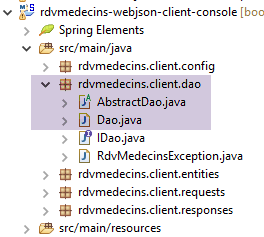 |
The [IDao] interface is implemented by the abstract class [AbstractDao] and its child class [Dao].
The parent class [AbstractDao] is as follows:
package rdvmedecins.client.dao;

import java.net.URI;
import java.net.URISyntaxException;
import java.util.ArrayList;
import java.util.Base64;
import java.util.List;

import org.springframework.beans.factory.annotation.Autowired;
import org.springframework.core.ParameterizedTypeReference;
import org.springframework.http.MediaType;
import org.springframework.http.RequestEntity;
import org.springframework.http.RequestEntity.BodyBuilder;
import org.springframework.http.RequestEntity.HeadersBuilder;
import org.springframework.http.client.HttpComponentsClientHttpRequestFactory;
import org.springframework.web.client.RestTemplate;

import rdvmedecins.client.entities.User;

public abstract class AbstractDao implements IDao {

    // data
    @Autowired
    protected RestTemplate restTemplate;
    protected String urlServiceWebJson;

    // URL web service / jSON
    public void setUrlServiceWebJson(String url) {
        this.urlServiceWebJson = url;
    }

    public void setTimeout(int timeout) {
        // set the timeout for web client requests
        HttpComponentsClientHttpRequestFactory factory = (HttpComponentsClientHttpRequestFactory) restTemplate
                .getRequestFactory();
        factory.setConnectTimeout(timeout);
        factory.setReadTimeout(timeout);
    }

    private String getBase64(User user) {
        // encodes user and password in base 64 - requires
        // java 8
        String chaîne = String.format("%s:%s", user.getLogin(), user.getPasswd());
        return String.format("Basic %s", new String(Base64.getEncoder().encode(chaîne.getBytes())));
    }

    // generic request
    protected String getResponse(User user, String url, String jsonPost) {
...
    }

}
- line 20: the class is abstract, which prevents us from designating it as a Spring component. Its child class will be designated as such;
- lines 23–24: we inject the [restTemplate] bean that we defined in the [AppConfig] configuration class;
- Line 25: the root of the web service / URL;
- lines 32–38: set the client timeout while waiting for a response from the server;
- line 34: we retrieve the [HttpComponentsClientHttpRequestFactory] component that we injected into the [restTemplate] bean when it was created (see [AppConfig]);
- line 36: we set the maximum wait time for the client when establishing a connection with the server;
- line 37: we set the maximum wait time for the client while it waits for a response to one of its requests;
The implementation of the methods for communicating with the server will be factored into the following generic method:
    // generic request
    protected String getResponse(User user, String url, String jsonPost) {
...
    }
- line 2: the parameters for [getResponse] are as follows:
- [User user]: the user logging in;
- [String url]: the URL to query. This is the end of the URL, the first part being provided by the [urlServiceWebJson] field of the class,
- [String jsonPost]: the jSON string to be posted. If this value is present, then URL will be requested with a POST; otherwise, it will be with a GET;
Let’s continue:
// generic request
    protected String getResponse(User user, String url, String jsonPost) {
        // url : URL to contact
        // jsonPost: the jSON value to be posted
        try {
            // request execution
            RequestEntity<?> request;
            if (jsonPost == null) {
                HeadersBuilder<?> headersBuilder = RequestEntity.get(new URI(String.format("%s%s", urlServiceWebJson, url))).accept(MediaType.APPLICATION_JSON);
                if (user != null) {
                    headersBuilder = headersBuilder.header("Authorization", getBase64(user));
                }
                request = headersBuilder.build();
            } else {
                BodyBuilder bodyBuilder = RequestEntity.post(new URI(String.format("%s%s", urlServiceWebJson, url)))
                        .header("Content-Type", "application/json").accept(MediaType.APPLICATION_JSON);
                if (user != null) {
                    bodyBuilder = bodyBuilder.header("Authorization", getBase64(user));
                }
                request = bodyBuilder.body(jsonPost);
            }
            // execute the query
            return restTemplate.exchange(request, new ParameterizedTypeReference<String>() {
            }).getBody();
        } catch (URISyntaxException e) {
            throw new RdvMedecinsException(20, getMessagesForException(e));
        } catch (RuntimeException e) {
            throw new RdvMedecinsException(21, getMessagesForException(e));
        }
    }
- lines 23-24: the statement that sends the request to the server and receives its response. The [RestTemplate] component offers a wide range of methods for communicating with the server. We could have chosen a method other than [exchange]. The second parameter of the call specifies the type of the expected response, in this case a jSON string. The first parameter is the [RequestEntity] request (line 7). The result of the [exchange] method is of type [ResponseEntity<String>]. The [ResponseEntity] type encapsulates the server’s complete response, including the HTTP headers and the document sent by the server. Similarly, the type [RequestEntity] encapsulates the entire client request, including the HTTP headers and any posted value;
- line 23: this is the body of the [ResponseEntity<String>] object that is returned to the calling method, i.e., the jSON string sent by the server;
- lines 9–21: we need to construct the [RequestEntity] request. It differs depending on whether a GET or a POST is used to make the request;
- Line 9: The request for a GET. The [RequestEntity] class provides static methods to create the requests GET, POST, HEAD,... The [RequestEntity.get] method allows you to create a GET query by chaining the various methods that construct it:
- the [RequestEntity.get] method takes as a parameter the target URL in the form of a URI instance,
- the [accept] method allows you to define the elements of the HTTP header [Accept]. Here, we specify that we accept the [application/json] type that the server will send;
- the result of this method chaining is a [HeadersBuilder] type;
- lines 10–12: if the [User user] parameter is not null, we include the HTTP and [Authorization] headers in the request;
- line 13: the method [HeadersBuilder.build] uses this information to construct the [RequestEntity] type of the query;
- line 15: the request for a POST. The [RequestEntity.post] method allows you to create a POST request by chaining the various methods that construct it:
- the [RequestEntity.post] method accepts the target URL as a parameter in the form of a URI instance,
- the [header] method allows you to define the HTTP headers you wish to use, in this case the authorization header,
- the following [header] method includes the [Content-Type: application/json] header in the request to indicate that the posted value will be received in the form of a jSON string;
- The [accept] method allows us to indicate that we accept the [application/json] type that the server will send;
- lines 17–19: if the [User user] parameter is not null, we include the HTTP [Authorization] header in the request;
- line 20: the [BodyBuilder.body] method sets the posted value. This is the second parameter of the generic [getResponse] method (line 2);
- lines 25–28: if any error occurs, a [RdvMedecinsException] exception is thrown;
The method [getMessagesForException] in lines 26 and 28 is as follows:
    // list of exception error messages
    protected static List<String> getMessagesForException(Exception exception) {
        // retrieve the list of exception error messages
        Throwable cause = exception;
        List<String> erreurs = new ArrayList<String>();
        while (cause != null) {
            // the message is retrieved only if it is !=null and not blank
            String message = cause.getMessage();
            if (message != null) {
                message = message.trim();
                if (message.length() != 0) {
                    erreurs.add(message);
                }
            }
            // next cause
            cause = cause.getCause();
        }
        return erreurs;
}
The private method [getBase64] returns the Base64 encoding of the string 'login:passwd' for the HTTP authentication header:
    private String getBase64(User user) {
        // encodes user and password in base 64 - requires java 8
        String chaîne = String.format("%s:%s", user.getLogin(), user.getPasswd());
        return String.format("Basic %s", new String(Base64.getEncoder().encode(chaîne.getBytes())));
}
The [Dao] class extends the [AbstractDao] class as follows:
package rdvmedecins.client.dao;

import java.io.IOException;
import java.util.List;

import org.springframework.beans.factory.annotation.Autowired;
import org.springframework.stereotype.Service;

import com.fasterxml.jackson.core.type.TypeReference;
import com.fasterxml.jackson.databind.ObjectMapper;

import rdvmedecins.client.entities.AgendaMedecinJour;
import rdvmedecins.client.entities.Client;
import rdvmedecins.client.entities.Creneau;
import rdvmedecins.client.entities.Medecin;
import rdvmedecins.client.entities.Rv;
import rdvmedecins.client.entities.User;
import rdvmedecins.client.requests.PostAjouterRv;
import rdvmedecins.client.requests.PostSupprimerRv;
import rdvmedecins.client.responses.Response;

@Service
public class Dao extends AbstractDao implements IDao {

    // mappers jSON
    @Autowired
    ObjectMapper jsonMapper;

    @Autowired
    private ObjectMapper jsonMapperShortCreneau;

    @Autowired
    private ObjectMapper jsonMapperLongRv;

    @Autowired
    private ObjectMapper jsonMapperShortRv;

    public List<Client> getAllClients(User user) {
        ...
    }

    public List<Medecin> getAllMedecins(User user) {
...
    }
...
}
- line 22: the class [Dao] is a Spring component. The annotation [@Service] was used here. We could have continued to use the annotation [@Component] used up to this point;
- lines 26–36: injection of the four jSON mappers defined in the [DaoConfig] configuration class;
The methods of the [Dao] class all follow the same pattern. We will detail a GET operation and a POST operation.
First, a [GET] query:
public AgendaMedecinJour getAgendaMedecinJour(User user, long idMedecin, String jour) {
        // the answer
        Response<AgendaMedecinJour> response;
        // the agenda
        String jsonResponse = getResponse(user, String.format("%s/%s/%s", "/getAgendaMedecinJour", idMedecin, jour), null);
        try {
            // l'agenda AgendaMedecinJour
            response = jsonMapperLongRv.readValue(jsonResponse, new TypeReference<Response<AgendaMedecinJour>>() {
            });
        } catch (IOException e) {
            throw new RdvMedecinsException(401, getMessagesForException(e));
        } catch (RuntimeException e) {
            throw new RdvMedecinsException(402, getMessagesForException(e));
        }
        // response analysis
        int status = response.getStatus();
        if (status != 0) {
            throw new RdvMedecinsException(status, response.getMessages());
        } else {
            return response.getBody();
        }
}
- Line 5: The generic method [getResponse] is called. The actual parameters used are as follows:
- 1: the user;
- 2: the target URL;
- 3: the value to post. There is none here;
- line 5: the call was not enclosed in a try/catch block. The [getResponse] method is likely to throw a [RdvMedecinsException] exception. If it is thrown, this exception will propagate up to the method that called the [getAgendaMedecinJour] method above;
- line 8:URL [/getAgendaMedecinJour] sends a [Response<AgendaMedecinJour>] object that was serialized into jSON on the server side by the jSON [jsonMapperLongRv]. This same mapper is used to deserialize the received string jSON;
- lines 10–13: if an error occurs on line 9, a [RdvMedecinsException] exception is thrown;
- lines 16-21: the response sent by the server is parsed;
- lines 17–18: if the server reported an error, an exception is thrown with the information transmitted by the server;
- lines 19–21: otherwise, the doctor’s agenda is returned;
The POST request being examined will be as follows:
    public Rv ajouterRv(User user, String jour, long idCreneau, long idClient) {
        // the answer
        Response<Rv> response;
        try {
            // on Rv
            String jsonResponse = getResponse(user, "/ajouterRv",
                    jsonMapper.writeValueAsString(new PostAjouterRv(idClient, idCreneau, jour)));
            // on Rv Rv
            response = jsonMapperLongRv.readValue(jsonResponse, new TypeReference<Response<Rv>>() {
            });
        } catch (RdvMedecinsException e) {
            throw e;
        } catch (IOException e) {
            throw new RdvMedecinsException(381, getMessagesForException(e));
        } catch (RuntimeException e) {
            throw new RdvMedecinsException(382, getMessagesForException(e));
        }
        // response analysis
        int status = response.getStatus();
        if (status != 0) {
            throw new RdvMedecinsException(status, response.getMessages());
        } else {
            return response.getBody();
        }
}
- line 6: the [getResponse] method is called with the following parameters:
- 1: the user;
- 2: the target URL,
- 3: the posted value: we pass the jSON value of type [PostAjouter] constructed with the information received as parameters by the method. We use a jSON mapper without filters;
- line 9: on the server side, the jSON [jsonMapperLongRv] mapper serialized the server’s response. On the client side, we use this same mapper to deserialize it;
- line 6: URL [/ajouterRv] returns the value jSON of type [Response<Rv>];
- lines 4–11: here, the [getResponse] method has been placed in a try/catch block because serializing the posted value may throw an exception. The method [getResponse] is likely to throw a [RdvMedecinsException] exception. In this case, we simply re-run it (lines 11–12);
The following code (lines 13–24) is similar to the one just discussed. The only difference from a GET operation is therefore the second parameter of the [getResponse] method, which must be the jSON value of the value to be posted.
The other methods are built on the same model.
8.5.11. Anomaly
While performing various tests, we encountered an anomaly summarized in the following [Anomalie] class:
package rdvmedecins.clients.console;

import java.io.IOException;

import org.springframework.context.annotation.AnnotationConfigApplicationContext;

import rdvmedecins.client.config.DaoConfig;
import rdvmedecins.client.dao.IDao;
import rdvmedecins.client.dao.RdvMedecinsException;
import rdvmedecins.client.entities.User;

import com.fasterxml.jackson.core.JsonProcessingException;
import com.fasterxml.jackson.databind.ObjectMapper;

public class Anomalie {

    // serializer jSON
    static private ObjectMapper mapper = new ObjectMapper();
    // connection timeout in milliseconds
    static private int TIMEOUT = 1000;

    public static void main(String[] args) throws IOException {
        // retrieve a reference to the [DAO] layer
        AnnotationConfigApplicationContext context = new AnnotationConfigApplicationContext(DaoConfig.class);
        IDao dao = context.getBean(IDao.class);
        // we set the URL of the web service / json
        dao.setUrlServiceWebJson("http://localhost:8080");
        // set timeouts in milliseconds
        dao.setTimeout(TIMEOUT);

        // Authentication
        String message = "/authenticate [admin,admin]";
        try {
            dao.authenticate(new User("admin", "admin"));
            System.out.println(String.format("%s : OK", message));
        } catch (RdvMedecinsException e) {
            showException(message, e);
        }

        // Authentication
        message = "/authenticate [admin,x]";
        try {
            dao.authenticate(new User("admin", "x"));
            System.out.println(String.format("%s : OK", message));
        } catch (RdvMedecinsException e) {
            showException(message, e);
        }

        // Authentication
        message = "/authenticate [user,user]";
        try {
            dao.authenticate(new User("user", "user"));
            System.out.println(String.format("%s : OK", message));
        } catch (RdvMedecinsException e) {
            showException(message, e);
        }

        // closing context
        context.close();
    }

    private static void showException(String message, RdvMedecinsException e) {
        System.out.println(String.format("URL [%s]", message));
        System.out.println(String.format("L'erreur n° [%s] s'est produite :", e.getStatus()));
        for (String msg : e.getMessages()) {
            System.out.println(msg);
        }
    }
}
- lines 31-38: the user [admin, admin] is authenticated;
- lines 40-47: authenticate user [admin, x], who has an incorrect password;
- lines 49-56: authenticate user [user, user], who is an existing but unauthorized user;
Here are the results:
- line 2: contrary to expectations, user [admin, x] was accepted;
If we comment out lines 33–38 of the code, we get the following result:
which is the expected result. It appears as though once user [admin, admin] successfully logged in for the first time, their password was no longer required for subsequent logins. This is indeed the case. By default, Spring Security uses a session mechanism that ensures once a user has authenticated, they no longer need to do so in subsequent requests. You can modify the configuration of [Spring Security] in the web server / jSON so that this is no longer the case:
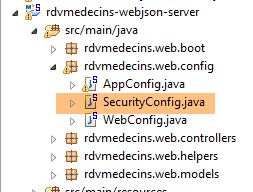 |
The file [SecurityConfig] must be modified as follows:
    @Override
    protected void configure(HttpSecurity http) throws Exception {
        ...
            // no session
            http.sessionManagement().sessionCreationPolicy(SessionCreationPolicy.STATELESS);
}
- Line 5 specifies that there should be no security session;
This resolved the issue.
8.6. Spring / Thymeleaf server-side rendering
8.6.1. Introduction
Let’s return to the architecture of the client/server application to be built:
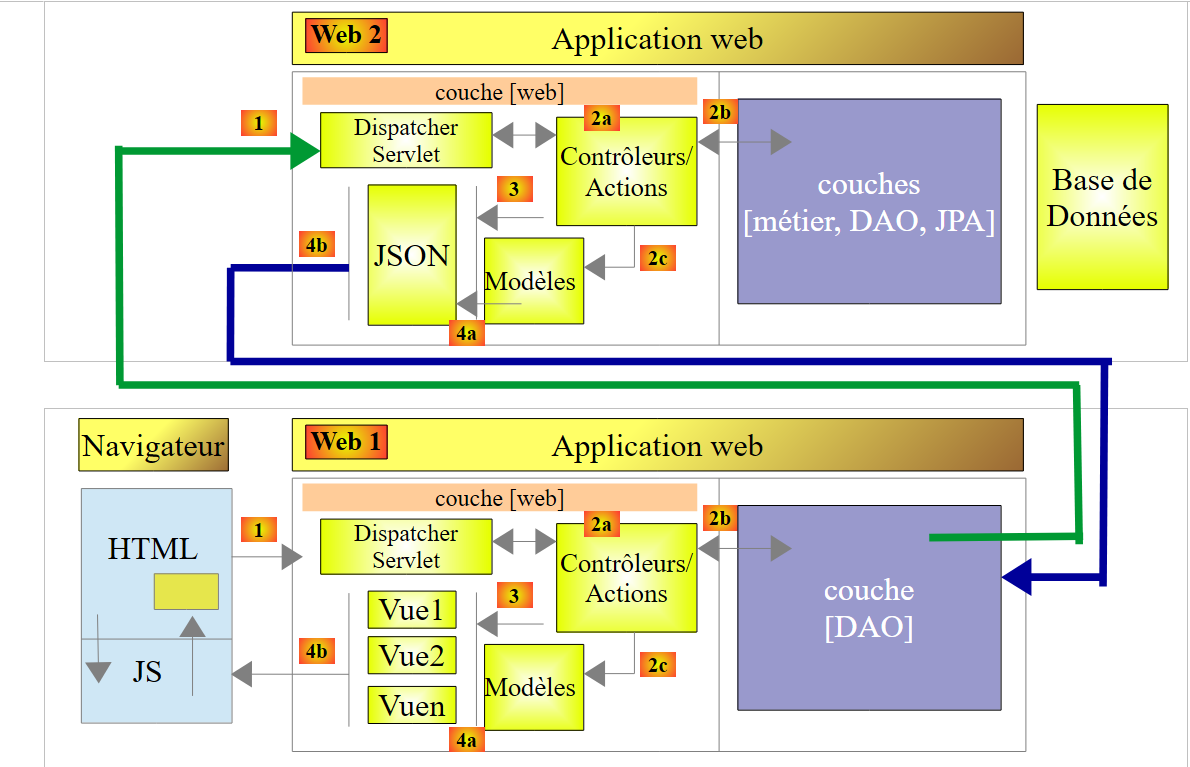 |
- The [Web2] web server / jSON has been built;
- the [DAO] layer of the [Web1] client has been built;
The relationship between the [Web1] server and the clients browsers is a client/server relationship where the server is a web server / jSON. In fact, [Web1] will deliver HTML streams encapsulated in a jSON string. The client/server architecture is as follows:
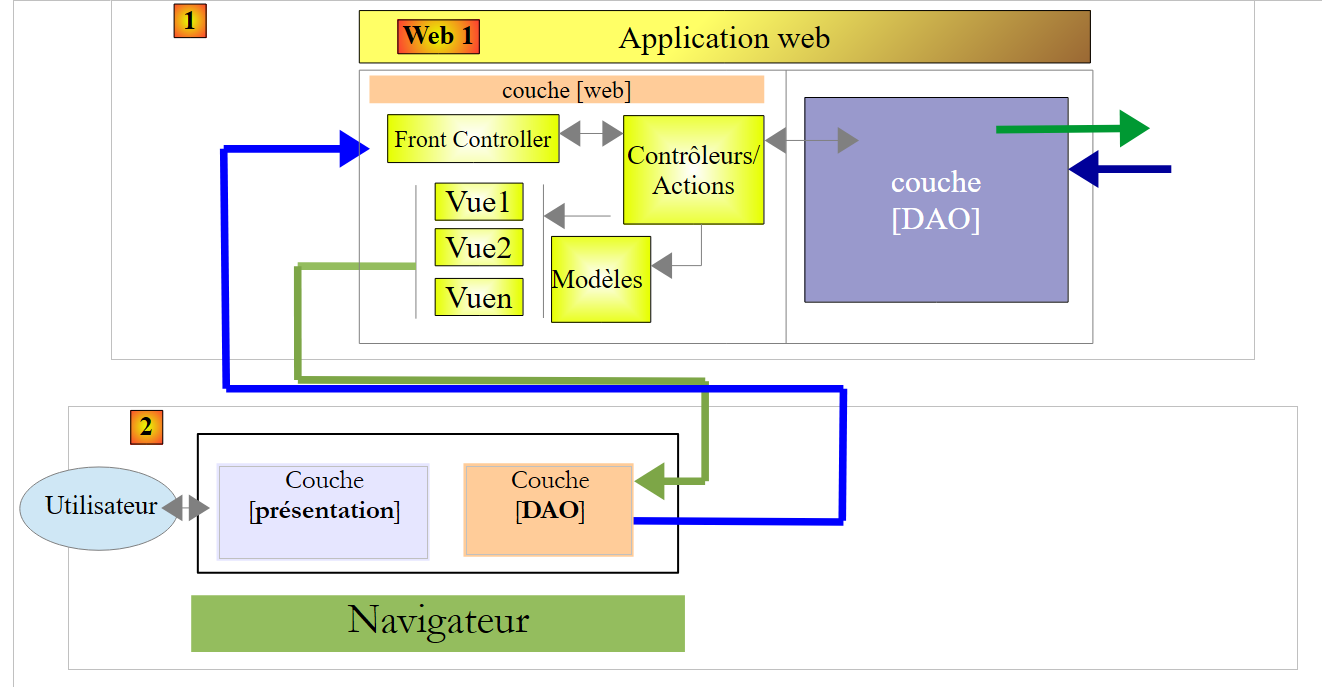 |
- we have a client [2] / server [1] architecture where the client and server communicate in jSON;
- In [1], the Spring MVC/Thymeleaf web layer delivers views, view fragments, and data in jSON. The server is therefore a web server / jSON, like the [Web1] server. It is also stateless;
- in [2]: the Javascript code embedded in the view loaded at application startup is structured in layers:
- the [présentation] layer handles user interactions,
- the [DAO] layer handles data access via the [Web2] server;
- the [2] client will cache certain views to offload the server;
We will build the web server / jSON [Web1] implemented with Spring MVC / Thymeleaf in several steps:
- exploring the Bootstrap framework;
- Writing the views;
- writing the controller;
Then, separately, we will build the client JS for the server [Web1]. To clearly demonstrate that this client has a certain degree of independence from the [Web1] server, we will build it using the [Webstorm] tool rather than STS.
In what follows, certain details will be omitted because they might distract us from the main point, which is the organization of the code. Interested readers can find the complete code on the website for this document.
8.6.2. The STS
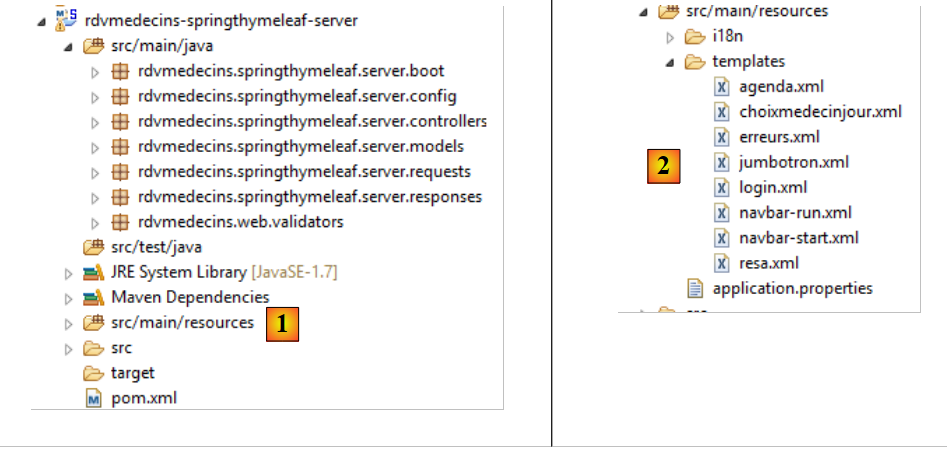 |
- in [1], the Java code;
- in [2], the views;
The Maven configuration in [pom.xml] is as follows:
<?xml version="1.0" encoding="UTF-8"?>
<project xmlns="http://maven.apache.org/POM/4.0.0" xmlns:xsi="http://www.w3.org/2001/XMLSchema-instance"
    xsi:schemaLocation="http://maven.apache.org/POM/4.0.0 http://maven.apache.org/xsd/maven-4.0.0.xsd">
    <modelVersion>4.0.0</modelVersion>
    <groupId>istia.st.rdvmedecins</groupId>
    <artifactId>rdvmedecins-springthymeleaf-server</artifactId>
    <version>0.0.1-SNAPSHOT</version>
    <name>rdvmedecins-springthymeleaf-server</name>
    <description>Gestion de RV Médecins</description>
    <parent>
        <groupId>org.springframework.boot</groupId>
        <artifactId>spring-boot-starter-parent</artifactId>
        <version>1.2.0.RELEASE</version>
    </parent>
    <dependencies>
        <dependency>
            <groupId>org.springframework.boot</groupId>
            <artifactId>spring-boot-starter-thymeleaf</artifactId>
        </dependency>
        <dependency>
            <groupId>istia.st.rdvmedecins</groupId>
            <artifactId>rdvmedecins-webjson-client-console</artifactId>
            <version>0.0.1-SNAPSHOT</version>
        </dependency>
    </dependencies>
    <properties>
        <start-class>rdvmedecins.springthymeleaf.server.boot.Boot</start-class>
        <project.build.sourceEncoding>UTF-8</project.build.sourceEncoding>
        <project.reporting.outputEncoding>UTF-8</project.reporting.outputEncoding>
        <java.version>1.7</java.version>
    </properties>
    <build>
        <plugins>
            <plugin>
                <artifactId>maven-compiler-plugin</artifactId>
                <configuration>
                    <source>1.7</source>
                    <target>1.7</target>
                </configuration>
            </plugin>
            <plugin>
                <groupId>org.springframework.boot</groupId>
                <artifactId>spring-boot-maven-plugin</artifactId>
            </plugin>
        </plugins>
    </build>
    ...
</project>
- lines 16–19: the project is a Thymeleaf project;
- lines 20–24: which relies on the [DAO] layer we just built;
The Java configuration is handled by two files:
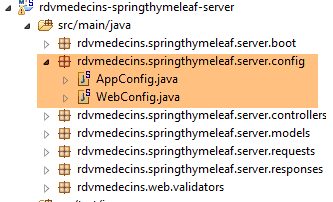 |
The [web] layer is configured by the following [WebConfig] file:
package rdvmedecins.springthymeleaf.server.config;

import org.springframework.boot.autoconfigure.EnableAutoConfiguration;
import org.springframework.context.MessageSource;
import org.springframework.context.annotation.Bean;
import org.springframework.context.support.ResourceBundleMessageSource;
import org.springframework.web.servlet.DispatcherServlet;
import org.springframework.web.servlet.config.annotation.WebMvcConfigurerAdapter;
import org.thymeleaf.spring4.SpringTemplateEngine;
import org.thymeleaf.spring4.templateresolver.SpringResourceTemplateResolver;

@EnableAutoConfiguration
public class WebConfig extends WebMvcConfigurerAdapter {

    // ----------------- layer configuration [web]
    @Bean
    public MessageSource messageSource() {
        ResourceBundleMessageSource messageSource = new ResourceBundleMessageSource();
        messageSource.setBasename("i18n/messages");
        return messageSource;
    }

    @Bean
    public SpringResourceTemplateResolver templateResolver() {
        SpringResourceTemplateResolver templateResolver = new SpringResourceTemplateResolver();
        templateResolver.setPrefix("classpath:/templates/");
        templateResolver.setSuffix(".xml");
        templateResolver.setTemplateMode("HTML5");
        templateResolver.setCacheable(true);
        templateResolver.setCharacterEncoding("UTF-8");
        return templateResolver;
    }

    @Bean
    SpringTemplateEngine templateEngine(SpringResourceTemplateResolver templateResolver) {
        SpringTemplateEngine templateEngine = new SpringTemplateEngine();
        templateEngine.setTemplateResolver(templateResolver);
        return templateEngine;
    }

    // configuration dispatcherservlet for CORS headers
    @Bean
    public DispatcherServlet dispatcherServlet() {
        DispatcherServlet servlet = new DispatcherServlet();
        servlet.setDispatchOptionsRequest(true);
        return servlet;
    }

}
We have encountered all the elements of this configuration at one time or another. Just a reminder that lines 42–47 are necessary when you want to be able to query the server with cross-domain requests (CORS). That will be the case here.
The [AppConfig] class configures the entire application:
package rdvmedecins.springthymeleaf.server.config;

import org.springframework.boot.autoconfigure.EnableAutoConfiguration;
import org.springframework.context.annotation.ComponentScan;
import org.springframework.context.annotation.Import;

import rdvmedecins.client.config.DaoConfig;

@EnableAutoConfiguration
@ComponentScan(basePackages = { "rdvmedecins.springthymeleaf.server" })
@Import({ WebConfig.class, DaoConfig.class })
public class AppConfig {

    // admin / admin
    private final String USER_INIT = "admin";
    private final String MDP_USER_INIT = "admin";
    // web service root / json
    private final String WEBJSON_ROOT = "http://localhost:8080";
    // timeout in milliseconds
    private final int TIMEOUT = 5000;
    // CORS
    private final boolean CORS_ALLOWED=true;

    ...

}
- lines 11: [AppConfig] imports the configuration of the [DAO] layer and the [web] layer;
- lines 15-16: the identifiers that will allow the application to access the application boot process in order to cache the doctors and the clients;
- line 18: the URL of the web service / jSON [Web1];
- line 20: the timeout for the application's HTTP calls;
- line 22: a boolean to enable or disable cross-domain calls;
Finally, in [application.properties], the Tomcat server is configured to run on port 8081:
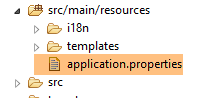 |
server.port=8081
8.6.3. Application Features
These were described in Section 8.2. We will now review them. Using a browser, we request the URL [http://localhost:8081/boot.html]:
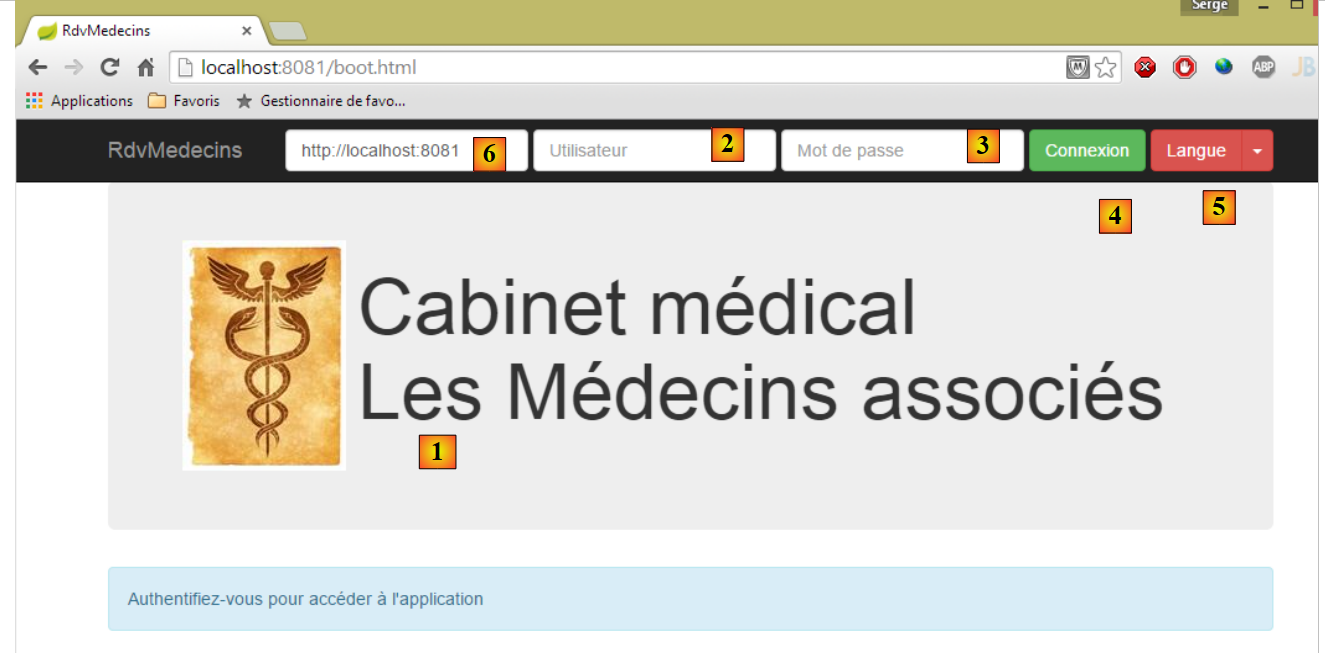 |
- [1], the application’s login page;
- [2] and [3], the username and password of the user who wishes to use the application. There are two users: admin/admin (login/password) with a role (ADMIN) and user/user with a role (USER). Only the role ADMIN has permission to use the application. The role USER is only there to show what the server responds with in this use case;
- in [4], the button that allows you to connect to the server;
- in [5], the application language. There are two: French (default) and English;
- in [6], the URL of the [rdvmedecins-springthymeleaf-server] server;
 |
- in [1], you log in;
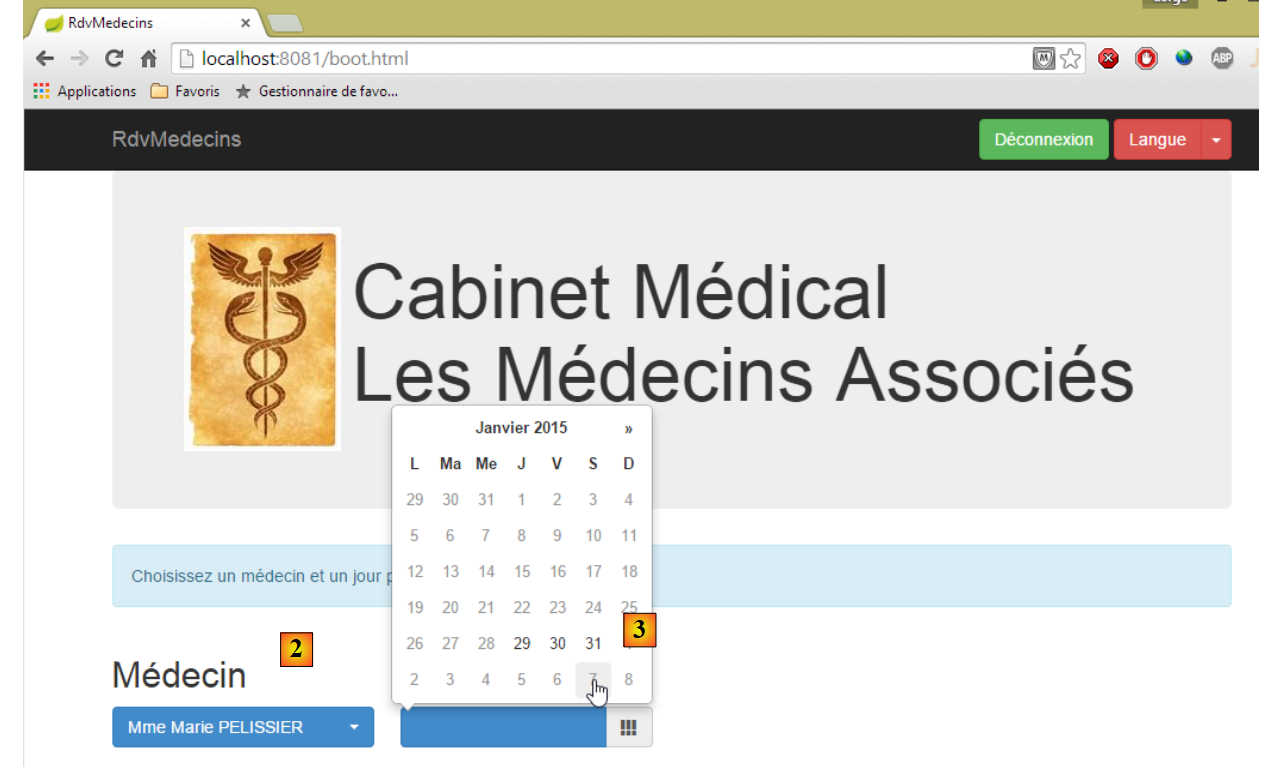 |
- Once logged in, you can choose the doctor you want to make an appointment with and the date of the appointment. Once a doctor and a date have been selected, the appointment details are automatically displayed:
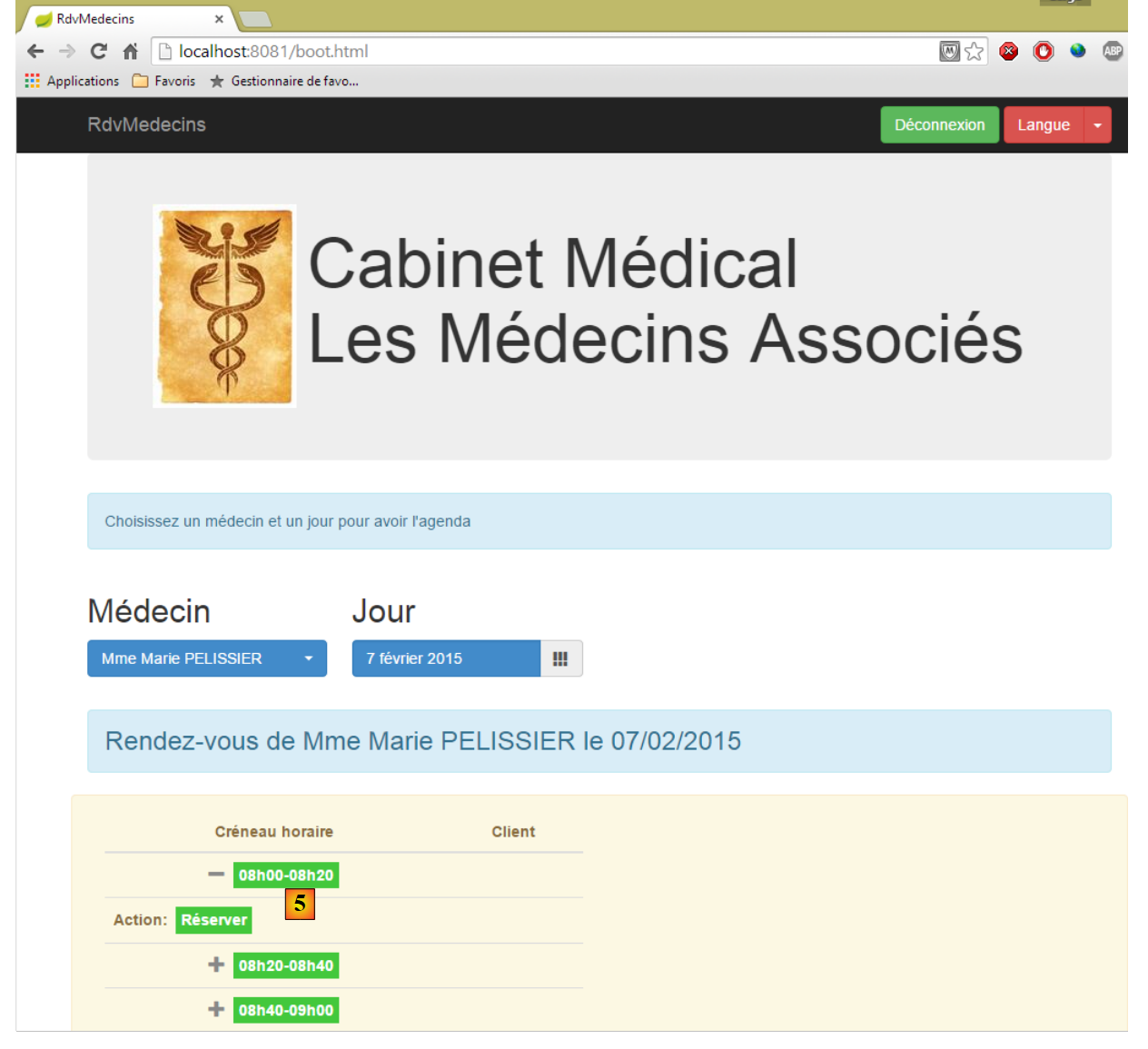 |
- Once you have obtained the doctor’s agenda, you can book a time slot [5];
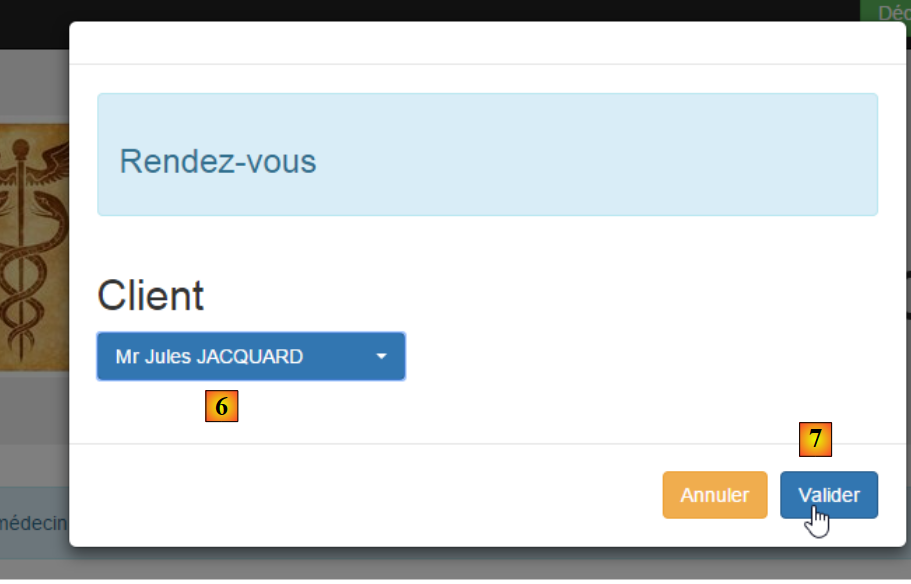 |
- in [6], select the patient for the appointment and confirm this selection in [7];
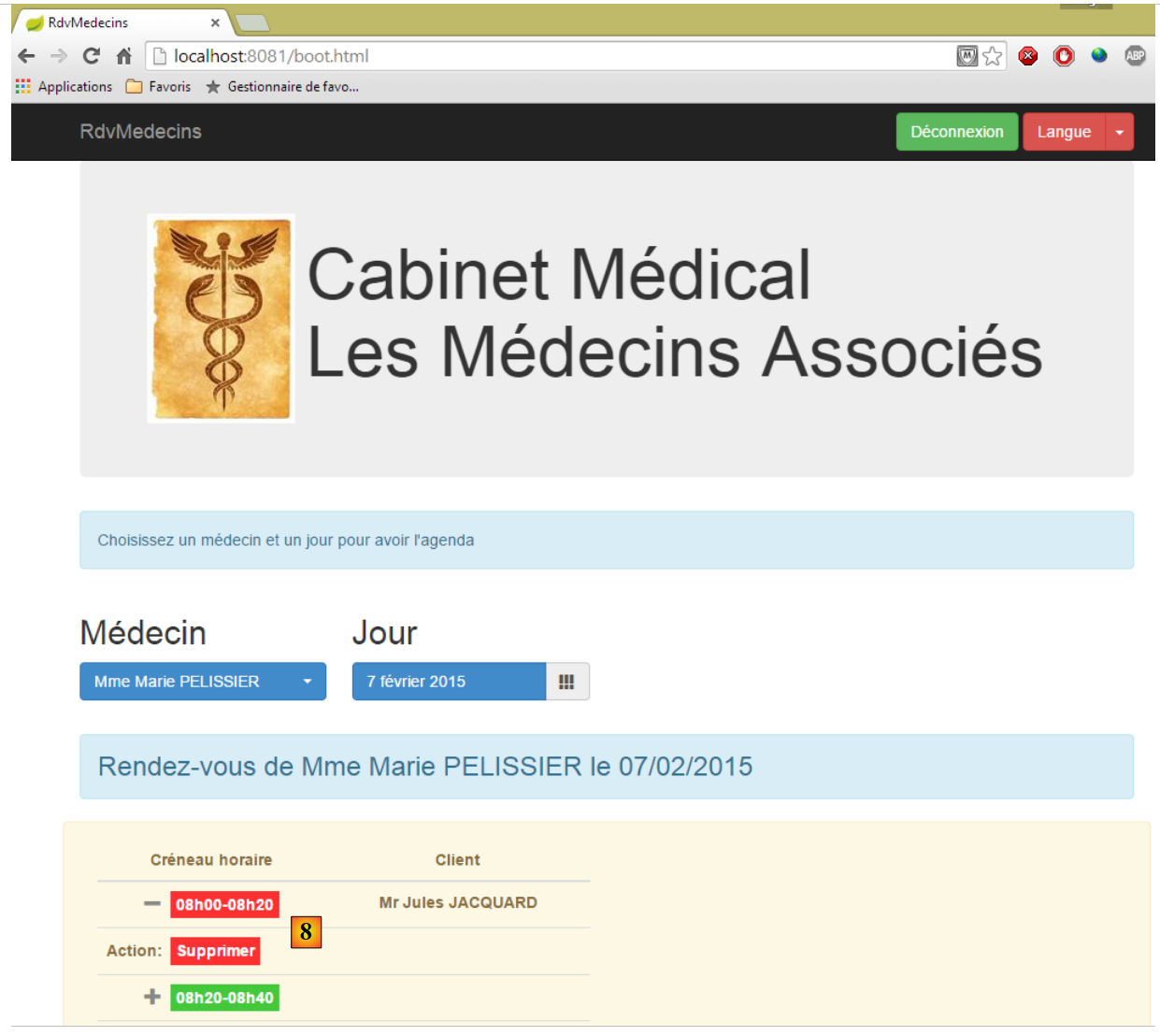 |
Once the appointment is confirmed, you are automatically redirected to agenda, where the new appointment is now listed. This appointment can be deleted later in [8].
The main features have been described. They are simple. Let’s finish with language management:
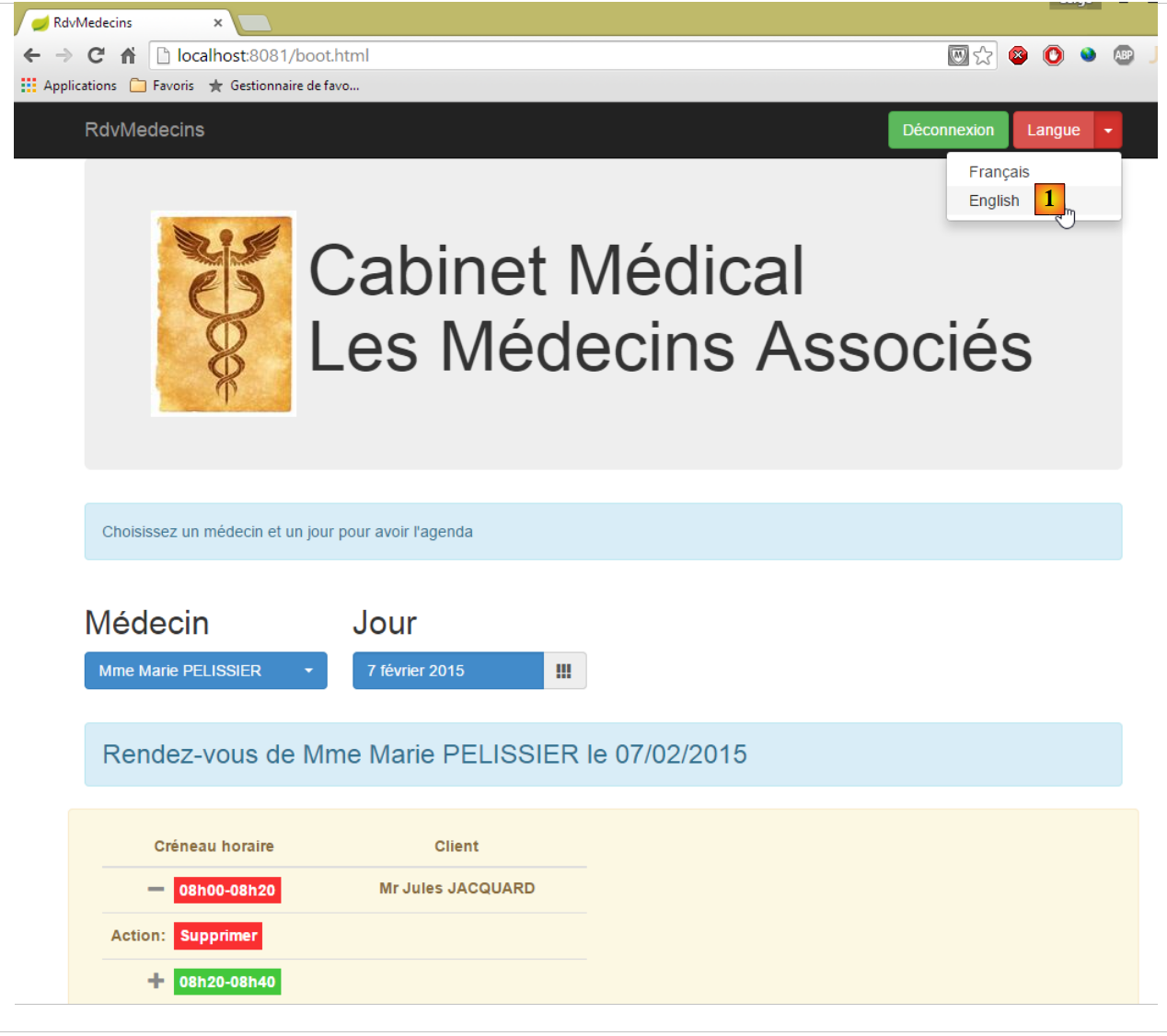 |
- in [1], you switch from French to English;
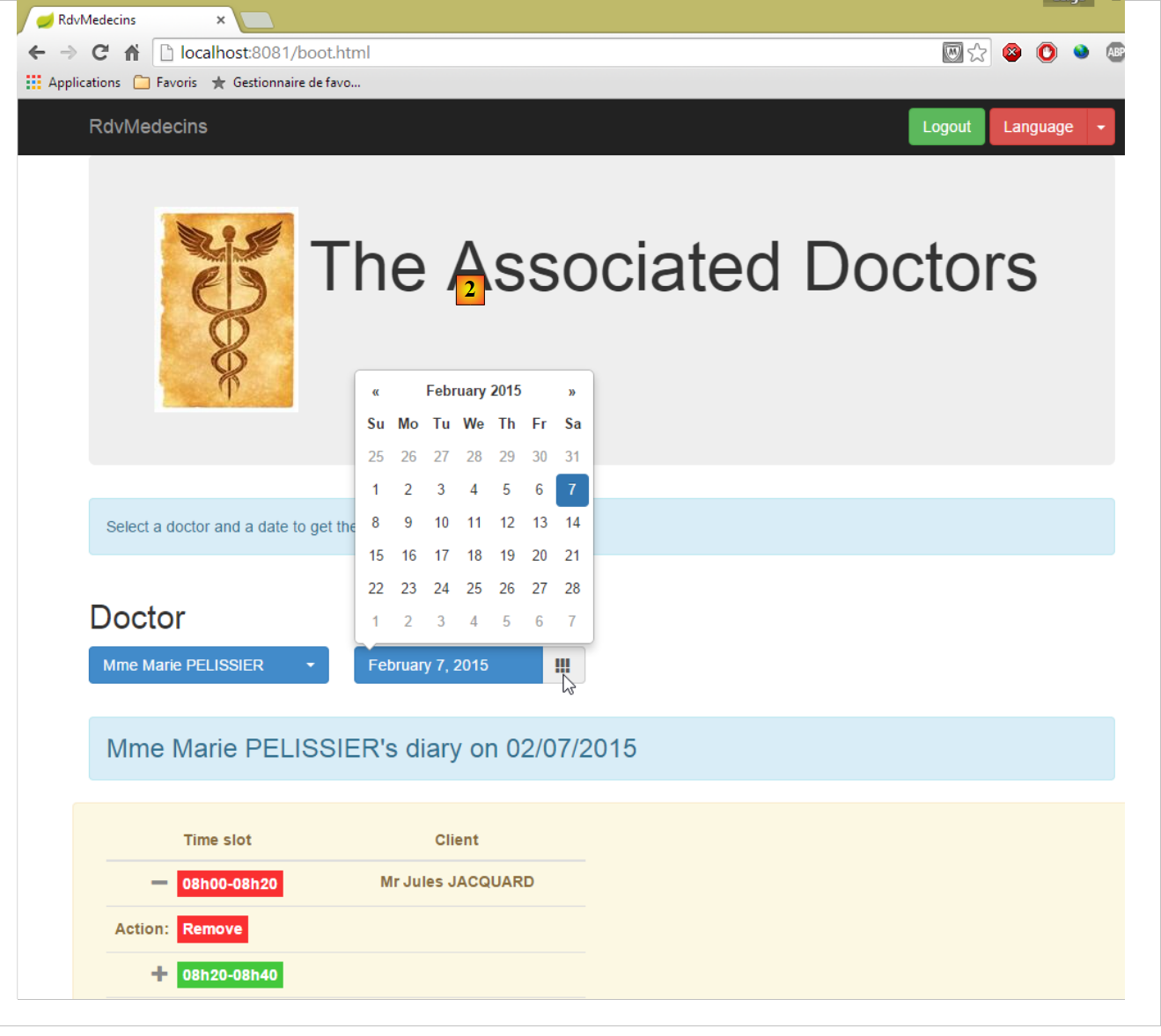 |
- in [2], the view switches to English, including the calendar;
8.6.4. Step 1: Introduction to the CSS Bootstrap framework
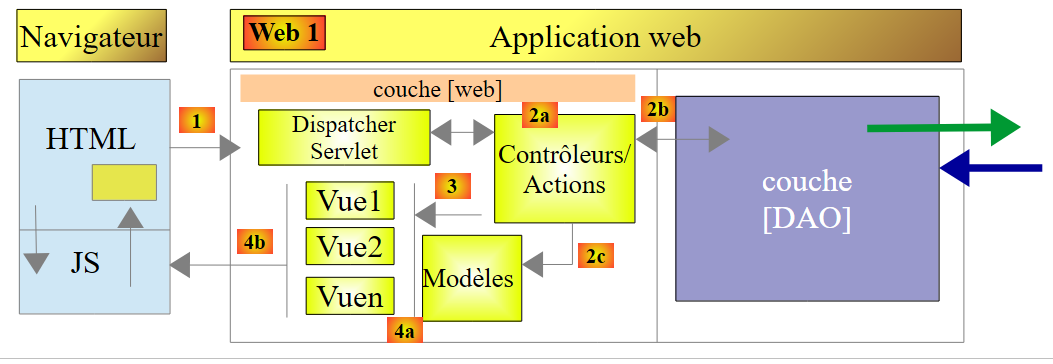 |
In the web client above, the pages will use the Bootstrap framework, which we will now present.
8.6.4.1. The sample project
The sample project will be as follows:
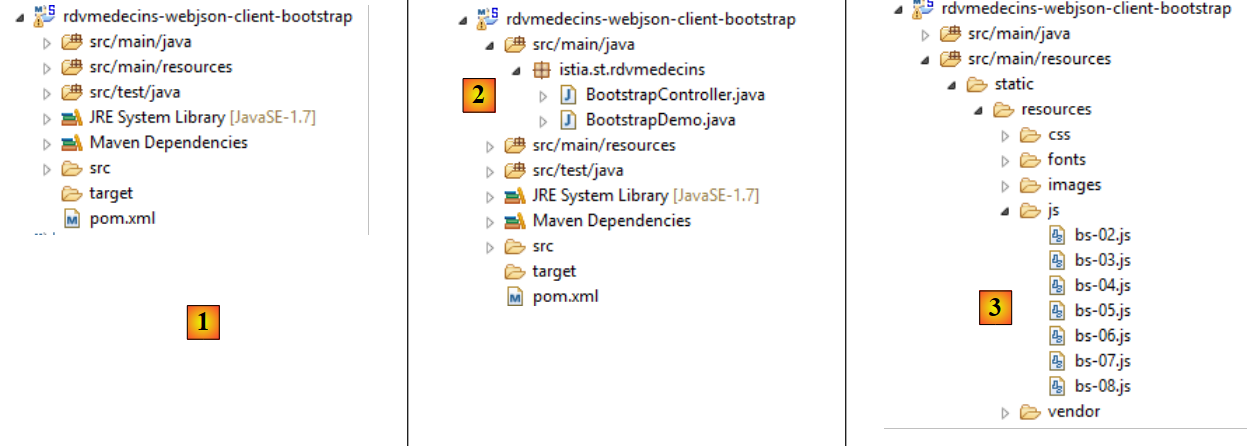 |
- in [1]: the project as a whole;
- in [2]: the Java code;
- in [3]: the scripts Javascript;
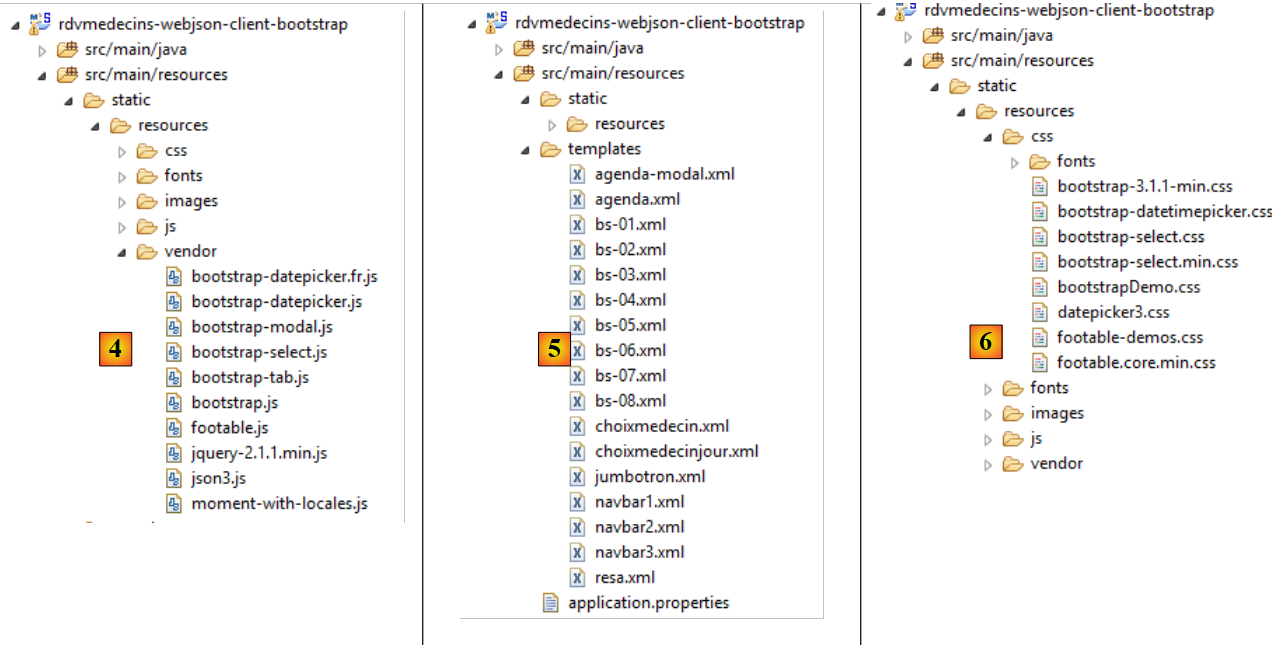 |
- in [4]: the libraries Javascript;
- in [5]: Thymeleaf views;
- in [6]: the style sheets;
8.6.4.1.1. Maven Configuration
The file [pom.xml] is for a Thymeleaf Maven project:
<?xml version="1.0" encoding="UTF-8"?>
<project xmlns="http://maven.apache.org/POM/4.0.0" xmlns:xsi="http://www.w3.org/2001/XMLSchema-instance"
    xsi:schemaLocation="http://maven.apache.org/POM/4.0.0 http://maven.apache.org/xsd/maven-4.0.0.xsd">
    <modelVersion>4.0.0</modelVersion>

    <groupId>istia.st</groupId>
    <artifactId>rdvmedecins-webjson-client-bootstrap</artifactId>
    <version>0.0.1-SNAPSHOT</version>
    <packaging>jar</packaging>

    <name>rdvmedecins-webjson-client-bootstrap</name>
    <description>Démos Bootstrap</description>

    <parent>
        <groupId>org.springframework.boot</groupId>
        <artifactId>spring-boot-starter-parent</artifactId>
        <version>1.2.0.RELEASE</version>
        <relativePath /> <!-- lookup parent from repository -->
    </parent>

    <properties>
        <project.build.sourceEncoding>UTF-8</project.build.sourceEncoding>
        <start-class>istia.st.rdvmedecins.BootstrapDemo</start-class>
        <java.version>1.7</java.version>
    </properties>

    <dependencies>
        <dependency>
            <groupId>org.springframework.boot</groupId>
            <artifactId>spring-boot-starter-thymeleaf</artifactId>
        </dependency>
    </dependencies>

    <build>
        <plugins>
            <plugin>
                <groupId>org.springframework.boot</groupId>
                <artifactId>spring-boot-maven-plugin</artifactId>
            </plugin>
        </plugins>
    </build>

</project>
8.6.4.1.2. Java Configuration
 |
The [BootstrapDemo] class configures the Spring/Thymeleaf application:
package istia.st.rdvmedecins;

import org.springframework.boot.SpringApplication;
import org.springframework.boot.autoconfigure.EnableAutoConfiguration;
import org.springframework.context.annotation.Bean;
import org.springframework.context.annotation.ComponentScan;
import org.springframework.web.servlet.config.annotation.WebMvcConfigurerAdapter;
import org.thymeleaf.spring4.templateresolver.SpringResourceTemplateResolver;

@EnableAutoConfiguration
@ComponentScan({ "istia.st.rdvmedecins" })
public class BootstrapDemo extends WebMvcConfigurerAdapter {

    public static void main(String[] args) {
        SpringApplication.run(BootstrapDemo.class, args);
    }

    @Bean
    public SpringResourceTemplateResolver templateResolver() {
        SpringResourceTemplateResolver templateResolver = new SpringResourceTemplateResolver();
        templateResolver.setPrefix("classpath:/templates/");
        templateResolver.setSuffix(".xml");
        templateResolver.setTemplateMode("HTML5");
        templateResolver.setCacheable(true);
        templateResolver.setCharacterEncoding("UTF-8");
        return templateResolver;
    }
}
We have already encountered this type of code.
8.6.4.1.3. The Spring controller
 |
The [BootstrapController] controller is as follows:
package istia.st.rdvmedecins;

import org.springframework.stereotype.Controller;
import org.springframework.web.bind.annotation.RequestMapping;
import org.springframework.web.bind.annotation.RequestMethod;

@Controller
public class BootstrapController {

    @RequestMapping(value = "/bs-01", method = RequestMethod.GET, produces = "text/html; charset=UTF-8")
    public String bso1() {
        return "bs-01";
    }

    @RequestMapping(value = "/bs-02", method = RequestMethod.GET, produces = "text/html; charset=UTF-8")
    public String bs02() {
        return "bs-02";
    }

    @RequestMapping(value = "/bs-03", method = RequestMethod.GET, produces = "text/html; charset=UTF-8")
    public String bs03() {
        return "bs-03";
    }

    @RequestMapping(value = "/bs-04", method = RequestMethod.GET, produces = "text/html; charset=UTF-8")
    public String bs04() {
        return "bs-04";
    }

    @RequestMapping(value = "/bs-05", method = RequestMethod.GET, produces = "text/html; charset=UTF-8")
    public String bs05() {
        return "bs-05";
    }

    @RequestMapping(value = "/bs-06", method = RequestMethod.GET, produces = "text/html; charset=UTF-8")
    public String bs06() {
        return "bs-06";
    }

    @RequestMapping(value = "/bs-07", method = RequestMethod.GET, produces = "text/html; charset=UTF-8")
    public String bs07() {
        return "bs-07";
    }

    @RequestMapping(value = "/bs-08", method = RequestMethod.GET, produces = "text/html; charset=UTF-8")
    public String bs08() {
        return "bs-08";
    }
}
The actions are only there to display views processed by Thymeleaf.
8.6.4.1.4. The [application.properties] file
The [application.properties] file configures the embedded Tomcat server:
server.port=8082
8.6.4.2. Example #1: the jumbotron
The [/bs-01] action displays the following [bs-01.xml] view:
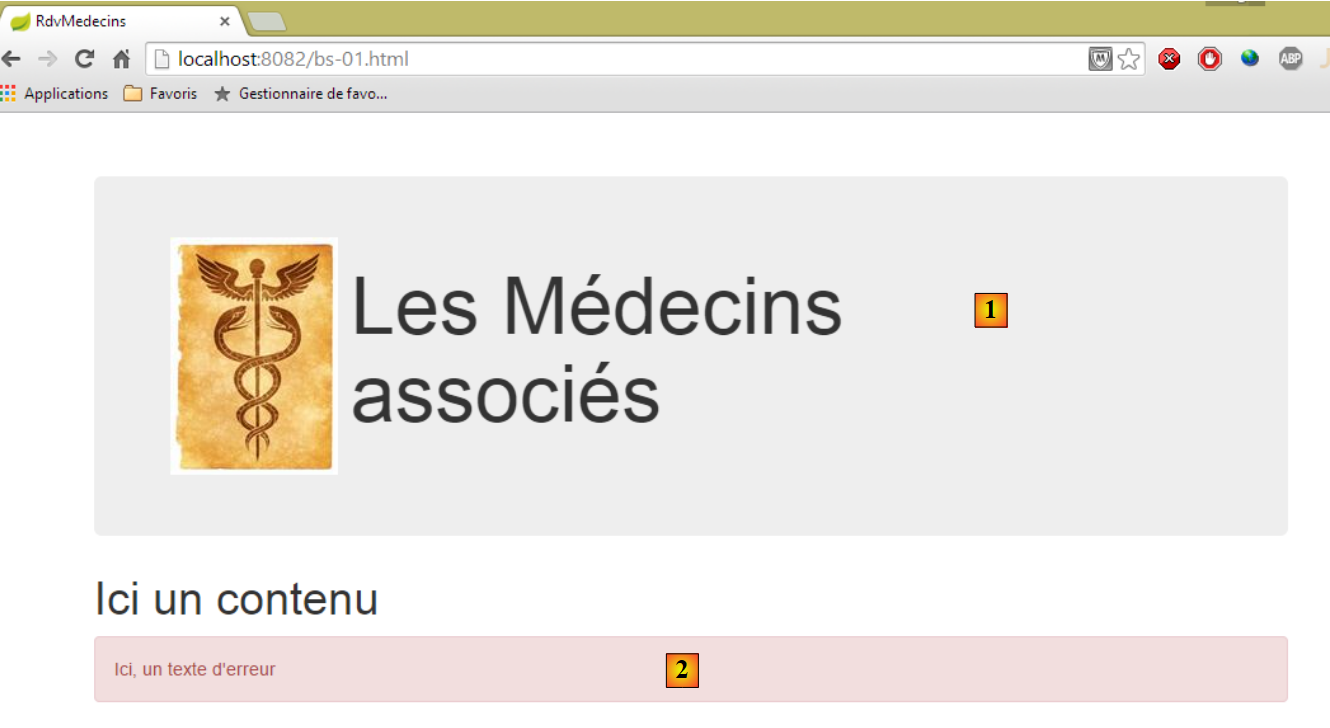 |
The [bs-01.xml] view is as follows:
<!DOCTYPE HTML>
<html xmlns="http://www.w3.org/1999/xhtml" xmlns:th="http://www.thymeleaf.org" xmlns:layout="http://www.ultraq.net.nz/thymeleaf/layout">
    <head>
        <meta name="viewport" content="width=device-width" />
        <title>RdvMedecins</title>
        <!-- Bootstrap core CSS -->
        <link rel="stylesheet" type="text/css" href="resources/css/bootstrap-3.1.1-min.css" />
        <link rel="stylesheet" type="text/css" href="resources/css/bootstrapDemo.css" />
    </head>
    <body id="body">
        <div class="container">
            <!-- Bootstrap Jumbotron -->
            <div th:include="jumbotron"></div>
            <!-- content -->
            <div id="content">
                <h1>Ici un contenu</h1>
            </div>
            <!-- error -->
            <div id="erreur" class="alert alert-danger">
                <span>Ici, un texte d'erreur</span>
            </div>
        </div>
    </body>
</html>
- line 7: the CSS file from the Bootstrap framework;
- line 8: a local CSS file;
- line 13: displays [1];
- lines 19–21: display [2];
- line 11: the CSS [container] class defines a display area within the browser;
- line 19: the class CSS [alert] displays a colored area. The class [alert-danger] uses a predefined color. There are several of these [alert-info, alert-warning,...];
The [1] jumbotron is generated by the following [jumbotron.xml] view:
<!DOCTYPE html>
<section xmlns="http://www.w3.org/1999/xhtml" xmlns:th="http://www.thymeleaf.org">
    <!-- Bootstrap Jumbotron -->
    <div class="jumbotron">
        <div class="row">
            <div class="col-md-2">
                <img src="resources/images/caduceus.jpg" alt="RvMedecins" />
            </div>
            <div class="col-md-10">
                <h1>
                    Les Médecins
                    <br />
                    associés
                </h1>
            </div>
        </div>
    </div>
</section>
- Line 4: The field has the class CSS [jumbotron];
- line 5: class [row] defines a 12-column row;
- line 6: the class [col-md-2] defines a two-column area within the row;
- line 7: an image is placed in these two columns;
- lines 9–15: text is placed in the remaining 10 columns;
8.6.4.3. Example #2: the navigation bar
The [/bs-02] action displays the following [bs-02.xml] view:
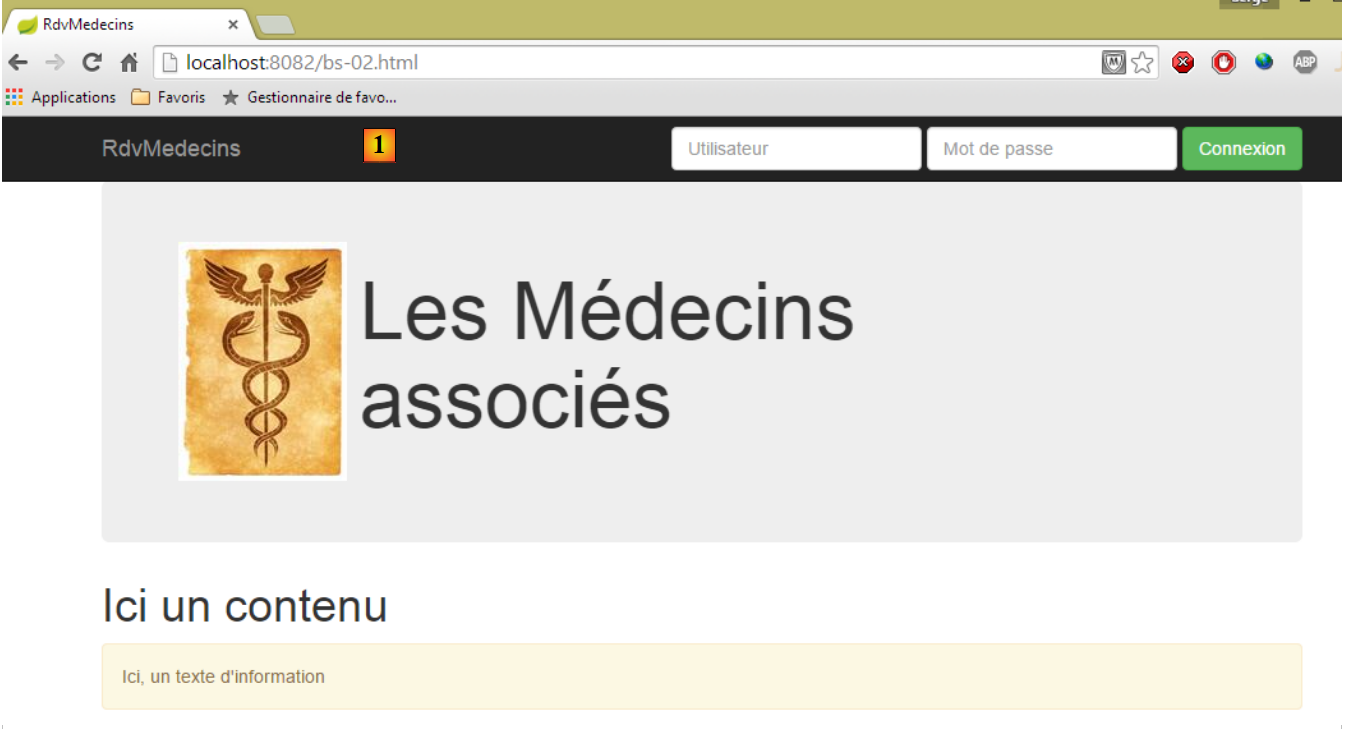 |
The new feature is the navigation [1] bar with its input form and buttons:
The [bs-02.xml] view is as follows:
<!DOCTYPE HTML>
<html xmlns="http://www.w3.org/1999/xhtml" xmlns:th="http://www.thymeleaf.org" xmlns:layout="http://www.ultraq.net.nz/thymeleaf/layout">
    <head>
        <meta name="viewport" content="width=device-width" />
        <title>RdvMedecins</title>
        <!-- Bootstrap core CSS -->
        <link rel="stylesheet" type="text/css" href="resources/css/bootstrap-3.1.1-min.css" />
        <link rel="stylesheet" type="text/css" href="resources/css/bootstrapDemo.css" />
        <!-- scripts JS -->
        <script src="resources/vendor/jquery-2.1.1.min.js"></script>
        <script type="text/javascript" src="resources/js/bs-02.js"></script>
    </head>
    <body id="body">
        <div class="container">
            <!-- navigation bar -->
            <div th:include="navbar1"></div>
            <!-- Bootstrap Jumbotron -->
            <div th:include="jumbotron"></div>
            <!-- content -->
            <div id="content">
                <h1>Ici un contenu</h1>
            </div>
            <!-- info -->
            <div class="alert alert-warning">
                <span id="info">Ici, un texte d'information</span>
            </div>
        </div>
    </body>
</html>
- line 10: import jQuery;
- line 11: a local JS script;
- line 16: the bar for navigation;
The navigation bar is generated by the following [navbar1.xml] view:
<!DOCTYPE HTML>
<section xmlns="http://www.w3.org/1999/xhtml" xmlns:th="http://www.thymeleaf.org">
    <div class="navbar navbar-inverse navbar-fixed-top" role="navigation">
        <div class="container">
            <div class="navbar-header">
                <button type="button" class="navbar-toggle" data-toggle="collapse" data-target=".navbar-collapse">
                    <span class="sr-only">Toggle navigation</span>
                    <span class="icon-bar"></span>
                    <span class="icon-bar"></span>
                    <span class="icon-bar"></span>
                </button>
                <a class="navbar-brand" href="#">RdvMedecins</a>
            </div>
            <div class="navbar-collapse collapse">
                <img id="loading" src="resources/images/loading.gif" alt="waiting..." style="display: none" />
                <!-- identification form -->
                <div class="navbar-form navbar-right" role="form" id="formulaire" method="post">
                    <div class="form-group">
                        <input type="text" placeholder="Utilisateur" class="form-control" />
                    </div>
                    <div class="form-group">
                        <input type="password" placeholder="Mot de passe" class="form-control" />
                    </div>
                    <button type="button" class="btn btn-success" onclick="javascript:connecter()">Connexion</button>
                </div>
            </div>
        </div>
    </div>
</section>
 |
- Line 3: The class [navbar] styles the bar defined by navigation. The [navbar-inverse] class gives it a black background. The [navbar-fixed-top] class ensures that when the page displayed by the browser is scrolled, the navigation bar remains at the top of the screen;
- lines 5–13: define the [1] area. This is typically a series of classes that I don’t understand. I use the component as-is;
- lines 14–26: define a “responsive” area of the control bar. On a smartphone, this area disappears into a menu area;
- line 15: an image that is currently hidden;
- lines 17–25: the class [navbar-form] styles a form in the command bar. The class [navbar-right] positions it to the right of the form;
- lines 21–23: the two input fields of the form from line 17, [2]. They are inside a class [form-group] that styles the elements of a form, and each of them has the class [form-control];
- line 24: the class [btn], which defines a button, enhanced by the class [btn-success], which gives it its green color;
- line 24: when the [Connexion] button is clicked, the following JS function is executed:
function connecter() {
    showInfo("Connexion demandée...");
}

function showInfo(message) {
    $("#info").text(message);
}
Here is an example:
8.6.4.4. Example #3: The list button
The [/bs-03] action displays the following [bs-03.xml] view:
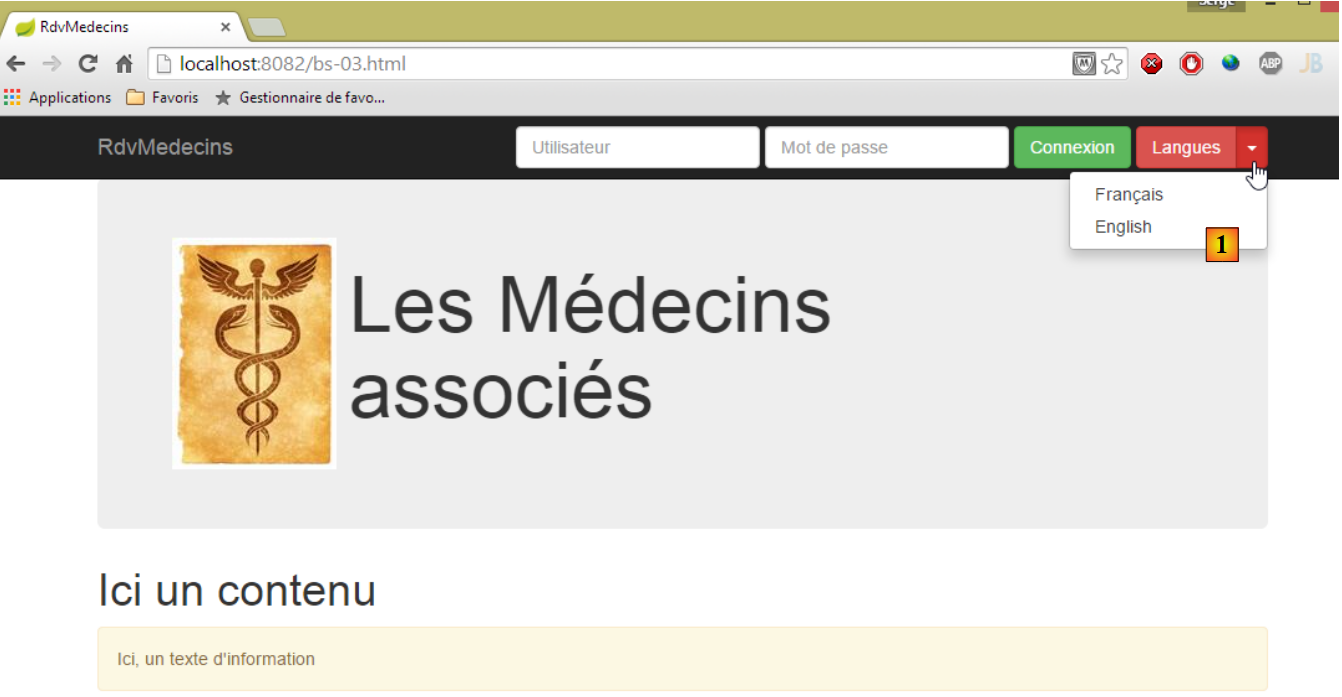 |
- The new feature is the list button [1], also known as a 'dropdown';
The code for the [bs-03.xml] view is as follows:
<!DOCTYPE HTML>
<html xmlns="http://www.w3.org/1999/xhtml" xmlns:th="http://www.thymeleaf.org" xmlns:layout="http://www.ultraq.net.nz/thymeleaf/layout">
    <head>
        <meta name="viewport" content="width=device-width" />
        <title>RdvMedecins</title>
        <!-- Bootstrap core CSS -->
        <link rel="stylesheet" href="resources/css/bootstrap-3.1.1-min.css" />
        <link rel="stylesheet" type="text/css" href="resources/css/bootstrapDemo.css" />
        <!-- Bootstrap core JavaScript ================================================== -->
        <script src="resources/vendor/jquery-2.1.1.min.js"></script>
        <script src="resources/vendor/bootstrap.js"></script>
        <!-- local script -->
        <script type="text/javascript" src="resources/js/bs-03.js"></script>
    </head>
    <body id="body">
        <div class="container">
            <!-- navigation bar -->
            <div th:include="navbar2"></div>
            <!-- Bootstrap Jumbotron -->
            <div th:include="jumbotron"></div>
            <!-- content -->
            <div id="content">
                <h1>Ici un contenu</h1>
            </div>
            <!-- info -->
            <div class="alert alert-warning">
                <span id="info">Ici, un texte d'information</span>
            </div>
        </div>
    </body>
</html>
- line 11: the dropdown button requires the Bootstrap file JS;
- line 18: the new bar from navigation;
The [navbar2.xml] view is as follows:
<!DOCTYPE HTML>
<section xmlns="http://www.w3.org/1999/xhtml" xmlns:th="http://www.thymeleaf.org">
    <div class="navbar navbar-inverse navbar-fixed-top" role="navigation">
        <div class="container">
            <div class="navbar-header">
                <button type="button" class="navbar-toggle" data-toggle="collapse" data-target=".navbar-collapse">
                    <span class="sr-only">Toggle navigation</span>
                    <span class="icon-bar"></span>
                    <span class="icon-bar"></span>
                    <span class="icon-bar"></span>
                </button>
                <a class="navbar-brand" href="#">RdvMedecins</a>
            </div>
            <div class="navbar-collapse collapse">
                <img id="loading" src="resources/images/loading.gif" alt="waiting..." style="display: none" />
                <!-- identification form -->
                <div class="navbar-form navbar-right" role="form" id="formulaire" method="post">
                    <div class="form-group">
                        <input type="text" placeholder="Utilisateur" class="form-control" />
                    </div>
                    <div class="form-group">
                        <input type="password" placeholder="Mot de passe" class="form-control" />
                    </div>
                    <button type="button" class="btn btn-success" onclick="javascript:connecter()">Connexion</button>
                    <!-- languages -->
                    <div class="btn-group">
                        <button type="button" class="btn btn-danger">Langues</button>
                        <button type="button" class="btn btn-danger dropdown-toggle" data-toggle="dropdown">
                            <span class="caret"></span>
                            <span class="sr-only">Toggle Dropdown</span>
                        </button>
                        <ul class="dropdown-menu" role="menu">
                            <li>
                                <a href="javascript:setLang('fr')">Français</a>
                            </li>
                            <li>
                                <a href="javascript:setLang('en')">English</a>
                            </li>
                        </ul>
                    </div>
                </div>
            </div>
        </div>
    </div>
    <!-- init page -->
    <script th:inline="javascript">
        /*<![CDATA[*/
            // on initialise la page
            initNavBar2();
        /*]]>*/
    </script>
</section>
- lines 25–40: define the dropdown button;
- line 27: the class [btn-danger] gives it its red color;
- lines 32-39: the list items. These are links, each associated with a JS function;
- lines 46-51: a JS script executed after the document loads;
The script JS [bs-03.js] is as follows:
function initNavBar2() {
    // language dropdown
    $('.dropdown-toggle').dropdown();
}

function connecter() {
    showInfo("Connexion demandée...");
}

function setLang(lang) {
    var msg;
    switch (lang) {
    case 'fr':
        msg = "Vous avez choisi la langue française...";
        break;
    case 'en':
        msg = "You have selected english language...";
        break;
    }
    showInfo(msg);
}

function showInfo(message) {
    $("#info").text(message);
}
- Lines 1–4: The function that initializes [dropdown]. [$('.dropdown-toggle')] locates the element with the class [dropdown-toggle]. This is the list button (line 28 of the view). The function JS [dropdown()], defined in the file JS [bootstrap.js], is applied to it. Only after this operation does the button behave as a list button;
- lines 10–21: the function executed when a language is selected;
Here is an example:
8.6.4.5. Example #4: a menu
The action [/bs-04] displays the following view [bs-04.xml]:
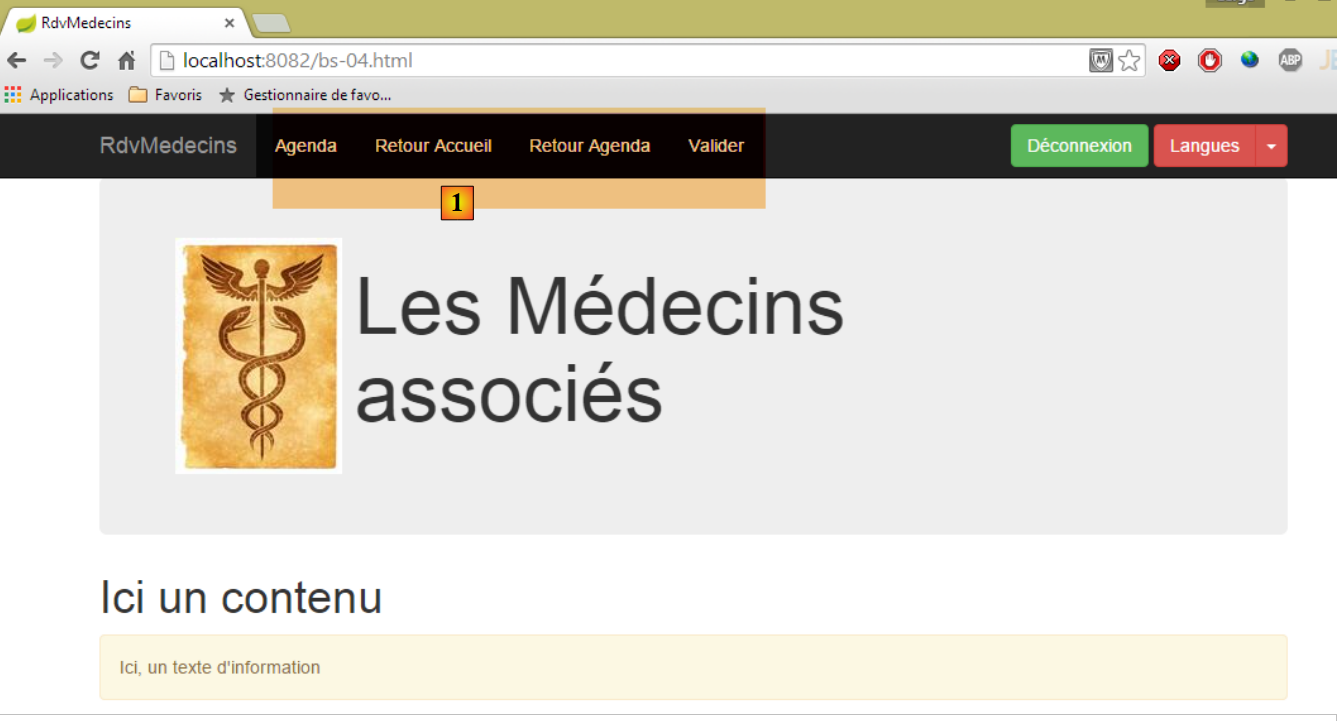 |
A menu [1] has been added.
The view [bs-04.xml] is as follows:
<!DOCTYPE HTML>
<html xmlns="http://www.w3.org/1999/xhtml" xmlns:th="http://www.thymeleaf.org" xmlns:layout="http://www.ultraq.net.nz/thymeleaf/layout">
<head>
<meta name="viewport" content="width=device-width" />
<title>RdvMedecins</title>
<!-- Bootstrap core CSS -->
<link rel="stylesheet" href="resources/css/bootstrap-3.1.1-min.css" />
<link rel="stylesheet" type="text/css" href="resources/css/bootstrapDemo.css" />
<!-- Bootstrap core JavaScript ================================================== -->
<script src="resources/vendor/jquery-2.1.1.min.js"></script>
<script src="resources/vendor/bootstrap.js"></script>
<!-- local script -->
<script type="text/javascript" src="resources/js/bs-04.js"></script>
</head>
<body id="body">
<div class="container">
<!-- navigation bar -->
<div th:include="navbar3"></div>
<!-- Bootstrap Jumbotron -->
<div th:include="jumbotron"></div>
<!-- content -->
<div id="content">
<h1>Ici un contenu</h1>
</div>
<!-- info -->
<div class="alert alert-warning">
<span id="info">Ici, un texte d'information</span>
</div>
</div>
</body>
</html>
- line 18: insert a new row for navigation;
The view [navbar3.xml] is as follows:
<!DOCTYPE HTML>
<section xmlns="http://www.w3.org/1999/xhtml" xmlns:th="http://www.thymeleaf.org">
<div class="navbar navbar-inverse navbar-fixed-top" role="navigation">
<div class="container">
<div class="navbar-header">
<button type="button" class="navbar-toggle" data-toggle="collapse" data-target=".navbar-collapse">
<span class="sr-only">Toggle navigation</span>
<span class="icon-bar"></span>
<span class="icon-bar"></span>
<span class="icon-bar"></span>
</button>
<a class="navbar-brand" href="#">RdvMedecins</a>
</div>
<div class="collapse navbar-collapse">
<img id="loading" src="resources/images/loading.gif" alt="waiting..." style="display: none" />
<ul class="nav navbar-nav">
<li class="active" id="lnkAfficherAgenda">
<a href="javascript:afficherAgenda()">Agenda </a>
</li>
<li class="active" id="lnkAccueil">
<a href="javascript:retourAccueil()">Retour Accueil </a>
</li>
<li class="active" id="lnkRetourAgenda">
<a href="javascript:retourAgenda()">Retour Agenda </a>
</li>
<li class="active" id="lnkValiderRv">
<a href="javascript:validerRv()">Valider </a>
</li>
</ul>
<!-- right-hand buttons -->
<div class="navbar-form navbar-right" role="form">
<!-- disconnect -->
<button type="button" class="btn btn-success" onclick="javascript:deconnecter()">Déconnexion</button>
<!-- languages -->
<div class="btn-group">
<button type="button" class="btn btn-danger">Langues</button>
<button type="button" class="btn btn-danger dropdown-toggle" data-toggle="dropdown">
<span class="caret"></span>
<span class="sr-only">Toggle Dropdown</span>
</button>
<ul class="dropdown-menu" role="menu">
<li>
<a href="javascript:setLang('fr')">Français</a>
</li>
<li>
<a href="javascript:setLang('en')">English</a>
</li>
</ul>
</div>
</div>
</div>
</div>
</div>
<!-- init page -->
<script th:inline="javascript">
/*<![CDATA[*/
// on initialise la page
initNavBar3();
/*]]>*/
</script>
</section>
- lines 16-29: create the menu with four options, each linked to a script JS;
- lines 55-60: a script executed when the page loads;
The JS [bs-04.js] script is as follows:
...
function initNavBar3() {
// dropdown des langues
$('.dropdown-toggle').dropdown();
// l'moving image
loading = $("#loading");
loading.hide();
}
function afficherAgenda() {
showInfo("option [Agenda] cliquée...");
}
function retourAccueil() {
showInfo("option [Retour accueil] cliquée...");
}
function retourAgenda() {
showInfo("option [Retour agenda] cliquée...");
}
function validerRv() {
showInfo("option [Valider] cliquée...");
}
function setMenu(show) {
// les liens du menu
var lnkAfficherAgenda = $("#lnkAfficherAgenda");
var lnkAccueil = $("#lnkAccueil");
var lnkValiderRv = $("#lnkValiderRv");
var lnkRetourAgenda = $("#lnkRetourAgenda");
// on les met dans un dictionnaire
var options = {
"lnkAccueil" : lnkAccueil,
"lnkAfficherAgenda" : lnkAfficherAgenda,
"lnkValiderRv" : lnkValiderRv,
"lnkRetourAgenda" : lnkRetourAgenda
}
// on cache tous les liens
for ( var key in options) {
options[key].hide();
}
// on affiche ceux qui sont demandés
for (var i = 0; i < show.length; i++) {
var option = show[i];
options[option].show();
}
}
- lines 2–18: the page initialization function;
- line 4: to display the language selection button;
- lines 6-7: the animated image is hidden;
- lines 26-48: a function [setMenu] that allows you to specify which options should be visible;
Let’s go to the developer console (Ctrl-Shift-I) and enter the following code [1]:
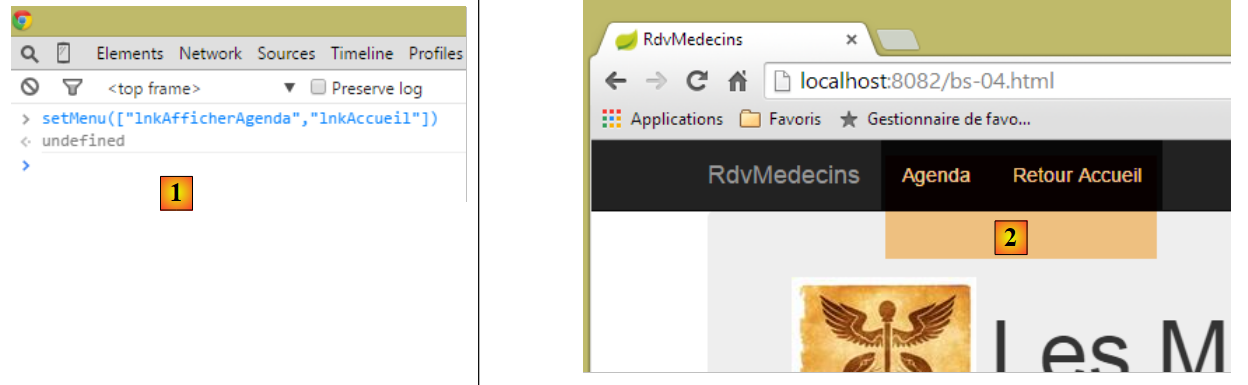 |
Then return to the browser. The menu has changed:
8.6.4.6. Example #5: A drop-down list
The action [/bs-05] displays the following view [bs-05.xml]:
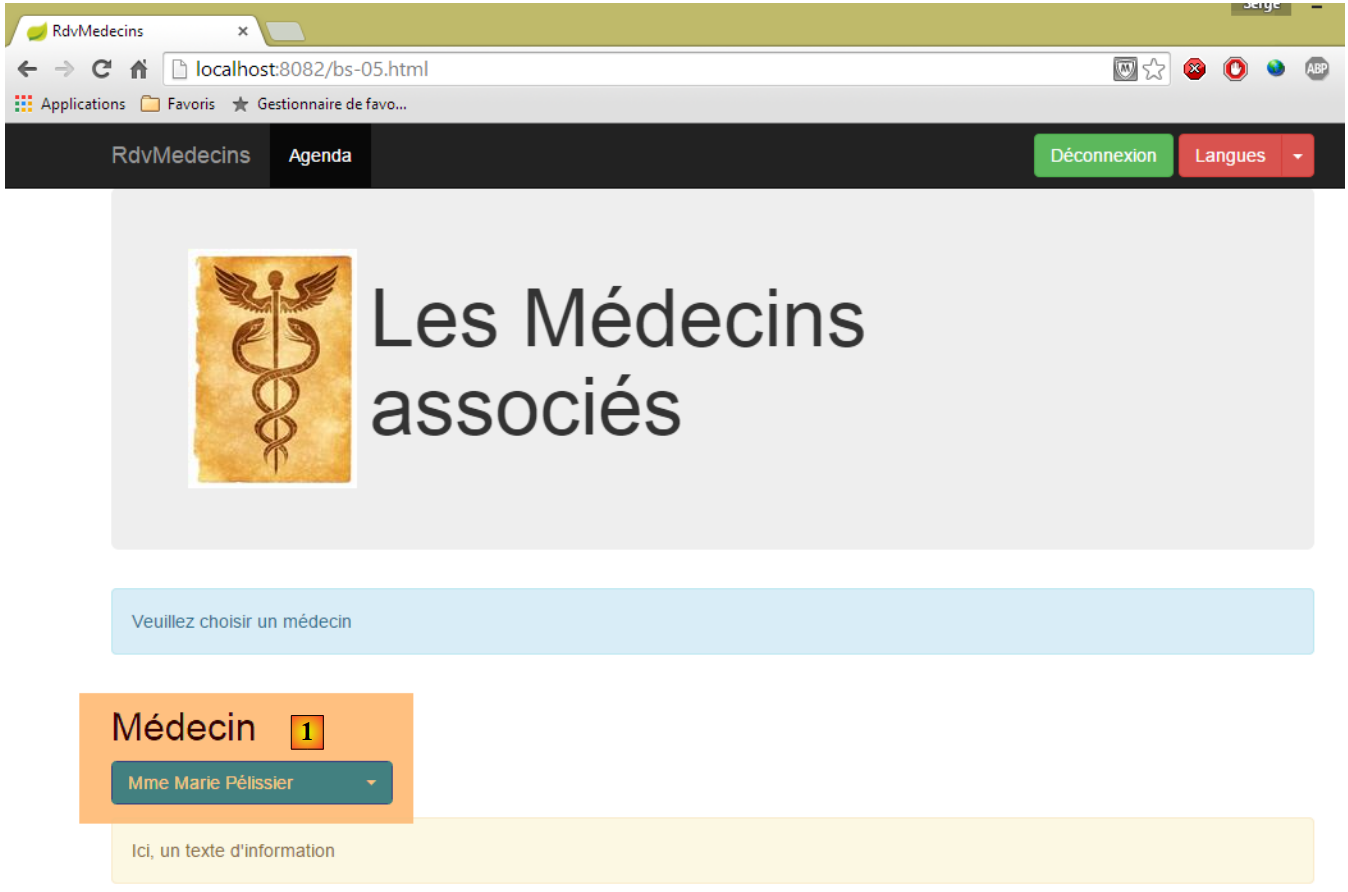 |
The new feature is in [1]. Here we are using a component provided outside of Bootstrap, [bootstrap-select] [http://silviomoreto.github.io/bootstrap-select/].
The code for the [bs-05.xml] view is as follows:
<!DOCTYPE HTML>
<html xmlns="http://www.w3.org/1999/xhtml" xmlns:th="http://www.thymeleaf.org" xmlns:layout="http://www.ultraq.net.nz/thymeleaf/layout">
<head>
<meta name="viewport" content="width=device-width" />
<title>RdvMedecins</title>
<!-- Bootstrap core CSS -->
<link rel="stylesheet" href="resources/css/bootstrap-3.1.1-min.css" />
<link rel="stylesheet" type="text/css" href="resources/css/bootstrap-select.min.css" />
<link rel="stylesheet" type="text/css" href="resources/css/bootstrapDemo.css" />
<!-- Bootstrap core JavaScript ================================================== -->
<script type="text/javascript" src="resources/vendor/jquery-2.1.1.min.js"></script>
<script type="text/javascript" src="resources/vendor/bootstrap.js"></script>
<script type="text/javascript" src="resources/vendor/bootstrap-select.js"></script>
<!-- local script -->
<script type="text/javascript" src="resources/js/bs-05.js"></script>
</head>
<body id="body">
<div class="container">
<!-- navigation bar -->
<div th:include="navbar3"></div>
<!-- Bootstrap Jumbotron -->
<div th:include="jumbotron"></div>
<!-- content -->
<div id="content" th:include="choixmedecin">
</div>
<!-- info -->
<div class="alert alert-warning">
<span id="info">Ici, un texte d'information</span>
</div>
</div>
</body>
</html>
- line 8: the CSS file required for the drop-down list;
- line 13: the JS file required for the drop-down list;
- line 24: the drop-down list;
The view [choixmedecin.xml] is as follows:
<!DOCTYPE html>
<section xmlns="http://www.w3.org/1999/xhtml" xmlns:th="http://www.thymeleaf.org">
<div class="alert alert-info">Veuillez choisir un médecin</div>
<div class="row">
<div class="col-md-3">
<h2>Médecin</h2>
<select id="idMedecin" class="combobox" data-style="btn-primary">
<option value="1">Mme Marie Pélissier</option>
<option value="2">Mr Jean Pardon</option>
<option value="3">Mlle Jeanne Jirou</option>
<option value="4">Mr Paul Macou</option>
</select>
</div>
</div>
<!-- local script -->
<script th:inline="javascript">
/*<![CDATA[*/
// on initialise la page
initChoixMedecin();
/*]]>*/
</script>
</section>
- lines 7-12: this is a standard [select] tag, but with a specific class [combobox]. The [data-style="btn-primary"] attribute gives the component its blue color;
- lines 16-21: a script executed when the page loads;
The JS [bs-05.js] file is as follows:
...
function afficherAgenda() {
var idMedecin = $('#idMedecin option:selected').val();
showInfo("Vous avez sélectionné le médecin d'id=" + idMedecin);
}
function initChoixMedecin() {
// select doctors
$('#idMedecin').selectpicker();
// the menu
setMenu([ "lnkAfficherAgenda" ]);
}
- lines 7-12: the function executed when the page loads;
- line 9: the instruction that transforms the [select] on the page into a Bootstrap dropdown list. [$('#idMedecin')] references [select] (line 7 of the [choixmedecin] view) and the JS [selectpicker] function comes from the JS [bootstrap-select.js] file;
- line 11: only one of the menu options is displayed;
- lines 2–5: the JS function is executed when the option menu item is clicked;
- line 3: retrieves the value of the option selected from the drop-down list: [$('#idMedecin option:selected')] first finds the [id=idMedecin] component, then within that component, the selected option. The [..].val() operation then retrieves the value of the found element, i.e., the [value] attribute of the selected option;
Here is an example of selecting a doctor:
 |
8.6.4.7. Example #6: A calendar
The [/bs-06] action displays the following [bs-06.xml] view:
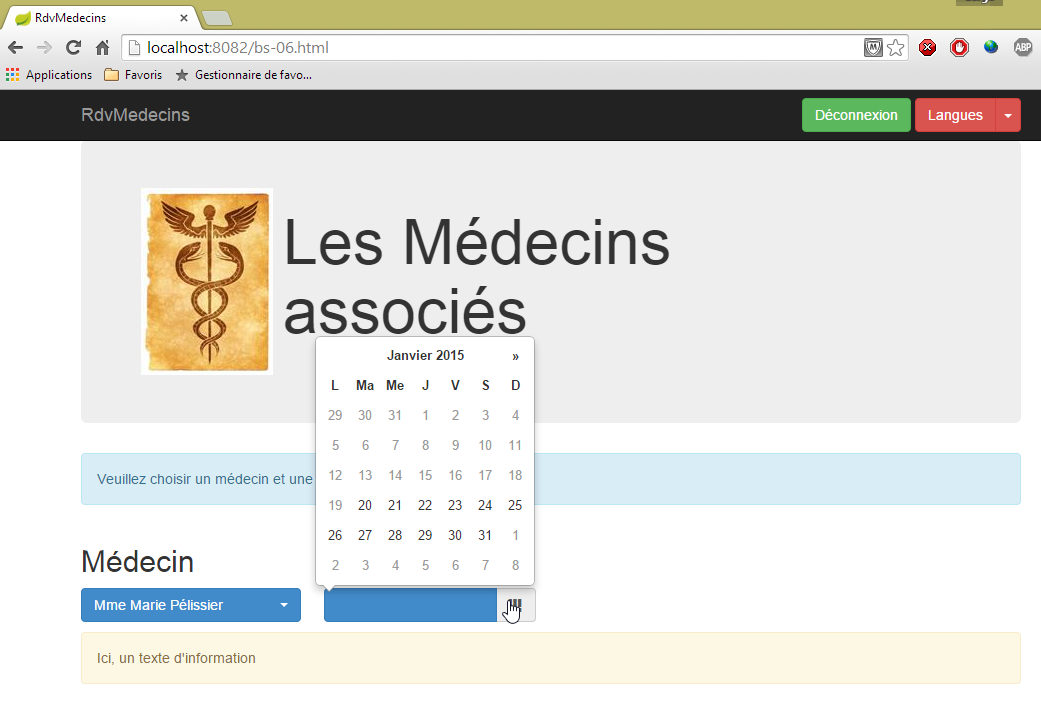
Selecting a doctor or a date triggers a JS function that displays both the selected doctor and the selected date. Here is an example:
 |
Using the language list button, you can switch the calendar (and only the calendar) to English:
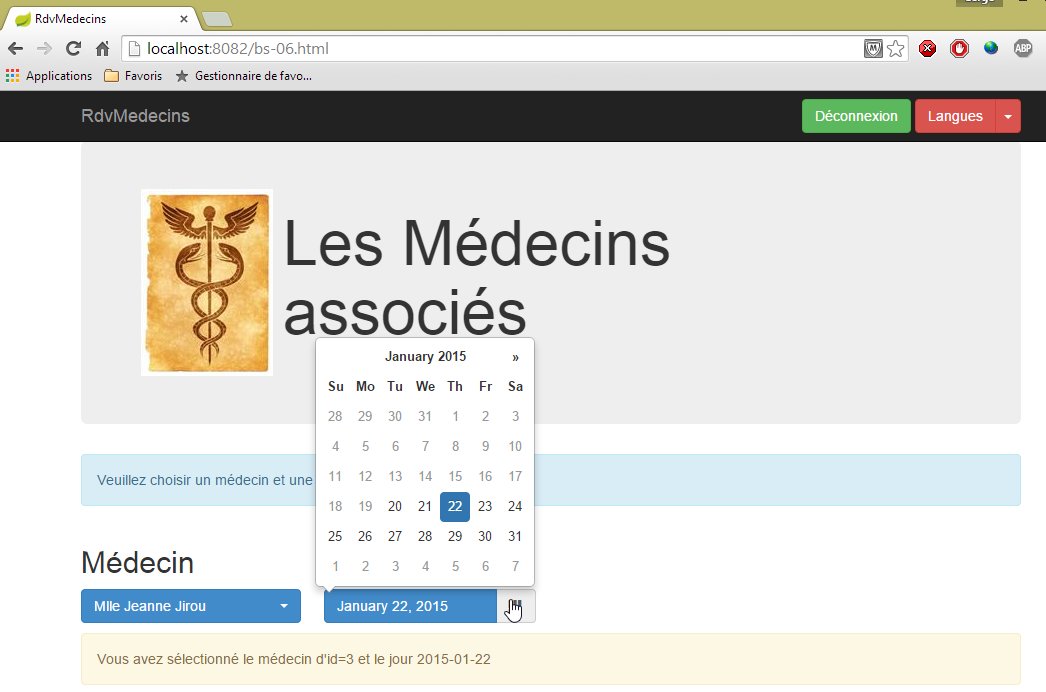
This is the most complex example in the series. The calendar is a [bootstrap-datepicker] [http://eternicode.github.io/bootstrap-datepicker] component.
The [bs-06.xml] view is as follows:
<!DOCTYPE HTML>
<html xmlns="http://www.w3.org/1999/xhtml" xmlns:th="http://www.thymeleaf.org" xmlns:layout="http://www.ultraq.net.nz/thymeleaf/layout">
<head>
<meta name="viewport" content="width=device-width" />
<title>RdvMedecins</title>
<!-- Bootstrap core CSS -->
<link rel="stylesheet" href="resources/css/bootstrap-3.1.1-min.css" />
<link rel="stylesheet" type="text/css" href="resources/css/bootstrap-select.min.css" />
<link rel="stylesheet" type="text/css" href="resources/css/datepicker3.css" />
<link rel="stylesheet" type="text/css" href="resources/css/bootstrapDemo.css" />
<!-- Bootstrap core JavaScript ================================================== -->
<script type="text/javascript" src="resources/vendor/jquery-2.1.1.min.js"></script>
<script type="text/javascript" src="resources/vendor/bootstrap.js"></script>
<script type="text/javascript" src="resources/vendor/bootstrap-select.js"></script>
<script type="text/javascript" src="resources/vendor/moment-with-locales.js"></script>
<script type="text/javascript" src="resources/vendor/bootstrap-datepicker.js"></script>
<script type="text/javascript" src="resources/vendor/bootstrap-datepicker.fr.js"></script>
<!-- local script -->
<script type="text/javascript" src="resources/js/bs-06.js"></script>
</head>
<body id="body">
<div class="container">
<!-- navigation bar -->
<div th:include="navbar3"></div>
<!-- Bootstrap Jumbotron -->
<div th:include="jumbotron"></div>
<!-- content -->
<div id="content" th:include="choixmedecinjour">
</div>
<!-- info -->
<div class="alert alert-warning">
<span id="info">Ici, un texte d'information</span>
</div>
</div>
</body>
</html>
- line 8: the CSS file from the [bootstrap-datepicker] component;
- line 16: the JS file for the [bootstrap-datepicker] component;
- line 17: the file JS to manage a French calendar. By default, it is in English;
- line 15: the file JS from a library named [moment], which provides access to numerous time calculation functions [http://momentjs.com/];
- line 28: the calendar view;
The [choixmedecinjour.xml] view is as follows:
<!DOCTYPE html>
<section xmlns="http://www.w3.org/1999/xhtml" xmlns:th="http://www.thymeleaf.org">
<div class="alert alert-info">Veuillez choisir un médecin et une date</div>
<div class="row">
<div class="col-md-3">
<h2>Médecin</h2>
<select id="idMedecin" class="combobox" data-style="btn-primary">
<option value="1">Mme Marie Pélissier</option>
<option value="2">Mr Jean Pardon</option>
<option value="3">Mlle Jeanne Jirou</option>
<option value="4">Mr Paul Macou</option>
</select>
</div>
<div class="col-md-3">
<h2>Date</h2>
<section id="calendar_container">
<div id="calendar" class="input-group date">
<input id="displayjour" type="text" class="form-control btn-primary" disabled="true">
<span class="input-group-addon">
<i class="glyphicon glyphicon-th"></i>
</span>
</input>
</div>
</section>
</div>
</div>
<!-- local script -->
<script th:inline="javascript">
/*<![CDATA[*/
// on initialise la page
initChoixMedecinJour();
/*]]>*/
</script>
</section>
- lines 17–23: the calendar;
- line 18: the class [btn-primary] gives it its blue color;
- line 18: the [disabled="true"] attribute prevents manual date entry. You must use the calendar;
- line 16: the calendar has been placed in a [id="calendar_container"] section. To change the calendar’s language, you must delete it and then regenerate it. Therefore, delete the content of the [id="calendar_container"] component and then insert the new calendar with the new language;
- Lines 28–33: the page initialization code;
The file JS [bs-06.js] is as follows:
...
var calendar_infos = {};
function initChoixMedecinJour() {
// calendar
var calendar_container = $("#calendar_container");
calendar_infos = {
"container" : calendar_container,
"html" : calendar_container.html(),
"today" : moment().format('YYYY-MM-DD'),
"langue" : "fr"
}
// calendar creation
updateCalendar();
// select doctors
$('#idMedecin').selectpicker();
$('#idMedecin').change(function(e) {
afficherAgenda();
})
// the menu
setMenu([]);
}
- line 2: the calendar is managed by several functions JS. The variable [calendar_infos] will collect information about the calendar. It is global so that it can be accessed by the various functions;
- line 6: we identify the calendar container;
- lines 7–12: the information stored for the calendar;
- line 8: a reference to its container,
- line 9: the calendar’s code HTML. With these two pieces of information, we can delete the calendar and regenerate it;
- line 10: today's date in [aaaa-mm-jj] format,
- line 11: the calendar's language;
- line 14: calendar creation;
- line 16: the doctors dropdown;
- lines 17–19: every time the value selected in this dropdown changes, the [afficherAgenda] method will be executed;
- line 21: no menu in the navigation bar;
The [updateCalendar] function is as follows:
function updateCalendar(renew) {
if (renew) {
// regeneration of the current calendar
calendar_infos.container.html(calendar_infos.html);
}
// calendar initialization
var calendar = $("#calendar");
var settings = {
format : "yyyy-mm-dd",
startDate : calendar_infos.today,
language : calendar_infos.langue,
};
calendar.datepicker(settings);
// select current date
if (calendar_infos.date) {
calendar.datepicker('setDate', calendar_infos.date)
}
// events
calendar.datepicker().on('hide', function(e) {
// selected day display
displayJour();
});
calendar.datepicker().on('changeDate', function(e) {
// note the new date
calendar_infos.date = moment(calendar.datepicker('getDate')).format("YYYY-MM-DD");
// info display agenda
afficherAgenda();
// selected day display
displayJour();
});
// selected day display
displayJour();
}
- line 1: the [updateCalendar] function accepts a parameter that may or may not be present. If it is present, then the calendar is regenerated (line 4) based on the information contained in [calendar_infos];
- line 7: the calendar is referenced;
- lines 8–12: its initialization parameters;
- line 9: the date format managed by [aaaa-mm-jj],
- line 10: the first date that can be selected in the calendar. Here, today’s date. Dates prior to this cannot be selected,
- line 11: the calendar language. There will be two: ['en'] and ['fr'];
- line 13: the calendar is configured;
- lines 15–17: if the date from [calendar_infos] has been initialized, then this date is set as the current calendar date;
- lines 19–22: each time the calendar closes, the selected date will be displayed;
- lines 23-30: every time there is a date change in the calendar:
- line 25: the selected date is recorded in [calendar_infos],
- line 27: information about agenda is displayed,
- line 29: the selected day is displayed;
- line 32: display the selected day, if there is one;
The [displayJour] method that displays the selected day is as follows:
// displays the selected day
function displayJour() {
if (calendar_infos.date) {
var displayjour = $("#displayjour");
moment.locale(calendar_infos.langue);
jour = moment(calendar_infos.date).format('LL');
displayjour.val(jour);
}
}
- line 3: if a date has already been selected (initially, the calendar has no selected date);
- line 4: we locate the component where we will write the date;
- line 5: this date can be written in English or French. We set the language of the [moment] library;
- line 6: display the selected date in the chosen language and in the long format;
- line 7: this date is displayed;
Here are two examples:
 | 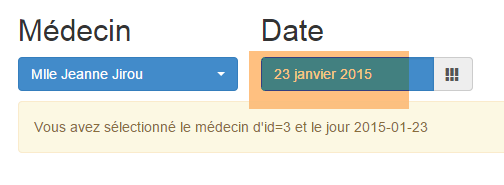 |
When changing the doctor or date, the [afficherAgenda] method is executed:
function afficherAgenda() {
// displays doctor and date
var idMedecin = $('#idMedecin option:selected').val();
if (calendar_infos.date) {
showInfo("Vous avez sélectionné le médecin d'id=" + idMedecin + " et le jour " + calendar_infos.date);
}
}
8.6.4.8. Example #7: A 'responsive' HTML table
Note: 'responsive' is a term indicating that a component is capable of adapting to the size of the screen on which it is displayed. We will show an example of this.
The [/bs-07] action displays the following [bs-07.xml] view (full screen):
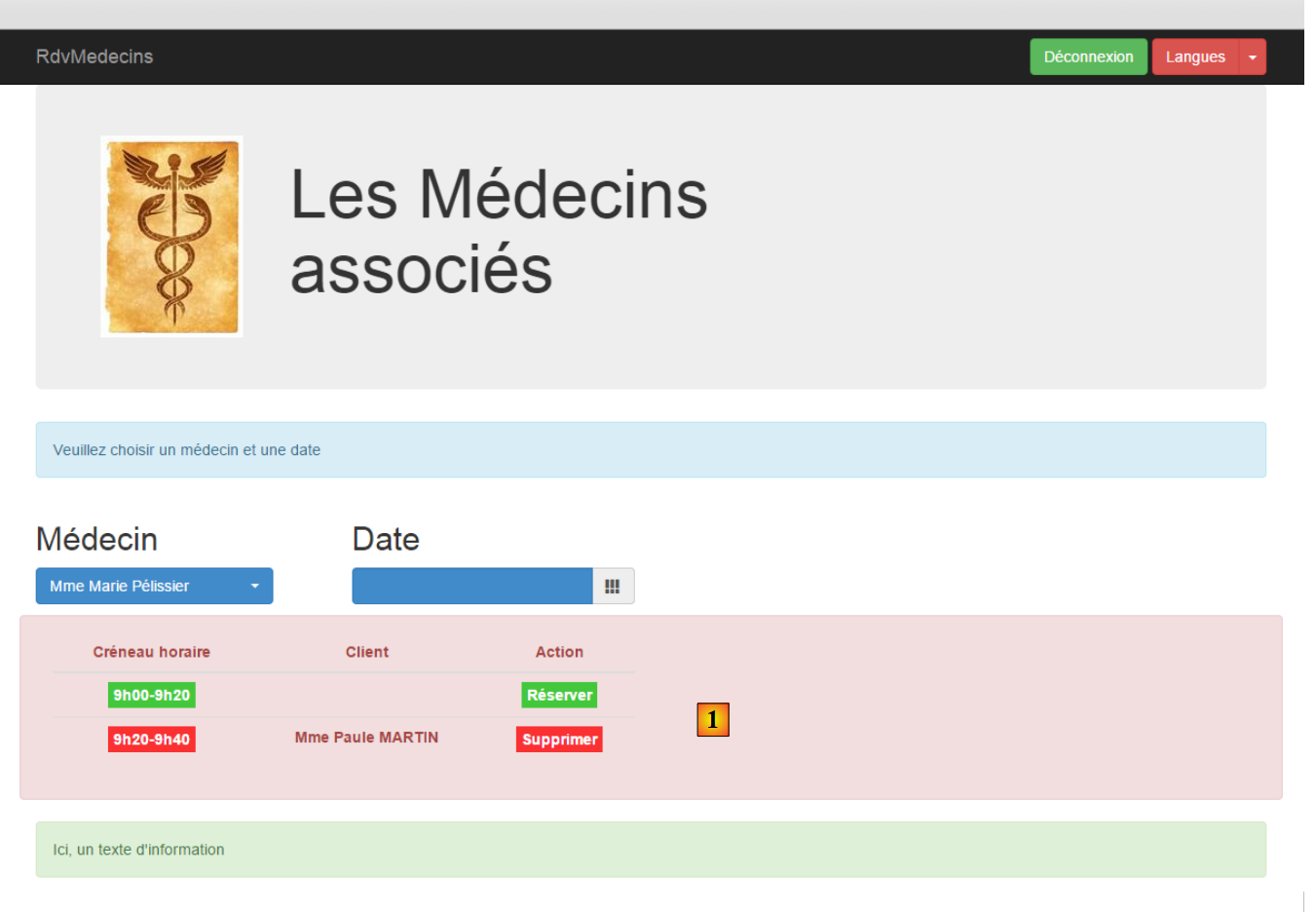 |
The new feature is the table HTML [1]. This table is managed by the library JS [footable]: [https://github.com/fooplugins/FooTable].
If you resize the browser window, you get the following:
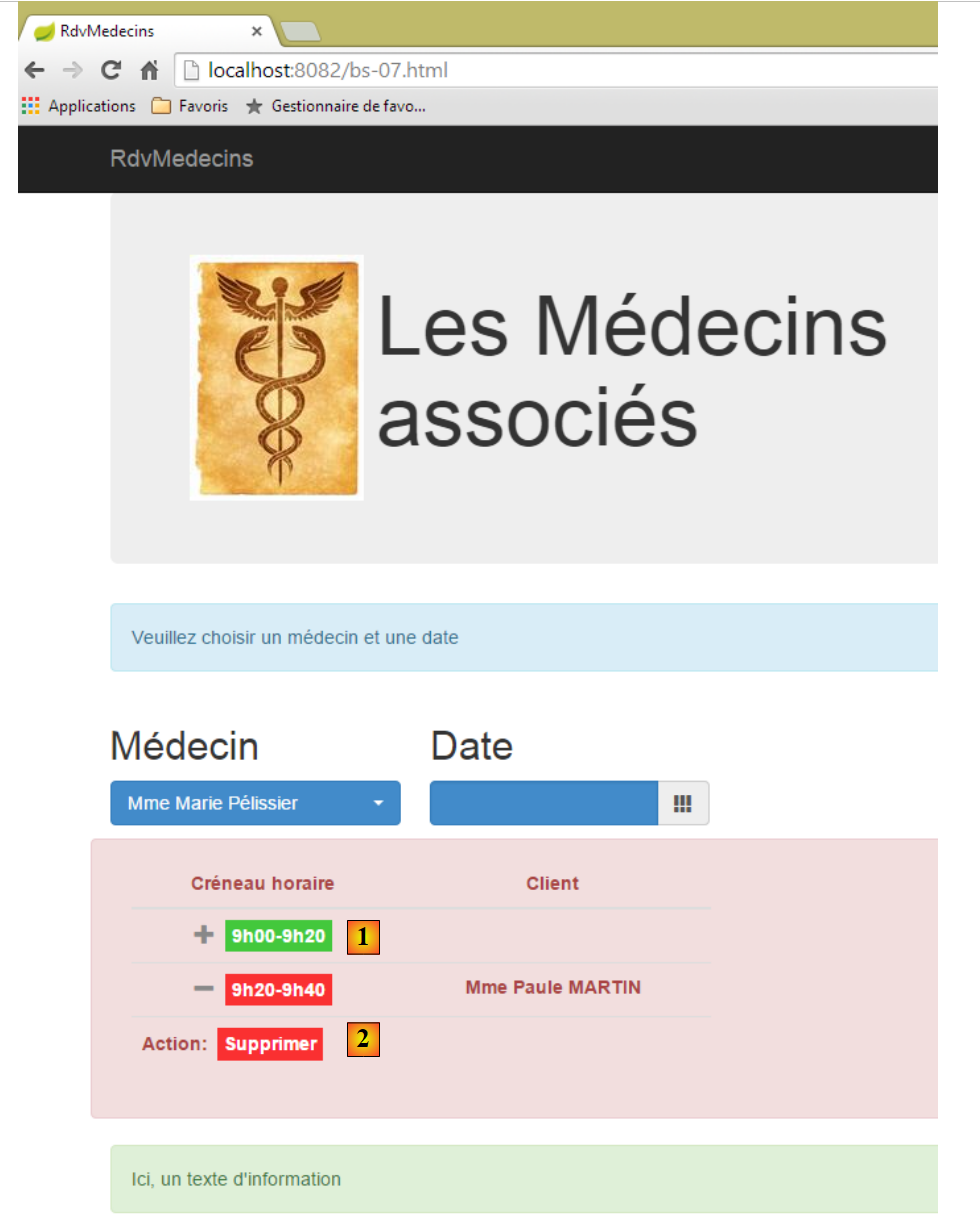 |
- the table HTML has adapted to the screen size;
- in [1], to view the link [Réserver], you must click on the symbol [+];
- in [2], this is what you see when you click on the [+] icon;
The view for [bs-07.xml] is as follows:
<!DOCTYPE HTML>
<html xmlns="http://www.w3.org/1999/xhtml" xmlns:th="http://www.thymeleaf.org" xmlns:layout="http://www.ultraq.net.nz/thymeleaf/layout">
<head>
<meta name="viewport" content="width=device-width" />
<title>RdvMedecins</title>
<!-- Bootstrap core CSS -->
<link rel="stylesheet" href="resources/css/bootstrap-3.1.1-min.css" />
<link rel="stylesheet" type="text/css" href="resources/css/bootstrap-select.min.css" />
<link rel="stylesheet" type="text/css" href="resources/css/datepicker3.css" />
<link rel="stylesheet" type="text/css" href="resources/css/footable.core.min.css" />
<link rel="stylesheet" type="text/css" href="resources/css/bootstrapDemo.css" />
<!-- Bootstrap core JavaScript ================================================== -->
<script type="text/javascript" src="resources/vendor/jquery-2.1.1.min.js"></script>
<script type="text/javascript" src="resources/vendor/bootstrap.js"></script>
<script type="text/javascript" src="resources/vendor/bootstrap-select.js"></script>
<script type="text/javascript" src="resources/vendor/moment-with-locales.js"></script>
<script type="text/javascript" src="resources/vendor/bootstrap-datepicker.js"></script>
<script type="text/javascript" src="resources/vendor/bootstrap-datepicker.fr.js"></script>
<script type="text/javascript" src="resources/vendor/footable.js"></script>
<!-- local script -->
<script type="text/javascript" src="resources/js/bs-07.js"></script>
</head>
<body id="body">
<div class="container">
<!-- navigation bar -->
<div th:include="navbar3" />
<!-- Bootstrap Jumbotron -->
<div th:include="jumbotron" />
<!-- content -->
<div id="content" th:include="choixmedecinjour" />
<div id="agenda" th:include="agenda" />
<!-- info -->
<div class="alert alert-success">
<span id="info">Ici, un texte d'information</span>
</div>
</div>
</body>
</html>
- line 10: CSS from the [footable] library;
- line 19: JS from library [footable];
- line 31: table HTML from agenda;
The view [agenda.xml] is as follows:
<!DOCTYPE HTML>
<html xmlns:th="http://www.thymeleaf.org">
<body>
<div class="row alert alert-danger">
<div class="col-md-6">
<table id="creneaux" class="table">
<thead>
<tr>
<th data-toggle="true">
<span>Créneau horaire</span>
</th>
<th>
<span>Client</span>
</th>
<th data-hide="phone">
<span>Action</span>
</th>
</tr>
</thead>
<tbody>
<tr>
<td>
<span class='status-metro status-active'>
9h00-9h20
</span>
</td>
<td>
<span></span>
</td>
<td>
<a href="javascript:reserver(14)" class="status-metro status-active">
Réserver
</a>
</td>
</tr>
<tr>
<td>
<span class='status-metro status-suspended'>
9h20-9h40
</span>
</td>
<td>
<span>Mme Paule MARTIN</span>
</td>
<td>
<a href="javascript:supprimer(17)" class="status-metro status-suspended">
Supprimer
</a>
</td>
</tr>
</tbody>
</table>
</div>
</div>
<!-- init page -->
<script th:inline="javascript">
/*<![CDATA[*/
// on initialise la page
initAgenda();
/*]]>*/
</script>
</body>
</html>
- line 4: places the table in a row [row] and a colored box [alert alert-danger];
- line 5: the table will occupy 6 columns [col-md-6];
- line 6: the table HTML is formatted by Bootstrap [class='table'];
- line 9: the attribute [data-toggle] indicates the column containing the symbol [+/-] that expands/collapses the row;
- line 15: the [data-hide='phone'] attribute specifies that the column should be hidden if the screen is the size of a phone screen. The value 'tablet' can also be used;
- line 31: a function JS is associated with the link [Réserver];
- line 46: a function JS is associated with the link [Supprimer];
- lines 56–61: initialization of the page;
A number of CSS classes used above come from the file CSS [bootstrapDemo.css]:
@CHARSET "UTF-8";
#notches th {
text-align: center;
}
#creneaux td {
text-align: center;
font-weight: bold;
}
.status-metro {
display: inline-block;
padding: 2px 5px;
color:#fff;
}
.status-metro.status-active {
background: #43c83c;
}
.status-metro.status-suspended {
background: #fa3031;
}
The styles [status-*] are taken from an example of how to use the table [footable] found on the library's website.
In the JS [bs-07.js] file, the page is initialized as follows:
function initAgenda() {
// time slot table
$("#creneaux").footable();
}
That's it. [$("#creneaux")] references the table HTML, which we want to make responsive. In addition, there are the functions JS associated with the two links [Réserver] and [Supprimer]:
function reserver(idCreneau) {
showInfo("Réservation du créneau n° " + idCreneau);
}
function supprimer(idRv) {
showInfo("Suppression du rv n° " + idRv);
}
8.6.4.9. Example #8: A modal box
The action [/bs-08] displays the following view [bs-08.xml]:
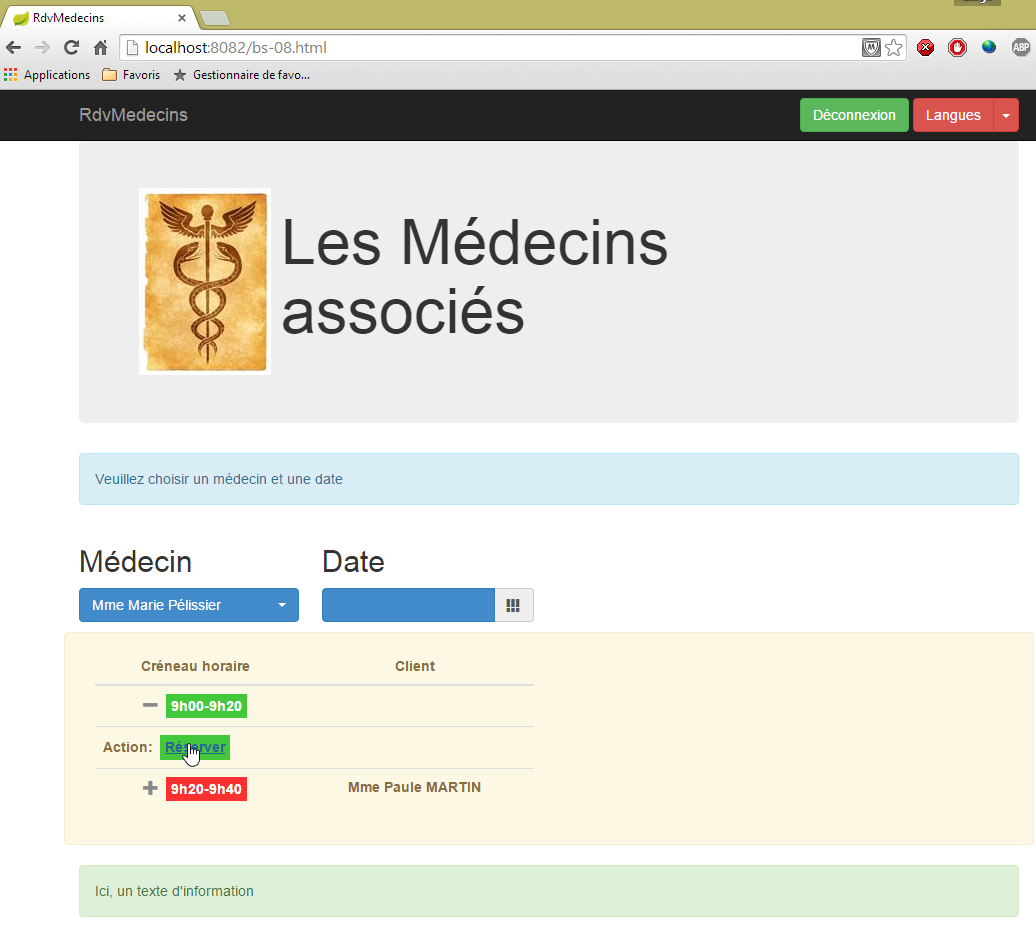
Whereas previously, clicking the [Réserver] link displayed information in the info box, here we will display a modal box to select a customer for RV:
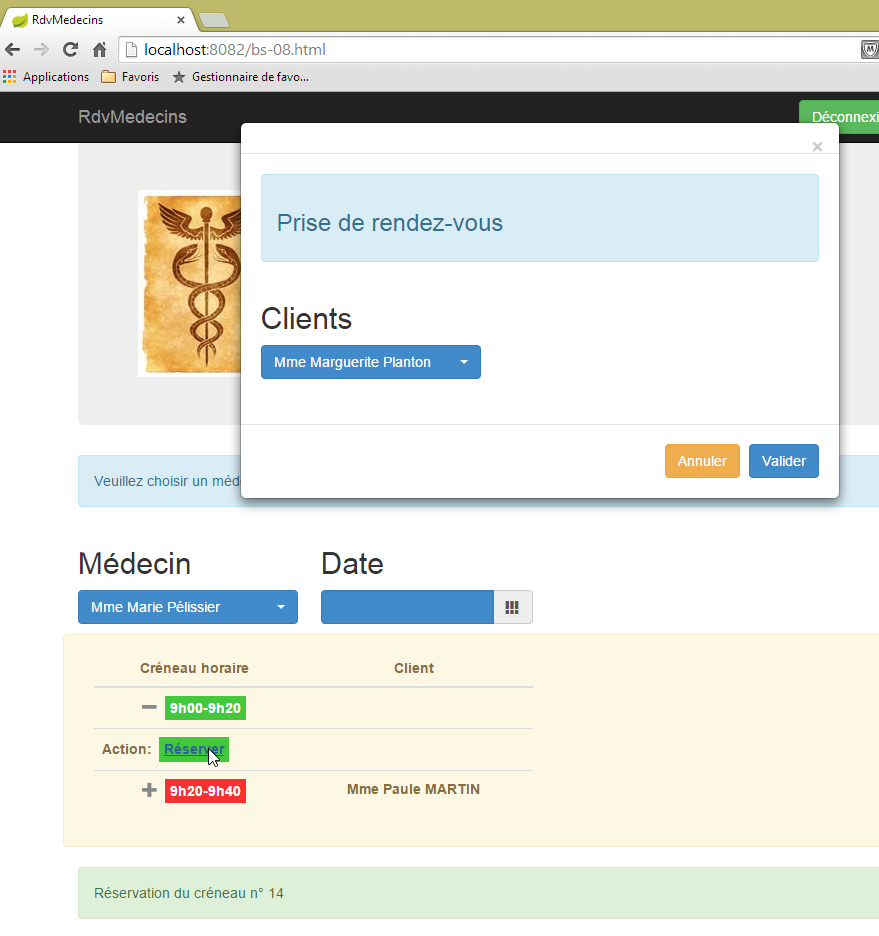
The component used is the [bootstrap-modal] [https://github.com/jschr/bootstrap-modal/] component.
The [bs-08.xml] view is as follows:
<!DOCTYPE HTML>
<html xmlns="http://www.w3.org/1999/xhtml" xmlns:th="http://www.thymeleaf.org" xmlns:layout="http://www.ultraq.net.nz/thymeleaf/layout">
<head>
<meta name="viewport" content="width=device-width" />
<title>RdvMedecins</title>
<!-- Bootstrap core CSS -->
<link rel="stylesheet" href="resources/css/bootstrap-3.1.1-min.css" />
<link rel="stylesheet" type="text/css" href="resources/css/bootstrap-select.min.css" />
<link rel="stylesheet" type="text/css" href="resources/css/datepicker3.css" />
<link rel="stylesheet" type="text/css" href="resources/css/footable.core.min.css" />
<link rel="stylesheet" type="text/css" href="resources/css/bootstrapDemo.css" />
<!-- Bootstrap core JavaScript ================================================== -->
<script type="text/javascript" src="resources/vendor/jquery-2.1.1.min.js"></script>
<script type="text/javascript" src="resources/vendor/bootstrap.js"></script>
<script type="text/javascript" src="resources/vendor/bootstrap-select.js"></script>
<script type="text/javascript" src="resources/vendor/moment-with-locales.js"></script>
<script type="text/javascript" src="resources/vendor/bootstrap-datepicker.js"></script>
<script type="text/javascript" src="resources/vendor/bootstrap-datepicker.fr.js"></script>
<script type="text/javascript" src="resources/vendor/bootstrap-modal.js"></script>
<script type="text/javascript" src="resources/vendor/footable.js"></script>
<!-- local script -->
<script type="text/javascript" src="resources/js/bs-08.js"></script>
</head>
<body id="body">
<div class="container">
<!-- navigation bar -->
<div th:include="navbar3" />
<!-- Bootstrap Jumbotron -->
<div th:include="jumbotron" />
<!-- content -->
<div id="content" th:include="choixmedecinjour" />
<div id="agenda" th:include="agenda-modal" />
<div th:include="resa" />
<!-- info -->
<div class="alert alert-success">
<span id="info">Ici, un texte d'information</span>
</div>
</div>
</body>
</html>
- line 19: the JS file required for modal boxes;
- line 32: the view [agenda-modal] is identical to the view [agenda] except for one detail: the function JS that manages the link [Réserver]:
<a href="javascript:showDialogResa(14)" class="status-metro status-active">Réserver</a>
The function [showDialogResa] is responsible for displaying the modal dialog for selecting a customer;
- line 33: the view [resa.xml] is the modal dialog for selecting a customer:
<!DOCTYPE HTML>
<section xmlns="http://www.w3.org/1999/xhtml" xmlns:th="http://www.thymeleaf.org">
<div id="resa" class="modal fade">
<div class="modal-dialog">
<div class="modal-content">
<div class="modal-header">
<button type="button" class="close" data-dismiss="modal" aria-label="Close">
<span aria-hidden="true">
</span>
</button>
<!-- <h4 class="modal-title">Modal title</h4> -->
</div>
<div class="modal-body">
<div class="alert alert-info">
<h3>
<span>Prise de rendez-vous</span>
</h3>
</div>
<div class="row">
<div class="col-md-3">
<h2>Clients</h2>
<select id="idClient" class="combobox" data-style="btn-primary">
<option value="1">Mme Marguerite Planton</option>
<option value="2">Mr Maxime Franck</option>
<option value="3">Mlle Elisabeth Oron</option>
<option value="4">Mr Gaëtan Calot</option>
</select>
</div>
</div>
</div>
<div class="modal-footer">
<button type="button" class="btn btn-warning" onclick="javascript:cancelDialogResa()">Annuler</button>
<button type="button" class="btn btn-primary" onclick="javascript:validateResa()">Valider</button>
</div>
</div><!-- /.modal-content -->
</div><!-- /.modal-dialog -->
</div><!-- /.modal -->
<!-- init page -->
<script th:inline="javascript">
/*<![CDATA[*/
// on initialise la page
initResa();
/*]]>*/
</script>
</section>
- lines 3-37: the modal box;
- lines 13-30: the content of this box (what will be displayed);
- lines 31-34: the dialog box buttons;
- line 32: a button [Annuler] managed by the function JS [cancelDialogResa];
- line 33: a [Valider] button managed by the JS and [validateResa] functions;
- lines 39–44: the modal box initialization script;
This results in the following view:
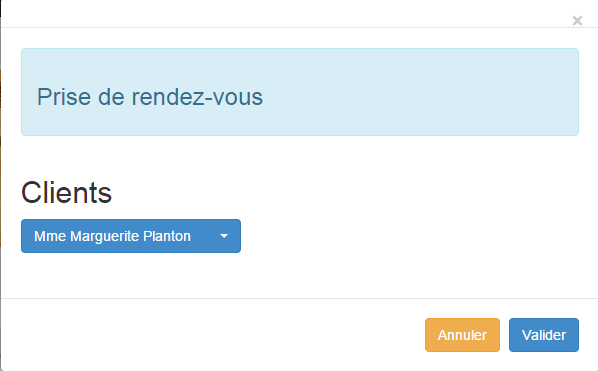 |
Note that the modal box is not displayed by default. This is why it is not visible when the application starts, even though its code HTML is present in the document.
The JS [bs-08.js] file is as follows:
var idCreneau;
var idClient;
var resa;
function showDialogResa(idCreneau) {
// the id of the slot is stored
this.idCreneau = idCreneau;
// the reservation dialog is displayed
var resa = $("#resa");
resa.modal('show');
// log
showInfo("Réservation du créneau n° " + idCreneau);
}
function cancelDialogResa() {
// hide the dialog box
resa.modal('hide');
}
// rESA VALIDATION
function validateResa() {
// we retrieve the information
var idClient = $('#idClient option:selected').val();
// hide the dialog box
resa.modal('hide');
// news
showInfo("Réservation du créneau n° " + idCreneau + " pour le client n° " + idClient)
}
function initResa() {
// the clients select
$('#idClient').selectpicker();
// modal box
resa = $("#resa");
resa.modal({});
}
- lines 30–36: the modal box initialization function;
- line 32: the modal box contains a dropdown list that needs to be initialized;
- lines 34-35: initialization of the modal box itself;
- lines 5-13: the JS function attached to the [Réserver] link;
- line 7: the function parameter is stored in the global variable from line 1;
- lines 9-10: the modal box is made visible;
- line 12: information is logged in the information box;
- lines 15–18: handling of the [Annuler] button. We simply hide the modal box (line 17);
- lines 21–31: the JS function attached to the [Valider] button;
- line 23: retrieve the [value] attribute of the selected client;
- line 25: the dialog box is hidden;
- line 27: log the two pieces of information: the reserved slot number and the client for whom it was reserved;
8.6.5. Step 2: Writing the views
We will now describe the views returned by the [Web1] server as well as their templates.
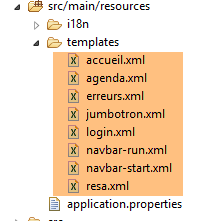 |
8.6.5.1. The [navbar-start] view
It displays the navigation bar on the boot page:

The code for [navbar-start.xml] is as follows:
<!DOCTYPE HTML>
<section xmlns:th="http://www.thymeleaf.org">
<div class="navbar navbar-inverse navbar-fixed-top" role="navigation">
<div class="container">
<div class="navbar-header">
<button type="button" class="navbar-toggle" data-toggle="collapse" data-target=".navbar-collapse">
<span class="sr-only">Toggle navigation</span>
<span class="icon-bar"></span>
<span class="icon-bar"></span>
<span class="icon-bar"></span>
</button>
<a class="navbar-brand" href="#">RdvMedecins</a>
</div>
<div class="navbar-collapse collapse">
<img id="loading" src="resources/images/loading.gif" alt="waiting..." style="display: none" />
<!-- identification form -->
<div class="navbar-form navbar-right" role="form" id="formulaire">
<div class="form-group">
<input type="text" th:placeholder="#{service.url}" class="form-control" id="urlService" />
</div>
<div class="form-group">
<input type="text" th:placeholder="#{username}" class="form-control" id="login" />
</div>
<div class="form-group">
<input type="password" th:placeholder="#{password}" class="form-control" id="passwd" />
</div>
<button type="button" class="btn btn-success" th:text="#{login}" onclick="javascript:connecter()">Sign in</button>
<!-- languages -->
<div class="btn-group">
<button type="button" class="btn btn-danger" th:text="#{langues}">Action</button>
<button type="button" class="btn btn-danger dropdown-toggle" data-toggle="dropdown">
<span class="caret"></span>
<span class="sr-only">Toggle Dropdown</span>
</button>
<ul class="dropdown-menu" role="menu">
<li>
<a href="javascript:setLang('fr')" th:text="#{langues.fr}" />
</li>
<li>
<a href="javascript:setLang('en')" th:text="#{langues.en}" />
</li>
</ul>
</div>
</div>
</div>
</div>
</div>
<!-- init page -->
<script th:inline="javascript">
/*<![CDATA[*/
// on initialise la page
initNavBarStart();
/*]]>*/
</script>
</section>
This view has no template. It has the following event handlers:
event | handler |
Click the login button | |
Click on the link [Français] | |
Click on the link [English] |
8.6.5.2. The view [jumbotron]
This is the view displayed below the navigation [navbar-start] bar on the boot page:

Its code [jumbotron.xml] is as follows:
<!DOCTYPE html>
<section xmlns="http://www.w3.org/1999/xhtml" xmlns:th="http://www.thymeleaf.org">
<!-- Bootstrap Jumbotron -->
<div class="jumbotron">
<div class="row">
<div class="col-md-2">
<img src="resources/images/caduceus.jpg" alt="RvMedecins" />
</div>
<div class="col-md-10">
<h1 th:utext="#{application.header}" />
</div>
</div>
</div>
</section>
The view [jumbotron] has neither a template nor events.
8.6.5.3. The view [login]
This is the view displayed under the jumbotron on the boot page:

Its code [login.xml] is as follows:
<!DOCTYPE html>
<section xmlns="http://www.w3.org/1999/xhtml" xmlns:th="http://www.thymeleaf.org">
<div class="alert alert-info" th:text="#{identification}">Identification
</div>
</section>
The view has no template or events.
8.6.5.4. The [navbar-run] view
This is the navigation bar displayed when the connection is successful:

Its code [navbar-run.xml] is as follows:
<!DOCTYPE HTML>
<section xmlns:th="http://www.thymeleaf.org">
<div class="navbar navbar-inverse navbar-fixed-top" role="navigation">
<div class="container">
<div class="navbar-header">
<button type="button" class="navbar-toggle" data-toggle="collapse" data-target=".navbar-collapse">
<span class="sr-only">Toggle navigation</span>
<span class="icon-bar"></span>
<span class="icon-bar"></span>
<span class="icon-bar"></span>
</button>
<a class="navbar-brand" href="#">RdvMedecins</a>
</div>
<div class="collapse navbar-collapse">
<img id="loading" src="resources/images/loading.gif" alt="waiting..." style="display: none" />
<!-- right-hand buttons -->
<form class="navbar-form navbar-right" role="form">
<!-- disconnect -->
<button type="button" class="btn btn-success" th:text="#{options.deconnecter}" onclick="javascript:deconnecter()">Déconnexion</button>
<!-- languages -->
<div class="btn-group">
<button type="button" class="btn btn-danger" th:text="#{langues}">Langue</button>
<button type="button" class="btn btn-danger dropdown-toggle" data-toggle="dropdown">
<span class="caret"></span>
<span class="sr-only">Toggle Dropdown</span>
</button>
<ul class="dropdown-menu" role="menu">
<li>
<a href="javascript:setLang('fr')" th:text="#{langues.fr}" />
</li>
<li>
<a href="javascript:setLang('en')" th:text="#{langues.en}" />
</li>
</ul>
</div>
</form>
</div>
</div>
</div>
<!-- init page -->
<script th:inline="javascript">
/*<![CDATA[*/
// on initialise la page
initNavBarRun();
/*]]>*/
</script>
</section>
This view has no template. It has the following event handlers:
event | handler |
click on the logout button | |
click on the [Français] link | |
click on the link [English] |
8.6.5.5. The [accueil] view
This is the view displayed immediately below the navigation [navbar-run] bar:
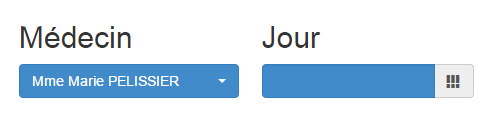
Its code [accueil.html] is as follows:
<!DOCTYPE html>
<html xmlns="http://www.w3.org/1999/xhtml" xmlns:th="http://www.thymeleaf.org">
<div class="alert alert-info" th:text="#{choixmedecinjour.title}">Veuillez choisir un médecin et une date</div>
<div class="row">
<div class="col-md-3">
<h2 th:text="#{rv.medecin}">Médecin</h2>
<select name="idMedecin" id="idMedecin" class="combobox" data-style="btn-primary">
<option th:each="medecinItem : ${rdvmedecins.medecinItems}" th:text="${medecinItem.texte}" th:value="${medecinItem.id}"/>
</select>
</div>
<div class="col-md-3">
<h2 th:text="#{rv.jour}">Date</h2>
<section id="calendar_container">
<div id="calendar" class="input-group date">
<input id="displayjour" type="text" class="form-control btn-primary" disabled="true">
<span class="input-group-addon">
<i class="glyphicon glyphicon-th"></i>
</span>
</input>
</div>
</section>
</div>
</div>
<!-- agenda -->
<div id="agenda"></div>
<!-- local script -->
<script th:inline="javascript">
/*<![CDATA[*/
// on initialise la page
initChoixMedecinJour();
/*]]>*/
</script>
</html>
Its format is as follows:
- [rdvmedecins.medecinItems] (line 8): the list of doctors;
In its current form, the view does not appear to have any event handlers. In reality, these are defined in the function [initChoixMedecinJour]. This function was presented in section 8.6.4.7, on page 466 and more specifically on page 469. It contains the following event handlers:
event | handler |
select a doctor | |
select a date |
8.6.5.6. The [agenda] view
The [agenda] view shows a day in the agenda of a doctor:
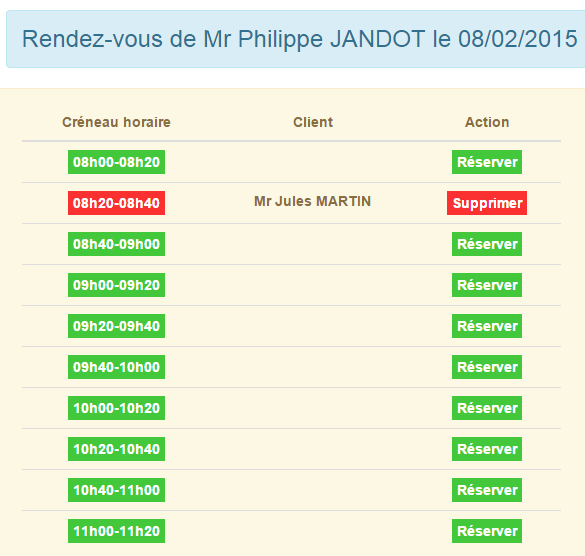
Its code is as follows:
<!DOCTYPE HTML>
<html xmlns:th="http://www.thymeleaf.org">
<body>
<h3 class="alert alert-info" th:text="${agenda.titre}">Agenda de Mme Pélissier le 13/10/2014</h3>
<h4 class="alert alert-danger" th:if="${agenda.creneaux.length}==0" th:text="#{agenda.medecinsanscreneaux}">Ce médecin n'a pas encore de créneaux
de consultation</h4>
<th:block th:if="${agenda.creneaux.length}!=0">
<div class="row tab-content alert alert-warning">
<div class="tab-pane active col-md-6">
<table id="creneaux" class="table">
<thead>
<tr>
<th data-toggle="true">
<span th:text="#{agenda.creneauhoraire}">Créneau horaire</span>
</th>
<th>
<span th:text="#{agenda.client}">Client</span>
</th>
<th data-hide="phone">
<span th:text="#{agenda.action}">Action</span>
</th>
</tr>
</thead>
<tbody>
<tr th:each="creneau,iter : ${agenda.creneaux}">
<td>
<span th:if="${creneau.action}==1" class="status-metro status-active" th:text="${creneau.creneauHoraire}">Créneau horaire</span>
<span th:if="${creneau.action}==2" class="status-metro status-suspended" th:text="${creneau.creneauHoraire}">Créneau horaire</span>
</td>
<td>
<span th:text="${creneau.client}">Client</span>
</td>
<td>
<a th:if="${creneau.action}==1" th:href="@{'javascript:reserverCreneau('+${creneau.id}+')'}" th:text="${creneau.commande}"
class="status-metro status-active">Réserver
</a>
<a th:if="${creneau.action}==2" th:href="@{'javascript:supprimerRv('+${creneau.idRv}+')'}" th:text="${creneau.commande}"
class="status-metro status-suspended">Supprimer
</a>
</td>
</tr>
</tbody>
</table>
</div>
</div>
<!-- reservation -->
<section th:include="resa" />
</th:block>
<!-- init page -->
<script th:inline="javascript">
/*<![CDATA[*/
// on initialise la page
initAgenda();
/*]]>*/
</script>
</body>
</html>
The template for this view has only one element:
- [agenda] (line 4): a somewhat complex template specifically designed to display agenda;
It has the following event handlers:
event | handler |
click on the [Supprimer] button | |
click on the link [Réserver] |
The view [resa] on line 47 is the view that is displayed when the user clicks on a link [Réserver]:
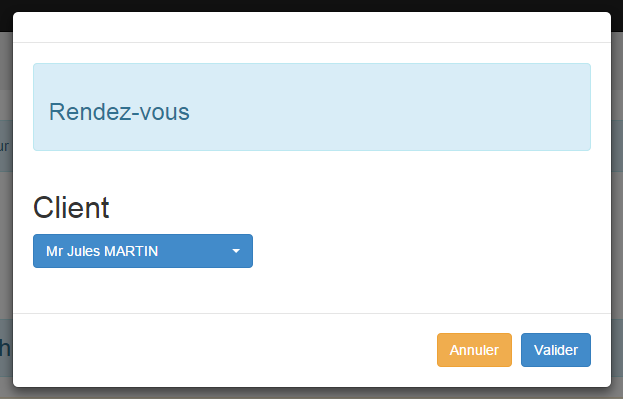
Its code [resa.xml] is as follows:
<!DOCTYPE HTML>
<html xmlns:th="http://www.thymeleaf.org">
<body>
<div id="resa" class="modal fade">
<div class="modal-dialog">
<div class="modal-content">
<div class="modal-header">
<button type="button" class="close" data-dismiss="modal" aria-label="Close">
<span aria-hidden="true">
</span>
</button>
<!-- <h4 class="modal-title">Modal title</h4> -->
</div>
<div class="modal-body">
<div class="alert alert-info">
<h3>
<span th:text="#{resa.titre}">Prise de rendez-vous</span>
</h3>
</div>
<div class="row">
<div class="col-md-3">
<h2 th:text="#{resa.client}">Client</h2>
<select name="idClient" id="idClient" class="combobox" data-style="btn-primary">
<option th:each="clientItem : ${clientItems}" th:text="${clientItem.texte}" th:value="${clientItem.id}" />
</select>
</div>
</div>
</div>
<div class="modal-footer">
<button type="button" class="btn btn-warning" onclick="javascript:cancelDialogResa()" th:text="#{resa.annuler}">Annuler</button>
<button type="button" class="btn btn-primary" onclick="javascript:validerRv()" th:text="#{resa.valider}">Valider</button>
</div>
</div><!-- /.modal-content -->
</div><!-- /.modal-dialog -->
</div><!-- /.modal -->
<!-- init page -->
<script th:inline="javascript">
/*<![CDATA[*/
// on initialise la page
initResa();
/*]]>*/
</script>
</body>
</html>
Its template has only one element:
- [clientItems] (line 24): the list of clients;
It has the following event handlers:
event | handler |
click on the [Annuler] button | |
click on the [Valider] button |
8.6.5.7. The view [erreurs]
This is the screen that appears if the action requested by the user could not be completed:

The code [erreurs.xml] is as follows:
<!DOCTYPE HTML>
<section xmlns:th="http://www.thymeleaf.org">
<div class="alert alert-danger">
<h4>
<span th:text="#{erreurs.titre}">Les erreurs suivantes se sont produites :</span>
</h4>
<ul>
<li th:each="message : ${erreurs}" th:text="${message}" />
</ul>
</div>
</section>
Its template has only one element:
- [erreurs] (line 8): the list of errors to display;
The view has no event handler.
8.6.5.8. Summary
The following table lists the views and their models:
view | Model | Event Handlers |
navbar-start | ||
jumbotron | ||
login | ||
navbar-run | ||
home | ||
agenda | ||
reservation | ||
errors |
8.6.6. Step 3: Writing the actions
Let’s return to the architecture of the [Web1] web service:
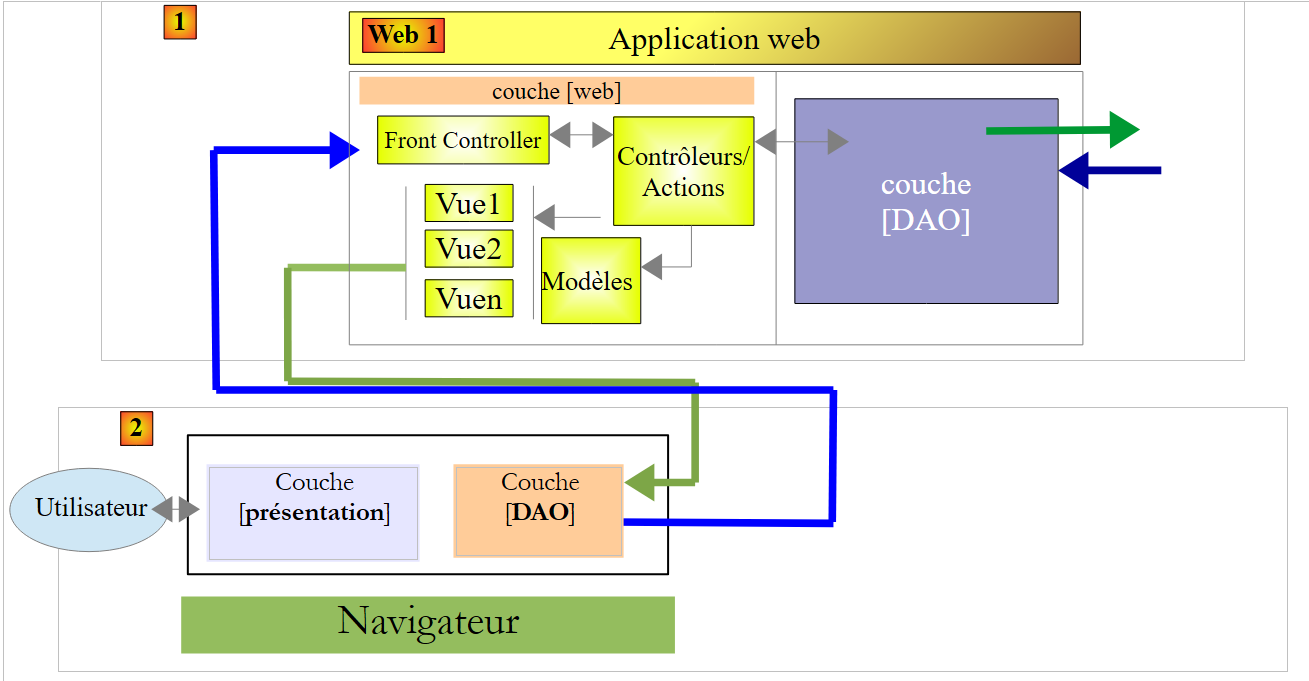 |
We will now look at which URL methods are exposed by [Web1] and their implementation:
8.6.6.1. The URL exposed by the [Web1] service
These are as follows:
- a URL for each of the previous views or a composition of them;
- a URL to add a RV;
- a URL to delete a RV;
They all return a response of the type [Reponse] as follows:
public class Reponse {
// ----------------- properties
// operation status
private int status;
// the navigation bar
private String navbar;
// the jumbotron
private String jumbotron;
// the body of the page
private String content;
// the agenda
private String agenda;
...
}
- line 5: a response status: 1 (OK), 2 (error);
- line 7: the HTML stream from the [navbar-start] or [navbar-run] views, as applicable;
- line 9: the HTML stream from the [jumbotron] view;
- line 13: the HTML flow from the [agenda] view;
- line 9: the HTML stream from the [accueil], [erreurs], or [login] views, as applicable;
The URL views displayed are as follows
places the view [navbar-start] into [Reponse.navbar] | |
places the [navbar-run] view in [Reponse.navbar] | |
moves the view [accueil] to [Reponse.content] | |
places the view [jumbotron] into [Reponse.jumbotron] | |
moves the view [agenda] to [Reponse.agenda] | |
moves the view [login] to [Reponse.content] | |
| |
set the view [navbar-run] to [Reponse.navbar], the view [jumbotron] to [Reponse.jumbotron], the view [accueil] into [Reponse.content], the view [agenda] into [Reponse.agenda] | |
adds the selected appointment and places the new agenda into [Reponse.agenda] | |
deletes the selected appointment and places the new agenda into [Reponse.agenda] |
8.6.6.2. The singleton [ApplicationModel]
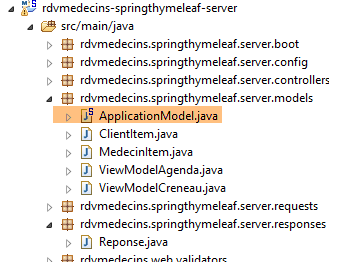 |
The [ApplicationModel] class is instantiated as a single instance and injected into the application controller. Its code is as follows:
package rdvmedecins.springthymeleaf.server.models;
import java.util.ArrayList;
...
@Component
public class ApplicationModel implements IDao {
....
}
- line 6: [ApplicationModel] is a Spring component;
- line 7: which implements the interface of the [DAO] layer. We do this so that the actions do not need to know about the [DAO] layer, but only the [ApplicationModel] singleton. The architecture of [Web1] then becomes as follows:
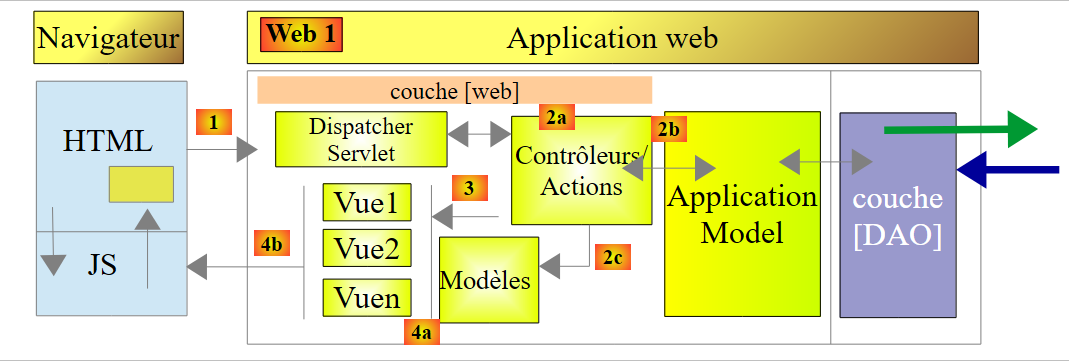 |
Let’s return to the code for the [ApplicationModel] class:
package rdvmedecins.springthymeleaf.server.models;
import java.util.ArrayList;
...
@Component
public class ApplicationModel implements IDao {
// the [DAO] layer
@Autowired
private IDao dao;
// configuration
@Autowired
private AppConfig appConfig;
// data from the [DAO] layer
private List<ClientItem> clientItems;
private List<MedecinItem> medecinItems;
// configuration data
private String userInit;
private String mdpUserInit;
private boolean corsAllowed;
// exception
private RdvMedecinsException rdvMedecinsException;
// manufacturer
public ApplicationModel() {
}
@PostConstruct
public void init() {
// config
userInit = appConfig.getUSER_INIT();
mdpUserInit = appConfig.getMDP_USER_INIT();
dao.setTimeout(appConfig.getTIMEOUT());
dao.setUrlServiceWebJson(appConfig.getWEBJSON_ROOT());
corsAllowed = appConfig.isCORS_ALLOWED();
// cache the physician and clients drop-down lists
List<Medecin> medecins = null;
List<Client> clients = null;
try {
medecins = dao.getAllMedecins(new User(userInit, mdpUserInit));
clients = dao.getAllClients(new User(userInit, mdpUserInit));
} catch (RdvMedecinsException ex) {
rdvMedecinsException = ex;
}
if (rdvMedecinsException == null) {
// create drop-down list items
medecinItems = new ArrayList<MedecinItem>();
for (Medecin médecin : medecins) {
medecinItems.add(new MedecinItem(médecin));
}
clientItems = new ArrayList<ClientItem>();
for (Client client : clients) {
clientItems.add(new ClientItem(client));
}
}
}
// getters and setters
...
// interface implementation [IDao]
@Override
public void setUrlServiceWebJson(String url) {
dao.setUrlServiceWebJson(url);
}
@Override
public void setTimeout(int timeout) {
dao.setTimeout(timeout);
}
@Override
public Rv ajouterRv(User user, String jour, long idCreneau, long idClient) {
return dao.ajouterRv(user, jour, idCreneau, idClient);
}
...
}
- line 11: injection of the reference to the implementation of the [DAO] layer. This reference is then used to implement the [IDao] interface (lines 64–80);
- line 14: injection of the application configuration;
- lines 33–37: use of this configuration to configure various elements of the application architecture;
- lines 38–46: caching the information that will populate the drop-down lists for doctors and clients. We therefore assume that if a doctor or a client changes, the application must be rebooted. The idea here is to show that a Spring singleton can serve as a cache for the web application;
The classes [MedecinItem] and [ClientItem] both derive from the following class [PersonneItem]:
package rdvmedecins.springthymeleaf.server.models;
import rdvmedecins.client.entities.Personne;
public class PersonneItem {
// element of a list
private Long id;
private String texte;
// manufacturer
public PersonneItem() {
}
public PersonneItem(Personne personne) {
id = personne.getId();
texte = String.format("%s %s %s", personne.getTitre(), personne.getPrenom(), personne.getNom());
}
// getters and setters
...
}
- line 8: the [id] field will be the value of the [value] attribute of a option in the drop-down list;
- line 9: the [texte] field will be the text displayed by a option in the drop-down list;
8.6.6.3. The [BaseController] class
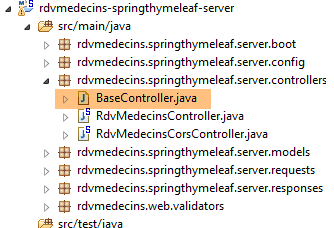 |
The [BaseController] class is the parent class of the [RdvMedecinsController] and [RdvMedecinsCorsController] controllers. It was not mandatory to create this parent class. It contains utility methods from the [RdvMedecinsController] class, none of which are essential except for one. They can be classified into three groups:
- utility methods;
- methods that render views merged with their models;
- the method for initializing an action
| two utility methods that provide a list of error messages. We have already encountered and used them; |
| returns the [accueil] view without a template |
| returns the view [agenda] and its template |
| renders the view [login] without a template |
| returns the response to the client when the requested action ended in an error |
| the initialization method for all actions of the [RdvMedecinsController] controller |
Let’s examine two of these methods.
The [getPartialViewAgenda] method renders the most complex view to generate, that of agenda. Its code is as follows:
// flow [agenda]
protected String getPartialViewAgenda(ActionContext actionContext, AgendaMedecinJour agenda, Locale locale) {
// contexts
WebContext thymeleafContext = actionContext.getThymeleafContext();
WebApplicationContext springContext = actionContext.getSpringContext();
// build the [agenda] page template
ViewModelAgenda modelAgenda = setModelforAgenda(agenda, springContext, locale);
// the agenda with its model
thymeleafContext.setVariable("agenda", modelAgenda);
thymeleafContext.setVariable("clientItems", application.getClientItems());
return engine.process("agenda", thymeleafContext);
}
- lines 9-10: the two elements of the agenda template:
- line 9: the agenda displayed.
- line 10: the list of clients displayed when the user makes an appointment;
The [setModelforAgenda] method in line 7 is as follows:
// page template [Agenda]
private ViewModelAgenda setModelforAgenda(AgendaMedecinJour agenda, WebApplicationContext springContext, Locale locale) {
// page title
String dateFormat = springContext.getMessage("date.format", null, locale);
Medecin médecin = agenda.getMedecin();
String titre = springContext.getMessage("agenda.titre", new String[] { médecin.getTitre(), médecin.getPrenom(),
médecin.getNom(), new SimpleDateFormat(dateFormat).format(agenda.getJour()) }, locale);
// reservation slots
ViewModelCreneau[] modelCréneaux = new ViewModelCreneau[agenda.getCreneauxMedecinJour().length];
int i = 0;
for (CreneauMedecinJour creneauMedecinJour : agenda.getCreneauxMedecinJour()) {
// doctor's slot
Creneau créneau = creneauMedecinJour.getCreneau();
ViewModelCreneau modelCréneau = new ViewModelCreneau();
modelCréneaux[i] = modelCréneau;
// id
modelCréneau.setId(créneau.getId());
// time slot
modelCréneau.setCreneauHoraire(String.format("%02dh%02d-%02dh%02d", créneau.getHdebut(), créneau.getMdebut(),
créneau.getHfin(), créneau.getMfin()));
Rv rv = creneauMedecinJour.getRv();
// customer and order
String commande;
if (rv == null) {
modelCréneau.setClient("");
commande = springContext.getMessage("agenda.reserver", null, locale);
modelCréneau.setCommande(commande);
modelCréneau.setAction(ViewModelCreneau.ACTION_RESERVER);
} else {
Client client = rv.getClient();
modelCréneau.setClient(String.format("%s %s %s", client.getTitre(), client.getPrenom(), client.getNom()));
commande = springContext.getMessage("agenda.supprimer", null, locale);
modelCréneau.setCommande(commande);
modelCréneau.setIdRv(rv.getId());
modelCréneau.setAction(ViewModelCreneau.ACTION_SUPPRIMER);
}
// next slot
i++;
}
// we render the agenda model
ViewModelAgenda modelAgenda = new ViewModelAgenda();
modelAgenda.setTitre(titre);
modelAgenda.setCreneaux(modelCréneaux);
return modelAgenda;
}
- line 6: agenda has a title:

or:

We can see that the date format depends on the language. We retrieve this format from the message files (line 4).
- Lines 11–40: For each time slot, we must display the view:

or the view:

- Lines 19–20: display the time slot;
- lines 25–28: the case where the time slot is available. In this case, display the button [Réserver];
- lines 31-36: the case where the time slot is occupied. In this case, both the client and the [Supprimer] button must be displayed;
The other method we will explain in more detail is the [getActionContext] method. It is called at the beginning of each action in [RdvMedecinsController]. Its signature is as follows:
protected ActionContext getActionContext(String lang, String origin, HttpServletRequest request,HttpServletResponse response, BindingResult result, RdvMedecinsCorsController rdvMedecinsCorsController)
It returns the following [ActionContext] type:
public class ActionContext {
// data
private WebContext thymeleafContext;
private WebApplicationContext springContext;
private Locale locale;
private List<String> erreurs;
...
}
- line 4: the action's Thymeleaf context;
- line 5: the action's Spring context;
- line 6: the action's locale;
- line 7: a possible list of error messages;
Its parameters are as follows:
- [lang]: the language requested for the action, 'en' or 'fr';
- [origin]: the header HTTP [origin] in the case of a cross-domain call;
- [request]: the request HTTP currently being processed, which has been referred to for some time as an action;
- [response]: the response that will be generated for this request;
- [result]: Each action in [RdvMedecinsController] receives a posted value, which is then validated. [result] is the result of this validation;
- [rdvMedecinsController]: the action container controller;
The [getActionContext] method is implemented as follows:
// context of an action
protected ActionContext getActionContext(String lang, String origin, HttpServletRequest request,HttpServletResponse response, BindingResult result, RdvMedecinsCorsController rdvMedecinsCorsController) {
// language?
if (lang == null) {
lang = "fr";
}
// local
Locale locale = null;
if (lang.trim().toLowerCase().equals("fr")) {
// french
locale = new Locale("fr", "FR");
} else {
// everything else in English
locale = new Locale("en", "US");
}
// headers CORS
rdvMedecinsCorsController.sendOptions(origin, response);
// ActionContext
ActionContext actionContext = new ActionContext(new WebContext(request, response, request.getServletContext(),locale), WebApplicationContextUtils.getWebApplicationContext(request.getServletContext()), locale, null);
// initialization errors
RdvMedecinsException e = application.getRdvMedecinsException();
if (e != null) {
actionContext.setErreurs(e.getMessages());
return actionContext;
}
// POST errors?
if (result != null && result.hasErrors()) {
actionContext.setErreurs(getErreursForModel(result, locale, actionContext.getSpringContext()));
return actionContext;
}
// no errors
return actionContext;
}
- lines 3–15: using the parameter [lang], we set the action’s locale;
- line 17: we send the HTTP headers required for cross-domain requests. We will not go into detail here. The technique used is that described in section 8.4.14;
- line 19: construction of a [ActionContext] object without errors;
- line 21: we saw in section 8.6.6.2 that the singleton [ApplicationModel] accessed the database to retrieve both the clients and the doctors. This access may fail. We then log the exception that occurs. Line 21: we retrieve this exception;
- lines 22–25: if an exception occurred during application startup, no action is possible. We then return a [ActionContext] object for any action, containing the error messages from the exception;
- lines 27–20: we analyze the [result] parameter to determine whether the posted value was valid or not. If it was invalid, we return a [ActionContext] object with the appropriate error messages;
- line 32: case with no errors;
We will now examine the actions of the [RdvMedecinsController] controller
8.6.6.4. The [/getNavBarStart] action
The [/getNavBarStart] action renders the [navbar-start] view. Its signature is as follows:
@RequestMapping(value = "/getNavbarStart", method = RequestMethod.POST)
@ResponseBody
public Reponse getNavbarStart(@Valid @RequestBody PostLang postLang, BindingResult result, HttpServletRequest request, HttpServletResponse response,
@RequestHeader(value = "Origin", required = false) String origin)
It returns the following type: [Reponse]
public class Reponse {
// ----------------- properties
// operation status
private int status;
// the navigation bar
private String navbar;
// the jumbotron
private String jumbotron;
// the body of the page
private String content;
// the agenda
private String agenda;
...
}
and has the following parameters:
- [PostLang postlang]: the following posted value:
public class PostLang {
// data
@NotNull
private String lang;
...
}
The [PostLang] class is the parent class of all posted values. This is because the client must always specify the language in which the action is to be executed.
The [getNavbarStart] method is implemented as follows:
// navbar-start
@RequestMapping(value = "/getNavbarStart", method = RequestMethod.POST)
@ResponseBody
public Reponse getNavbarStart(@Valid @RequestBody PostLang postLang, BindingResult result, HttpServletRequest request, HttpServletResponse response,
@RequestHeader(value = "Origin", required = false) String origin) {
// action contexts
ActionContext actionContext = getActionContext(postLang.getLang(), origin, request, response, result,rdvMedecinsCorsController);
WebContext thymeleafContext = actionContext.getThymeleafContext();
// mistakes?
List<String> erreurs = actionContext.getErreurs();
if (erreurs != null) {
return getViewErreurs(thymeleafContext, erreurs);
}
// returns view [navbar-start]
Reponse reponse = new Reponse();
reponse.setStatus(1);
reponse.setNavbar(engine.process("navbar-start", thymeleafContext));
return reponse;
}
- line 7: initialization of the action;
- lines 10–13: if the action initialization method reported errors, they are sent in the response to the client (line 12) with status 2:
- lines 15-18: send the view [navbar-start] with status 1:
In the following, we will only detail the new features.
8.6.6.5. The [/getNavbarRun] action
The action [/getNavBarRun] renders the view [navbar-run]:
// navbar-run
@RequestMapping(value = "/getNavbarRun", method = RequestMethod.POST)
@ResponseBody
public Reponse getNavbarRun(@Valid @RequestBody PostLang postLang, BindingResult result, HttpServletRequest request,
HttpServletResponse response, @RequestHeader(value = "Origin", required = false) String origin) {
// action contexts
ActionContext actionContext = getActionContext(postLang.getLang(), origin, request, response, result,rdvMedecinsCorsController);
WebContext thymeleafContext = actionContext.getThymeleafContext();
// mistakes?
List<String> erreurs = actionContext.getErreurs();
if (erreurs != null) {
return getViewErreurs(thymeleafContext, erreurs);
}
// returns view [navbar-run]
Reponse reponse = new Reponse();
reponse.setStatus(1);
reponse.setNavbar(engine.process("navbar-run", thymeleafContext));
return reponse;
}
The action can return two types of responses:
- the error response (lines 10–13):
- the response with the [navbar-run] view:
8.6.6.6. The [/getJumbotron] action
The [/getJumbotron] action returns the [jumbotron] view:
// jumbotron
@RequestMapping(value = "/getJumbotron", method = RequestMethod.POST)
@ResponseBody
public Reponse getJumbotron(@Valid @RequestBody PostLang postLang, BindingResult result, HttpServletRequest request,
HttpServletResponse response, @RequestHeader(value = "Origin", required = false) String origin) {
// action contexts
ActionContext actionContext = getActionContext(postLang.getLang(), origin, request, response, result,rdvMedecinsCorsController);
WebContext thymeleafContext = actionContext.getThymeleafContext();
// mistakes?
List<String> erreurs = actionContext.getErreurs();
if (erreurs != null) {
return getViewErreurs(thymeleafContext, erreurs);
}
// returns view [jumbotron]
Reponse reponse = new Reponse();
reponse.setStatus(1);
reponse.setJumbotron(engine.process("jumbotron", thymeleafContext));
return reponse;
}
The action can return two types of responses:
- the response with an error (lines 10–13):
- the response with the [jumbotron] view:
8.6.6.7. The [/getLogin] action
The [/getLogin] action returns the [login] view:
@RequestMapping(value = "/getLogin", method = RequestMethod.POST)
@ResponseBody
public Reponse getLogin(@Valid @RequestBody PostLang postLang, BindingResult result, HttpServletRequest request,
HttpServletResponse response, @RequestHeader(value = "Origin", required = false) String origin) {
// action contexts
ActionContext actionContext = getActionContext(postLang.getLang(), origin, request, response, result,rdvMedecinsCorsController);
WebContext thymeleafContext = actionContext.getThymeleafContext();
// mistakes?
List<String> erreurs = actionContext.getErreurs();
if (erreurs != null) {
return getViewErreurs(thymeleafContext, erreurs);
}
// returns view [login]
Reponse reponse = new Reponse();
reponse.setStatus(1);
reponse.setJumbotron(engine.process("jumbotron", thymeleafContext));
reponse.setNavbar(engine.process("navbar-start", thymeleafContext));
reponse.setContent(getPartialViewLogin(thymeleafContext));
return reponse;
}
The action can return two types of responses:
- the error response (lines 9–11):
- the response with the [login] view:
8.6.6.8. The [/getAccueil] action
The [/getAccueil] action returns the [accueil] view. Its signature is as follows:
@RequestMapping(value = "/getAccueil", method = RequestMethod.POST)
@ResponseBody
public Reponse getAccueil(@Valid @RequestBody PostUser postUser, BindingResult result, HttpServletRequest request,HttpServletResponse response, @RequestHeader(value = "Origin", required = false) String origin)
- line 3, the posted value is of type [PostUser] as follows:
public class PostUser extends PostLang {
// data
@NotNull
private User user;
...
}
- line 1: The class [PostUser] extends the class [PostLang] and therefore includes a language;
- Line 4: the user attempting to retrieve the view;
The implementation code is as follows:
@RequestMapping(value = "/getAccueil", method = RequestMethod.POST)
@ResponseBody
public Reponse getAccueil(@Valid @RequestBody PostUser postUser, BindingResult result, HttpServletRequest request,
HttpServletResponse response, @RequestHeader(value = "Origin", required = false) String origin) {
// action contexts
ActionContext actionContext = getActionContext(postUser.getLang(), origin, request, response, result,rdvMedecinsCorsController);
WebContext thymeleafContext = actionContext.getThymeleafContext();
// mistakes?
List<String> erreurs = actionContext.getErreurs();
if (erreurs != null) {
return getViewErreurs(thymeleafContext, erreurs);
}
// view [accueil] is protected
try{
// user
User user = postUser.getUser();
// we check the [userName, password] identifiers
application.authenticate(user);
}catch(RdvMedecinsException e){
// an error is returned
return getViewErreurs(thymeleafContext, e.getMessages());
}
// returns view [accueil]
Reponse reponse = new Reponse();
reponse.setStatus(1);
reponse.setContent(getPartialViewAccueil(thymeleafContext));
return reponse;
}
- lines 15–22: Note that the page [accueil] is protected and therefore the user must be authenticated;
The action can return two types of responses:
- the error response (lines 11 and 21):
- response with the [accueil] view (lines 24–27):
8.6.6.9. The [/getNavbarRunJumbotronAccueil] action
The [/getNavbarRunJumbotronAccueil] action renders the [navbar-run, jumbotron, accueil] views. It has the following signature:
@RequestMapping(value = "/getNavbarRunJumbotronAccueil", method = RequestMethod.POST, consumes = "application/json; charset=UTF-8")
@ResponseBody
public Reponse getNavbarRunJumbotronAccueil(@Valid @RequestBody PostUser post, BindingResult result, HttpServletRequest request, HttpServletResponse response,
@RequestHeader(value = "Origin", required = false) String origin)
- line 3: the posted value is of type [PostUser];
The action implementation is as follows:
// navbar+ jumbotron + home
@RequestMapping(value = "/getNavbarRunJumbotronAccueil", method = RequestMethod.POST, consumes = "application/json; charset=UTF-8")
@ResponseBody
public Reponse getNavbarRunJumbotronAccueil(@Valid @RequestBody PostUser postUser, BindingResult result, HttpServletRequest request, HttpServletResponse response,
@RequestHeader(value = "Origin", required = false) String origin) {
// action contexts
ActionContext actionContext = getActionContext(postUser.getLang(), origin, request, response, result,
rdvMedecinsCorsController);
WebContext thymeleafContext = actionContext.getThymeleafContext();
// mistakes?
List<String> erreurs = actionContext.getErreurs();
if (erreurs != null) {
return getViewErreurs(thymeleafContext, erreurs);
}
// view [accueil] is protected
try {
// user
User user = postUser.getUser();
// we check the [userName, password] identifiers
application.authenticate(user);
} catch (RdvMedecinsException e) {
// an error is returned
return getViewErreurs(thymeleafContext, e.getMessages());
}
// we send the answer
Reponse reponse = new Reponse();
reponse.setStatus(1);
reponse.setNavbar(engine.process("navbar-run", thymeleafContext));
reponse.setJumbotron(engine.process("jumbotron", thymeleafContext));
reponse.setContent(getPartialViewAccueil(thymeleafContext));
return reponse;
}
The action can return two types of responses:
- the response with an error (lines 13, 23):
- the response with views [navbar-run, jumbotron, accueil] (lines 26–31):
8.6.6.10. The [/getAgenda] action
The [/getAgenda] action returns the [agenda] view. Its signature is as follows:
@RequestMapping(value = "/getAgenda", method = RequestMethod.POST, consumes = "application/json; charset=UTF-8")
@ResponseBody
public Reponse getAgenda(@RequestBody @Valid PostGetAgenda postGetAgenda, BindingResult result, HttpServletRequest request, HttpServletResponse response,
@RequestHeader(value = "Origin", required = false) String origin)
- line 3: the posted value is of type [PostGetAgenda] as follows:
public class PostGetAgenda extends PostUser {
// data
@NotNull
private Long idMedecin;
@NotNull
@DateTimeFormat(pattern = "yyyy-MM-dd")
private Date jour;
...
}
- line 1: the [PostGetAgenda] class extends the [PostUser] class and therefore includes a language and a user;
- line 5: the ID of the doctor for whom we want the agenda;
- line 8: the day for the desired agenda;
The implementation is as follows:
@RequestMapping(value = "/getAgenda", method = RequestMethod.POST, consumes = "application/json; charset=UTF-8")
@ResponseBody
public Reponse getAgenda(@RequestBody @Valid PostGetAgenda postGetAgenda, BindingResult result, HttpServletRequest request, HttpServletResponse response,
@RequestHeader(value = "Origin", required = false) String origin) {
// action contexts
ActionContext actionContext = getActionContext(postGetAgenda.getLang(), origin, request, response, result, rdvMedecinsCorsController);
WebContext thymeleafContext = actionContext.getThymeleafContext();
WebApplicationContext springContext = actionContext.getSpringContext();
Locale locale = actionContext.getLocale();
// mistakes?
List<String> erreurs = actionContext.getErreurs();
if (erreurs != null) {
return getViewErreurs(thymeleafContext, erreurs);
}
// check the validity of post
if (result != null) {
new PostGetAgendaValidator().validate(postGetAgenda, result);
if (result.hasErrors()) {
// returns view [erreurs]
return getViewErreurs(thymeleafContext, getErreursForModel(result, locale, springContext));
}
}
...
}
- Up to line 14, the code is now standard;
- lines 16–21: we perform an additional check on the posted value. The date must be on or after today’s date. To verify this, we use a validator:
package rdvmedecins.web.validators;
import java.text.SimpleDateFormat;
import java.util.Date;
import org.springframework.validation.Errors;
import org.springframework.validation.Validator;
import rdvmedecins.springthymeleaf.server.requests.PostGetAgenda;
import rdvmedecins.springthymeleaf.server.requests.PostValiderRv;
public class PostGetAgendaValidator implements Validator {
public PostGetAgendaValidator() {
}
@Override
public boolean supports(Class<?> classe) {
return PostGetAgenda.class.equals(classe) || PostValiderRv.class.equals(classe);
}
@Override
public void validate(Object post, Errors errors) {
// the day chosen for the appointment
Date jour = null;
if (post instanceof PostGetAgenda) {
jour = ((PostGetAgenda) post).getJour();
} else {
if (post instanceof PostValiderRv) {
jour = ((PostValiderRv) post).getJour();
}
}
// transform dates into yyyy-MM-dd format
SimpleDateFormat sdf = new SimpleDateFormat("yyyy-MM-dd");
String strJour = sdf.format(jour);
String strToday = sdf.format(new Date());
// the chosen day must not precede today's date
if (strJour.compareTo(strToday) < 0) {
errors.rejectValue("jour", "todayandafter.postChoixMedecinJour", null, null);
}
}
}
- line 19: the validator works for two classes: [PostGetAgenda] and [PostValiderRv];
Let’s return to the code for the [/getAgenda] action:
@RequestMapping(value = "/getAgenda", method = RequestMethod.POST, consumes = "application/json; charset=UTF-8")
@ResponseBody
public Reponse getAgenda(@RequestBody @Valid PostGetAgenda postGetAgenda, BindingResult result, HttpServletRequest request, HttpServletResponse response,
@RequestHeader(value = "Origin", required = false) String origin) {
...
// action
try {
// agenda of doctor
AgendaMedecinJour agenda = application.getAgendaMedecinJour(postGetAgenda.getUser(), postGetAgenda.getIdMedecin(),
new SimpleDateFormat("yyyy-MM-dd").format(postGetAgenda.getJour()));
// answer
Reponse reponse = new Reponse();
reponse.setStatus(1);
reponse.setAgenda(getPartialViewAgenda(actionContext, agenda, locale));
return reponse;
} catch (RdvMedecinsException e1) {
// returns view [erreurs]
return getViewErreurs(thymeleafContext, e1.getMessages());
} catch (Exception e2) {
// returns view [erreurs]
return getViewErreurs(thymeleafContext, getErreursForException(e2));
}
}
- lines 9-10: using the posted parameters, we request the doctor's agenda;
- lines 12-13: we return the agenda:
- lines 17, 21: we return a response with errors:
8.6.6.11. The [/getNavbarRunJumbotronAccueilAgenda] action
The [/getNavbarRunJumbotronAccueilAgenda] action renders the [navbar-run, jumbotron, accueil, agenda] views. Its implementation is as follows:
@RequestMapping(value = "/getNavbarRunJumbotronAccueilAgenda", method = RequestMethod.POST, consumes = "application/json; charset=UTF-8")
@ResponseBody
public Reponse getNavbarRunJumbotronAccueilAgenda(@Valid @RequestBody PostGetAgenda post, BindingResult result,
HttpServletRequest request, HttpServletResponse response,
@RequestHeader(value = "Origin", required = false) String origin) {
// action contexts
ActionContext actionContext = getActionContext(post.getLang(), origin, request, response, result,rdvMedecinsCorsController);
WebContext thymeleafContext = actionContext.getThymeleafContext();
// mistakes?
List<String> erreurs = actionContext.getErreurs();
if (erreurs != null) {
return getViewErreurs(thymeleafContext, erreurs);
}
// agenda
Reponse agenda = getAgenda(post, result, request, response, null);
if (agenda.getStatus() != 1) {
return agenda;
}
// we send the answer
Reponse reponse = new Reponse();
reponse.setStatus(1);
reponse.setNavbar(engine.process("navbar-run", thymeleafContext));
reponse.setJumbotron(engine.process("jumbotron", thymeleafContext));
reponse.setContent(getPartialViewAccueil(thymeleafContext));
reponse.setAgenda(agenda.getAgenda());
return reponse;
}
- lines 15-18: we take advantage of the existence of the [/getAgenda] action to call it. Then we check the response status (line 16). If an error is detected, we stop there and return the response;
- line 20: we send the requested views:
8.6.6.12. The [/supprimerRv] action
The [/supprimerRv] action allows you to delete an appointment. Its signature is as follows:
@RequestMapping(value = "/supprimerRv", method = RequestMethod.POST, consumes = "application/json; charset=UTF-8")
@ResponseBody
public Reponse supprimerRv(@Valid @RequestBody PostSupprimerRv postSupprimerRv, BindingResult result, HttpServletRequest request, HttpServletResponse response,
@RequestHeader(value = "Origin", required = false) String origin)
- line 3: the posted value is of type [PostSupprimerRv] as follows:
public class PostSupprimerRv extends PostUser {
// data
@NotNull
private Long idRv;
..
}
- line 1: the class [PostSupprimerRv] extends the class [PostUser] and therefore includes a language and a user;
- line 5: the ID of the appointment to be deleted;
The implementation of the action is as follows:
@RequestMapping(value = "/supprimerRv", method = RequestMethod.POST, consumes = "application/json; charset=UTF-8")
@ResponseBody
public Reponse supprimerRv(@Valid @RequestBody PostSupprimerRv postSupprimerRv, BindingResult result, HttpServletRequest request, HttpServletResponse response,
@RequestHeader(value = "Origin", required = false) String origin) {
// action contexts
ActionContext actionContext = getActionContext(postSupprimerRv.getLang(), origin, request, response, result,
rdvMedecinsCorsController);
WebContext thymeleafContext = actionContext.getThymeleafContext();
Locale locale = actionContext.getLocale();
// mistakes?
List<String> erreurs = actionContext.getErreurs();
if (erreurs != null) {
return getViewErreurs(thymeleafContext, erreurs);
}
// posted values
User user = postSupprimerRv.getUser();
long idRv = postSupprimerRv.getIdRv();
// we delete the appointment
AgendaMedecinJour agenda = null;
try {
// we get it back
Rv rv = application.getRvById(user, idRv);
Creneau creneau = application.getCreneauById(user, rv.getIdCreneau());
long idMedecin = creneau.getIdMedecin();
Date jour = rv.getJour();
// delete the associated rv
application.supprimerRv(user, idRv);
// we regenerate the doctor's agenda
agenda = application.getAgendaMedecinJour(user, idMedecin, new SimpleDateFormat("yyyy-MM-dd").format(jour));
// we return the new agenda
Reponse reponse = new Reponse();
reponse.setStatus(1);
reponse.setAgenda(getPartialViewAgenda(actionContext, agenda, locale));
return reponse;
} catch (RdvMedecinsException ex) {
// returns view [erreurs]
return getViewErreurs(thymeleafContext, ex.getMessages());
} catch (Exception e2) {
// returns view [erreurs]
return getViewErreurs(thymeleafContext, getErreursForException(e2));
}
}
- line 22: retrieve the appointment to be deleted. If it does not exist, an exception is thrown;
- lines 23–25: based on this appointment, we find the doctor and the relevant day. This information is needed to regenerate the doctor’s agenda;
- line 27: the appointment is deleted;
- line 29: we request the doctor’s new agenda. This is important. In addition to the slot that has just been freed up, other users of the application may have made changes to the agenda. It is important to send the user their most recent version;
- lines 31-34: we return the agenda:
8.6.6.13. The [/validerRv] action
The [/validerRv] action adds an appointment to a doctor's agenda. Its signature is as follows:
@RequestMapping(value = "/validerRv", method = RequestMethod.POST, consumes = "application/json; charset=UTF-8")
@ResponseBody
public Reponse validerRv(@RequestBody PostValiderRv postValiderRv, BindingResult result, HttpServletRequest request, HttpServletResponse response, @RequestHeader(value = "Origin", required = false) String origin)
- line 3: the posted value is of type [PostValiderRv] as follows:
public class PostValiderRv extends PostUser {
// data
@NotNull
private Long idCreneau;
@NotNull
private Long idClient;
@NotNull
@DateTimeFormat(pattern = "yyyy-MM-dd")
private Date jour;
...
}
- line 1: the class [PostValiderRv] extends the class [PostUser] and therefore includes a language and a user;
- line 5: the time slot number;
- line 7: the customer ID for whom the reservation is made;
- line 10: the day of the appointment;
The implementation of the action is as follows:
// appointment validation
@RequestMapping(value = "/validerRv", method = RequestMethod.POST, consumes = "application/json; charset=UTF-8")
@ResponseBody
public Reponse validerRv(@RequestBody PostValiderRv postValiderRv, BindingResult result, HttpServletRequest request, HttpServletResponse response, @RequestHeader(value = "Origin", required = false) String origin) {
// action contexts
ActionContext actionContext = getActionContext(postValiderRv.getLang(), origin, request, response, result,rdvMedecinsCorsController);
WebApplicationContext springContext = actionContext.getSpringContext();
WebContext thymeleafContext = actionContext.getThymeleafContext();
Locale locale = actionContext.getLocale();
// mistakes?
List<String> erreurs = actionContext.getErreurs();
if (erreurs != null) {
return getViewErreurs(thymeleafContext, erreurs);
}
// check the validity of the appointment date
if (result != null) {
new PostGetAgendaValidator().validate(postValiderRv, result);
if (result.hasErrors()) {
// returns view [erreurs]
return getViewErreurs(thymeleafContext, getErreursForModel(result, locale, springContext));
}
}
// posted values
User user = postValiderRv.getUser();
long idClient = postValiderRv.getIdClient();
long idCreneau = postValiderRv.getIdCreneau();
Date jour = postValiderRv.getJour();
// action
try {
// we get information on the niche
Creneau créneau = application.getCreneauById(user, idCreneau);
long idMedecin = créneau.getIdMedecin();
// we add the Rv
application.ajouterRv(postValiderRv.getUser(), new SimpleDateFormat("yyyy-MM-dd").format(jour), idCreneau,idClient);
// we regenerate the agenda
AgendaMedecinJour agenda = application.getAgendaMedecinJour(user, idMedecin,
new SimpleDateFormat("yyyy-MM-dd").format(jour));
// we return the new agenda
Reponse reponse = new Reponse();
reponse.setStatus(1);
reponse.setAgenda(getPartialViewAgenda(actionContext, agenda, locale));
return reponse;
} catch (RdvMedecinsException ex) {
// returns view [erreurs]
return getViewErreurs(thymeleafContext, ex.getMessages());
} catch (Exception e2) {
// returns view [erreurs]
return getViewErreurs(thymeleafContext, getErreursForException(e2));
}
}
}
The code is similar to that of the [/supprimerRv] action.
8.6.7. Step 4: Testing the Spring/Thymeleaf server
We will now test the various previous actions using the Chrome plugin [Advanced Rest Client] (see section 9.6).
8.6.7.1. Test configuration
All actions expect a posted value. We will post variations of the following jSON string:
{"user":{"login":"admin","passwd":"admin"},"lang":"en","jour":"2015-01-22", "idMedecin":1, "idCreneau":2, "idClient":4, "idRv":93}
This posted value includes information that is superfluous for most actions. However, these are ignored by the actions that receive them and do not cause an error. This posted value has the advantage of covering the various values to be posted.
8.6.7.2. The action [/getNavbarStart]
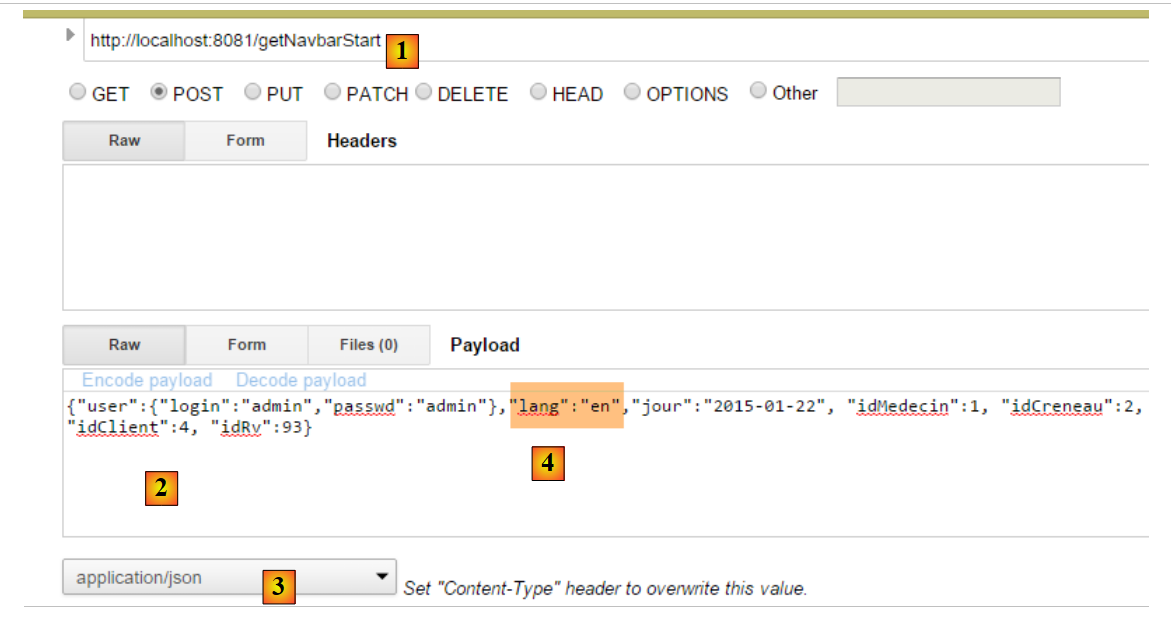 |
- in [1], the tested action;
- to [2], the posted value;
- to [3], the posted value is a string jSON;
- in [4], the view [navbar-start] is requested in English;
The result obtained is as follows:
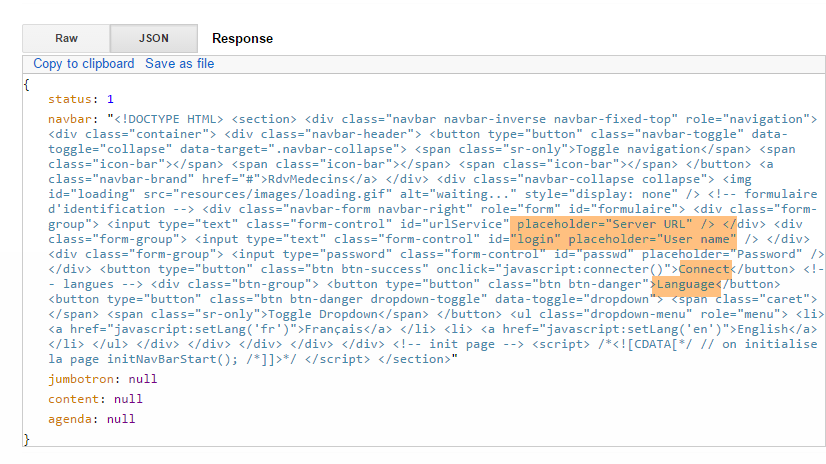 |
We received the view [navbar-start] in English (fields highlighted).
Now, let’s make a mistake. We set the [lang] attribute of the posted value to null. We receive the following result:
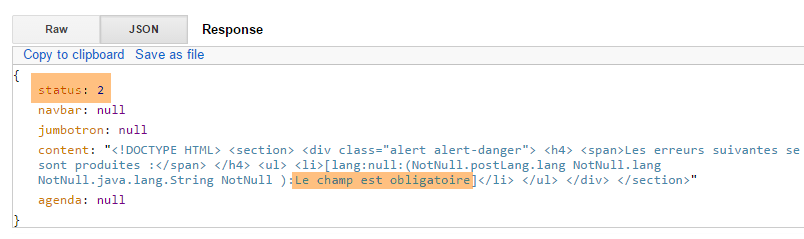 |
We received an error response (status 2) indicating that the [lang] field was required.
8.6.7.3. The [/getNavbarRun] action
We request the [getNavbarRun] action with the following posted value:
{"user":{"login":"admin","passwd":"admin"},"lang":"fr","jour":"2015-01-22", "idMedecin":1, "idCreneau":2, "idClient":4, "idRv":93}
The result obtained is as follows:
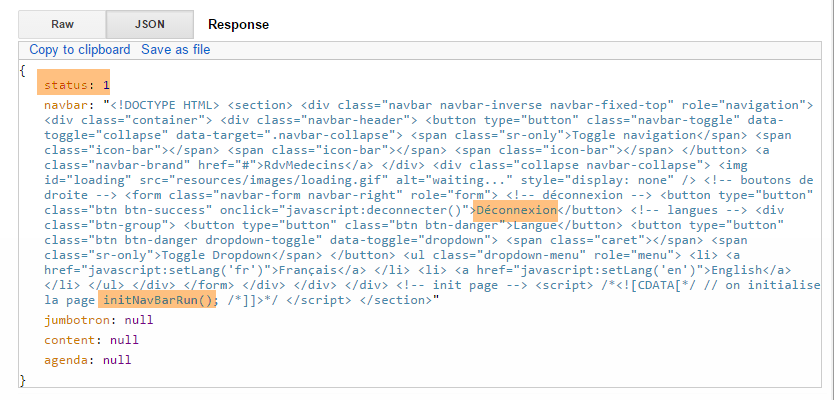 |
8.6.7.4. Action [/getJumbotron]
We are requesting action [getJumbotron] with the following posted value:
{"user":{"login":"admin","passwd":"admin"},"lang":"en","jour":"2015-01-22", "idMedecin":1, "idCreneau":2, "idClient":4, "idRv":93}
The result obtained is as follows:
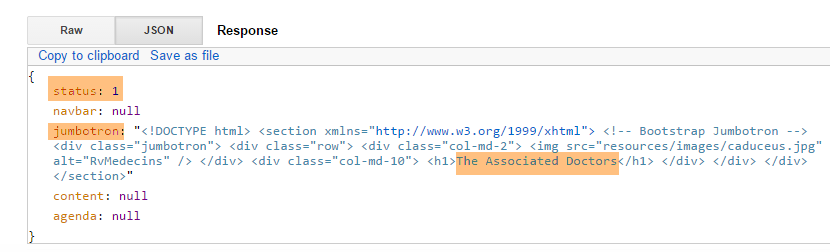 |
8.6.7.5. The [/getLogin] action
We request the action [getLogin] with the following posted value:
{"user":{"login":"admin","passwd":"admin"},"lang":"en","jour":"2015-01-22", "idMedecin":1, "idCreneau":2, "idClient":4, "idRv":93}
The result obtained is as follows:
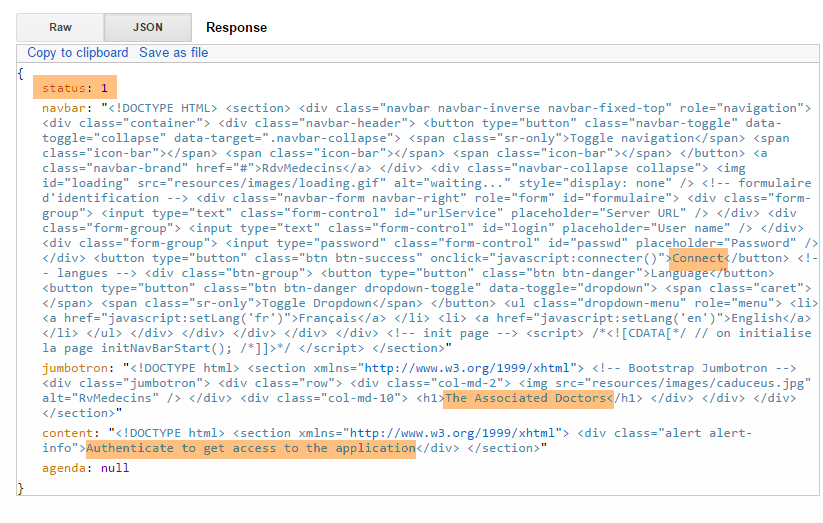 |
8.6.7.6. The [/getAccueil] action
We request the action [getAccueil] with the following posted value:
{"user":{"login":"admin","passwd":"admin"},"lang":"fr","jour":"2015-01-22", "idMedecin":1, "idCreneau":2, "idClient":4, "idRv":93}
The result obtained is as follows:
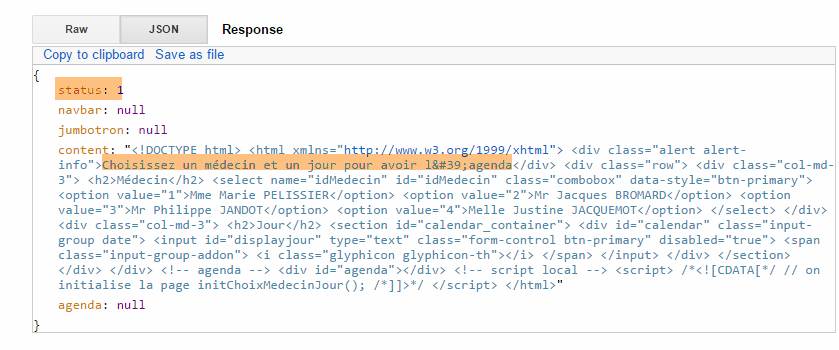 |
We start again with an unknown user:
{"user":{"login":"x","passwd":"x"},"lang":"fr","jour":"2015-01-22", "idMedecin":1, "idCreneau":2, "idClient":4, "idRv":93}
The result is as follows:
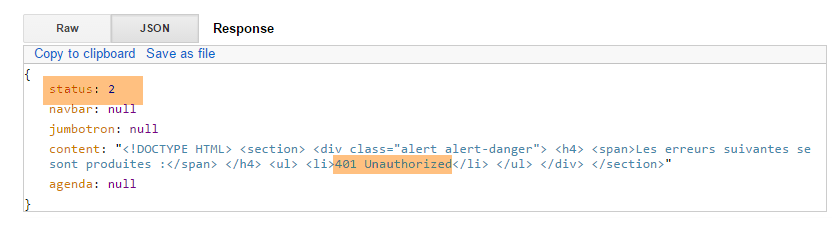 |
We start again with an existing user who is not authorized to use the application:
{"user":{"login":"user","passwd":"user"},"lang":"en","jour":"2015-01-22", "idMedecin":1, "idCreneau":2, "idClient":4, "idRv":93}
The result is as follows:
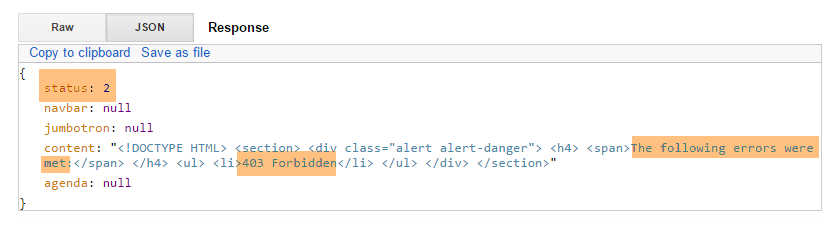 |
8.6.7.7. The [/getAgenda] action
We request the action [getAgenda] with the following posted value:
{"user":{"login":"admin","passwd":"admin"},"lang":"fr","jour":"2015-01-28", "idMedecin":1, "idCreneau":2, "idClient":4, "idRv":93}
The result obtained is as follows:
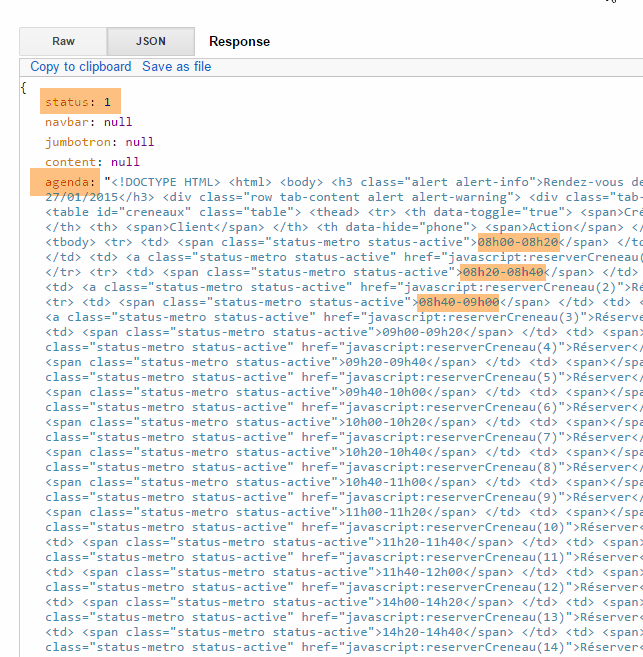 |
Let’s try again with a date earlier than today:
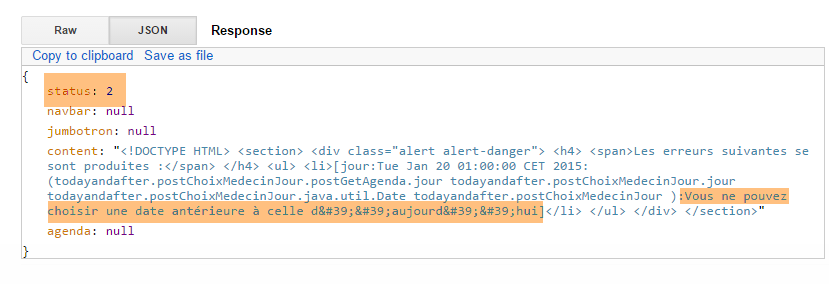 |
We start again with a non-existent doctor:
{"user":{"login":"admin","passwd":"admin"},"lang":"fr","jour":"2015-01-28", "idMedecin":11, "idCreneau":2, "idClient":4, "idRv":93}
The result is as follows:
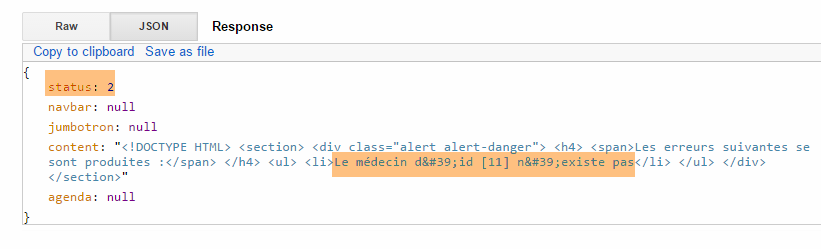 |
8.6.7.8. The [/getNavbarRunJumbotronAccueil] action
We request the action [getNavbarRunJumbotronAccueil] with the following posted value:
{"user":{"login":"admin","passwd":"admin"},"lang":"en","jour":"2015-01-28", "idMedecin":1, "idCreneau":2, "idClient":4, "idRv":93}
The result obtained is as follows:
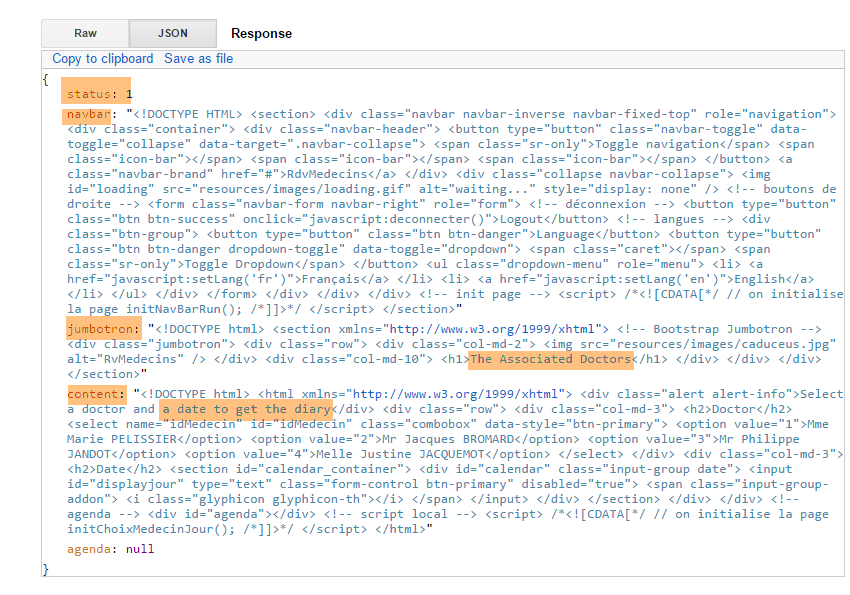 |
The same applies to an unknown user:
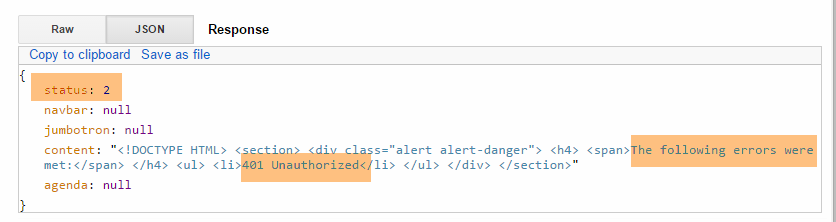 |
8.6.7.9. The [/getNavbarRunJumbotronAccueilAgenda] action
We request the action [getNavbarRunJumbotronAccueilAgenda] with the following posted value:
{"user":{"login":"admin","passwd":"admin"},"lang":"fr","jour":"2015-01-28", "idMedecin":1, "idCreneau":2, "idClient":4, "idRv":93}
The result obtained is as follows:
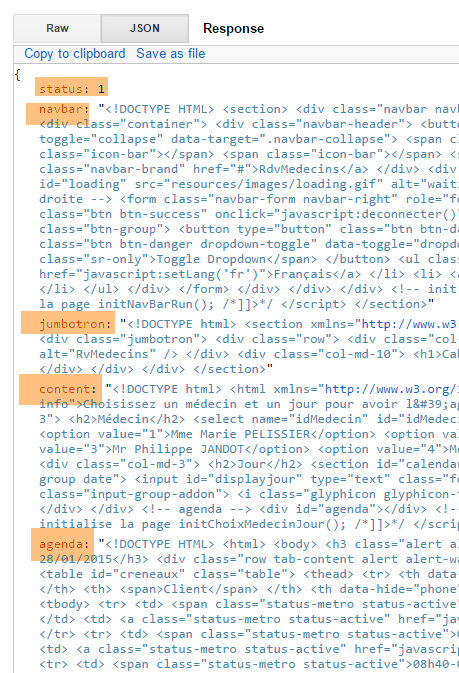 |
We enter a doctor who does not exist:
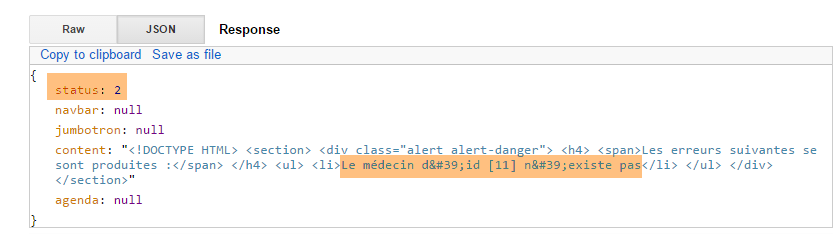 |
8.6.7.10. The [/supprimerRv] action
We request the action [supprimerRv] with the following posted value:
{"user":{"login":"admin","passwd":"admin"},"lang":"fr","jour":"2015-01-28", "idMedecin":1, "idCreneau":2, "idClient":4, "idRv":93}
The Rv with ID 93 does not exist. The result obtained is as follows:
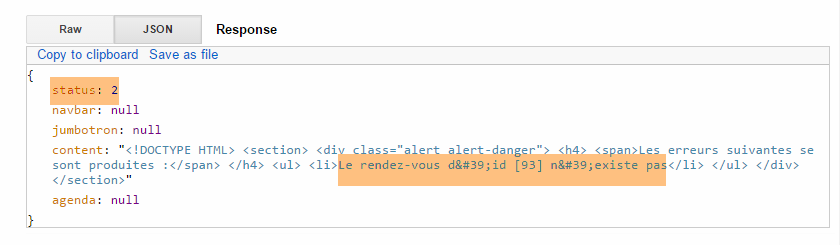 |
With an existing appointment:
 |
We can verify in the database that the appointment has indeed been deleted. The new agenda is returned.
8.6.7.11. The [/validerRv] action
We are requesting action [validerRv] with the following posted value:
{"user":{"login":"admin","passwd":"admin"},"lang":"fr","jour":"2015-01-28", "idMedecin":1, "idCreneau":2, "idClient":4, "idRv":93}
The result obtained is as follows:
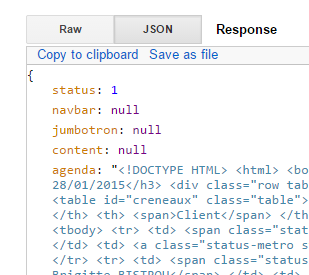 |
We can verify in the database that the appointment was successfully created. The new agenda was returned.
We do the same with a non-existent slot number:
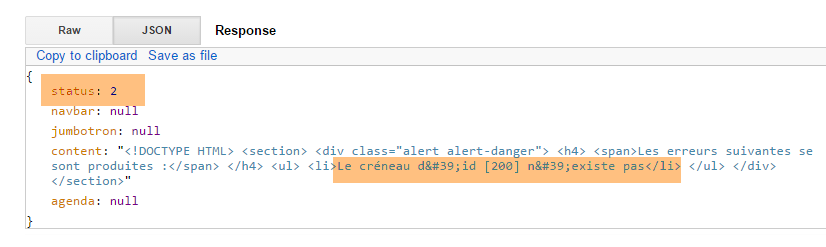 |
We do the same with a non-existent client number:
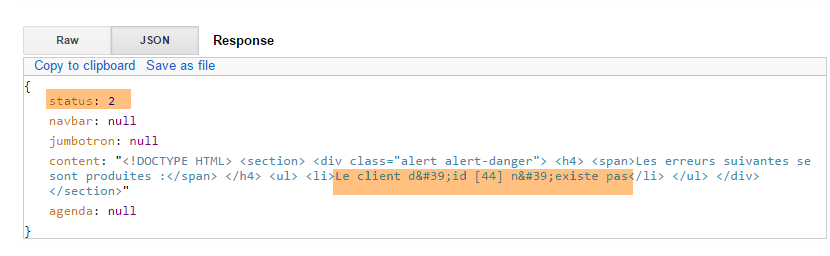 |
8.6.8. Step 5: Writing the Javascript client
Let’s return to the architecture of the [Web1] server:
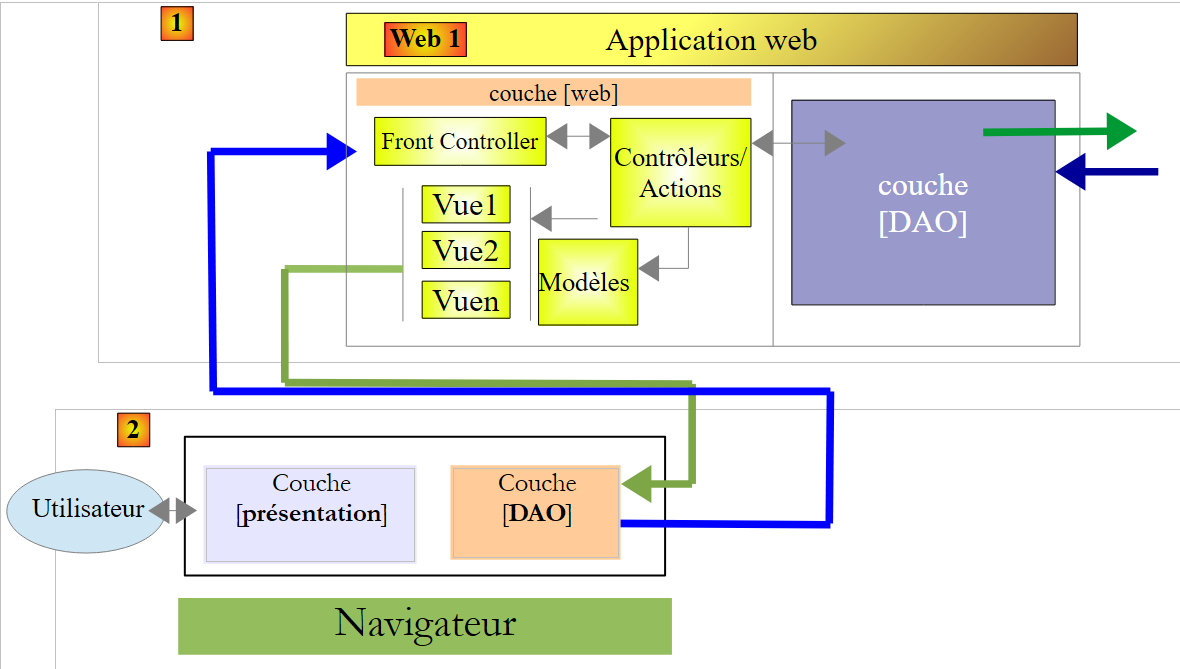 |
The client [2] of the server [Web1] is a Javascript client of type APU (Single-Page Application):
- the client requests the boot page from a web server (not necessarily [Web1]);
- it requests the following pages from the [Web1] server via Ajax calls;
To build this client, we will use the [Webstorm] tool (see Section 9.8). I found this tool more practical than STS. Its main advantage is that it offers code autocompletion as well as some refactoring options. This prevents many errors.
8.6.8.1. The JS project
The JS project has the following directory structure:
 |
- in [1], the entire JS client. [boot.html] is the startup page. This will be the only page loaded by the browser;
- in [2], the style sheets for the Bootstrap components;
- in [3], the few images used by the application;
 |
- in [4], the scripts JS. This is where our work comes in;
- in [5], the JS libraries used: primarily jQuery, and those for Bootstrap components;
8.6.8.2. The code architecture
The code has been divided into three layers:
 |
- the [présentation] layer contains the initialization functions for the [boot.xml] page as well as those for the various Bootstrap components. It is implemented by the [ui.js] file;
- The [événements] layer contains all the event handlers from the [présentation] layer. It is implemented by the [evts.js] file;
- The [DAO] layer sends HTTP requests to the [Web1] server. It is implemented by the file [dao.js];
8.6.8.3. The [présentation] layer
 |
The [présentation] layer is implemented by the following [ui.js] file:
//la couche [présentation]
var ui = {
// variables globales;
"agenda": "",
"resa": "",
"langue": "",
"urlService": "http://localhost:8081",
"page": "login",
"jourAgenda": "",
"idMedecin": "",
"user": {},
"login": {},
"exceptionTitle": {},
"calendar_infos": {},
"erreur": "",
"idCreneau": "",
"done": "",
// composants de la vue
"body": "",
"navbar": "",
"jumbotron": "",
"content": "",
"exception": "",
"exception_text": "",
"exception_title": "",
"loading": ""
};
// la couche des evts
var evts = {};
// la couche [dao]
var dao = {};
// ------------ document ready
$(document).ready(function () {
// initialisation document
console.log("document.ready");
// composants de la page
ui.navbar = $("#navbar");
ui.jumbotron = $("#jumbotron");
ui.content = $("#content");
ui.erreur = $("#erreur");
ui.exception = $("#exception");
ui.exception_text = $("#exception-text");
ui.exception_title = $("#exception-title");
// on mémorise la page de login pour pouvoir la restituer
ui.login.lang = ui.langue;
ui.login.navbar = ui.navbar.html();
ui.login.jumbotron = ui.jumbotron.html();
ui.login.content = ui.content.html();
// URL du service
$("#urlService").val(ui.urlService);
});
// ------------------------ Bootstrap component initialization functions
ui.initNavBarStart = function () {
...
};
ui.initNavBarRun = function () {
...
};
ui.initChoixMedecinJour = function () {
...
};
ui.updateCalendar = function (renew) {
...
};
// affiche le jour sélectionné
ui.displayJour = function () {
...
};
ui.initAgenda = function () {
...
};
ui.initResa = function () {
...
};
- To isolate the layers from one another, it was decided to place them in three objects:
- [ui] for the [présentation] layer (lines 2–27),
- [evts] for the event management layer (line 29),
- [dao] for the [DAO] layer (line 31);
This separation of layers into three objects helps avoid a number of variable and function name conflicts. Each layer uses variables and functions prefixed with the object encapsulating the layer.
- lines 38–44: the fields that will always be present regardless of the views displayed are stored. This avoids repetitive and unnecessary searches;
- lines 46–49: The boot page is stored locally so that it can be restored when the user logs out and has not changed the language;
- lines 54-83: functions for initializing Bootstrap components. These were all covered in the discussion of Bootstrap in section 8.6.4;
8.6.8.4. Utility functions of the [événements] layer
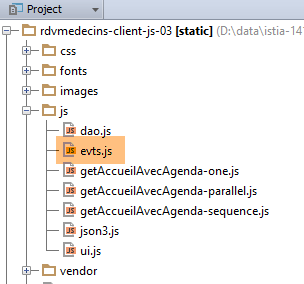 |
The event handlers have been placed in the file [evts.js]. Several functions are used regularly by the event handlers. We present them now:
// start of wait
evts.beginWaiting = function () {
// start waiting
ui.loading = $("#loading");
ui.loading.show();
ui.exception.hide();
ui.erreur.hide();
evts.travailEnCours = true;
};
// end of wait
evts.stopWaiting = function () {
// end waiting
evts.travailEnCours = false;
ui.loading = $("#loading");
ui.loading.hide();
};
// result display
evts.showResult = function (result) {
// display data received
var data = result.data;
// status analysis
switch (result.status) {
case 1:
// mistake?
if (data.status == 2) {
ui.erreur.html(data.content);
ui.erreur.show();
} else {
if (data.navbar) {
ui.navbar.html(data.navbar);
}
if (data.jumbotron) {
ui.jumbotron.html(data.jumbotron);
}
if (data.content) {
ui.content.html(data.content)
}
if (data.agenda) {
ui.agenda = $("#agenda");
ui.resa = $("#resa");
}
}
break;
case 2:
// error display
evts.showException(data);
break;
}
};
// ------------ miscellaneous functions
evts.showException = function (data) {
// error display
ui.exception.show();
ui.exception_text.html(data);
ui.exception_title.text(ui.exceptionTitle[ui.langue]);
};
- line 2: the [evts.beginwaiting] function is called before any asynchronous [DAO] action;
- lines 4-5: the animated loading image is displayed;
- lines 6-7: the error and exception display area is hidden (these are not the same);
- line 8: a note is displayed indicating that an asynchronous task is in progress;
- line 12: the function [evts.stopwaiting] is called after an asynchronous [DAO] action has returned its result;
- line 14: we note that the asynchronous task is complete;
- line 15: the animated waiting image is hidden;
- line 20: the [evts.showResult] function displays the result [result] of an asynchronous [DAO] action. The result is a JS object of the following form: {'status':status,'data':data,'sendMeBack':sendMeBack}.
- Lines 47–50: used if [result.status==2]. This occurs when the server [Web1] sends a response with an error header HTTP (e.g., 403 Forbidden). In this case, [data] is the jSON string sent by the server to signal the error;
- line 25: case where a valid response was received from the server [Web1]. The field [data] then contains the server's response: {'status':status,'navbar':navbar,'jumbotron':jumbotron,'agenda':agenda,'content':content};
- line 27: case where the server [Web1] sent an error response {'status':2,'navbar':null,'jumbotron':null,'agenda':null,'content':errors} ;
- lines 28-29: the [erreurs] view is displayed;
- lines 31-33: possible display of the navigation bar;
- lines 34-36: possible display of the jumbotron;
- lines 37-39: possible display of the [data.content] field. Represents, depending on the case, one of the [accueil, agenda] views;
- lines 40-43: if agenda has been regenerated, certain references to its components are retrieved so as not to have to search for them every time they are needed;
- line 54: the function [evts.showException] displays the text of the exception contained in its parameter [data];
- lines 57–58: the exception text is displayed;
- line 58: the exception title depends on the current language;
The [evts.js] file contains over 300 lines of code, which I won’t comment on in their entirety. I’ll simply highlight a few examples to illustrate the purpose of this layer.
8.6.8.5. User login
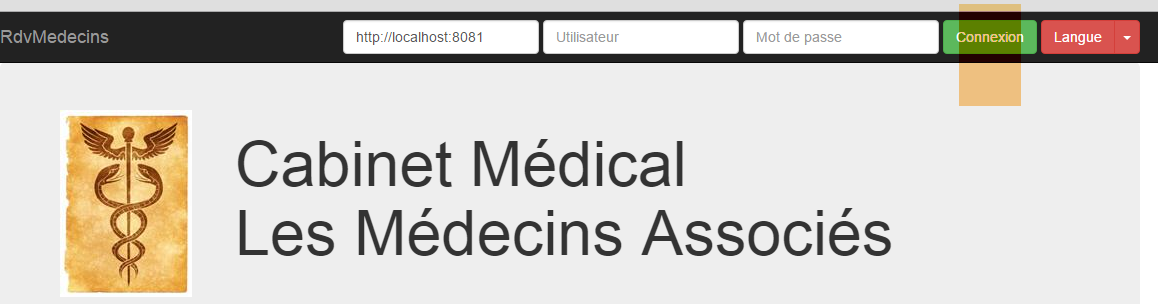
User login is handled by the following function:
// ------------------------ connexion
evts.connecter = function () {
// retrieve the values to be posted
var login = $("#login").val().trim();
var passwd = $("#passwd").val().trim();
// set the server's URL
ui.urlService = $("#urlService").val().trim();
dao.setUrlService(ui.urlService);
// query parameters
var post = {
"user": {
"login": login,
"passwd": passwd
},
"lang": ui.langue
};
var sendMeBack = {
"user": {
"login": login,
"passwd": passwd
},
"caller": evts.connecterDone
};
// query
evts.execute([{
"name": "accueil-sans-agenda",
"post": post,
"sendMeBack": sendMeBack
}]);
};
- lines 4-5: retrieve the user's login and password;
- lines 7-8: retrieve the URL from the [Web1] service. It is stored in both the [ui] layer and the [dao] layer;
- lines 10–16: the value to be posted: the current language and the user attempting to log in;
- lines 17–23: the object [sendMeBack] is an object passed to the function [DAO], which will be called and must return the result to the function on line 22. Here, the object [sendMeBack] encapsulates the user attempting to log in;
- lines 25–29: the function [evts.execute] is capable of executing a sequence of asynchronous actions. Here, a list consisting of a single action is passed. Its fields are as follows:
- [name]: the name of the asynchronous action to be executed,
- [post]: the value to be posted to the server [Web1],
- [sendMeBack]: the value that the asynchronous action must return with its result;
Before going into detail about the [evts.execute] function, let’s look at the [evts.connecterDone] function on line 22. This is the function to which the called asynchronous [DAO] function must return its result:
evts.connecterDone = function (result) {
// result display
evts.showResult(result);
// successful connection?
if (result.status == 1 && result.data.status == 1) {
// page
ui.page = "accueil-sans-agenda";
// the user is noted
ui.user = result.sendMeBack.user;
}
};
- line 3: the result returned by the [Web1] server is displayed;
- line 5: if this result contains no errors, then the type of the new page (line 7) and the authenticated user (line 9) are stored;
The [evts.execute] function executes a series of asynchronous actions:
// execution of a sequence of actions
evts.execute = function (actions) {
// work in progress?
if (evts.travailEnCours) {
// we do nothing
return;
}
// waiting
evts.beginWaiting();
// execution of actions
dao.doActions(actions, evts.stopWaiting);
};
- Line 2: The parameter [actions] is a list of asynchronous actions to be executed;
- lines 4–7: execution is only accepted if no other one is already in progress;
- line 9: the wait is initiated;
- line 11: the [DAO] layer is instructed to execute the sequence of actions. The second parameter is the name of the function to be executed once all actions in the sequence have returned their results;
We will not go into detail about the [dao.doActions] function at this time. We will examine another event.
8.6.8.6. Language change
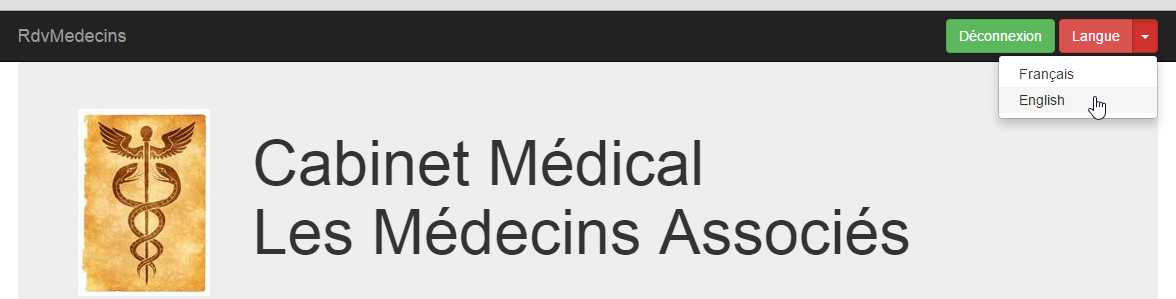
The language change is handled by the following function:
// ------------------------ language change
evts.setLang = function (lang) {
// language change?
if (lang == ui.langue) {
// we do nothing
return;
}
// new language
ui.langue = lang;
// which page should be translated?
switch (ui.page) {
case "login":
evts.getLogin();
break;
case "accueil-sans-agenda":
evts.getAccueilSansAgenda();
break;
case "accueil-avec-agenda":
evts.getAccueilAvecAgenda(ui);
break;
}
};
- line 2: the parameter [lang] is the new language: 'fr' or 'en';
- lines 4–7: if the new language is the current one, do nothing;
- line 9: the new language is stored;
- lines 12-20: in the event of a language change, the page currently displayed by the browser must be regenerated. There are three possible pages:
- the one named [login], where the displayed page is the authentication page,
- the one named [accueil-sans-agenda], which is the page displayed immediately after successful authentication,
- the one named [accueil-avec-agenda], which is the page displayed as soon as the first agenda has been displayed. It then remains on the screen until the user logs out;
We will now address the case of the [accueil-avec-agenda] page. There are three versions of this function:
 |
- version and [ getAccueilAvecAgenda-one] execute a single asynchronous action;
- version and [ getAccueilAvecAgenda-parallel] execute four asynchronous actions in parallel;
- version and [ getAccueilAvecAgenda-sequence] execute four asynchronous actions one after the other;
8.6.8.7. The [ getAccueilAvecAgenda-one] function
This is the following function:
// -------------------------- getAccueilAvecAgenda
evts.getAccueilAvecAgenda=function(ui) {
// query parameters
var post = {
"user": ui.user,
"lang": ui.langue,
"idMedecin": ui.idMedecin,
"jour": ui.jourAgenda
};
var sendMeBack = {
"caller": evts.getAccueilAvecAgendaDone
};
// request
evts.execute([{
"name": "accueil-avec-agenda",
"post": post,
"sendMeBack": sendMeBack
}]);
};
- lines 4-9: the value to be posted encapsulates the logged-in user, the desired language, the doctor's ID for whom the agenda is requested, and the day of the desired agenda;
- lines 10-12: the [sendMeBack] object is the object that will be returned to the function on line 11. Here, it contains no information;
- lines 14–18: execution of a sequence of asynchronous actions, specifically the one named [accueil-avec-agenda] (line 15);
- line 11: the function executed when the asynchronous action [accueil-avec-agenda] returns its result;
The function [evts.getAccueilAvecAgendaDone] on line 11 displays the result of the asynchronous function named [accueil-avec-agenda]:
evts.getAccueilAvecAgendaDone = function (result) {
// result display
evts.showResult(result);
// new page?
if (result.status == 1 && result.data.status == 1) {
ui.page = "accueil-avec-agenda";
}
};
- line 1: [result] is the result of the asynchronous function named [accueil-avec-agenda];
- line 3: this result is displayed;
- line 5: if it is an error-free result, the new page is noted (line 6);
8.6.8.8. The function [ getAccueilAvecAgenda-parallel]
This is the following function:
// -------------------------- getAccueilAvecAgenda
evts.getAccueilAvecAgenda=function(ui) {
// actions [navbar-run, jumbotron, accueil, agenda] in //
// navbar-run
var navbarRun = {
"name": "navbar-run"
};
navbarRun.post = {
"lang": ui.langue
};
navbarRun.sendMeBack = {
"caller": evts.showResult
};
// jumbotron
var jumbotron = {
"name": "jumbotron"
};
jumbotron.post = {
"lang": ui.langue
};
jumbotron.sendMeBack = {
"caller": evts.showResult
};
// home
var accueil = {
"name": "accueil"
};
accueil.post = {
"lang": ui.langue,
"user": ui.user
};
accueil.sendMeBack = {
"caller": evts.showResult
};
// agenda
var agenda = {
"name": "agenda"
};
agenda.post = {
"user": ui.user,
"lang": ui.langue,
"idMedecin": ui.idMedecin,
"jour": ui.jourAgenda
};
agenda.sendMeBack = {
'idMedecin': ui.idMedecin,
'jour': ui.jourAgenda,
"caller": evts.getAgendaDone
};
// execution actions in //
evts.execute([navbarRun, jumbotron, accueil, agenda])
};
- line 51: this time, four asynchronous actions are executed. They will be executed in parallel;
- lines 5–13: definition of the action [navbarRun], which retrieves the bar from navigation [navbar-run];
- line 12: the function to be executed when the asynchronous action [navbarRun] has returned its result;
- lines 15–23: definition of the action [jumbotron], which retrieves the view [jumbotron];
- line 22: the function to be executed when the asynchronous action [jumbotron] has returned its result;
- lines 25–34: definition of action [accueil], which retrieves view [accueil];
- line 33: the function to be executed when the asynchronous action [accueil] has returned its result;
- lines 36–49: definition of action [agenda], which retrieves view [jumbotron];
- line 48: the function to be executed when the asynchronous action [agenda] has returned its result;
8.6.8.9. The function [ getAccueilAvecAgenda-sequence]
This is the following function:
// -------------------------- getAccueilAvecAgenda
evts.getAccueilAvecAgenda=function(ui) {
// actions [navbar-run, jumbotron, accueil, agenda] in order
// agenda
var agenda = {
"name" : "agenda"
};
agenda.post = {
"user" : ui.user,
"lang" : ui.langue,
"idMedecin" : ui.idMedecin,
"jour" : ui.jourAgenda
};
agenda.sendMeBack = {
'idMedecin' : ui.idMedecin,
'jour' : ui.jourAgenda,
"caller" : evts.getAgendaDone
};
// home
var accueil = {
"name" : "accueil"
};
accueil.post = {
"lang" : ui.langue,
"user" : ui.user
};
accueil.sendMeBack = {
"caller" : evts.showResult,
"next" : agenda
};
// jumbotron
var jumbotron = {
"name" : "jumbotron"
};
jumbotron.post = {
"lang" : ui.langue
};
jumbotron.sendMeBack = {
"caller" : evts.showResult,
"next" : accueil
};
// navbar-run
var navbarRun = {
"name" : "navbar-run"
};
navbarRun.post = {
"lang" : ui.langue
};
navbarRun.sendMeBack = {
"caller" : evts.showResult,
"next" : jumbotron
};
// execution actions in sequence
evts.execute([ navbarRun ])
};
- line 54: the action [navbarRun] is executed. When it is finished, we move on to the next one: [jumbotron], line 51. This action is then executed in turn. When it is finished, we move on to the next one: [accueil], line 40. This one is executed in turn. When it is finished, we move on to the next one: [agenda], line 29. This one is executed in turn. When it is finished, we stop because the action [agenda] has no subsequent action.
8.6.8.10. The [DAO] layer
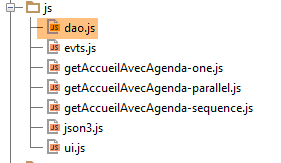 |
The [dao.js] file includes all the features of the [DAO] layer. We will present these features one by one:
// URL exposed by the server
dao.urls = {
"login": "/getLogin",
"accueil": "/getAccueil",
"jumbotron": "/getJumbotron",
"agenda": "/getAgenda",
"supprimerRv": "/supprimerRv",
"validerRv": "/validerRv",
"navbar-start": "/getNavbarStart",
"navbar-run": "/getNavbarRun",
"accueil-sans-agenda": "/getNavbarRunJumbotronAccueil",
"accueil-avec-agenda": "/getNavbarRunJumbotronAccueilAgenda"
};
// --------------- interface
// url server
dao.setUrlService = function (urlService) {
dao.urlService = urlService;
};
- lines 16-18: the function that sets the URL of the [Web1] service;
- lines 2-13: the dictionary linking the name of an asynchronous action to the URL of the [Web1] server to be queried;
// ------------------ generic share management
// execution of a sequence of asynchronous actions
dao.doActions = function (actions, done) {
// stock processing
dao.actionsCount = actions.length;
dao.actionIndex = 0;
for (var i = 0; i < dao.actionsCount; i++) {
// asynchronous DAO request
var deferred = $.Deferred();
deferred.done(dao.actionDone);
dao.doAction(deferred, actions[i], done);
}
};
- line 3: the function [dao.doActions] executes a sequence of asynchronous actions [actions]. The parameter [done] is the function to be executed once all actions have returned their results;
- lines 7–12: the asynchronous actions are executed in parallel. However, if one of them has a subsequent action, that subsequent action is executed at the end of the preceding action;
- line 9: the object [Deferred] is in state [pending];
- line 10: when this object transitions to state [resolved], function [dao.actionDone] will be executed;
- Line 11: Action No. i in the list is executed asynchronously. The parameter [done] from line 3 is passed as a parameter;
The function [dao.actionDone], which is executed at the end of each asynchronous action, is as follows:
// we received a result
dao.actionDone = function (result) {
// caller?
var sendMeBack = result.sendMeBack;
if (sendMeBack && sendMeBack.caller) {
sendMeBack.caller(result);
}
// next?
if (sendMeBack && sendMeBack.next) {
// asynchronous DAO request
var deferred = $.Deferred();
deferred.done(dao.actionDone);
dao.doAction(deferred, sendMeBack.next, sendMeBack.done);
}
// finished?
dao.actionIndex++;
if (dao.actionIndex == dao.actionsCount) {
// done?
if (sendMeBack && sendMeBack.done) {
sendMeBack.done(result);
}
}
};
- line 2: the function [dao.actionDone] receives the result [result] from one of the asynchronous actions in the list of actions to be executed;
- lines 4–7: if the completed asynchronous action specified a function to which the result should be returned, that function is called;
- lines 9–14: if the completed asynchronous action has a successor, then that action is executed in turn;
- line 16: an action is completed. The counter for completed actions is incremented. An action that has an indeterminate number of subsequent actions counts as one action;
- lines 19–21: if a function [done] was initially specified to be executed once all subsequent actions have returned their results, then this function is now executed;
The method [dao.doAction] executes an asynchronous action:
// action execution
dao.doAction = function (deferred, action, done) {
// function done to get in on the action
if (action.sendMeBack) {
action.sendMeBack.done = done;
} else {
action.sendMeBack = {
"done": done
};
}
// execution action
dao.executePost(deferred, action.sendMeBack, dao.urls[action.name], action.post)
};
- lines 4–10: as we just saw, the function that will process the result of the asynchronous action to be executed must have access to the [done] function. To do this, we place the latter in the [sendMeBack] object, which will be part of the result of the asynchronous operation;
- Line 12: We execute the function [dao.executePost], which makes a call to HTTP on the server [Web1]. The target URL is the URL associated with the name of the action to be executed;
The [dao.executePost] function executes a call to HTTP:
// query HTTP
dao.executePost = function (deferred, sendMeBack, url, post) {
// make a manual Ajax call
$.ajax({
headers: {
'Accept': 'application/json',
'Content-Type': 'application/json'
},
url: dao.urlService + url,
type: 'POST',
data: JSON3.stringify(post),
dataType: 'json',
success: function (data) {
// we return the result
deferred.resolve({
"status": 1,
"data": data,
"sendMeBack": sendMeBack
});
},
error: function (jqXHR, textStatus, errorThrown) {
var data;
if (jqXHR.responseText) {
data = jqXHR.responseText;
} else {
data = textStatus;
}
// we return the error
deferred.resolve({
"status": 2,
"data": data,
"sendMeBack": sendMeBack
});
}
});
};
We have already encountered and discussed this function. Note simply on line 9 that the URL target is the concatenation of the URL from the [Web1] server with the URL associated with the action name.
8.6.8.11. The Boot Page
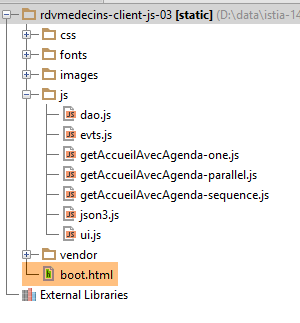 |
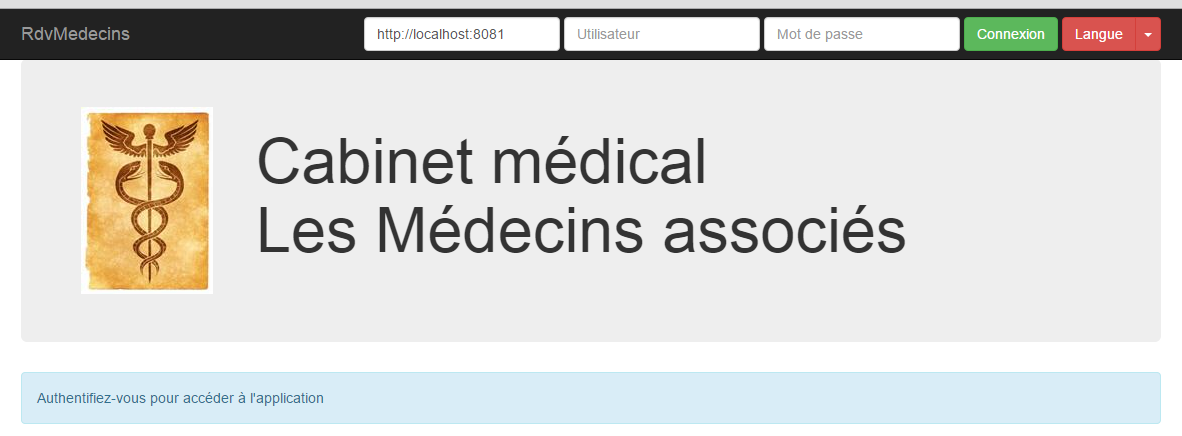
The boot page [boot.html] displays the view shown above. It is the only page loaded directly by the browser. The others are retrieved via Ajax calls. Its code is as follows:
<!DOCTYPE HTML>
<html xmlns="http://www.w3.org/1999/xhtml" xmlns:th="http://www.thymeleaf.org"
xmlns:layout="http://www.ultraq.net.nz/thymeleaf/layout">
<head>
<meta name="viewport" content="width=device-width"/>
<meta http-equiv="Content-Type" content="text/html; charset=utf-8"/>
<title>RdvMedecins</title>
<!-- Bootstrap core CSS -->
<link rel="stylesheet" href="css/bootstrap-3.1.1-min.css"/>
<link rel="stylesheet" type="text/css" href="css/bootstrap-select.min.css"/>
<link rel="stylesheet" type="text/css" href="css/datepicker3.css"/>
<link rel="stylesheet" type="text/css" href="css/footable.core.min.css"/>
<!-- Custom styles for this template -->
<link rel="stylesheet" type="text/css" href="css/rdvmedecins.css"/>
<!-- Bootstrap core JavaScript ================================================== -->
<script type="text/javascript" src="vendor/jquery-2.1.1.min.js"></script>
<script type="text/javascript" src="vendor/bootstrap.js"></script>
<script type="text/javascript" src="vendor/bootstrap-select.js"></script>
<script type="text/javascript" src="vendor/moment-with-locales.js"></script>
<script type="text/javascript" src="vendor/bootstrap-datepicker.js"></script>
<script type="text/javascript" src="vendor/bootstrap-datepicker.fr.js"></script>
<script type="text/javascript" src="vendor/footable.js"></script>
<!-- user scripts -->
<script type="text/javascript" src="js/json3.js"></script>
<script type="text/javascript" src="js/ui.js"></script>
<script type="text/javascript" src="js/evts.js"></script>
<script type="text/javascript" src="js/getAccueilAvecAgenda-sequence.js"></script>
<script type="text/javascript" src="js/dao.js"></script>
</head>
<body id="body">
<div id="navbar">
<div class="navbar navbar-inverse navbar-fixed-top" role="navigation">
<div class="container">
<div class="navbar-header">
<button type="button" class="navbar-toggle" data-toggle="collapse" data-target=".navbar-collapse">
<span class="sr-only">Toggle navigation</span> <span class="icon-bar"></span> <span class="icon-bar"></span>
<span class="icon-bar"></span>
</button>
<a class="navbar-brand" href="#">RdvMedecins</a>
</div>
<div class="navbar-collapse collapse">
<img id="loading" src="images/loading.gif" alt="waiting..." style="display: none"/>
<!-- identification form -->
<div class="navbar-form navbar-right" role="form" id="formulaire">
<div class="form-group">
<input type="text" placeholder="URL du serveur" class="form-control" id="urlService"/>
</div>
<div class="form-group">
<input type="text" placeholder="Utilisateur" class="form-control" id="login"/>
</div>
<div class="form-group">
<input type="password" placeholder="Mot de passe" class="form-control" id="passwd"/>
</div>
<button type="button" class="btn btn-success" onclick="javascript:evts.connecter()">Connexion</button>
<!-- languages -->
<div class="btn-group">
<button type="button" class="btn btn-danger">Langue</button>
<button type="button" class="btn btn-danger dropdown-toggle" data-toggle="dropdown">
<span class="caret"></span> <span class="sr-only">Toggle Dropdown</span>
</button>
<ul class="dropdown-menu" role="menu">
<li><a href="javascript:evts.setLang('fr')">Français</a></li>
<li><a href="javascript:evts.setLang('en')">English</a></li>
</ul>
</div>
</div>
</div>
</div>
</div>
</div>
<div class="container">
<!-- Bootstrap Jumbotron -->
<div id="jumbotron">
<div class="jumbotron">
<div class="row">
<div class="col-md-2">
<img src="images/caduceus.jpg" alt="RvMedecins"/>
</div>
<div class="col-md-10">
<h1>
Cabinet médical<br/>Les Médecins associés
</h1>
</div>
</div>
</div>
</div>
<!-- error panels -->
<div id="erreur"></div>
<div id="exception" class="alert alert-danger" style="display: none">
<h3 id="exception-title"></h3>
<span id="exception-text"></span>
</div>
<!-- content -->
<div id="content">
<div class="alert alert-info">Authentifiez-vous pour accéder à l'application</div>
</div>
</div>
<!-- init page -->
<script>
// on initialise la page
ui.langue = 'fr';
ui.exceptionTitle['fr'] = "L'erreur suivante s'est produite côté serveur :";
ui.exceptionTitle['en'] = "The following server error was met:";
ui.initNavBarStart();
</script>
</body>
</html>
- We have already encountered this type of page in the chapter on Bootstrap (Section 8.6.4);
- lines 99–105: initialization of certain elements of the [présentation] layer;
- line 27, the [getAccueilAvecAgenda-sequence.js] script is used. By changing the script on this line, we get three different behaviors to obtain the [accueil-avec-agenda] page:
- [getAccueilAvecAgenda-one.js] retrieves the page with a single call to HTTP,
- [getAccueilAvecAgenda-parallel.js] retrieves the page with four simultaneous calls to HTTP,
- [getAccueilAvecAgenda-sequence.js] retrieves the page with four successive HTTP calls;
8.6.8.12. Tests
There are different ways to perform tests. Here, we will use the [Webstorm] tool:
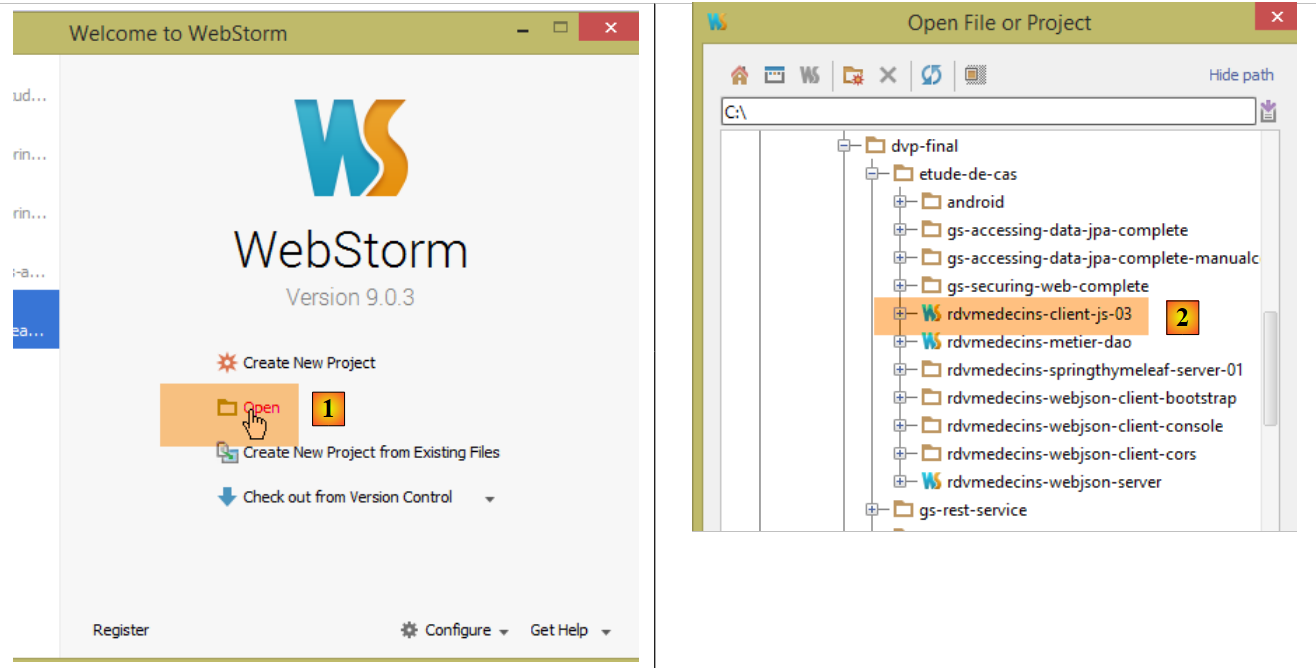 |
- In [1], we open a project. We simply specify the [2] folder containing the static directory structure (HTML, CSS, JS) of the site to be tested;
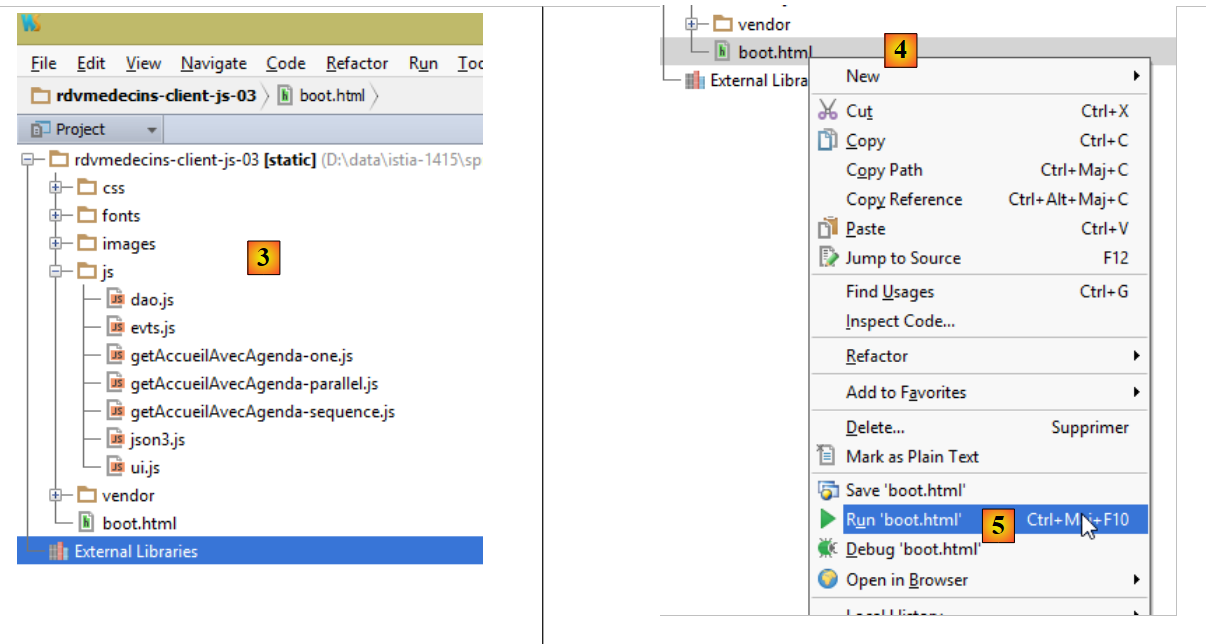 |
- in [3], the static site;
- in [4-5], the page [boot.html] is loaded;
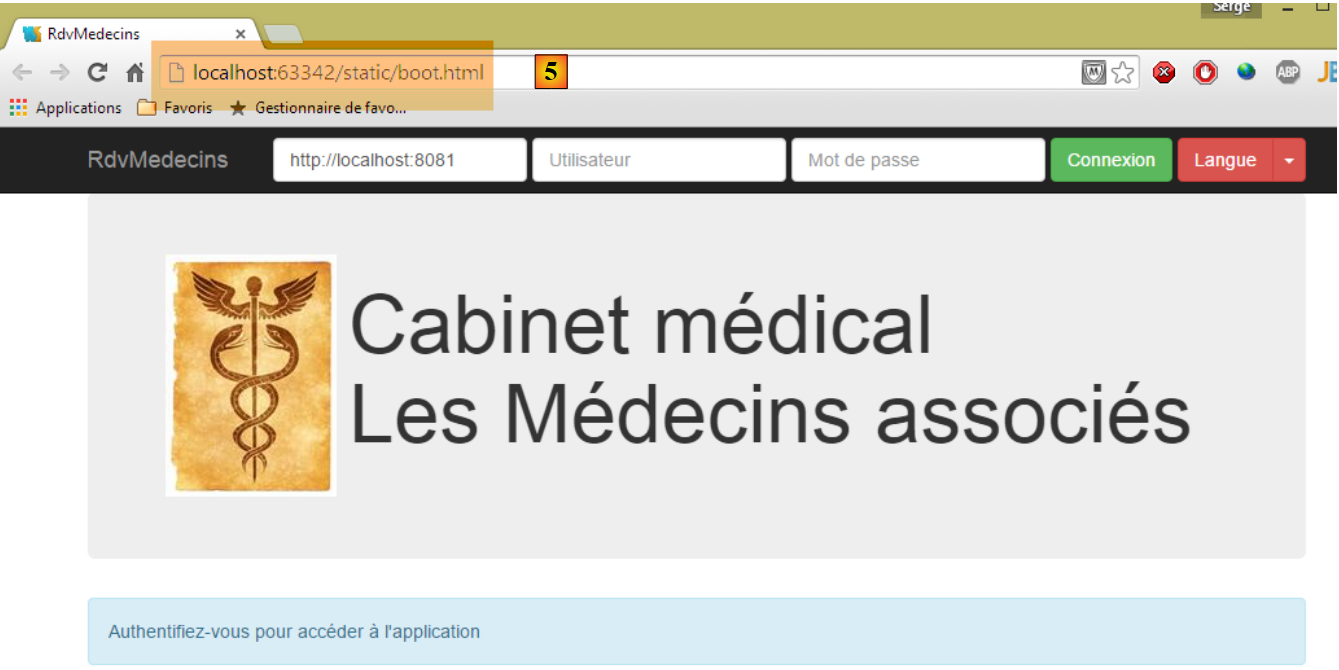 |
- in [5], we see that a server embedded in [Webstorm] served the page [boot.html] from port [63342]. This is an important point to understand because it means that the scripts on the [boot.html] page will make cross-domain requests to the [Web1] server, which in turn is running on [localhost:8081]. The browser that loaded [boot.html] knows that it loaded it from [localhost:63342]. It will therefore not allow this page to make calls to the site [localhost:8081] because it is not the same port. It will therefore implement the cross-domain requests described in section 8.4.14. For this reason, the [Web1] application must be configured to accept these cross-domain requests. This is determined in the [AppConfig] file on the Spring/Thymeleaf server:
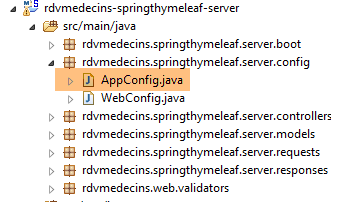 |
@EnableAutoConfiguration
@ComponentScan(basePackages = { "rdvmedecins.springthymeleaf.server" })
@Import({ WebConfig.class, DaoConfig.class })
public class AppConfig {
// admin / admin
private final String USER_INIT = "admin";
private final String MDP_USER_INIT = "admin";
// web service root / json
private final String WEBJSON_ROOT = "http://localhost:8080";
// timeout in milliseconds
private final int TIMEOUT = 5000;
// CORS
private final boolean CORS_ALLOWED=true;
...
We leave it to the reader to test the JS client. It should be able to reproduce the functionality described in section 8.6.3.
Once the JS client has been verified as correct, it can be deployed to the [Web1] server directory to avoid having to authorize cross-domain requests:
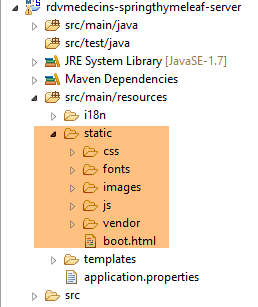 |
Above, we copied the tested site into the [src / main / resources / static] folder. Next, we can request the URL and [http://localhost:8081/boot.html]:
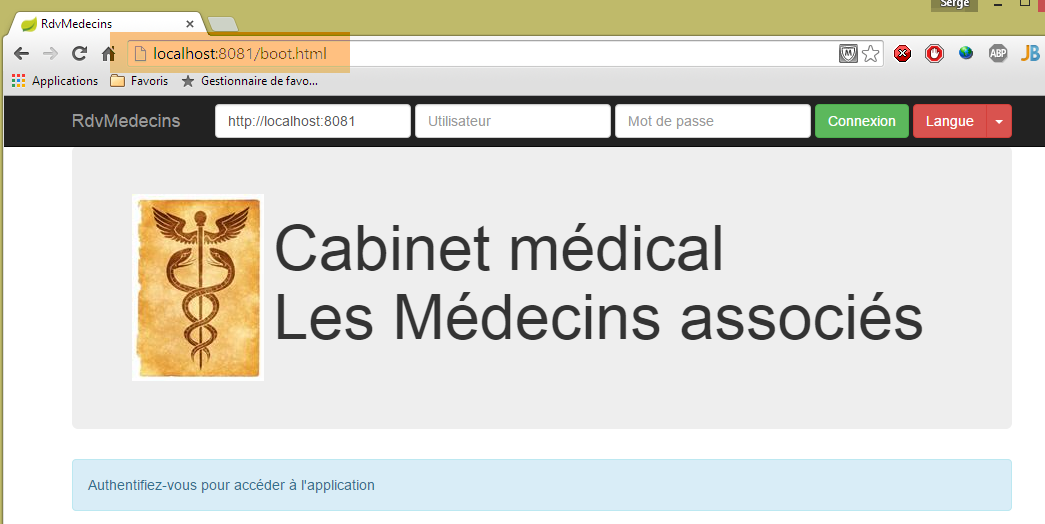
Now we no longer need cross-domain requests and can write the following in the [AppConfig] configuration file on the [Web1] server:
// CORS
private final boolean CORS_ALLOWED=false;
The application above will continue to work. If we go back to the [Webstorm] application, it no longer works:
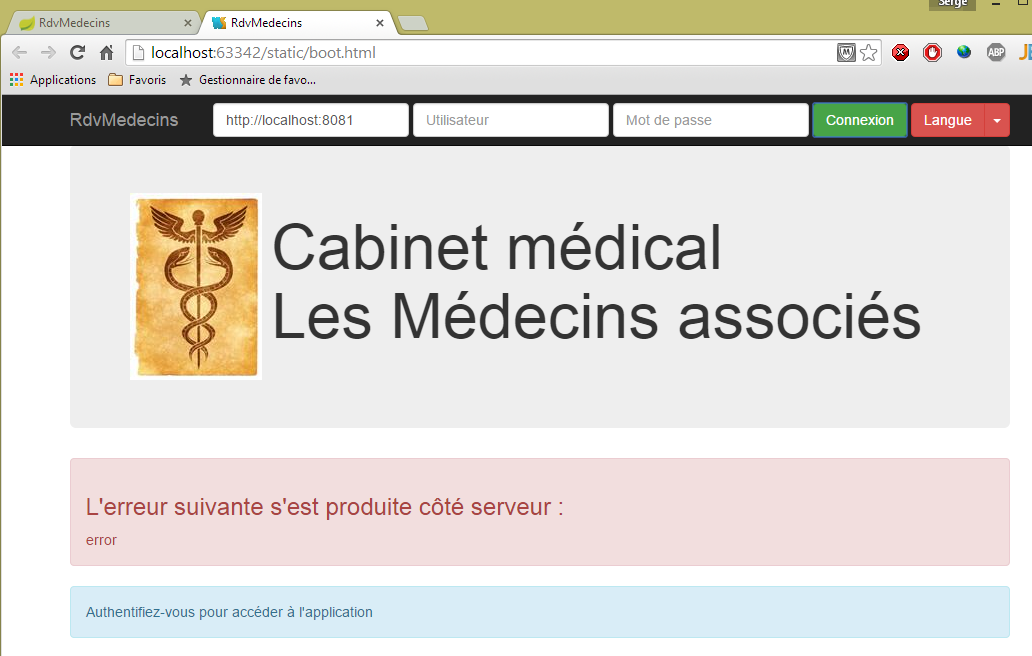
If we go to the developer console (Ctrl-Shift-I), we see the cause of the error:

This is an unauthorized cross-domain request error.
8.6.8.13. Conclusion
We have implemented the following JS architecture:
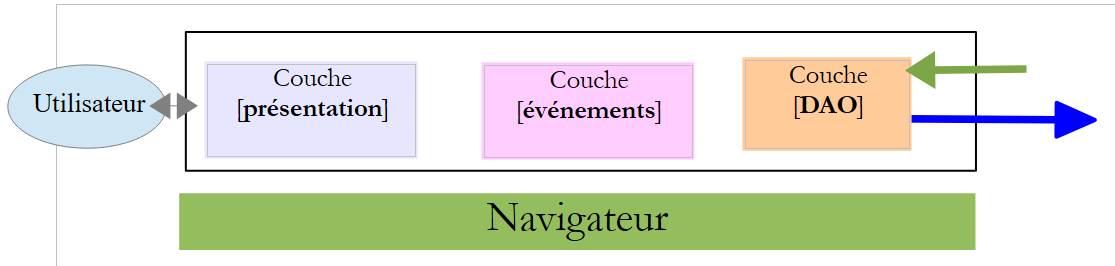 |
- the layers are fairly clearly separated;
- we have a APU-type application (Single-Page Application). It is this feature that will now allow us to generate a native application for various mobile platforms (Android, IoS, Windows Phone);
- we have created a model capable of executing asynchronous actions in parallel, sequentially, or a mix of both;
8.6.9. Step 6: Generating a native application for Android
The [Phonegap] [http://phonegap.com/] tool allows you to produce an executable for mobile devices (Android, IoS, Windows 8, ...) from a HTML / JS / CSS application. There are several ways to achieve this. We use the simplest one: an online tool available on the PhoneGap website. This tool will upload the ZIP file of the static site to be converted. The boot page must be named [index.html]. So we rename the page [boot.html] to [index.html]:
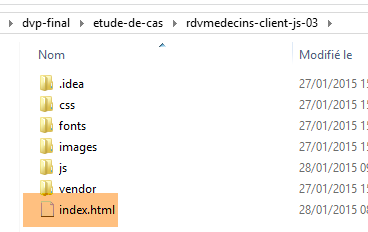 |
then we zip the folder, here [rdvmedecins-client-js-03]. Next, we go to the PhoneGap website [http://build.phonegap.com/apps]:
 |
- Before [1], you may need to create an account;
- in [1], we get started;
- in [2], choose a free plan that allows only one Phonegap app;
 |
- in [3], download the zipped app [4];
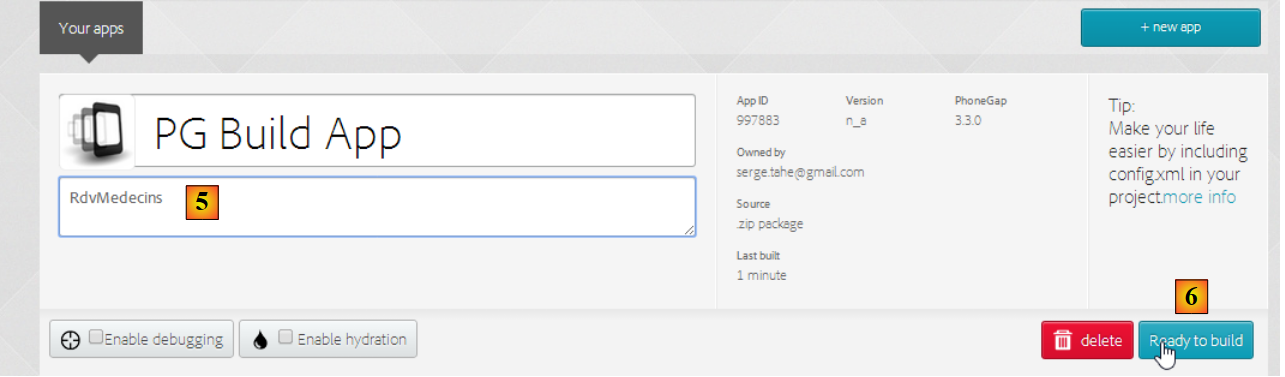 |
- In [5], name the app;
- In [6], build it. This process may take 1 minute. Wait until the icons for the various mobile platforms indicate that the build is complete;
 |
- only the Android binary [7] and the Windows binary [8] have been generated;
- Click on [7] to download the Android binary;
 |
- In [9], the downloaded [apk] binary;
Launch a [GenyMotion] emulator for an Android tablet (see section 9.9):
 |
Above, we launch a tablet emulator with Android version 19. Once the emulator is launched,
- unlock it by dragging the lock (if present) to the side and then releasing it;
- using the mouse, drag the [PGBuildApp-debug.apk] file you downloaded and drop it onto the emulator. It will then be installed and run;
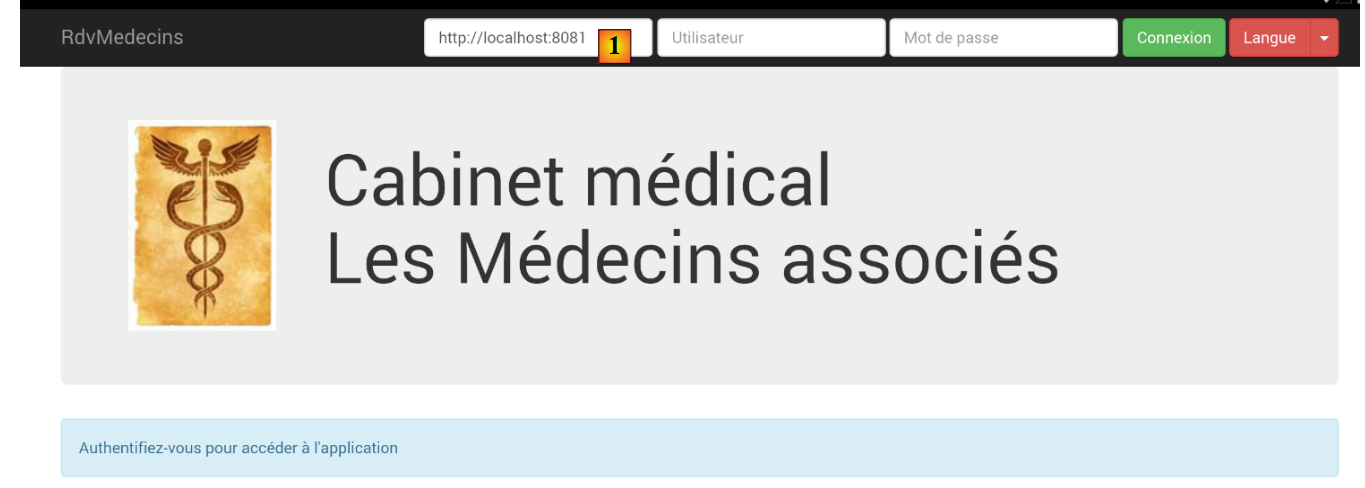 |
You need to change URL to [1]. To do this, in a command window, type the command [ipconfig] (line 1 below), which will display the various IP addresses on your machine:
C:\Users\Serge Tahé>ipconfig
Configuration IP de Windows
Carte réseau sans fil Connexion au réseau local* 15 :
Statut du média. . . . . . . . . . . . : Média déconnecté
Suffixe DNS propre à la connexion. . . :
Carte Ethernet Connexion au réseau local :
Suffixe DNS propre à la connexion. . . : ad.univ-angers.fr
Adresse IPv6 de liaison locale. . . . .: fe80::698b:455a:925:6b13%4
Adresse IPv4. . . . . . . . . . . . . .: 172.19.81.34
Masque de sous-réseau. . . . . . . . . : 255.255.0.0
Passerelle par défaut. . . . . . . . . : 172.19.0.254
Carte réseau sans fil Wi-Fi :
Statut du média. . . . . . . . . . . . : Média déconnecté
Suffixe DNS propre à la connexion. . . :
...
Note either the IP Wi-Fi address (lines 6–9) or the IP address on the local network (lines 11–17). Then use this IP address in the URL section of the web server:
 |
Once this is done, connect to the web service:
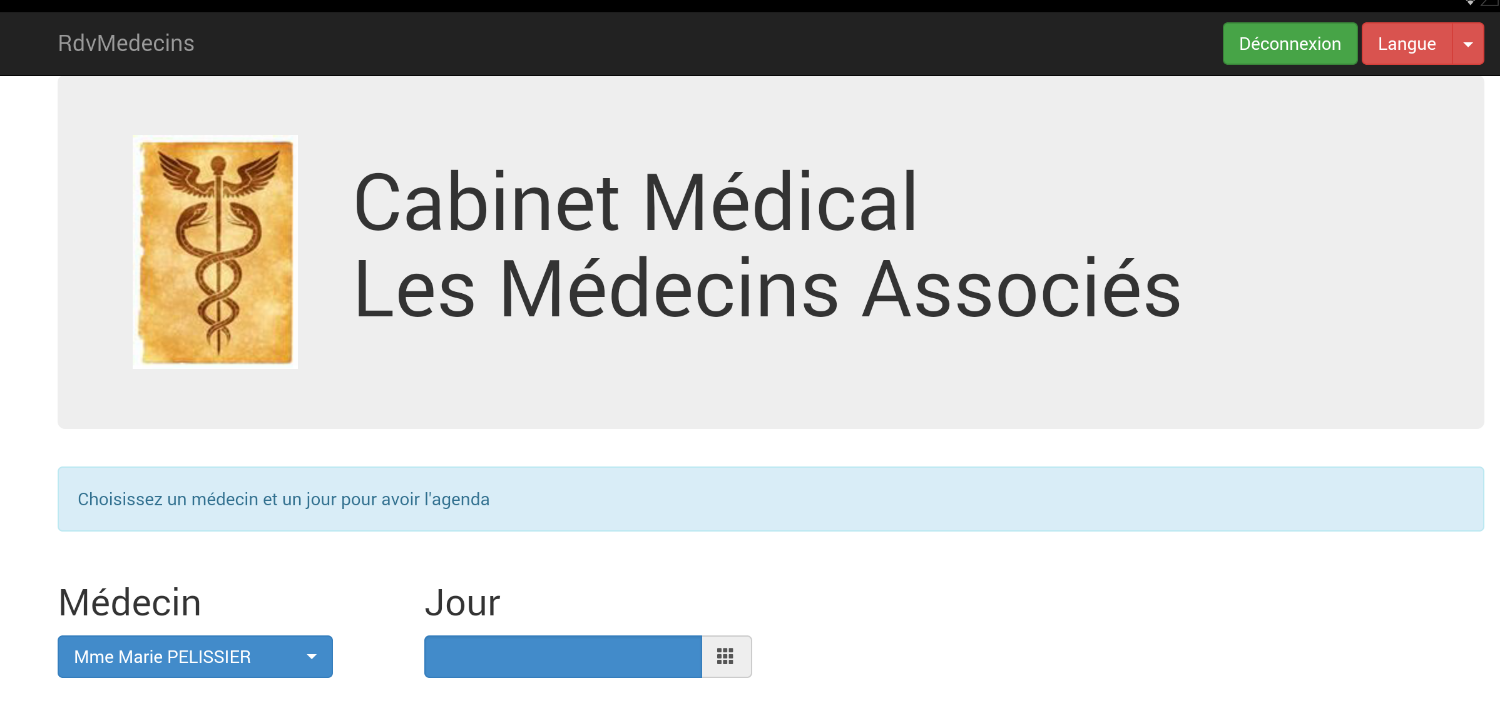 |
Test the application on the emulator. It should work. On the server side, you may or may not allow CORS headers in the [ApplicationModel] class:
// CORS
private final boolean CORS_ALLOWED=false;
This does not matter for the Android app. It does not run in a browser. However, the requirement for CORS headers comes from the browser, not the server.
8.6.10. Conclusion of the case study
We developed the following architecture:
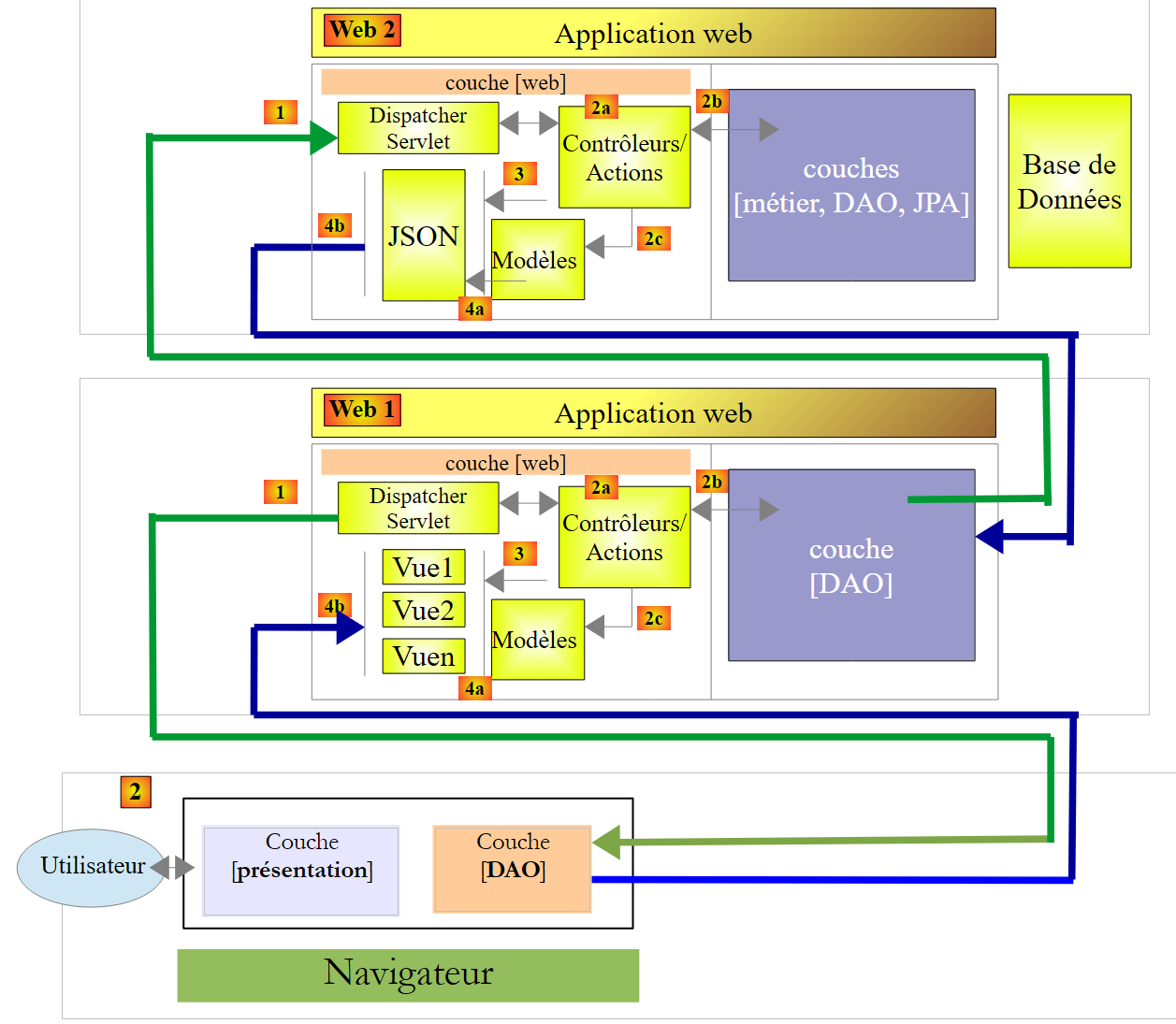 |
It is a complex 3-tier architecture. It was designed to reuse the [Web2] layer, which was the server layer of the [AngularJS-Spring MVC] application from the [Tutoriel AngularJS / Spring 4] document to theURL and [http://tahe.developpez.com/angularjs-spring4/]. It is solely for this reason that we have a 3-tier architecture. Whereas in the [AngularJS-Spring MVC] application, the client of [Web2] was a client of [AngularJS], here the client of [Web2] is a 2-tier architecture consisting of [jQuery] and [Spring MVC / Thymeleaf]. We have increased the number of layers, so we will lose some performance.
The application studied here was developed over time across three different documents:
- [Introduction aux frameworks JSF2, Primefaces et Primefaces mobile], URL, and [http://tahe.developpez.com/java/primefaces/]. The case study was then developed using the JSF2 / Primefaces frameworks. Primefaces is a library of AJAX-enabled components that eliminates the need to write javascript. The application developed at that time was less complex than the one studied here. It had a classic web version for computers and a mobile version for phones;
- [Tutoriel AngularJS / Spring 4] to URL [http://tahe.developpez.com/angularjs-spring4/]. The application developed at that time had the same features as the one discussed in this document. The application had also been ported to Android;
- this document;
From this work, the following points stand out to me:
- The [Primefaces] application was by far the simplest to write, and its version mobile web version proved to be high-performing. It does not require any Javascript knowledge. It is not possible to port it natively to the OS of different mobile devices, but is that necessary? It seems difficult to change the application’s style. We are indeed working with Primefaces style sheets. This may be a drawback;
- the [AngularJS-Spring MVC] application was complex to write. The [AngularJS] framework seemed quite difficult to grasp once you want to master it. The [client Angular] / [service web / jSON implémenté par Spring MVC] architecture is particularly clean and efficient. This architecture is replicable for any web application. It is the architecture that seems most promising to me because it brings different skills into play on both the client and server sides (JS+HTML+CSS on the client side, Java or something else on the server side), which allows the client and server to be developed in parallel;
- for the application developed in this document using a 3-tier architecture [client jQuery] / [serveur Web1 / Spring MVC / Thymeleaf] / [serveur Web2 / Spring MVC], some may find the [jQuery+Spring MVC+Thymelaf] technology easier to grasp than that of [AngularJS]. The [DAO] layer of the Javascript client that we wrote can be reused in other applications;